
PDF Architect
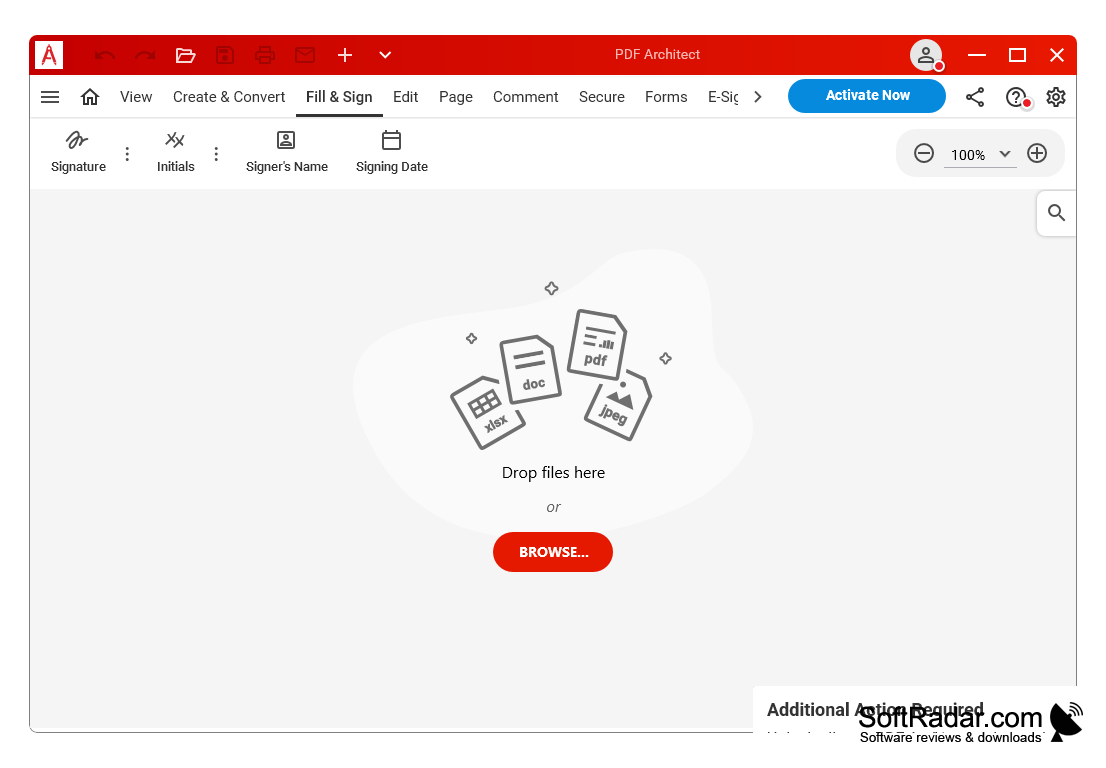
PDF Architect is a modular PDF editor that allows users to create, edit, convert, secure and sign PDF documents.
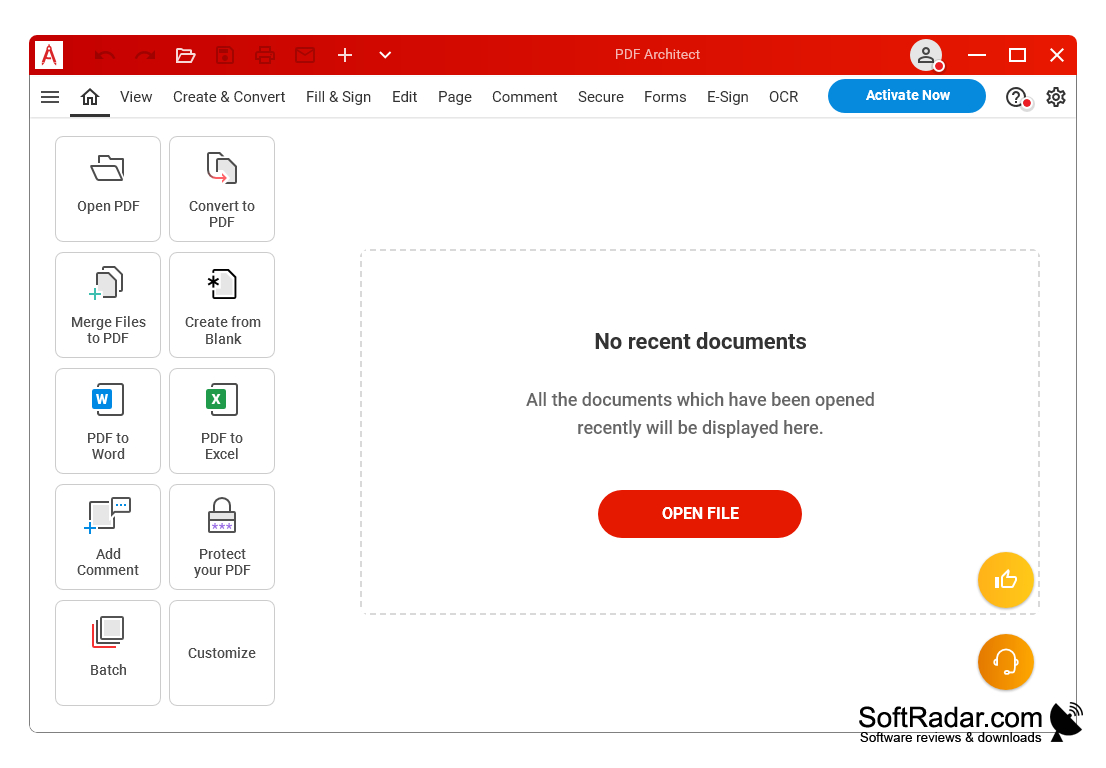
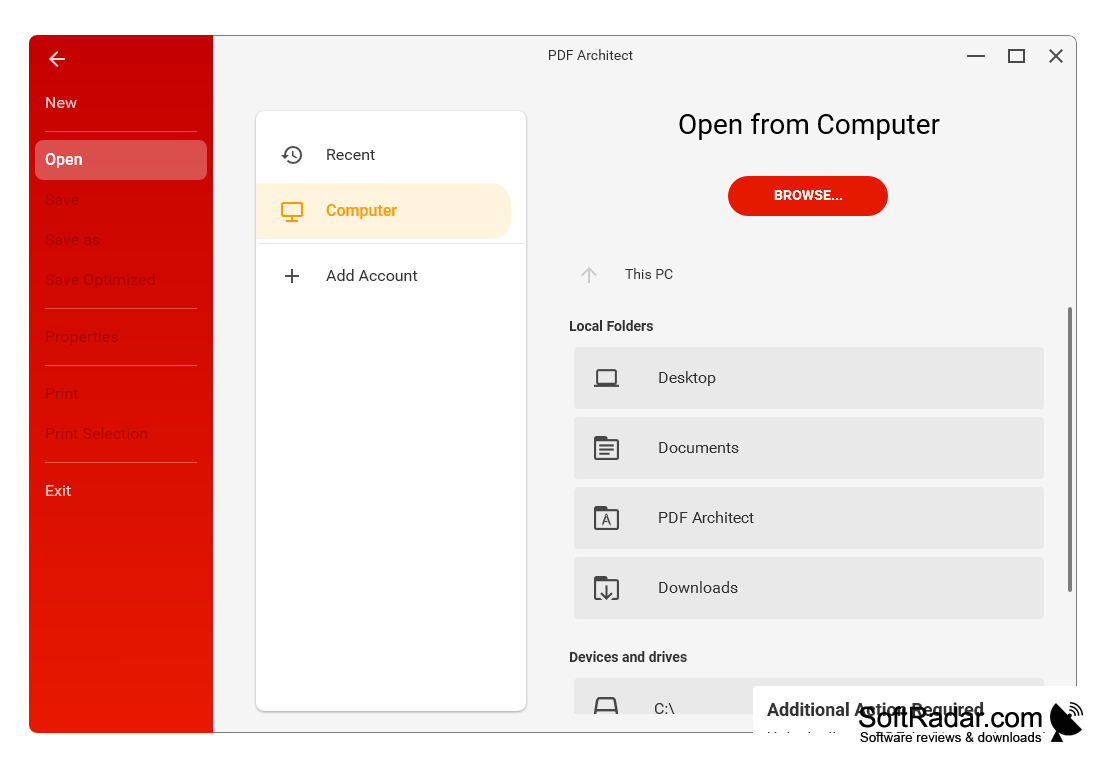
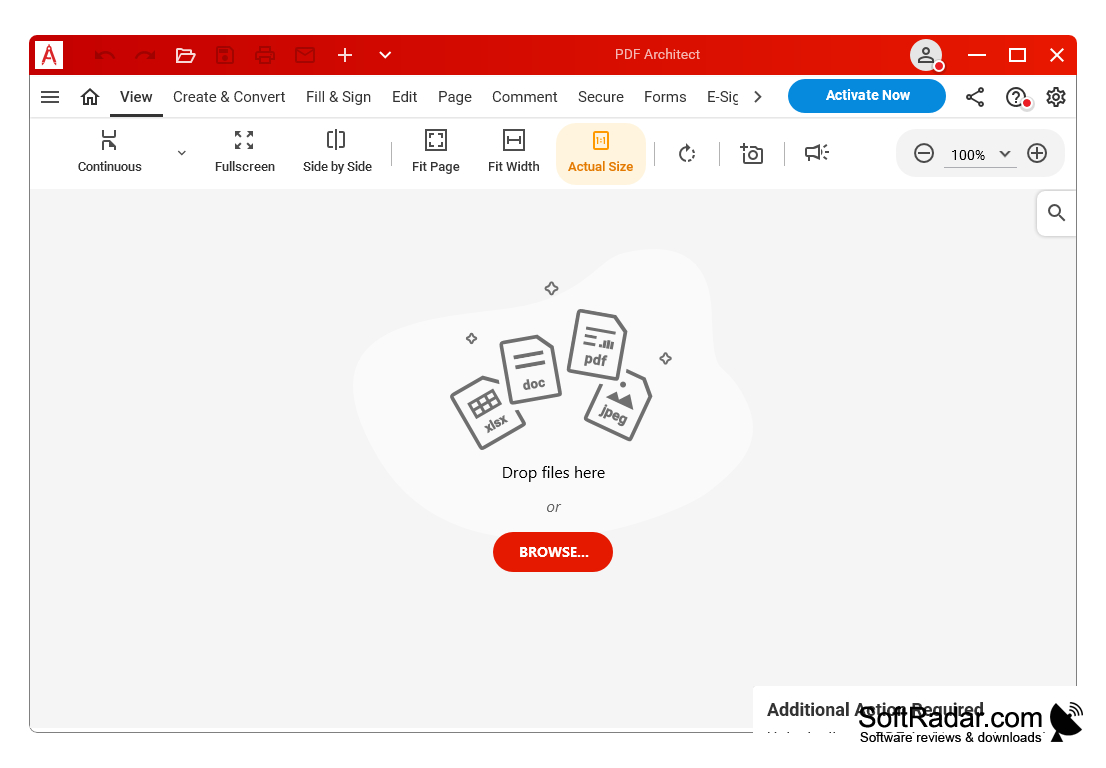
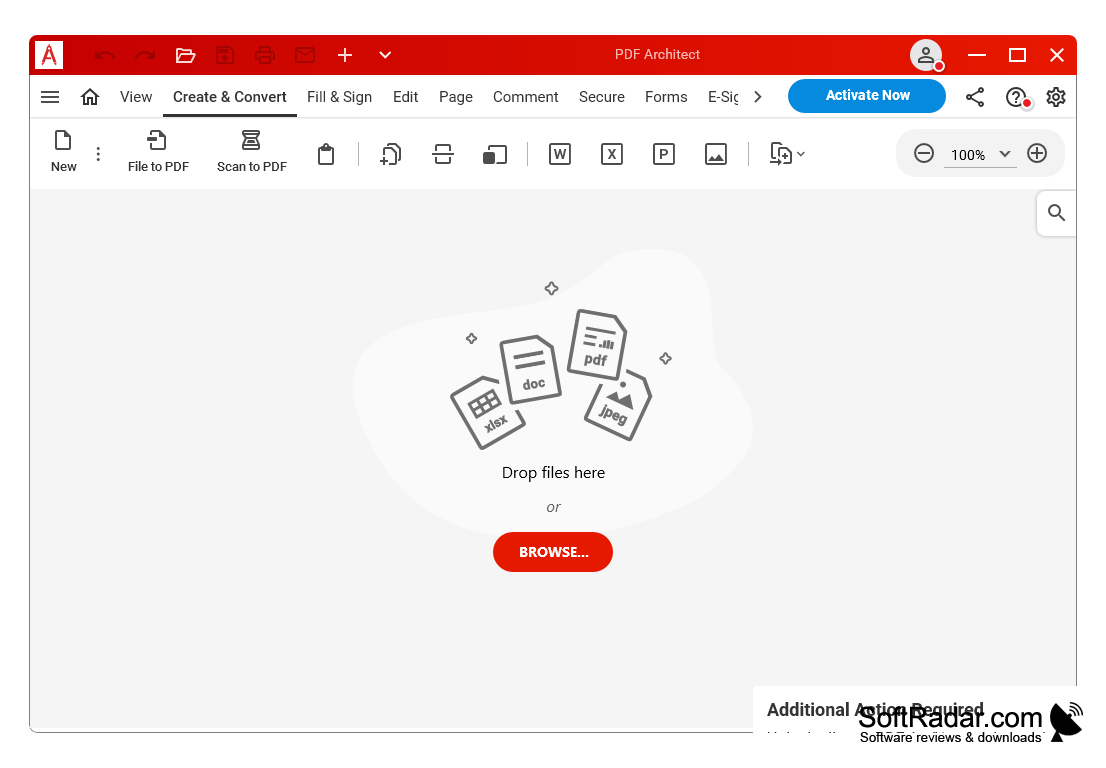
PDF Architect is a powerful, versatile and intuitive PDF software package, designed to help you work with PDF documents like never before. This software is an all-in-one PDF solution that offers a range of features to help you create, view, edit, and convert PDF documents with ease.
PDF Architect allows users to easily create, edit, secure, and convert their PDF documents.
Features
• Create - Create PDF documents from scratch using the WYSIWYG editor.
• Edit - Easily edit existing PDF documents with the text, image, and page layout tools.
• View - View documents in 3D with the 3D viewer, or with the standard viewer for fast, easy navigation.
• Convert - Easily convert PDF files to different formats such as Word, Excel, HTML, and many more.
• Secure - Secure your PDF documents with password protection and digital signatures.
• Sign - Sign PDF documents with digital signatures and timestamping.
• Merge - Merge multiple PDF documents into one.
• Split - Split PDF documents into individual pages.
• Redact - Redact text and images from PDF documents.
• OCR - Use the OCR (Optical Character Recognition) feature to extract text from scanned PDF documents.
• Compress - Compress PDF documents to reduce file size.
• Extract - Extract text, images, and tables from PDF documents.
• Optimize - Optimize PDF documents for web viewing.
• Annotate - Annotate PDF documents with text, images, and other elements.
• Watermark - Add watermarks to your PDF documents for added security.
• Rotate - Rotate PDF documents for better viewing.
• Comment - Add comments to PDF documents for collaboration.
• Automate - Automate PDF processes with the built-in scripting language.
• Protect - Protect your PDF documents with encryption and digital signatures.
• Export - Export PDF documents to other formats such as Word, Excel, HTML, and many more.
• Print - Print PDF documents with ease.
• Search - Search PDF documents quickly and easily.
• Zoom - Zoom in and out of PDF documents for better viewing.
• Batch - Batch process multiple documents at once.
• Email - Easily email PDF documents.
• Customize - Customize the look and feel of your PDF documents.
• Share - Share PDF documents with others.
• Form - Create and edit interactive fillable forms.
• Visualize - Visualize your data with the charting and graphing tools.
• Validate - Validate PDF documents with industry standard verification tools.
• Compare - Compare multiple PDF documents side-by-side.
• Archive - Archive PDF documents for easy retrieval.
• Report - Generate comprehensive reports on your PDF documents.
• Automation - Automate document processes with the built-in scripting language.
• Integration - Integrate with other applications through APIs.
• Mobile - Access PDF Architect on your mobile device.
• Cloud - Connect to the cloud for easy storage and sharing.
• Support - Get support from the PDF Architect team.
PROS
Offers advanced security and collaboration features.
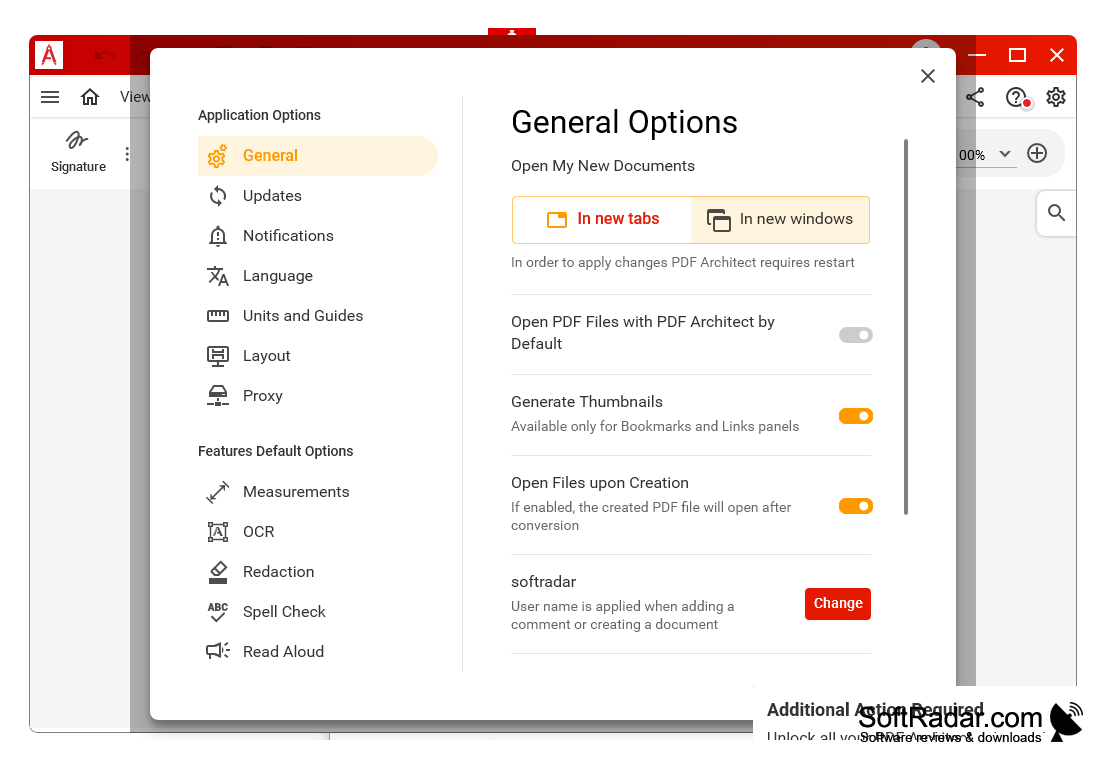
User-friendly interface and multi-language support.
CONS
Occasionally experiences slow loading times.
Interface can be unintuitive.


