
Perfect Uninstaller
Uninstall any application that is installed on your computer
Operating system: Windows
Release : Perfect Uninstaller 6.3.4.1
Antivirus check: passed
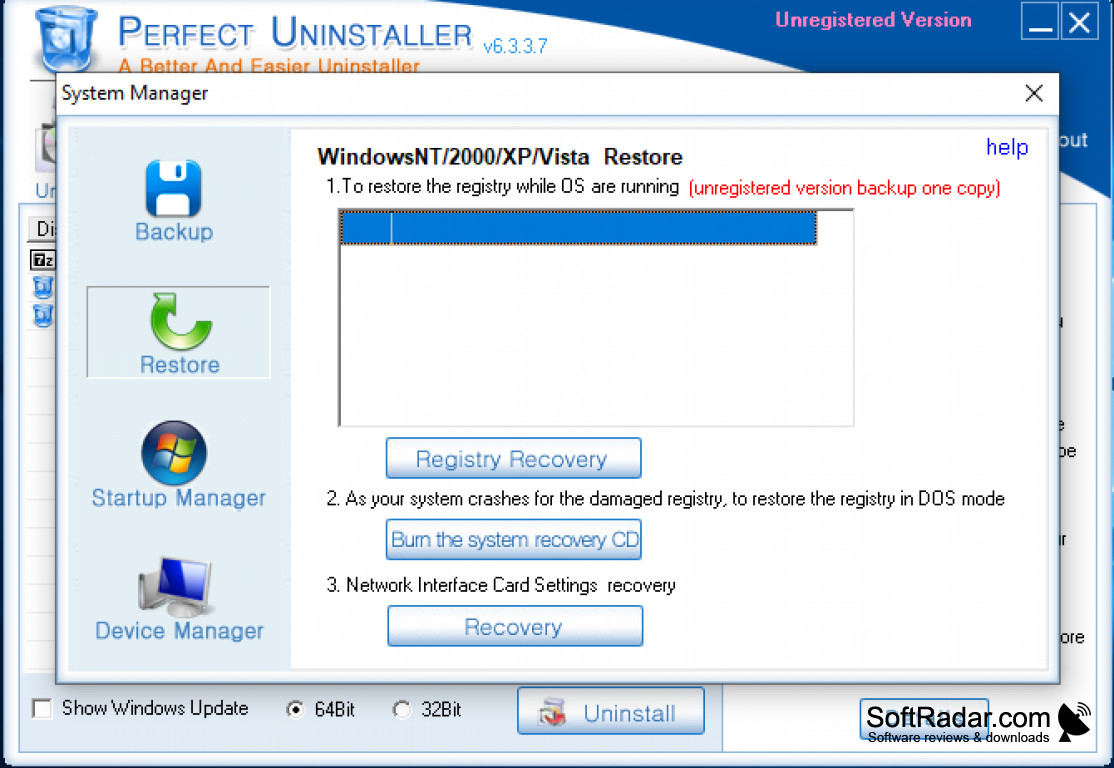
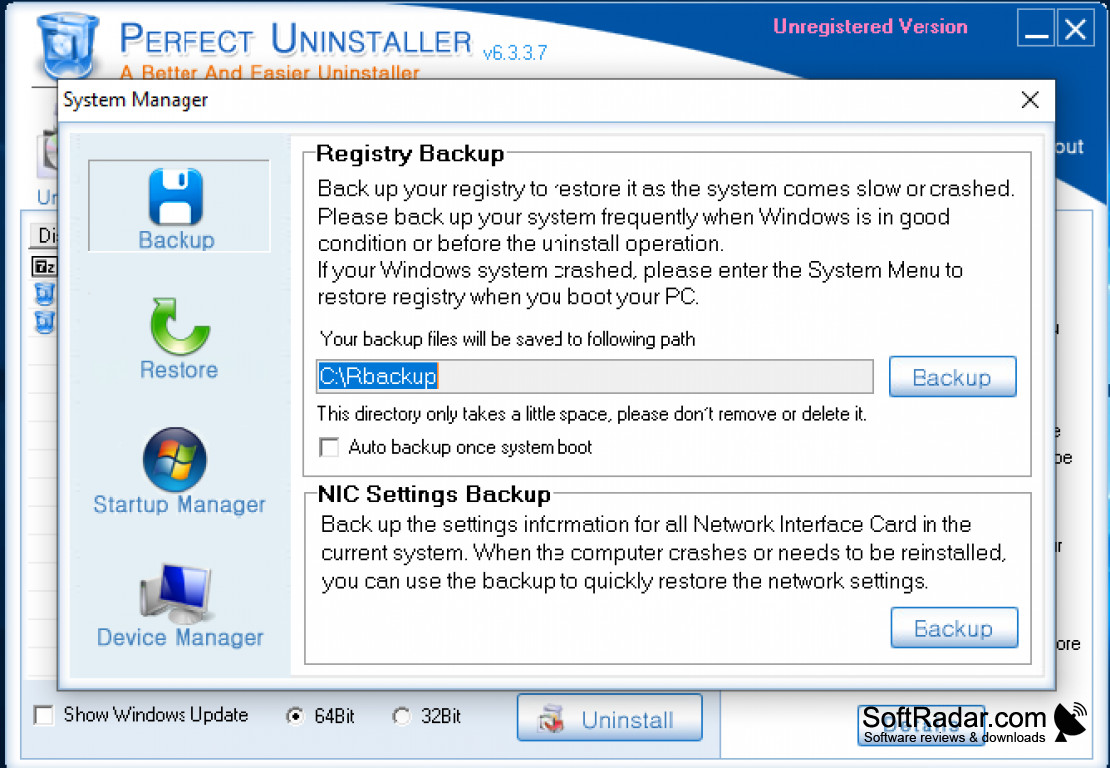
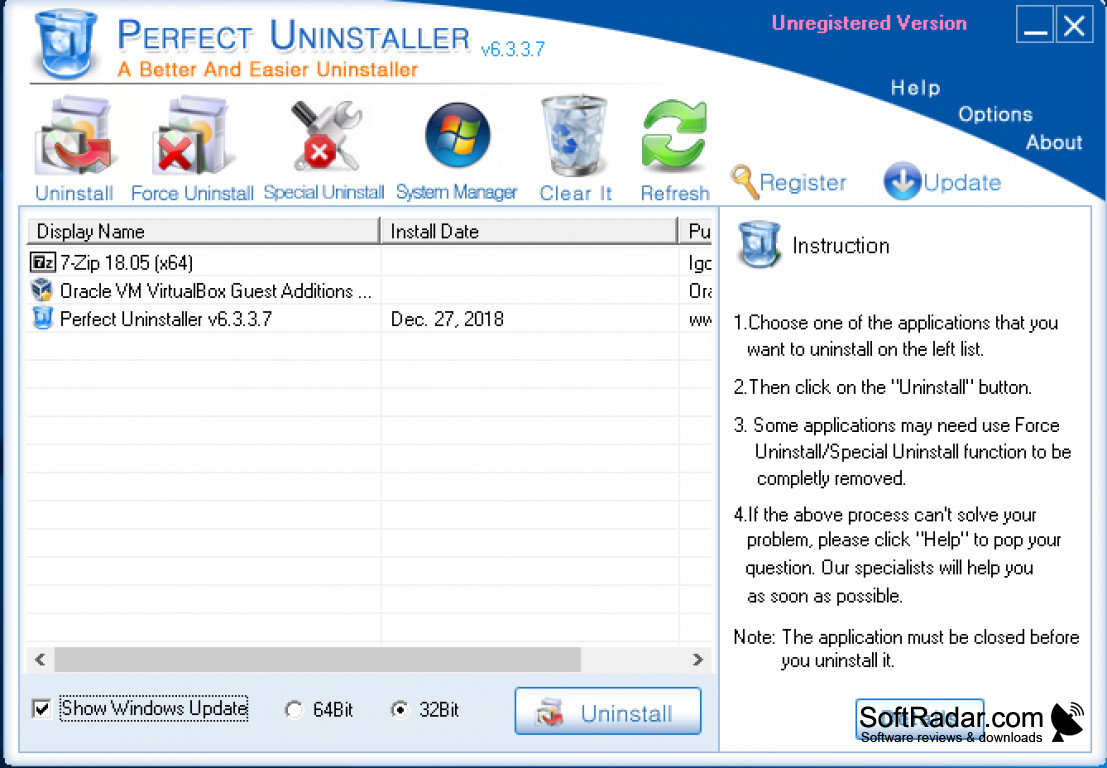
Perfect Uninstaller is the perfect uninstaller that can remove any application. It is more useful than the Add/Remove program available in the Windows system and much quicker in removing applications and all their related files.
Features:
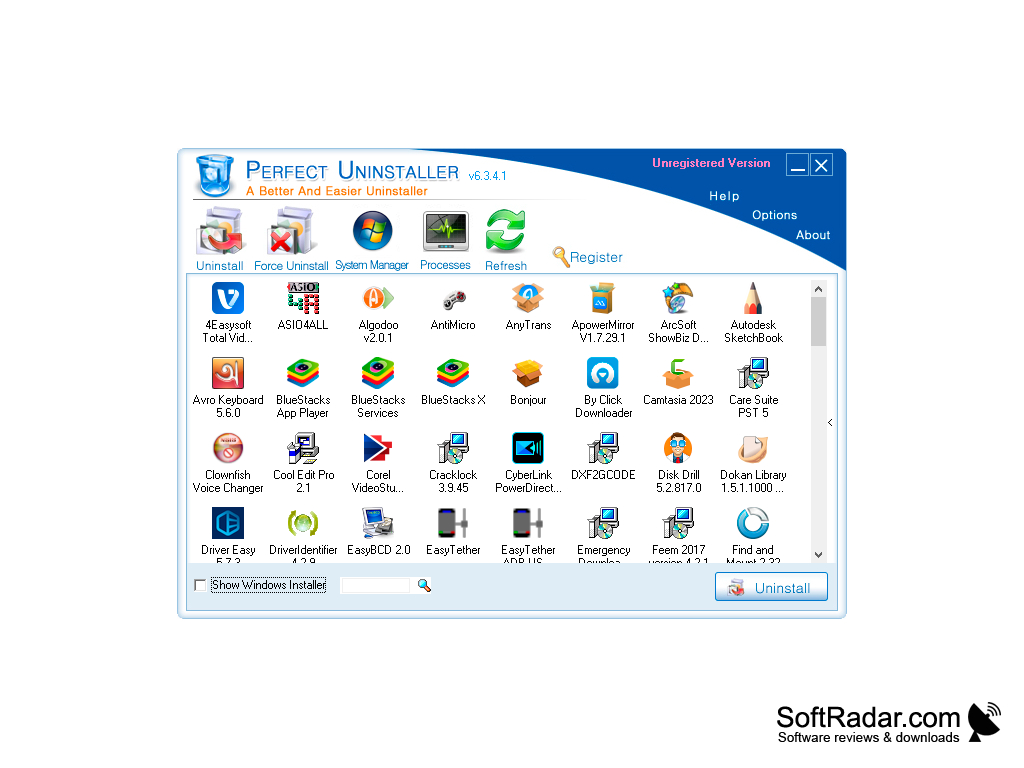
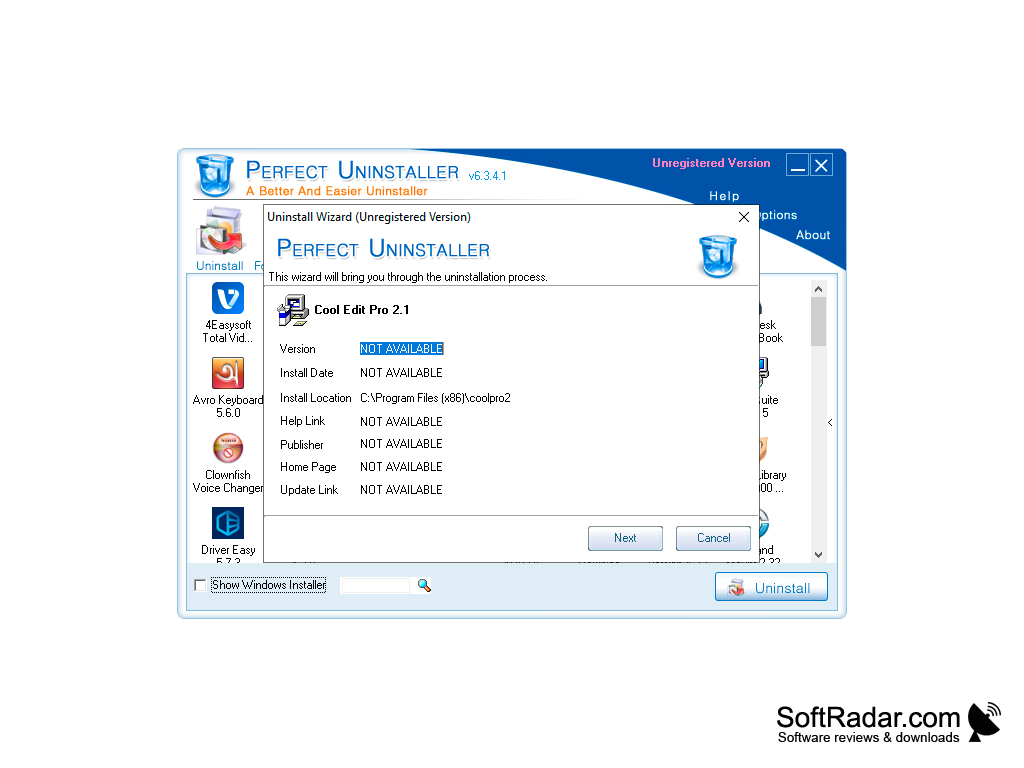
- Uninstall all types of applications. Just click on the app that you want to remove from the list of apps and click uninstall, Perfect Uninstaller will take care of the rest.
- Removes apps that are not removable by the Add/Remove program available on the Windows operating system
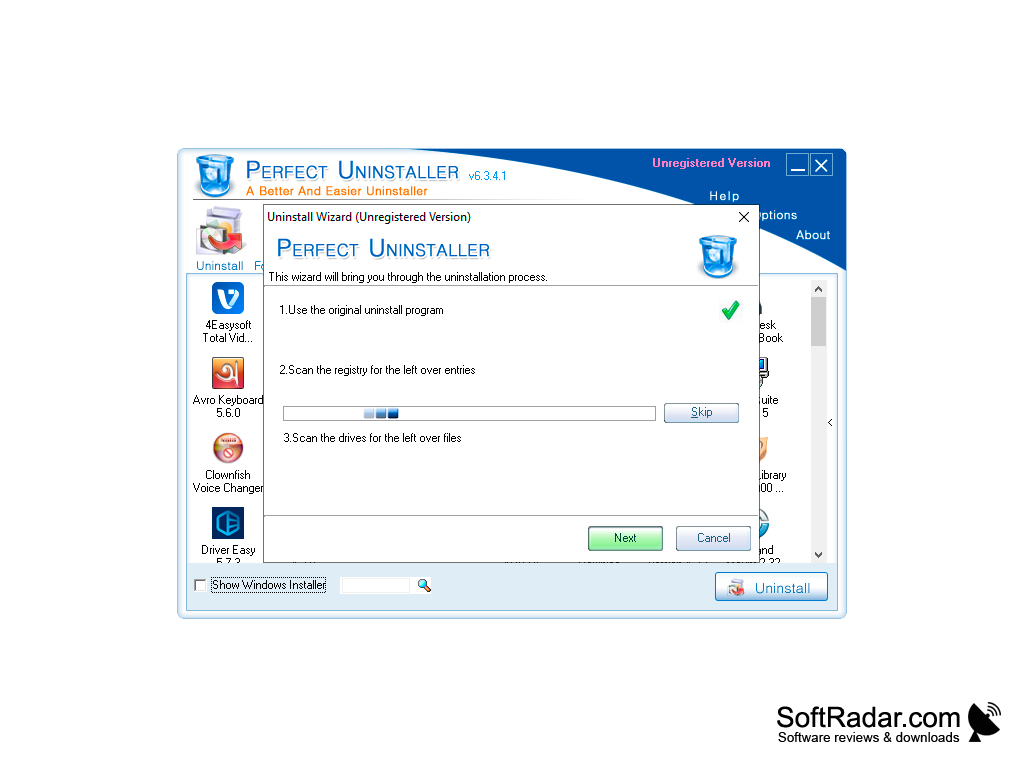
- Not only removes the application but makes sure to remove any related files and registry files that the other applications fail to remove most of the time
- Force remove any application that contains broken register files and remove the registry files along with it
- Improve the functionality of your PC by deleting applications that are hogging the system resources.
- Remove older applications that you thought were already removed by other applications. The broken files for those applications may still be using system resources and/or causing system errors. Perfect Uninstaller will make sure to remove any files left from those applications and thus improve the overall performance of the computer.
Perfect Uninstaller is the ideal solution to removing unwanted programs once and for all from any Windows computer. It helps you get rid of applications and their files that may be hogging your computer processing power. With Perfect Uninstaller, you will have a laptop with less clutter and with more efficiency. Perfect Uninstaller is guaranteed to improve the overall computer performance.
The easiest way to uninstall any program with all of its registry files from your computer
Minimum 512MB of RAM
50MB free hard disk space
Processor: 1GHz Intel/AMD processor or above
PROS
Leaves no residual files after uninstallation.
User-friendly interface, easy to navigate.
CONS
Does not completely remove all programs.
Occasionally slow and unresponsive.


