
Prismatik
Prismatik is a free and open source software for controlling light emission from PC-connected LED backlights and ambient lighting.
Operating system: Windows
Publisher: The Lightpack Team
License: Open source (GNU General Public License v3.0)
Antivirus check: VirusTotal report
Prismatik Software Overview
Prismatik is a free, open-source application that controls Lightpack and other ambient backlight devices for your PC or laptop display. It grabs the screen, analyzes the picture and sends the resulting colors to the LEDs mounted behind your monitor.
Prismatik comes with a suite of features that make it a solid choice for adding ambient lighting to your setup. Here is a brief overview of what Prismatik can do:
Prismatik provides a powerful and flexible way to control your ambient lighting, allowing you to customize almost any LED backlight setup.
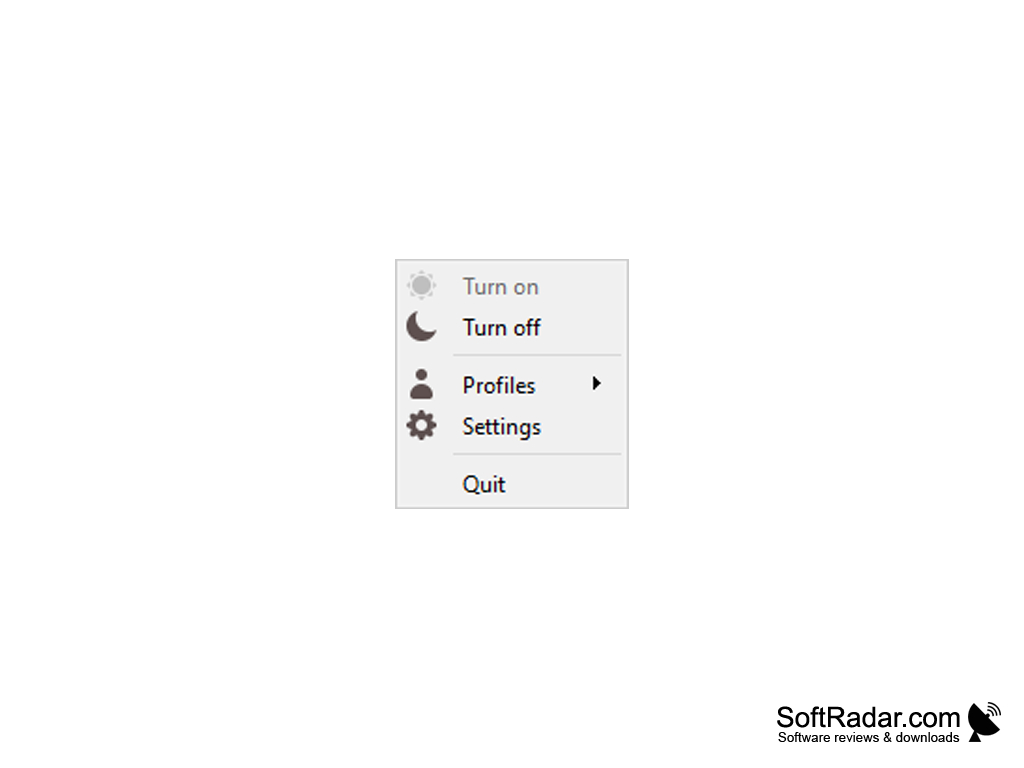
• Create dynamic, screen-matching lighting effects with an easy-to-use settings window and tray menu.
• Synchronize your lighting with movies and games through screen grabbing, or with music through the sound visualizer.
• Control your lighting from other programs through the network API, or from within the Prismatik software.
• Create a calm, color-changing ambiance with Prismatik's mood lamp mode.
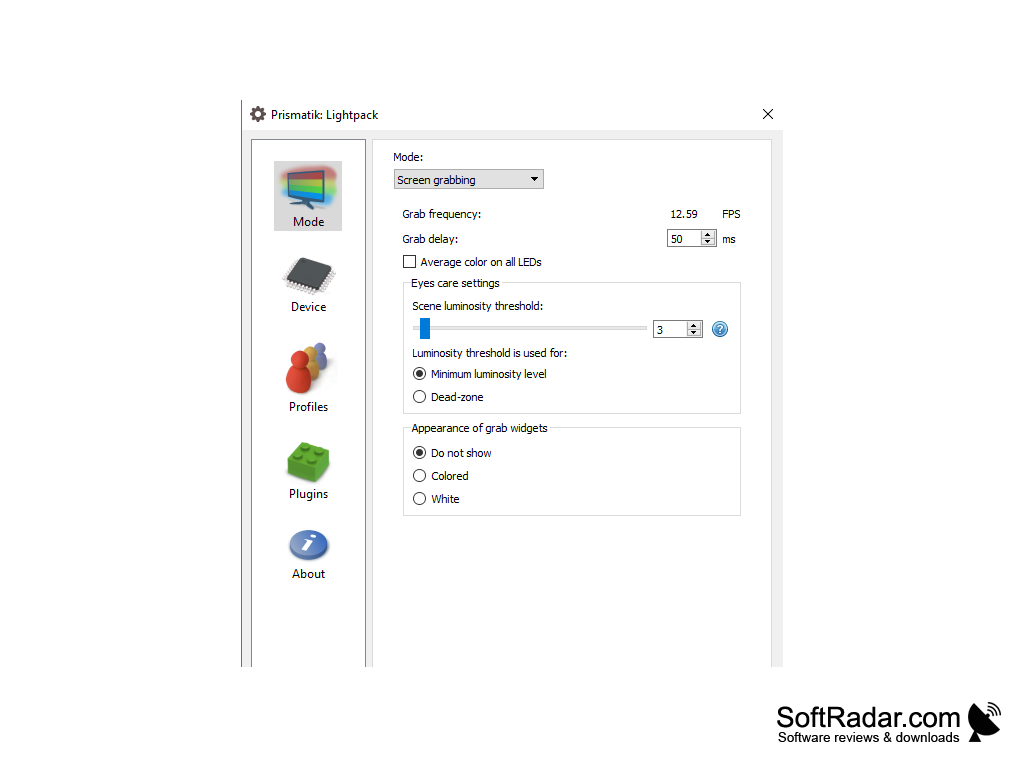
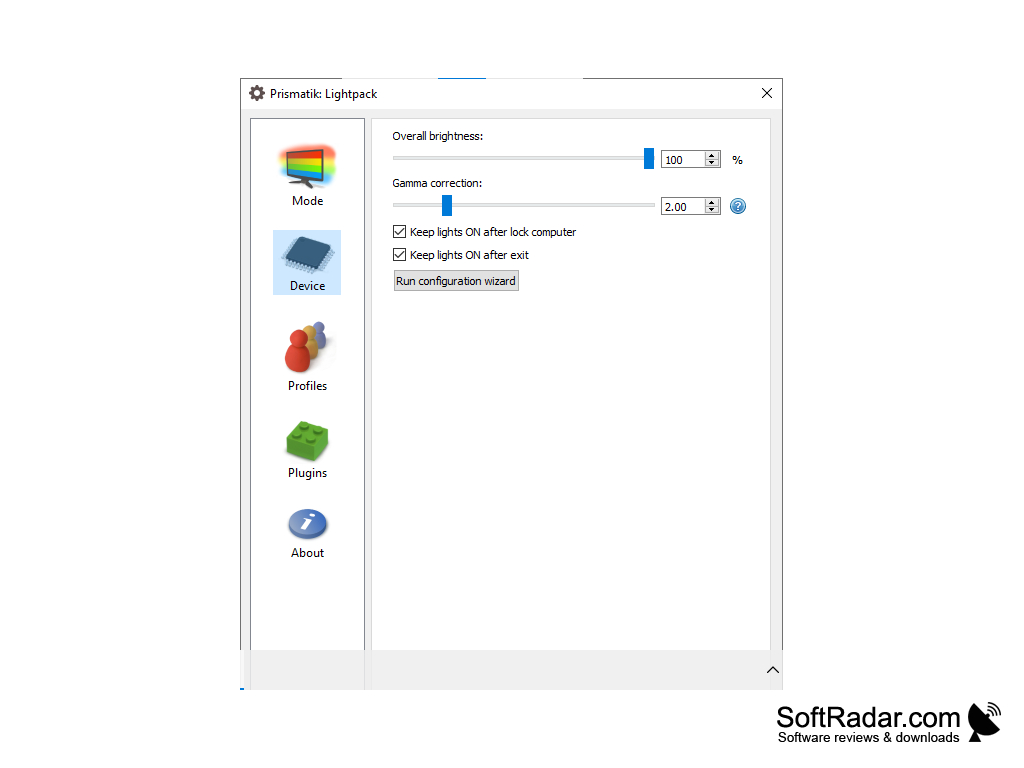
• Customize your lighting by adjusting brightness, gamma correction, grab frequency and more.
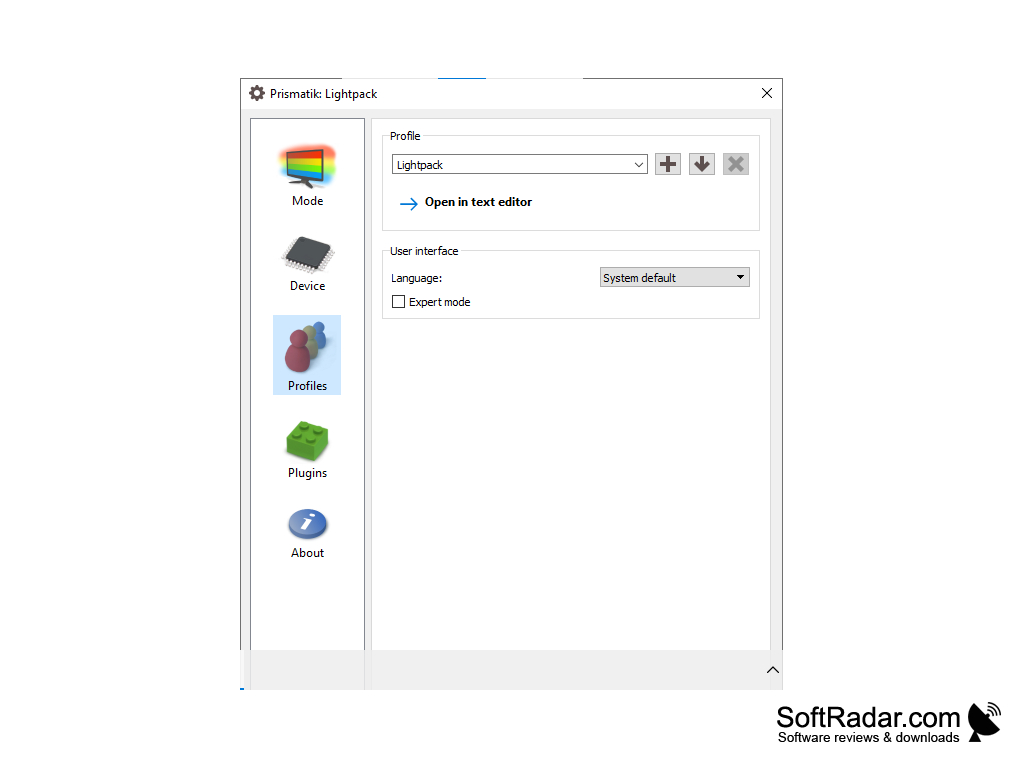
• Create custom lighting profiles to save your favorite settings.
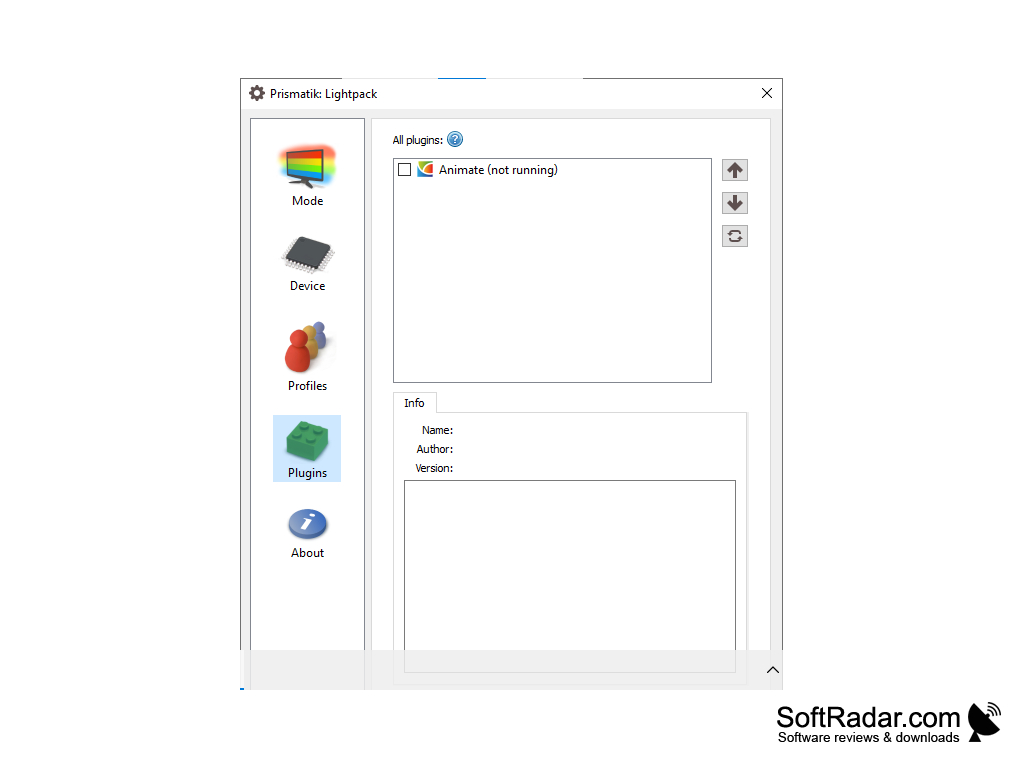
• Take advantage of advanced features like per-LED grab zones, plugins and an expert mode.
• Connect to a wide range of hardware, including Lightpack, Adalight, Ardulight and Arduino or ESP8266/ESP32 (WLED) LED controllers.
• Enjoy support for Windows, macOS and Linux.
If you're looking for a way to add ambient lighting to your PC or laptop, Prismatik is a practical solution. The original project is no longer developed, and current Windows builds come from the community fork on GitHub, which adds a Desktop Duplication API grabber.
Windows 8 or later for the Desktop Duplication grabber
Supported LED device (Lightpack, Adalight, WLED, etc.)
PROS
Has an open-source code for modifications.
Extensive support for different devices.
CONS
Requires a separate LED strip and controller.
The original project is no longer developed.