
PS5 Remote Play
PS5 Remote Play lets PlayStation 5 owners view and control their console from a Windows PC, whether the computer is nearby or connected over the internet.
Operating system: Windows
Publisher: Sony Interactive Entertainment Inc.
Release : PS5 Remote Play 9.5.0.8040
Antivirus check: VirusTotal report
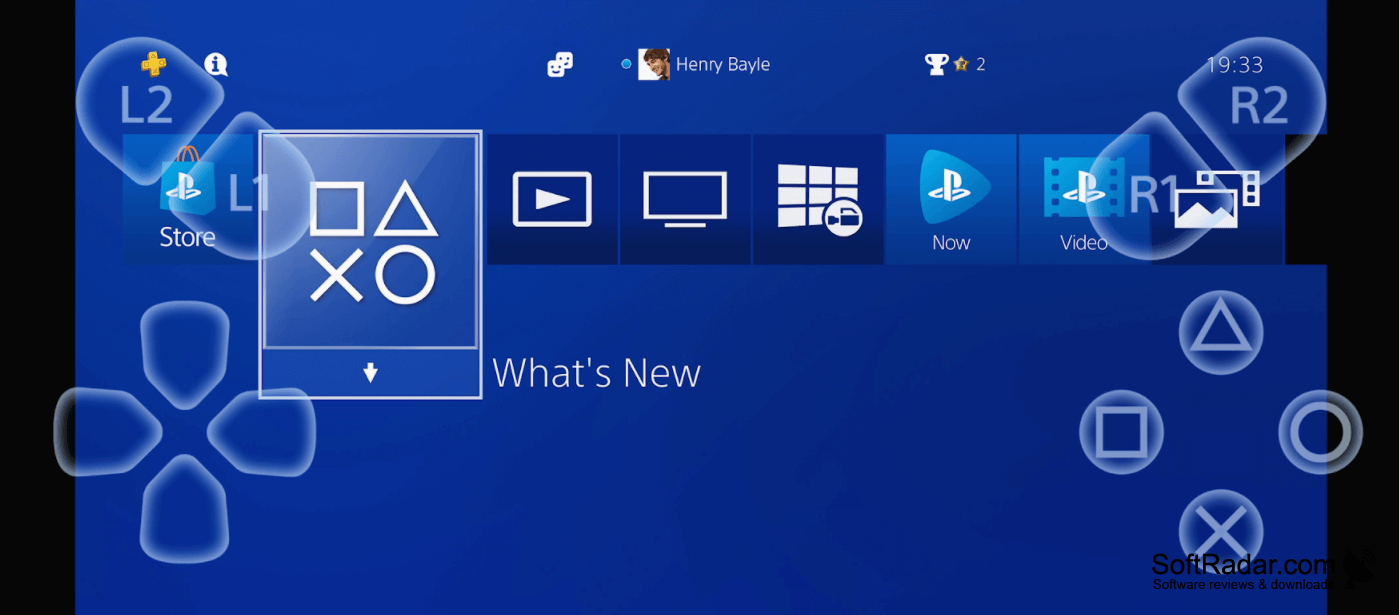
PS5 Remote Play brings the console's display and controls to a Windows computer. It is intended for PlayStation 5 owners who want to play from another room or use a PC monitor while the console is connected elsewhere. Games still run on the console; the computer receives the picture and sends controller input back to it.
Use a Windows computer as another screen for your console without moving the console itself.
To get started, enable remote access on the console, sign in with a PlayStation Network account and select the console in the app. The connection can run over a local network or the internet. A compatible controller provides game input, and picture settings can be changed to suit the connection. Image quality and response times depend on network conditions.
Features:
- View console gameplay on a Windows PC
- Control games with a compatible PlayStation controller
- Connect over a local network or the internet
- Select a console through the desktop app
- Change picture settings for the connection
- Use supported controller feedback functions
At least 2 GB of RAM
At least 100 MB of storage
Display resolution of 1024 × 768 or higher
PROS
Setup links the console through your PlayStation account.
CONS
Streaming resolution tops out below native console output.
