WiFi Mouse
WiFi Mouse lets Windows users control a computer from a phone or tablet, using the mobile device for pointer movement, typing, media playback and presentations.
Operating system: Windows
Publisher: Necta LLC
Release: WiFi Mouse 1.9.0
Antivirus check: VirusTotal report
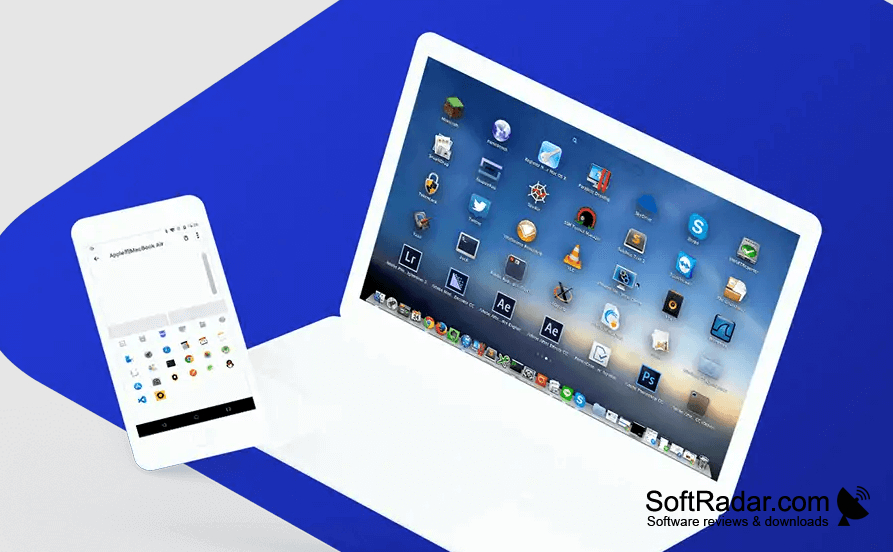
WiFi Mouse turns a phone or tablet into an input device for a Windows computer. It can help when the PC is across the room, such as during a presentation, while browsing from a sofa or when adjusting media playback. The mobile controls handle pointer movement, clicks, typing and touch gestures, allowing users to carry out routine tasks away from the computer's mouse and keyboard.
Use a phone or tablet to move the pointer and type on a Windows computer without sitting at its keyboard.
Install the server component on the PC and the companion app on an Android or iOS device, then connect both to the same network. The mobile app provides a touch surface and keyboard, plus controls for media, presentations and games. Users can also select text, drag files, operate supported applications and send a shutdown command to the computer from the mobile device.
Features:
- Move the PC pointer from a phone
- Enter text with the mobile keyboard
- Use touch gestures for desktop navigation
- Control media playback and presentations
- Drag files and select text remotely
- Shut down the PC from a mobile device
PROS
Provides dedicated media and presentation controls.
Supports remote typing on the Windows PC.
CONS


