
QBasic
QBasic is Microsoft's classic MS-DOS editor and interpreter for the BASIC language, run on Windows 10 through a DOS emulator such as DOSBox.
Operating system: Windows
Publisher: Microsoft
Release: QBasic 1.1
Antivirus check: VirusTotal report
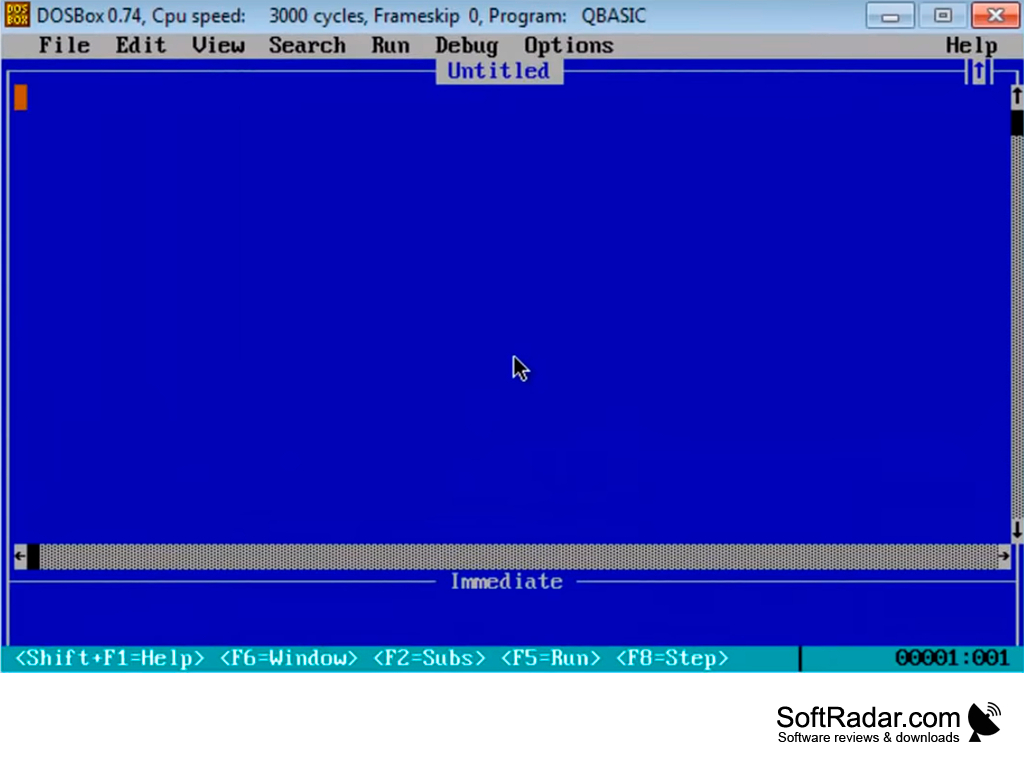
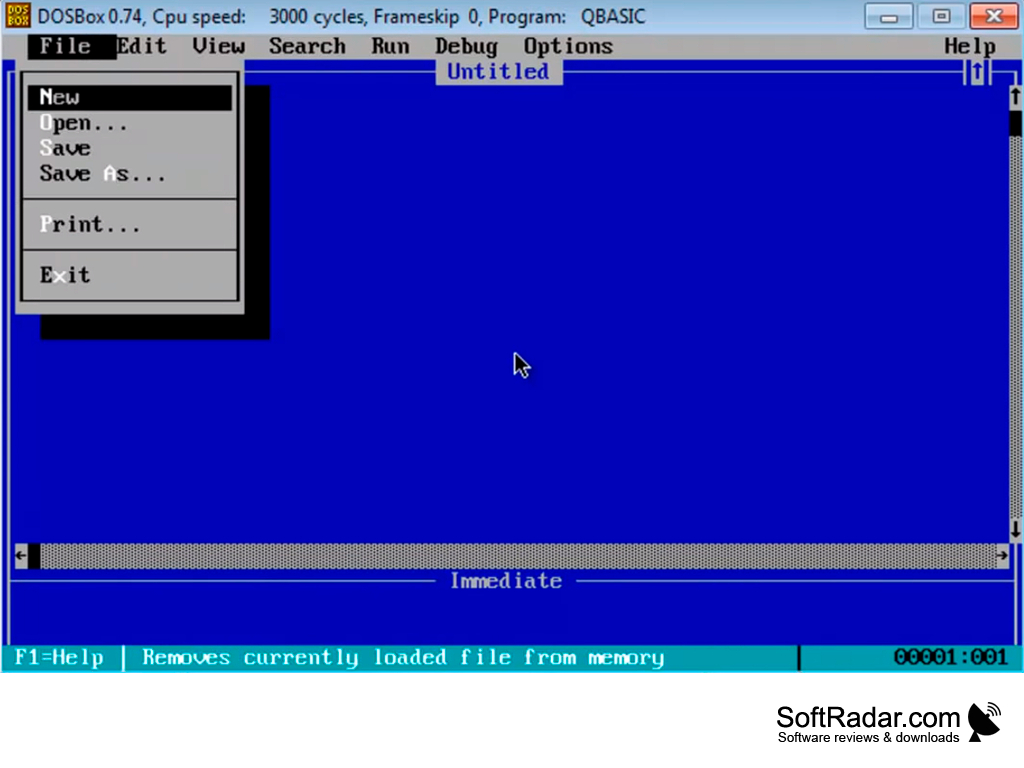
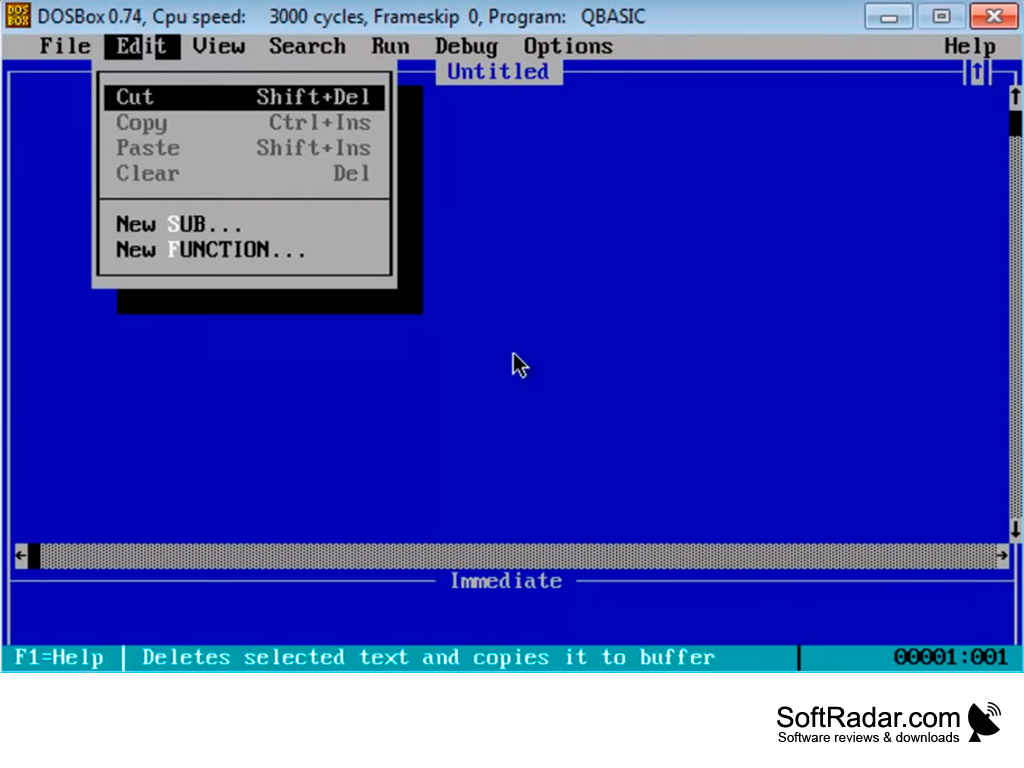
QBasic is an integrated development environment and interpreter for a variant of the BASIC programming language based on Microsoft's QuickBASIC. Microsoft shipped QBasic 1.0 with MS-DOS 5.0 and version 1.1 with MS-DOS 6.x, and it was also included with Windows 95, 98 and Me. Programs are typed into a full-screen text editor and executed directly by the interpreter, with no separate compile step, which made QBasic a popular first language for learning programming.
Features:
- Full-screen editor with File, Edit, View, Search, Run, Debug and Options menus
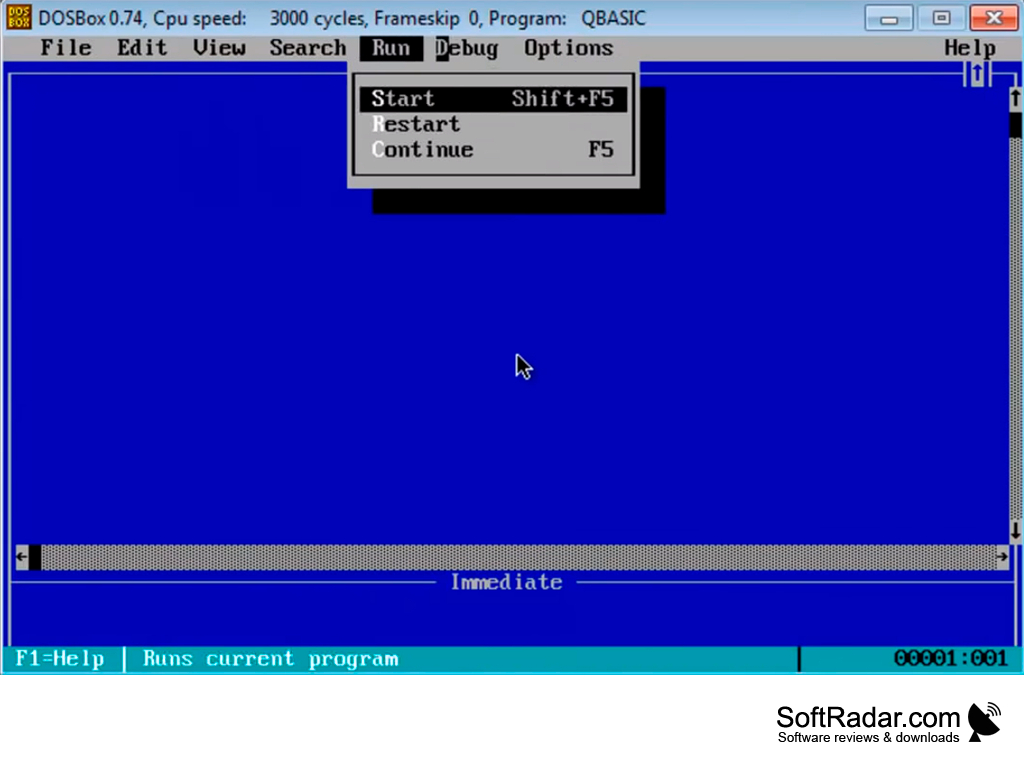
- Programs start instantly with F5 or Shift+F5
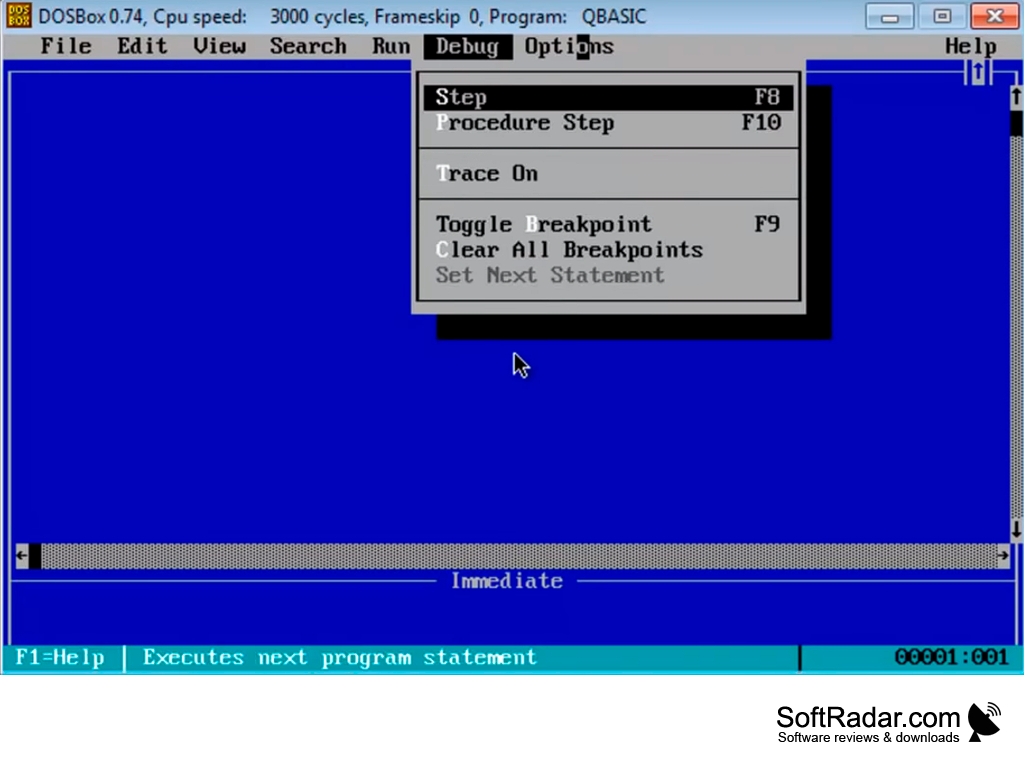
- Debugger with Step (F8), Procedure Step (F10), Trace and breakpoints (F9)
- Structured BASIC with SUB and FUNCTION procedures
- Immediate window for testing single statements and built-in help
QBasic lets you write, run and debug simple BASIC programs in the classic MS-DOS editor on modern Windows.
QBasic is a 16-bit MS-DOS program, so 64-bit editions of Windows 10 and Windows 11 cannot start it directly. On these systems it runs inside DOSBox, an emulator that recreates a DOS PC in a window; the package shown in the screenshots starts QBasic in DOSBox with the blue editor ready for typing. Once it is running, QBasic behaves exactly as it did under MS-DOS, and existing .BAS files can be opened from a folder that DOSBox mounts as a drive. The DOSBox title bar shows the emulated CPU speed in cycles, and the speed can be raised with Ctrl+F12 if a program runs too slowly.
QBasic is no longer developed by Microsoft, but it is still used to run old BASIC listings from books and magazines, to teach the basics of programming and for nostalgia. Its programs are interpreted rather than compiled, so QBasic cannot create stand-alone EXE files; that required the commercial QuickBASIC compiler. The editor offers syntax checking as you type, automatic capitalization of keywords, and context help for every statement, and the classic QBasic games such as Gorillas and Nibbles show what can be done with it.
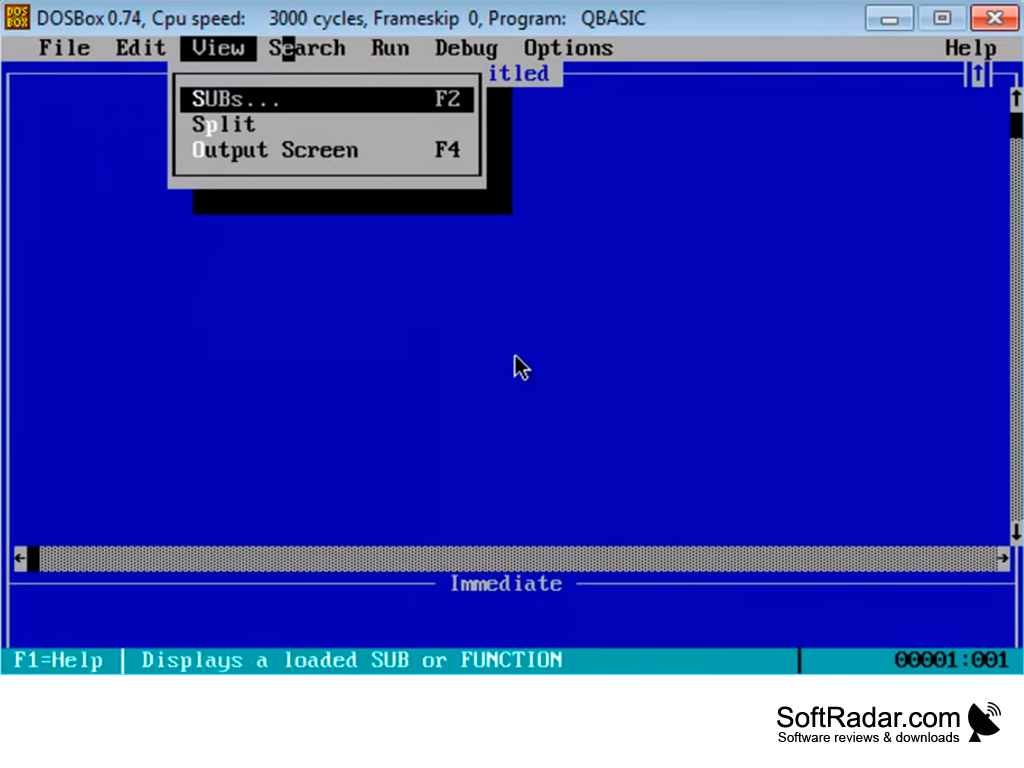
DOSBox or another DOS emulator
PROS
Ideal for simple programming tasks.
Modest system requirements, works on older hardware.
CONS
Does not support object-oriented programming.
Outdated, lack of updates and community support.


