
QR-Code Studio
QR-Code Studio is a free TEC-IT desktop application for creating QR codes for URLs, vCards, e-mails, SMS, Wi-Fi access and more.
Operating system: Windows
Publisher: TEC-IT Datenverarbeitung GmbH
Antivirus check: VirusTotal report

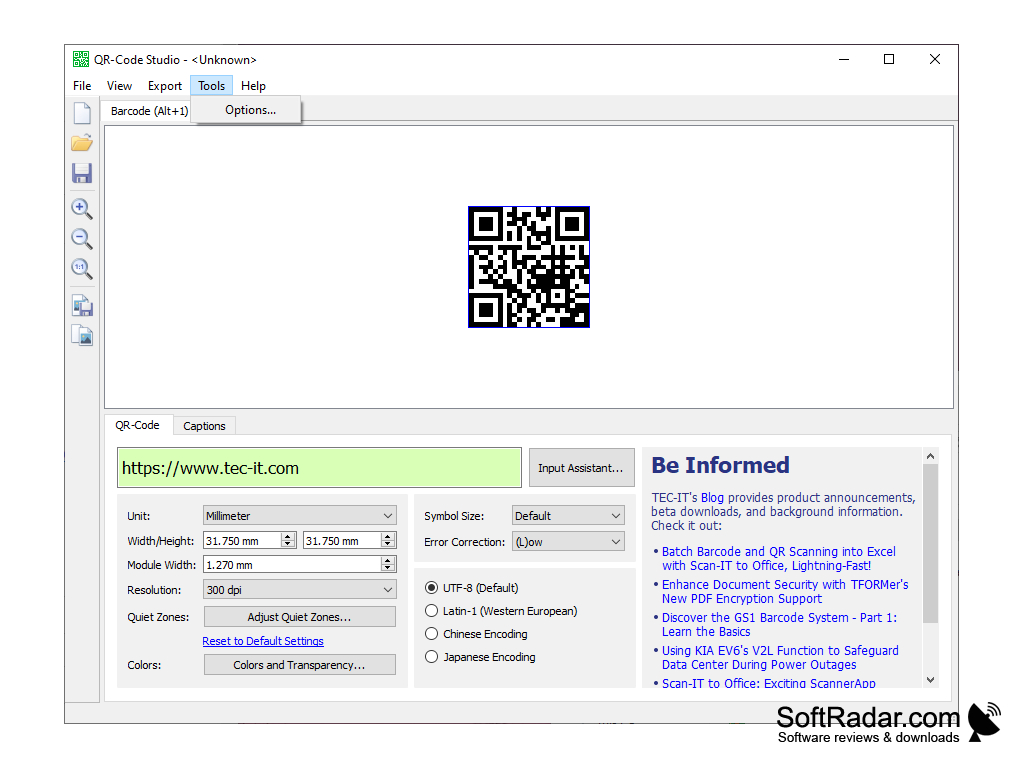

QR-Code Studio
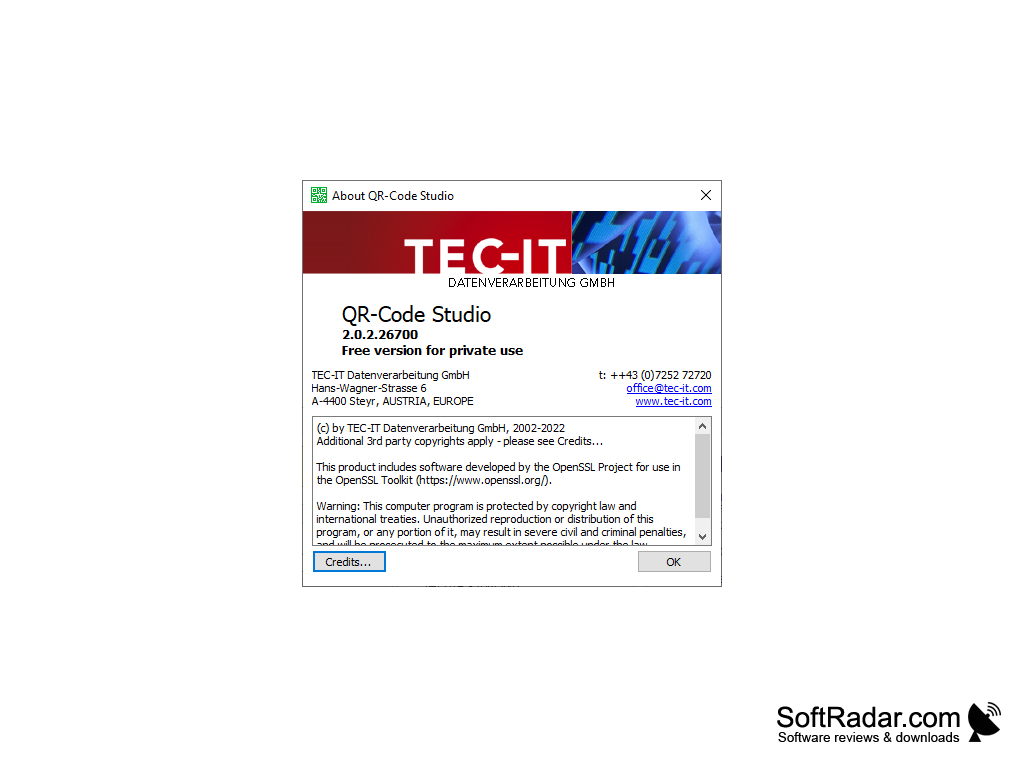
QR-Code Studio is a free QR code generator for the desktop, made by TEC-IT Datenverarbeitung GmbH from Steyr, Austria, the developer of Barcode Studio and the TBarCode products. It is intended for private, non-commercial use; for professional use TEC-IT recommends its barcode maker software Barcode Studio, which produces more than 100 different barcode types. With QR-Code Studio, users can generate, customize and export QR codes for websites, contact data and many other purposes. The main window combines a large preview of the code with the settings below it and a panel with TEC-IT news and blog posts, and the About dialog marks the program as a free version for private use.
QR-Code Studio allows users to create custom QR codes quickly and easily.
Features:
1. Create QR codes in a few clicks: enter the content into the input field, and the QR code is shown in the preview area of the main window.
2. Input Assistant: helps you enter structured content such as URLs, vCards, MeCards, SMS and e-mail messages, Wi-Fi access data, geo-coordinates, social media messages and SEPA bank transfers.
3. Customize QR codes: set the unit, width and height, module width, resolution and quiet zones, and choose colors and transparency.
4. Error correction: select the error correction level and the symbol size of the code.
5. Character encoding: encode data as UTF-8 (the default), Latin-1 (Western European), Chinese or Japanese text.
6. Captions: add text captions to the QR code on a separate Captions tab.
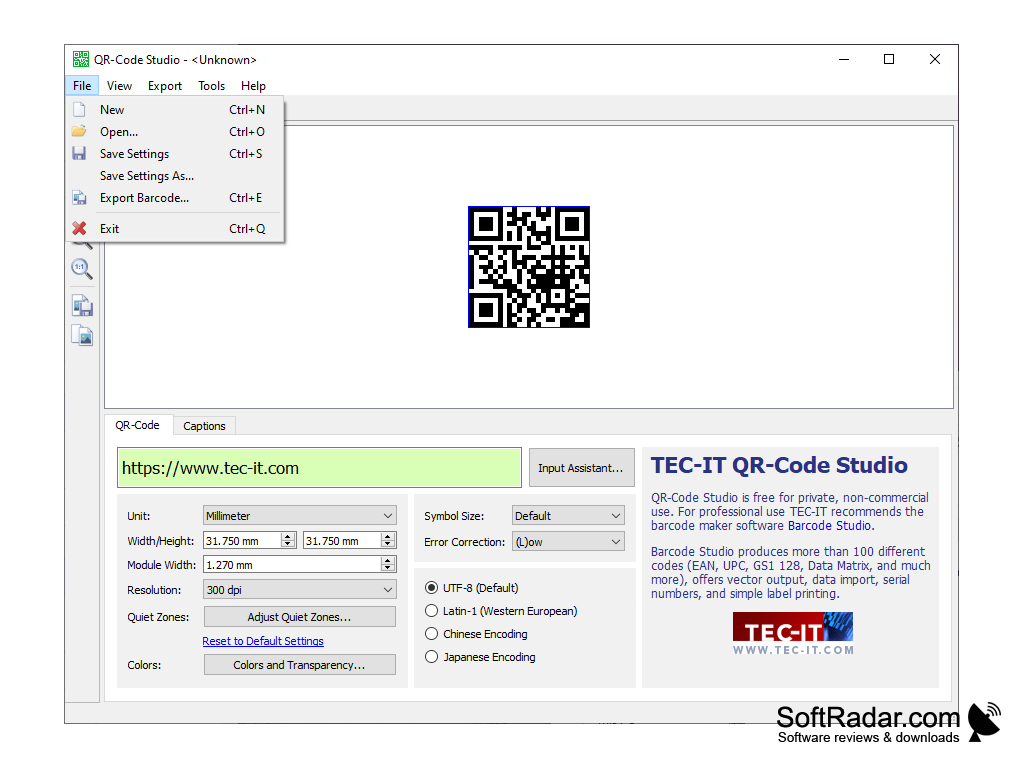
7. Export: save the QR code as an image file in formats such as PNG, JPEG, SVG and EPS, or copy it to the clipboard as an image. Both commands are available in the Export menu, with the Ctrl+E and Ctrl+B shortcuts.
8. Settings files: save the current settings to a file and open them later to create similar codes again.
9. Zoom: zoom in and out of the code preview with the buttons of the toolbar.
10. Platforms: QR-Code Studio is available for Windows and macOS, and the generated QR code images are royalty-free for private, non-commercial use.
PROS
Offers size, color and error correction settings.
Supports a wide range of data types.
CONS
Free only for private, non-commercial use.
Shows TEC-IT news and promotion in the main window.