
Quiet on the Set
Quiet on the Set is a free, open-source Windows utility that stops users from raising the system volume above a maximum level you set.
Quiet on the Set
Quiet on the Set is a small free utility for Windows that prevents anyone from turning the system volume up beyond a maximum level that you choose. It was written by Troy Larson as a simple Windows Forms application in C#, and its source code is published on GitHub under the MIT license. The author made it primarily for parents and carers of young or special needs children, who might otherwise turn the speakers up too loud. The program is not an audio equalizer or editor and does not change the sound itself; it only watches the master volume of the computer and keeps it under the limit.
Quiet on the Set keeps the computer's sound from getting louder than a chosen limit, which is handy when young children use the PC.
Features
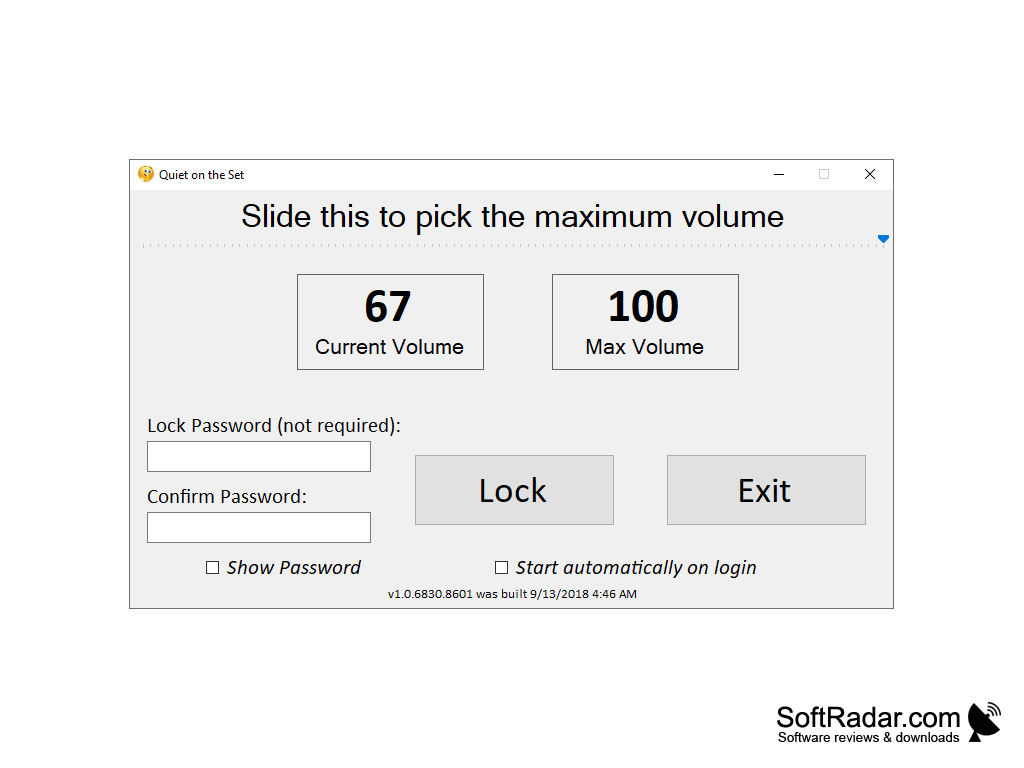
• Maximum Volume Slider: Pick the highest allowed volume level with a slider; the window shows the current volume next to the chosen maximum.
• Volume Lock: Click Lock to apply the limit. Whenever the volume rises above the maximum, for example when someone presses the volume keys or drags the Windows volume slider, the program immediately sets it back to the limit.
• Optional Password: Protect the lock with a password that has to be typed twice. Without a password, a single click on Unlock removes the limit, which is enough when nobody is expected to tamper with it.
• Show Password: A check box reveals the typed password so you can make sure that it is spelled correctly before locking.
• System Tray Operation: Closing the window does not stop the program; it keeps running in the notification area, where a tooltip tells you at what level the maximum volume is locked. Double-click the tray icon to open the window again.
• Protected Exit: The Exit button is available only while the volume is unlocked, and the program asks for confirmation before it shuts down the volume control.
• Start Automatically on Login: A check box adds the program to the Windows startup list of the current user, so the limit is active again every time someone logs in.
• Remembered Settings: The chosen maximum, the lock state and the password are saved and applied again at the next start.
• Lightweight Design: The program consists of one small executable plus the open-source NAudio library, which it uses to access the Windows Core Audio volume of the default playback device.
• Simple Installer: An Inno Setup installer copies the program to the Program Files folder and can optionally create a desktop shortcut.
Quiet on the Set is deliberately simple. As the author notes, the lock offers only a basic level of control and could be bypassed by someone with technical knowledge, so it is meant for children rather than for determined adults. The program controls only the default playback device, and it has not received new releases for several years, but it still does exactly what it promises: it keeps the sound on the computer from getting louder than you want.
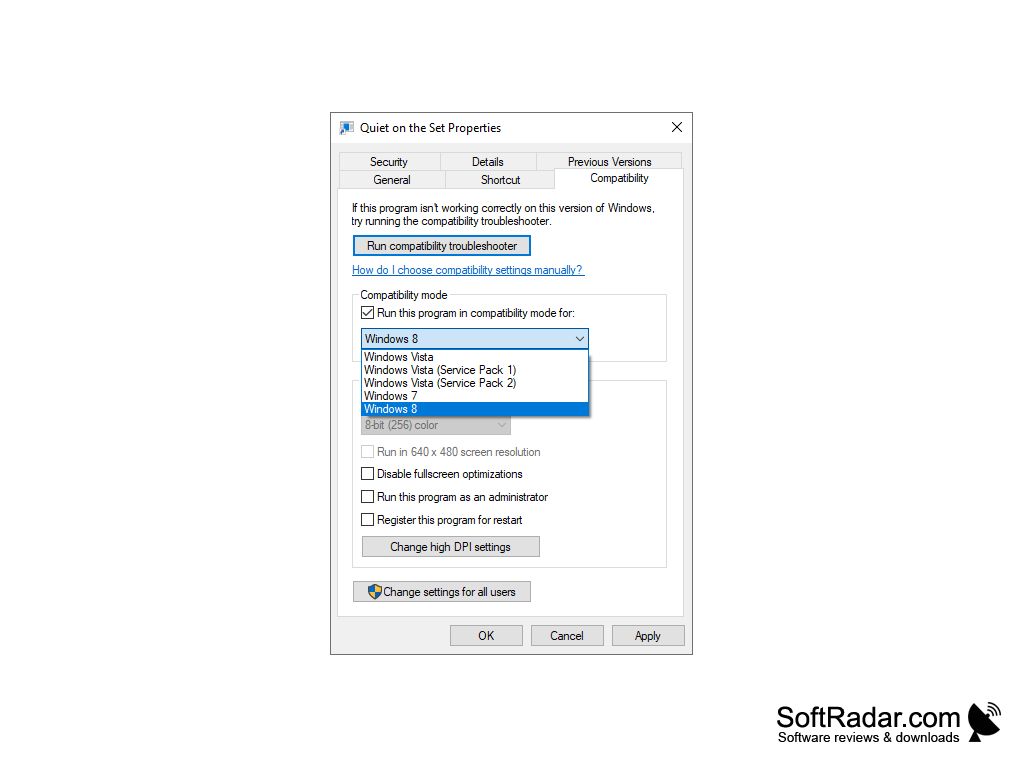
.NET Framework 4.5.2 or later
PROS
Optional password protects the volume limit.
Free and open source under the MIT license.
CONS
Controls only the default playback device.
No new releases for several years.