
RealWorld Paint
Easy-to-use image manipulation program to create professional graphics and animations
Operating system: Windows
Publisher: RealWorld Graphics
Release : RealWorld Paint 2013.1
Antivirus check: passed
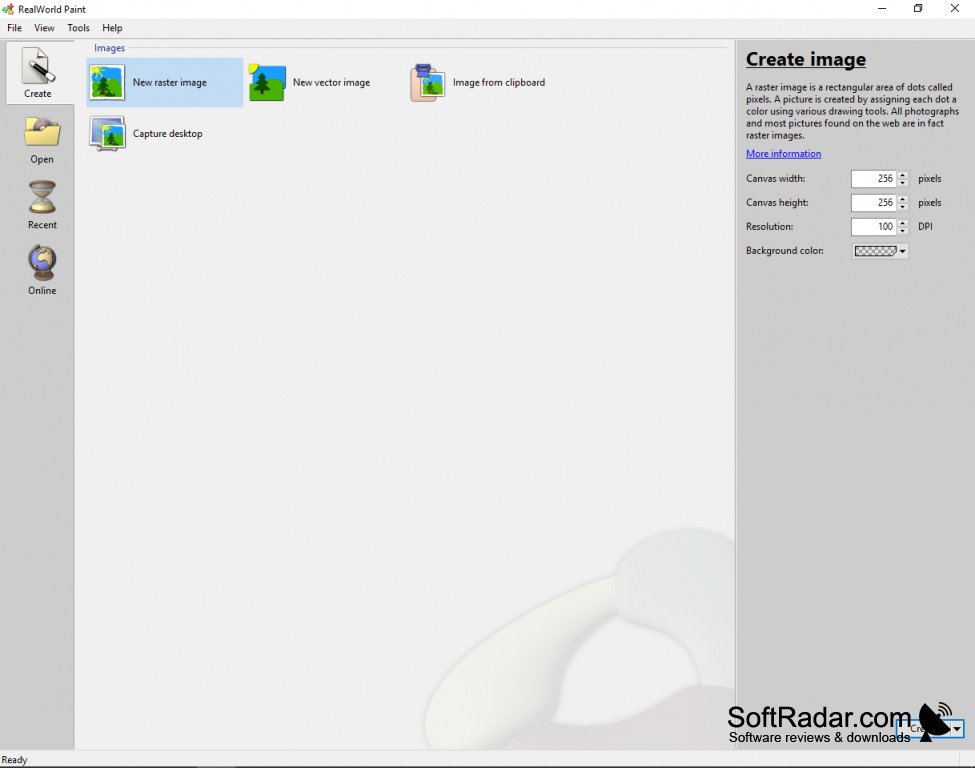
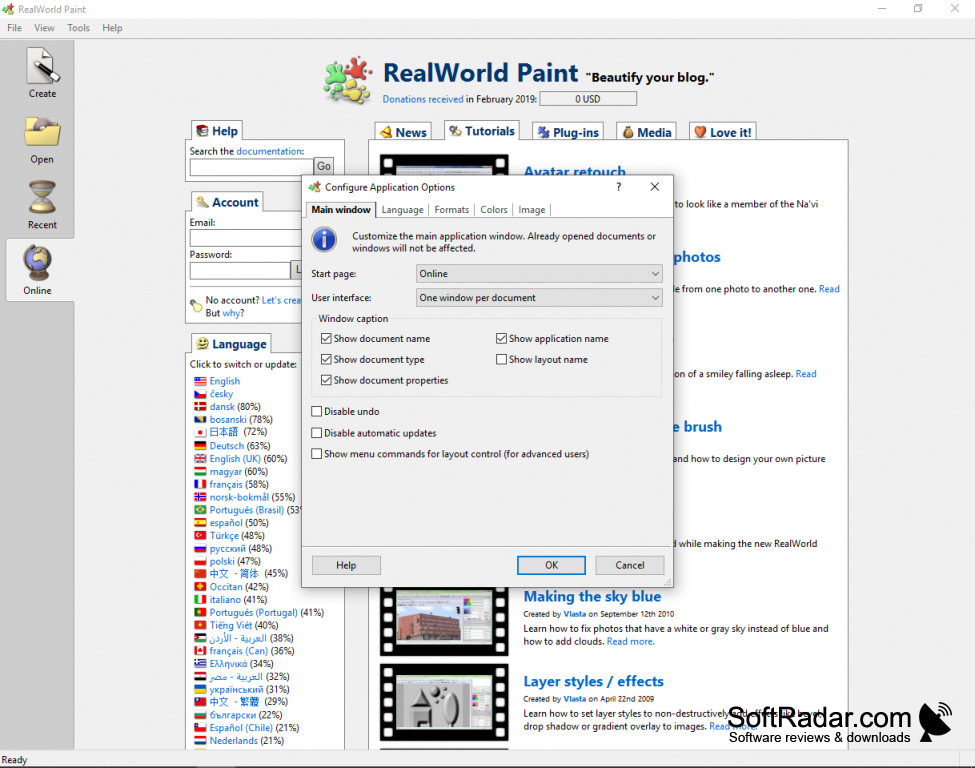

Wish you could create splashy images, but fear you lack the skills and tools? Enter RealWorld Paint, the easy-to-use image manipulation program that anybody can use to create professional graphics and animations.
RealWorld Paint lets you create your own pictures, retouch your own or third party photos and create seamless animations.
Features:
Unlike other image editing tools, RealWordPaint can be used right away, even if you don't have previous graphic editing experinece. Its intuitive interface and Windows-based controls will have you proficient in no time at all.
- You don't need any other tools to make it work, everything is right in the application.
- You can modify, resize, retouch and add pizzazz to your photographs.
- You'll be able to create fun, professional effects like glow and bevel, and even more advanced effects, like a kaleidoscope, and then save the layers to use on future projects.
- You'll be amazed by how easy it is to develop animations with simple drag-to boxes and editing tools.
- You can use powerful vector illustrations and shapes while retaining your pixel-based image.
- Your files can be imported or used with all the standard programs, like Photoshop and GIMP.
RealWorld Paint is the best solution for those of us who love fun graphics but aren't experts in how to work with them. It's all there in one intuitive app, proven to be great by people just like you.
Requires Windows 8, 7, Vista, XP, and 2000
Tech Note: I downloaded this to try it out, and it worked perfectly on my Win 10, great little free app!
PROS
Supports multiple file formats, enhancing versatility.
Free to use with an easy-to-understand user interface.
CONS
Interface can be challenging for beginners.
Limited technical support available.


