
ShowKeyPlus
ShowKeyPlus is a free Windows product key finder that shows the installed, OEM and original keys and checks which edition a key belongs to.
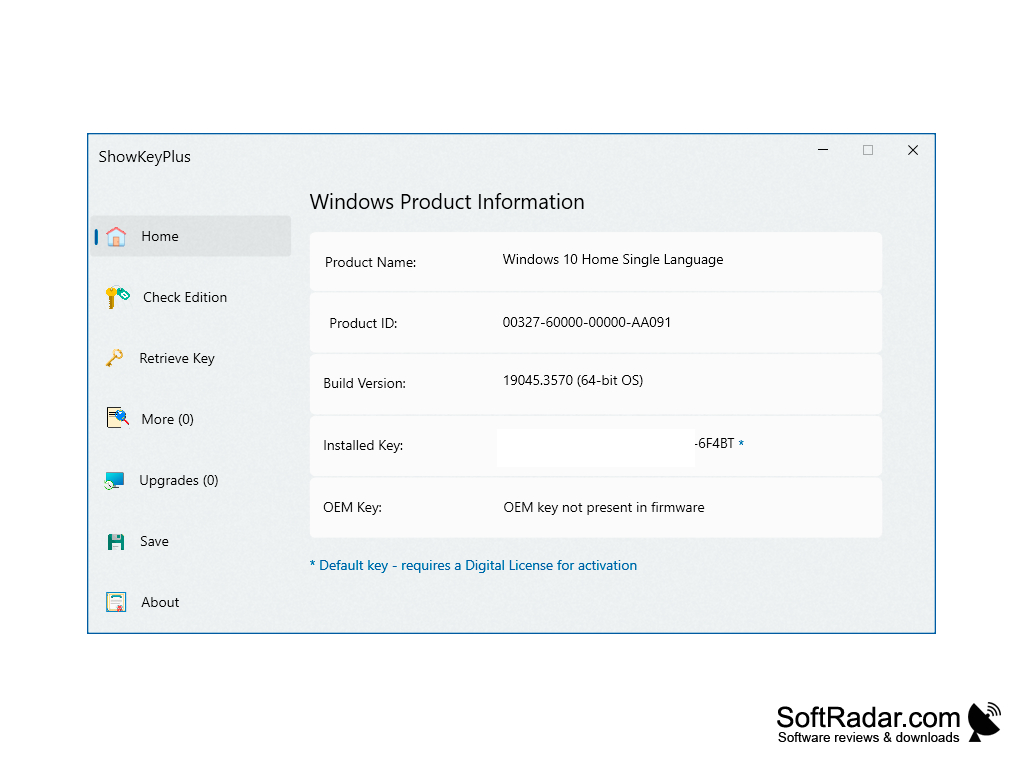
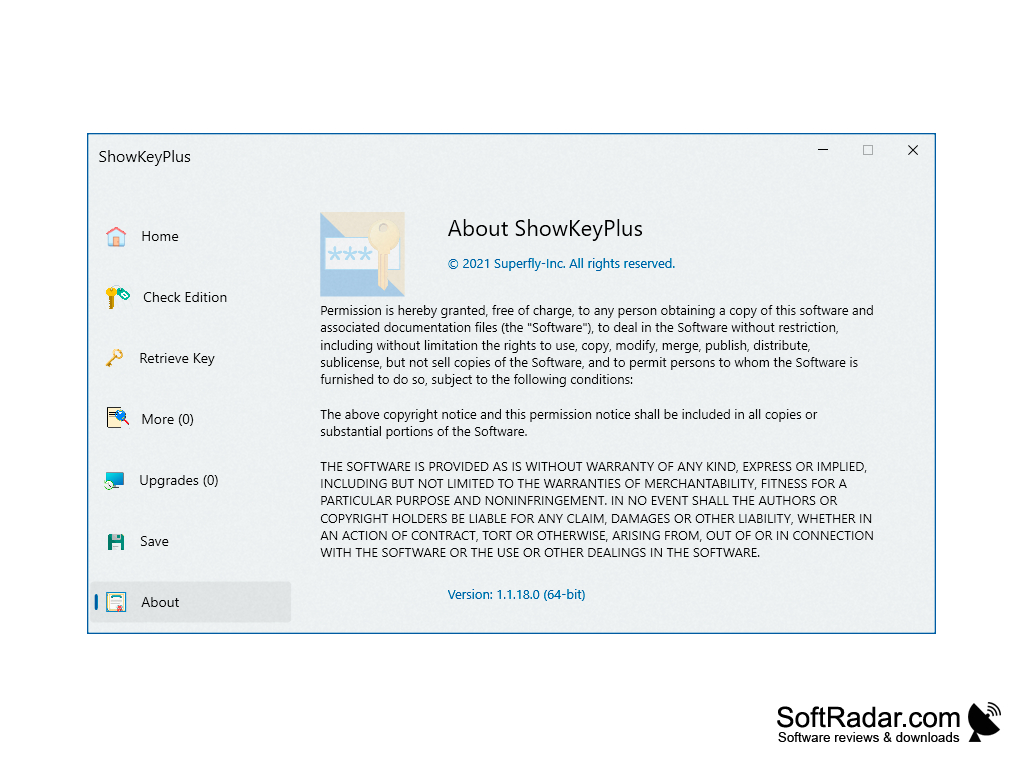
ShowKeyPlus for Windows computers is a free tool that finds and displays the Windows product key stored on your PC, so you can reinstall or reactivate Windows when the original key label or email is lost. It reads the installed key from the registry and the OEM key embedded in the firmware of computers that were sold with Windows 8 or later. After an upgrade it can also show the original key of the previous installation when that information is still present. On the Home page the program lists the product name, product ID, build version, installed key and OEM key of the running Windows at once. If Windows is activated with a digital license, ShowKeyPlus marks the installed key as a generic default key. The program does not need any extra software, it is a single executable file, and it is published under the MIT licence by Superfly on GitHub, with a version also offered in the Microsoft Store.
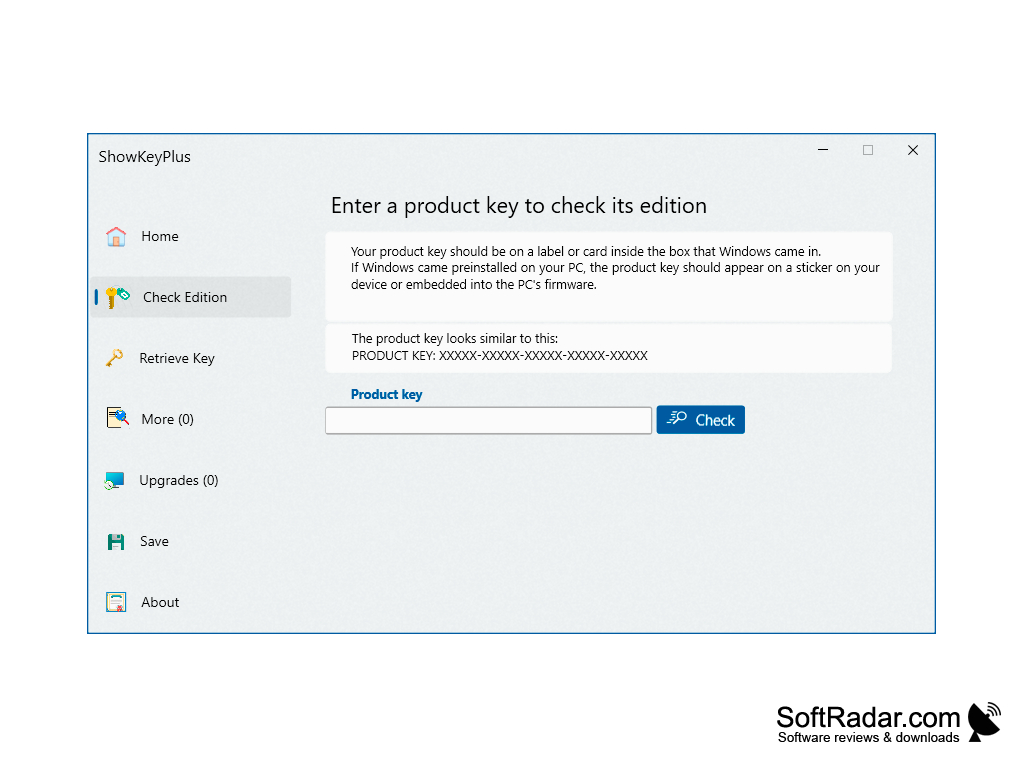
ShowKeyPlus does the work for you in a few seconds. The Check Edition page tells you which Windows edition a product key belongs to before you use it, and the Retrieve Key page can read a key from a backup or from another Windows installation. The Save button writes the keys and product details to a text file for safekeeping. Version 1.1.18 added a Windows 11 style interface and checking of Office 2010-2021 product keys.
ShowKeyPlus recovers the Windows product key stored on your PC in seconds, so you can reinstall or reactivate Windows.
Features:
- free and open source
- intuitive software
- Easy to use for a beginner
- Shows installed, OEM and original keys.
The conclusion is that ShowKeyPlus is a simple and reliable way to find the product key stored on a computer when you need to reinstall or activate Windows again, and it costs nothing to use.
.NET Framework 4.6.1 or later
PROS
User-friendly interface for easy navigation.
Checks which Windows edition a product key belongs to.
CONS
No live customer support for quick troubleshooting.
Does not recover keys of most third-party software.