
iMyFone LockWiper
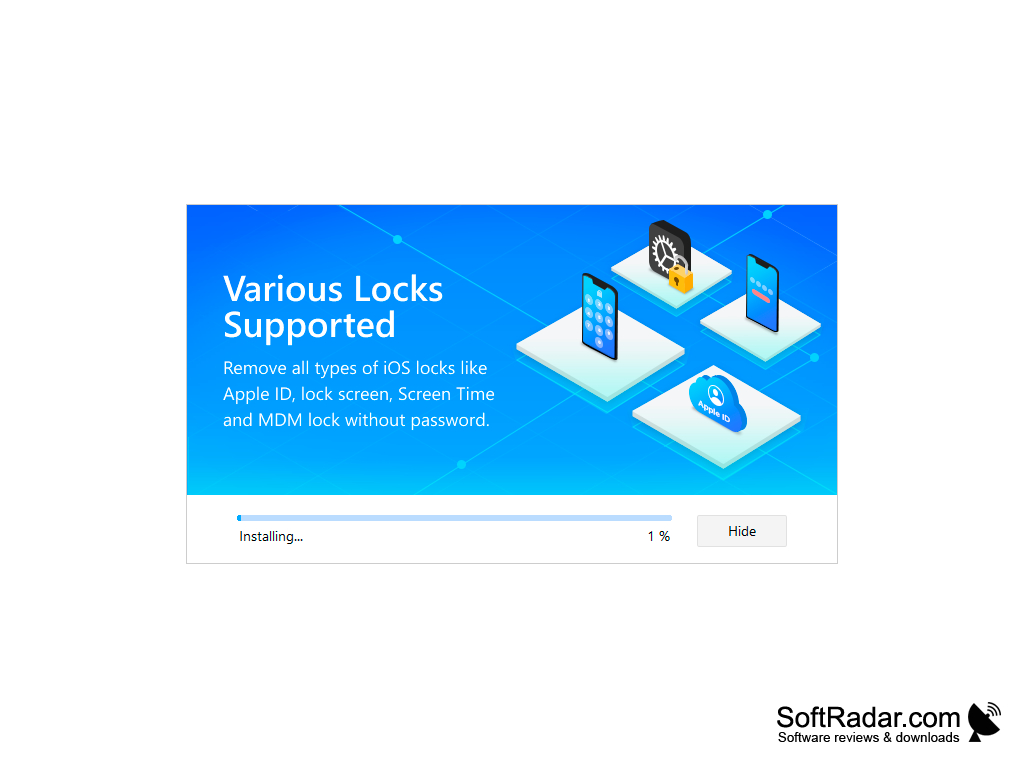
iMyFone LockWiper is a Windows tool that removes the screen passcode, Apple ID, Screen Time passcode and MDM lock from iPhone, iPad and iPod touch.
Operating system: Windows
Publisher: iMyFone Technology Co., Ltd.
Release: iMyFone LockWiper 8.1.5
Antivirus check: VirusTotal report
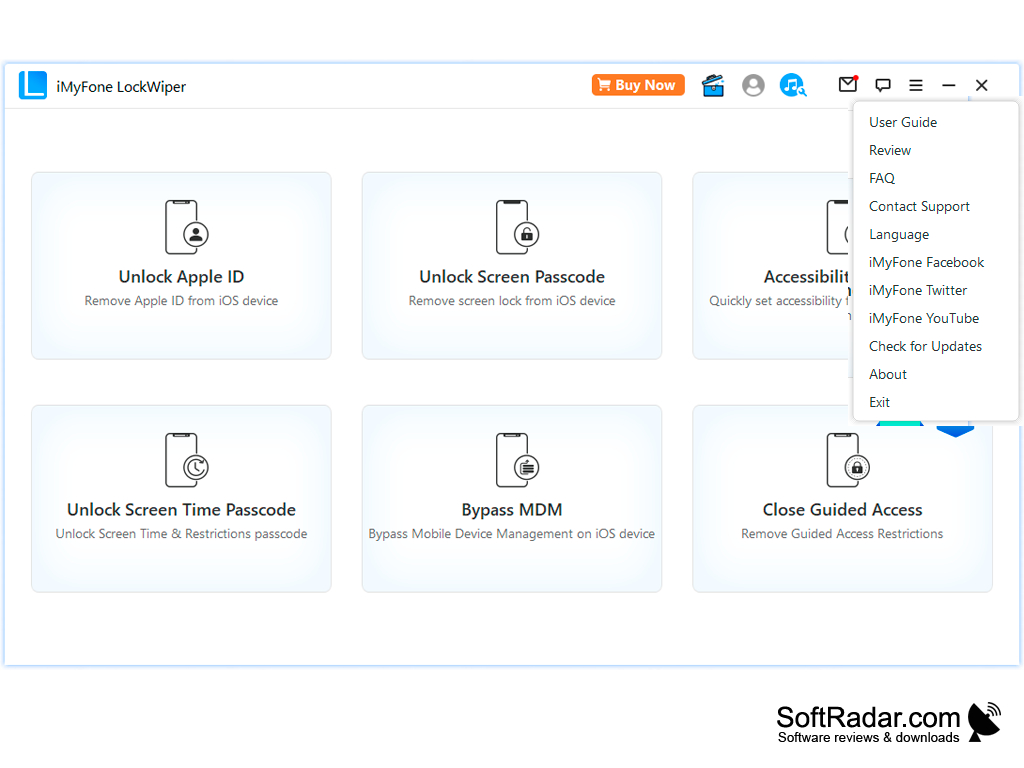
iMyFone LockWiper is a desktop app for getting into locked iPhones and other Apple devices. It allows you to get into the locked device without a password.
Normally if you forget your password or enter it incorrectly you are locked out of your device for longer and longer periods of time with each wrong attempt. After too many wrong passcodes the device shows that it is disabled and can only be restored with a computer. LockWiper connects to the device over USB and removes the lock by installing a matching firmware package. You can bypass the passcode screen or remove other restrictions such as the Apple ID, the Screen Time passcode or an MDM profile.
It supports iPhone, iPad and iPod touch models running iOS 7 and later. A free trial is available, but it only checks device compatibility; unlocking requires a paid licence.
It lets you regain access to your own locked iOS device without the forgotten passcode or Apple ID password.
It is also very easy to use. To unlock the locked device there are only three steps.
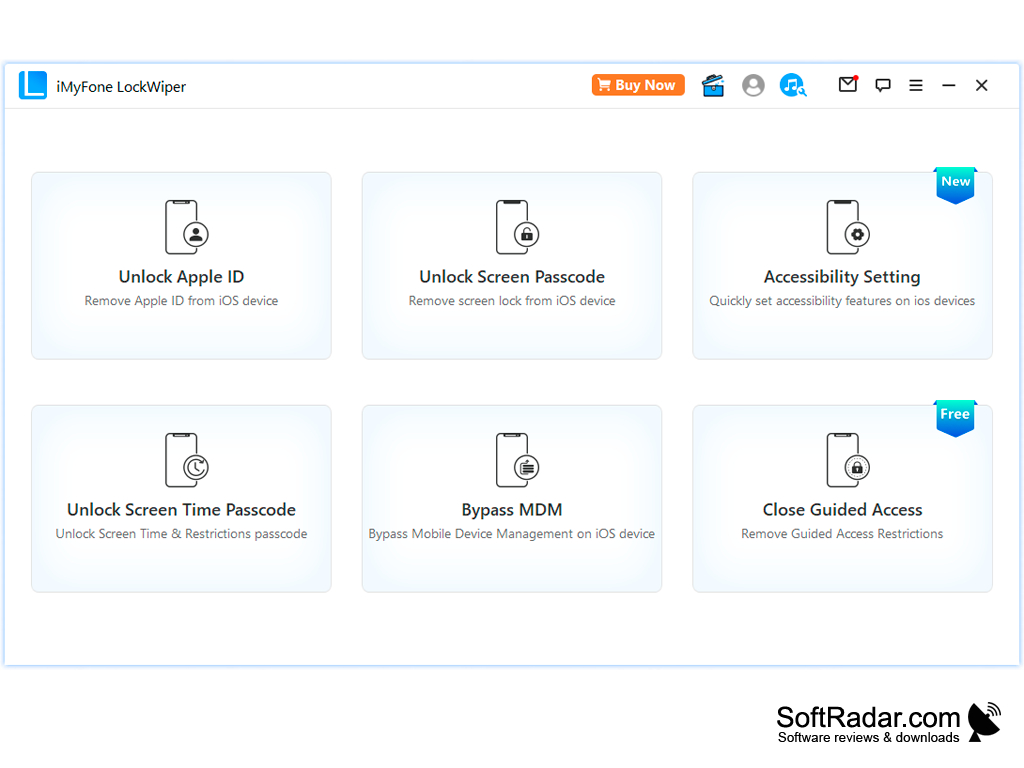
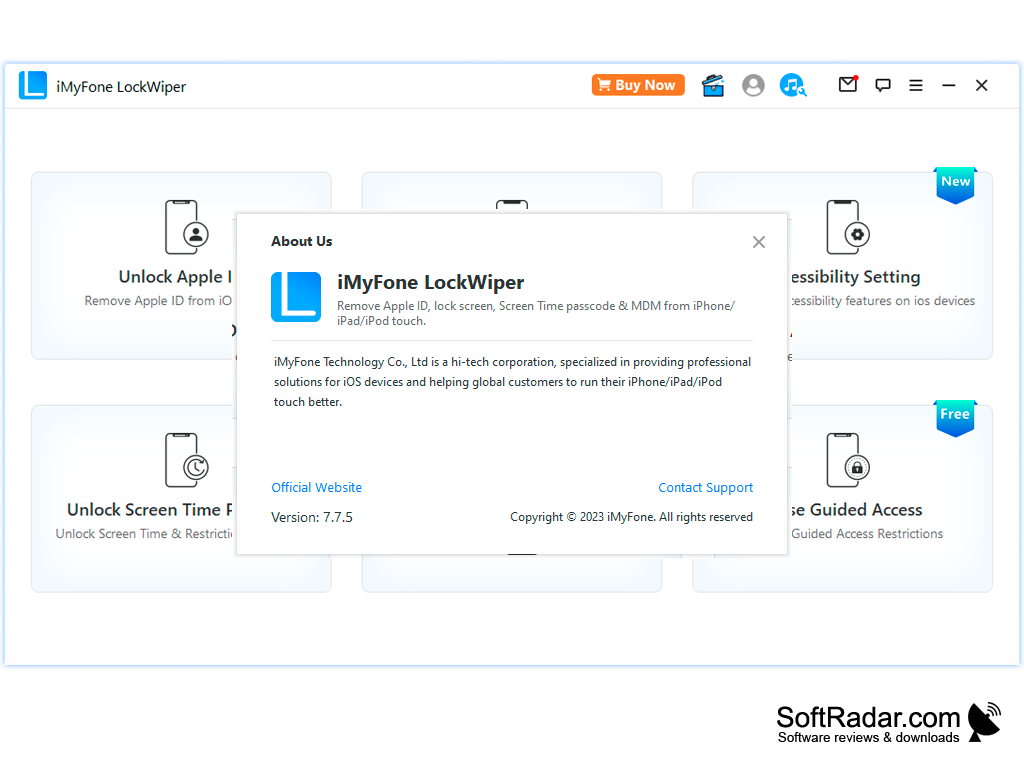
First, you have to connect the device, then you need to select which kind of lock is on the device that needs to be removed, then the program downloads the firmware and removes the lock. The main window offers separate modes for Unlock Apple ID, Unlock Screen Passcode, Unlock Screen Time Passcode, Bypass MDM and Close Guided Access, plus an accessibility setting tool.
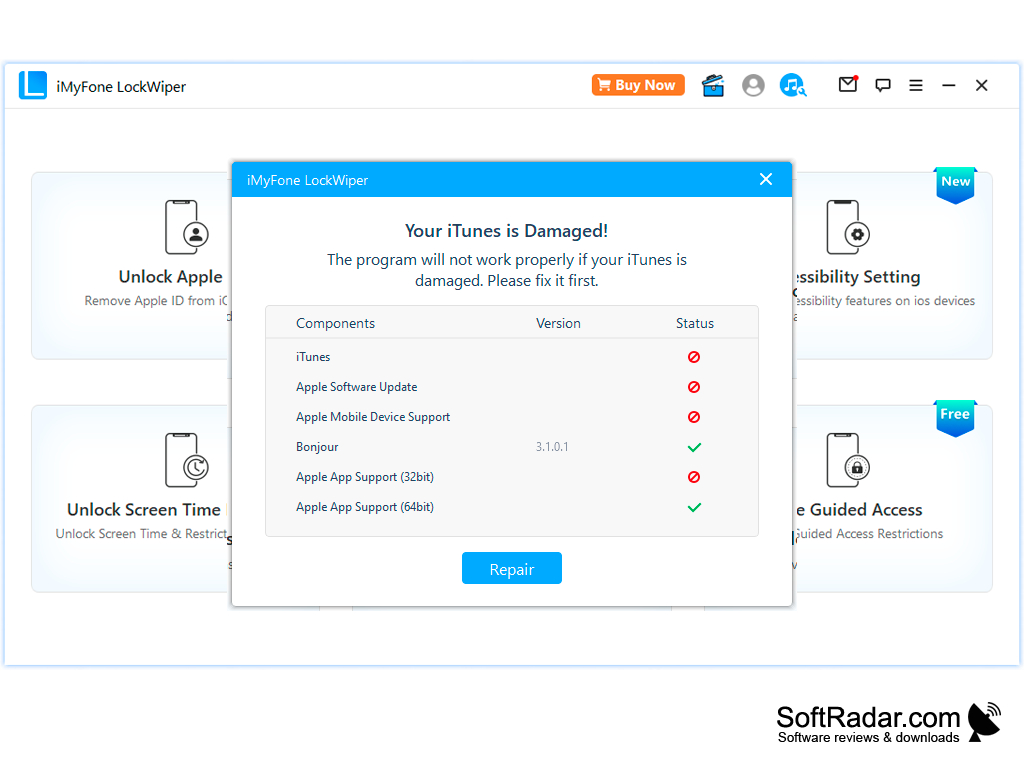
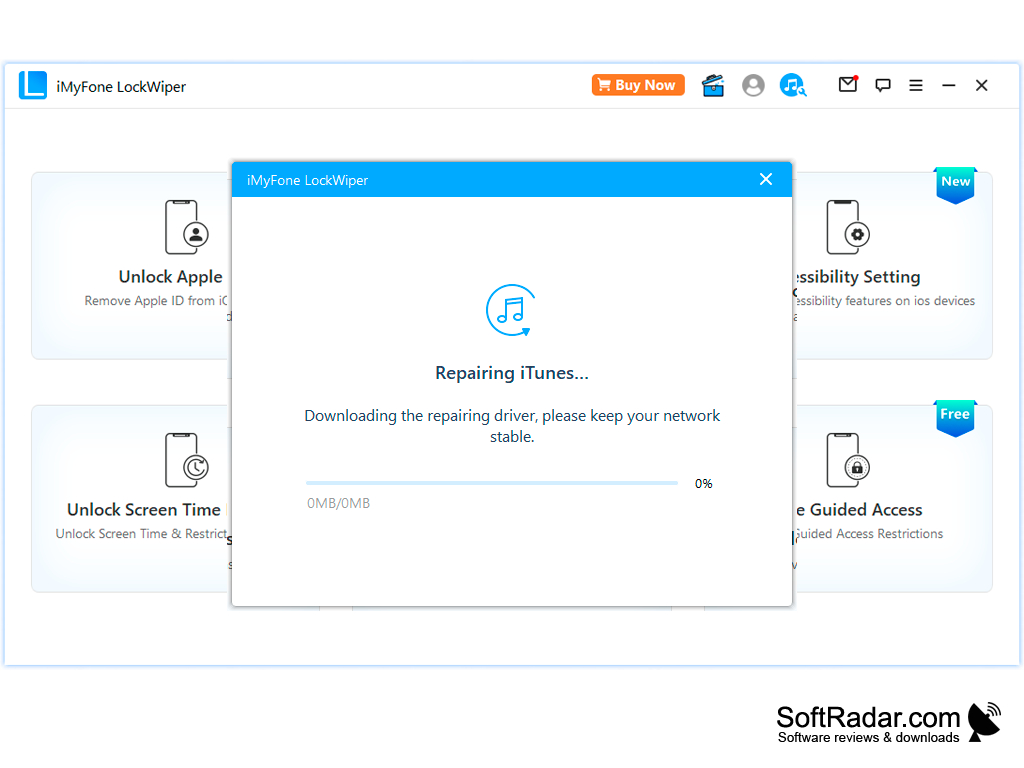
Keep in mind that removing the screen passcode erases all data on the device and updates iOS to the latest version, and Apple ID removal depends on the iOS version and the Find My setting. The program relies on Apple's iTunes components on Windows and offers to repair them when they are damaged. Besides this Windows version of iMyFone LockWiper, the publisher offers a macOS edition and a separate LockWiper edition for Android devices.
The tool is intended for owners who have lost access to their own devices.
1 GHz CPU (32-bit or 64-bit)
256 MB RAM
500 MB free disk space
iPhone, iPad or iPod touch with a USB cable
PROS
Supports a wide array of iPhone models and iOS versions.
Simple interface with clear step-by-step instructions.
CONS
Removing the screen passcode erases all device data.
Requires a stable internet connection to download firmware.