
Spotydl
Spotydl is a discontinued Windows program that downloads or records Spotify tracks and playlists as MP3 files from third-party sources.
Operating system: Windows
Publisher: Spotydl
Release: Spotydl 0.9.37
Antivirus check: VirusTotal report
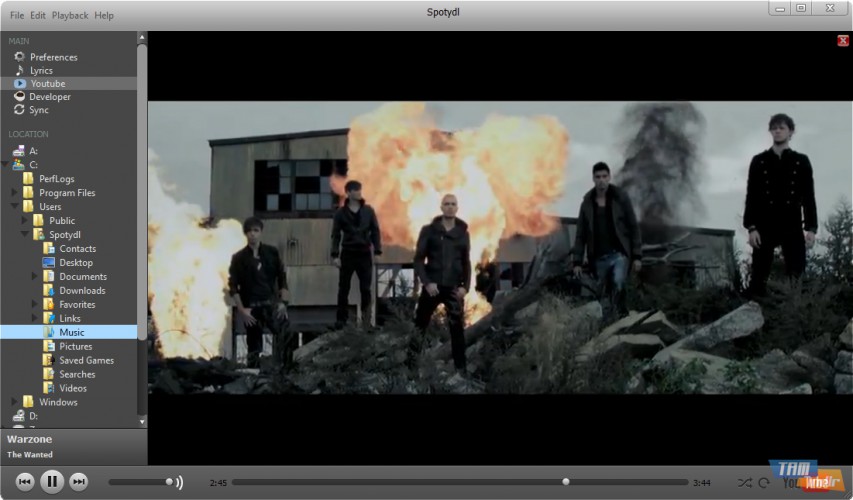
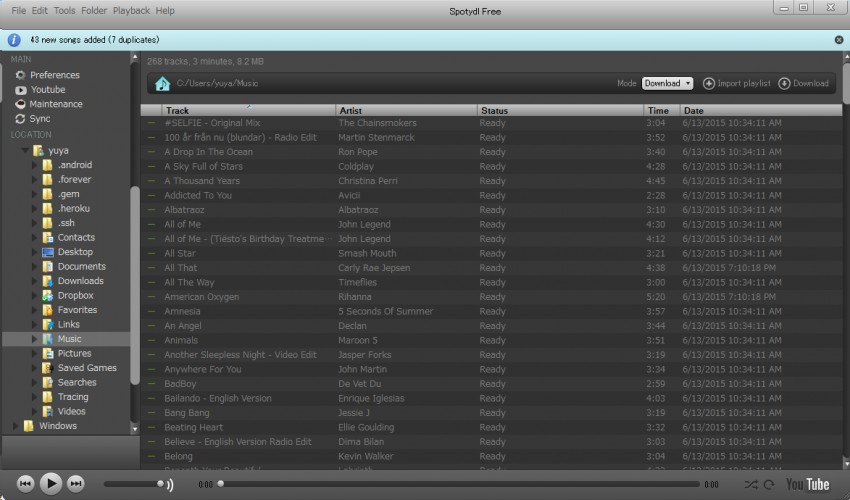

Spotydl is a free desktop program that lets you download or record your Spotify music into MP3 files. Instead of copying the stream, it searches third-party MP3 websites for each song by its title and artist.
Features:
- 1. Download and Record modes for getting your songs
- 2. Downloads several tracks simultaneously from many websites
- 3. Syncs a playlist folder with your Spotify playlist
- 4. Records songs played in Spotify and encodes them to MP3
- 5. YouTube integration for music videos
- 6. Import your own playlist
- 7. Duration and bitrate checks to limit wrong matches
- 8. Drag & Drop your music in Spotydl
Spotydl turns your Spotify playlists into MP3 files by downloading or recording each track.
To get songs, you drag tracks or a whole playlist from Spotify into the Spotydl window or use the Import Playlist button, then choose the Download or Record mode. Spotydl can process full playlists and save the songs from various MP3 sources.
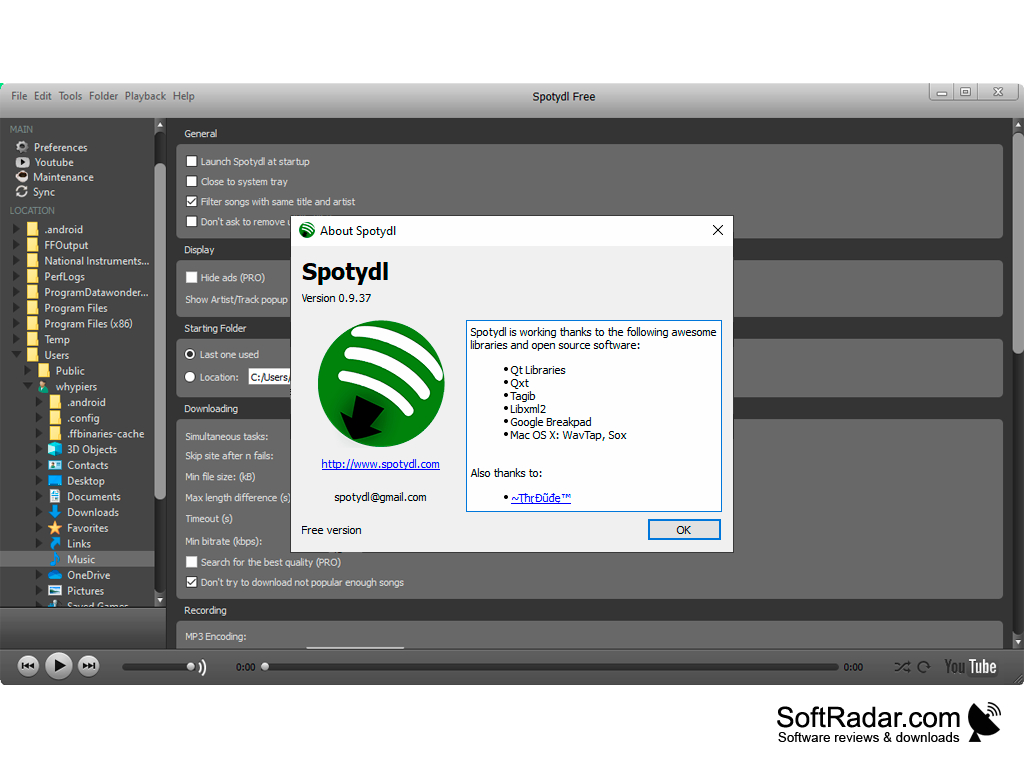
Before downloading, Spotydl compares the duration of each found file with the original track, and its settings let you set a minimum file size and bitrate.
The interface combines a folder browser, a track list and a built-in player that can also show YouTube videos. Downloading is faster than recording, because a recorder has to play the entire playlist in real time to rip it to MP3. The free version shows ads; a PRO version removed them and added a search for the best quality.
Spotydl does not index or host any MP3 files; it is only a desktop interface to third-party MP3 search engines. The program is no longer developed and its website is offline, so it may not work with the current Spotify app.
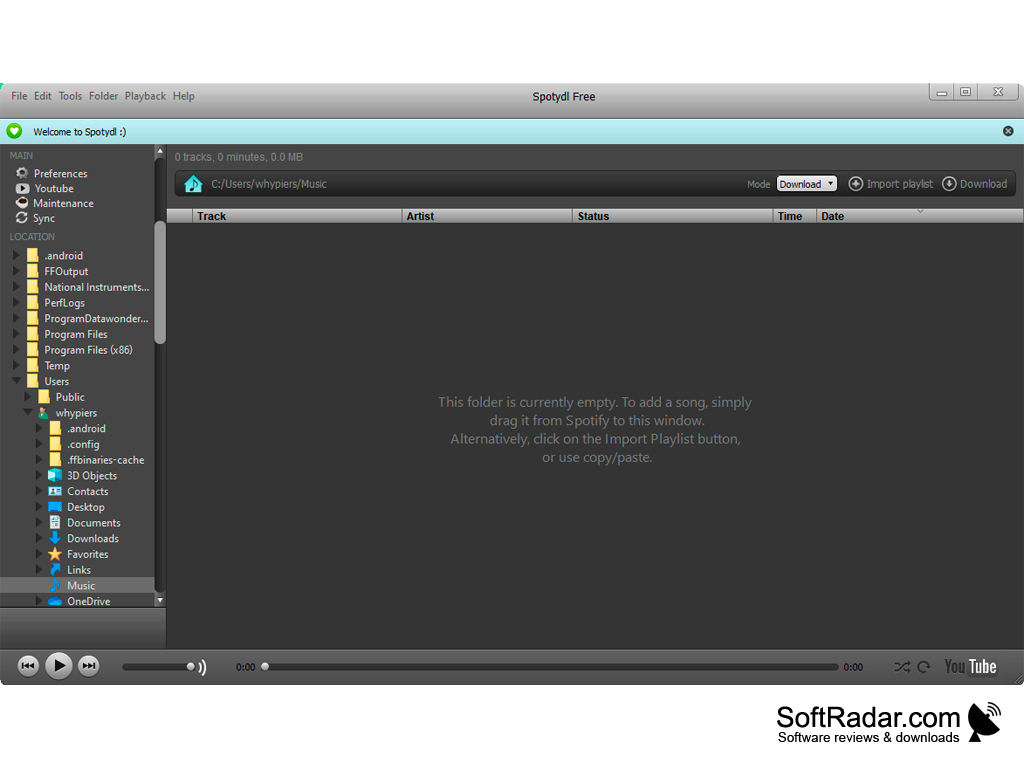
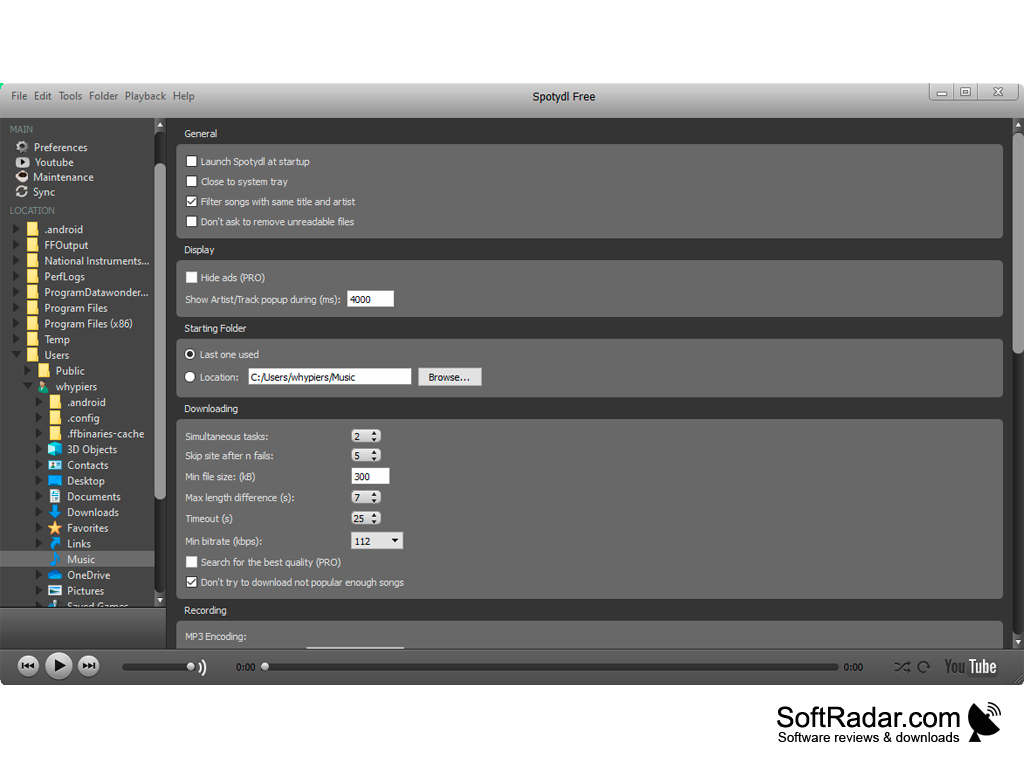
Spotify desktop app
PROS
User-friendly interface simplifies usage.
Free to use, with drag-and-drop playlist import.
CONS
Downloaded files may not match the original tracks.
The free version shows ads.


