
Stacks Docklet
Stacks Docklet is a free RocketDock add-on that shows the contents of a docked folder as a Leopard-style fan or grid stack.
Stacks Docklet
The Stacks Docklet is a small, free add-on (docklet) for the RocketDock application launcher that brings folder stacks in the style of Mac OS X Leopard to the Windows desktop. With the Stacks Docklet, users can dock a folder and open its applications, documents, and subfolders with a single click of the mouse. The contents pop up either as a curved fan or as a grid, and the docklet can also choose the layout automatically. Each stack has its own folder, icon, and sort order, so users can keep their desktops organized and clutter-free.
The Stacks Docklet allows users to easily access and organize files and folders stored on their computer.
Features
- Create stacks of applications, documents, and folders that can be accessed with a single click of the mouse.
- Show the contents of a folder as a Leopard-style fan or as a grid.
- Quickly and easily access your favorite applications, documents, and folders without cluttering up your desktop.
- Automatic mode switches to a grid when a folder holds too many items for a fan.
- Choose the folder, icon, and sort order of each stack in the Icon Settings dialog.
- Add several stacks to the same dock, one for each folder you use often.
- Open files and launch programs directly from the stack.
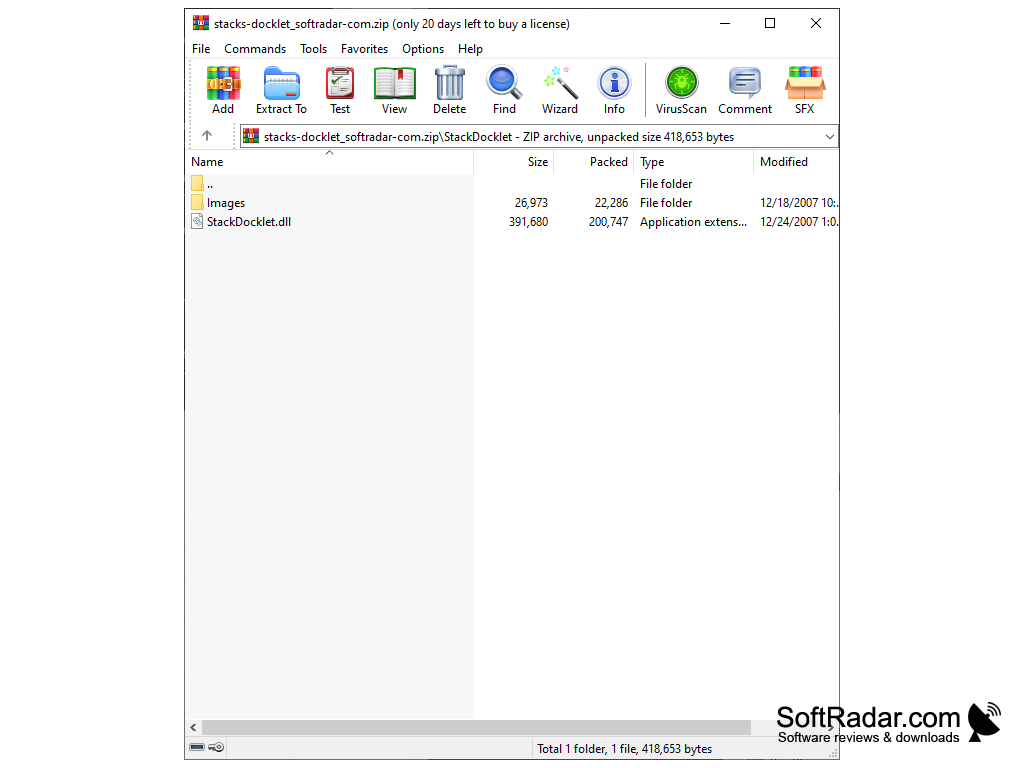
- Install it by extracting the archive into the Docklets folder of RocketDock.
- Add the docklet to the dock with Add Item in the RocketDock context menu.
- Replace the images in its Images folder to change the look of the stack.
- Highly customizable through simple per-stack settings.
- The stack reads the folder when it opens, so new documents and shortcuts appear automatically.
- Also usable in docks that support ObjectDock docklets.
- Easy to use, with a simple and clean interface.
- Settings are saved by RocketDock, which needs write access to its program folder.
- Free to download and use; the add-on is old and no longer maintained.
RocketDock or a dock with ObjectDock docklet support
PROS
Offers visually appealing, clean interface that is user-friendly.
Enables quick launch of applications directly from the dock.
CONS
Works only inside RocketDock or a compatible dock.
No longer maintained by its author.


