
SWF Editor
A Flash decompiler and editor that converts SWF files to FLA and lets you edit and extract their images, sounds and scripts.
Operating system: Windows
Publisher: Electronic Team, Inc.
Release: SWF Editor 5.3.1400
Antivirus check: VirusTotal report
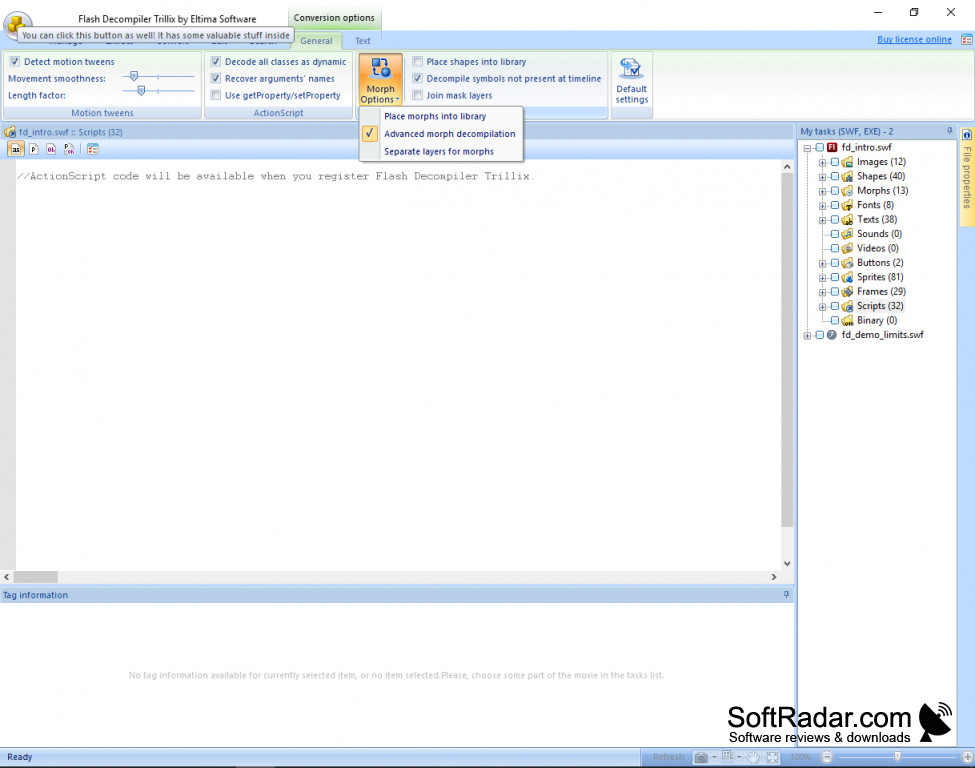
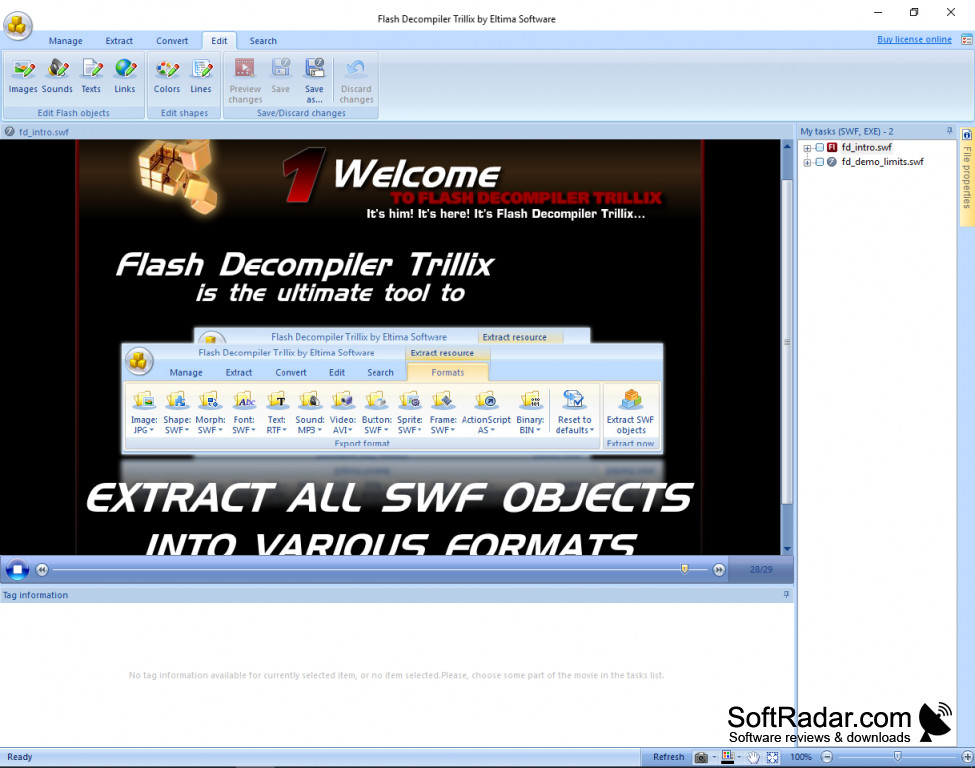
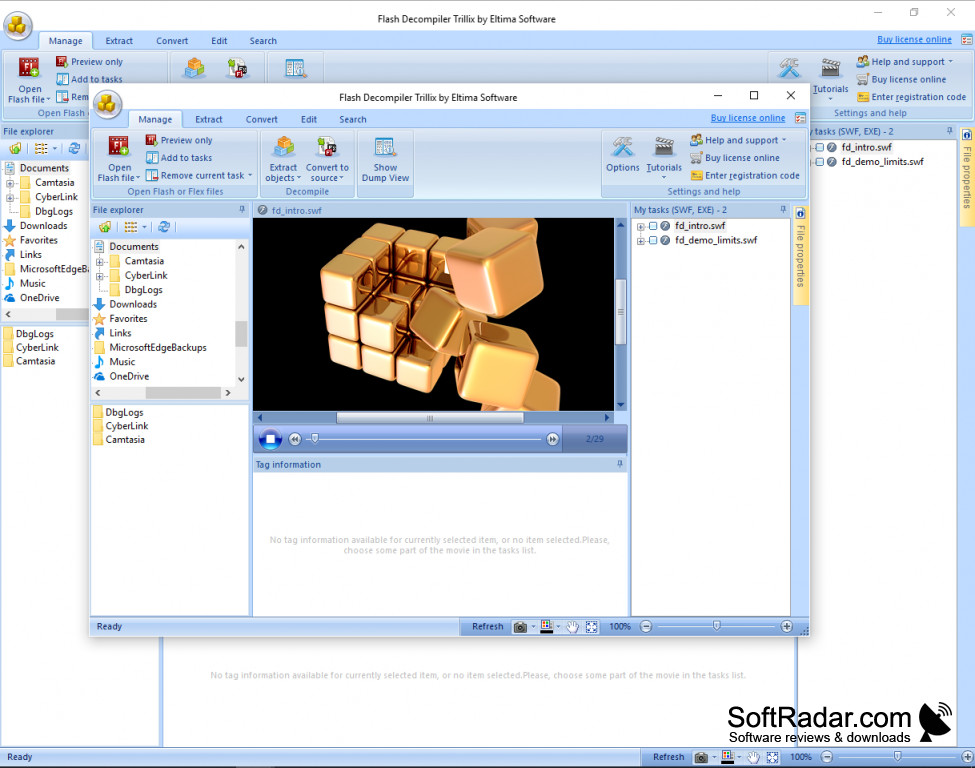
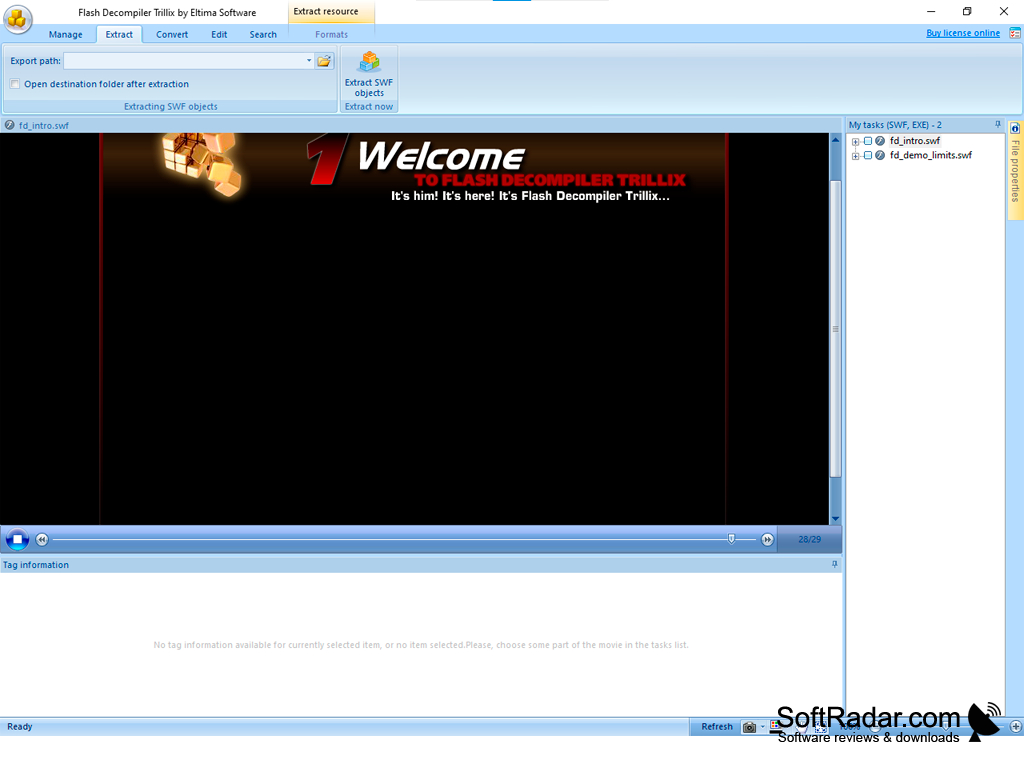
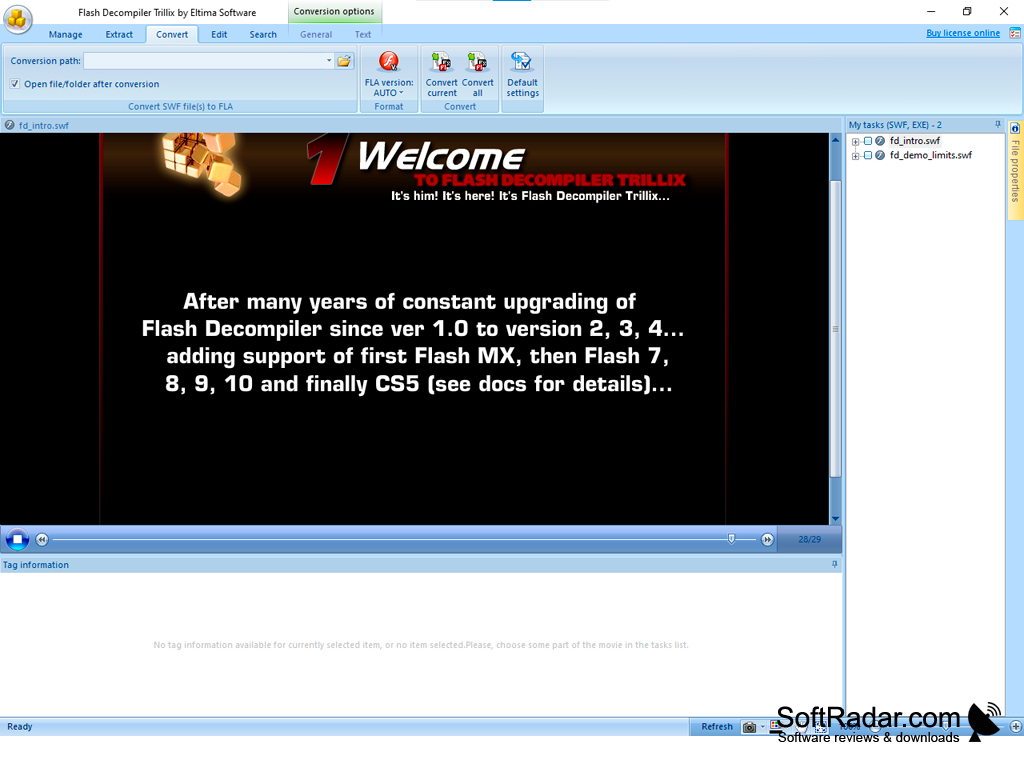
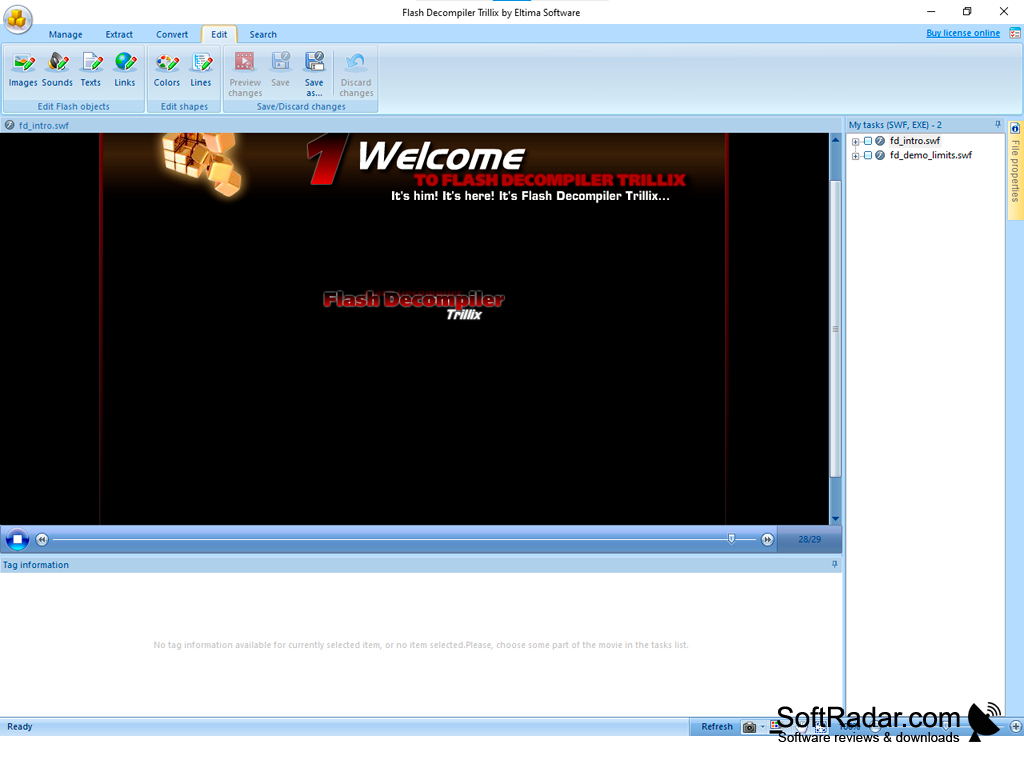
This software, now sold as Flash Decompiler Trillix, can do much more than open a Flash movie: it converts SWF files to FLA or Flex projects and exports the scripts, images, sounds, videos, fonts and other objects they contain. You can replace images and sounds, and edit texts, colors, gradients, lines and links directly in the SWF file without converting it first. Makes extracting files easy and has a clear ribbon interface. It supports Flash 5 to 10, Flash CS5, CS6 and CC files with ActionScript 2.0 and 3.0, as well as SWF files built with Flex. It also has a dump view feature that shows the tag structure of a movie. Flash video can be exported to AVI, MPEG or FLV, and sounds can be saved as WAV or MP3. There is a multi-window interface that allows users to work on several files at once and compare them while they work. A batch mode can decompile many SWF files in one go.
Features:
- Converts SWF to FLA and Flex
- Edits SWF files directly
- Extracts images, sounds, video and scripts
- Multi-window interface
SWF Editor converts SWF movies back to editable FLA or Flex projects and extracts their images, sounds and scripts.
SWF Editor is a useful tool for web designers and developers who need to recover the source of their own Flash projects or reuse resources from old SWF files. Since Adobe ended support for Flash Player at the end of 2020, the program is mostly used for archiving and converting legacy Flash content. The trial version lets you test the functions with limitations: results are saved in grayscale with a watermark, ActionScript is not included and only two objects per category can be extracted. The full license is paid. The program is developed by Eltima Software (Electronic Team) and runs on 32-bit and 64-bit Windows from Windows 2000 up to Windows 11.
32-bit or 64-bit system
PROS
User-friendly interface eases editing tasks.
Offers a wide range of editing tools.
CONS
Interface may be confusing for beginners.
Trial version saves results in grayscale only.


