Task Coach Portable
Get organized with the ultimate to-do list organizer with Task Coach
Operating system: Windows
Publisher: Taskcoach
Release: Task Coach Portable 1.4.6.1
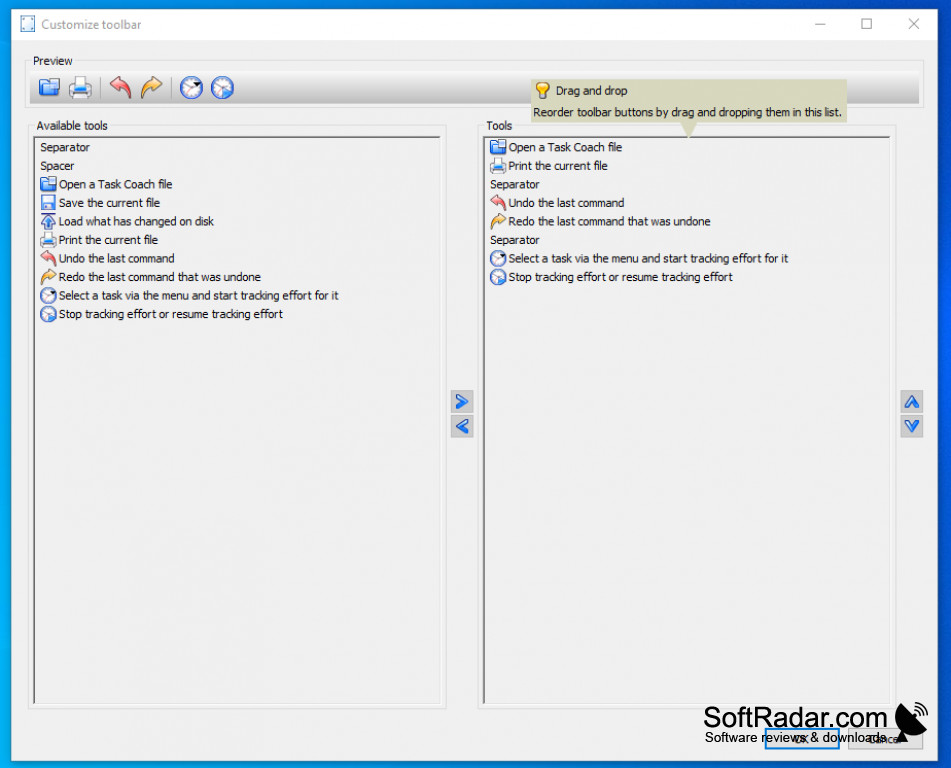
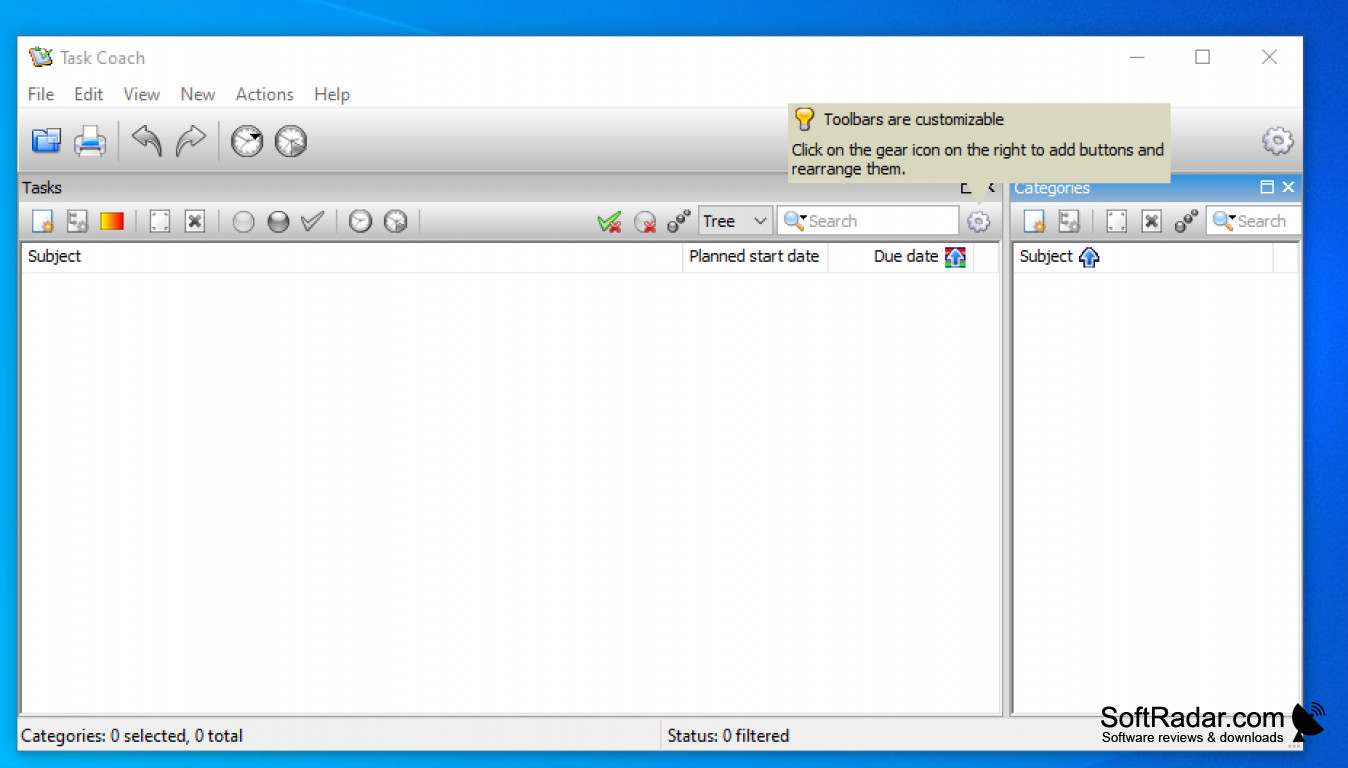
Looking for a way to organize your life and have your chores, appointments, and tasks organized and formatted to simplify your life? Then Task Coach Portable is what you need in your life. Technology has made our lives easier, but it can also become very complex. Appointments and reminders can be saved on a number of different apps and can slip through the cracks. With Task Coach you centralize everything into one spot. You can drag and drop appointments, attachments, photos, and notes from a large variety of email clients such as Apple Mail, Outlook, Thunderbird, and Claws Mail. You can create subtasks and user-defined categories to help organize everything in your to-do list. Tasks can be sorted or filtered by all attributes like the subject, budget, due date, etc. And one of the best things I liked is that it's portable, it can be installed onto any zip drive so you can take it with you on the go. I have heavily restricted work computers and am not allowed to install anything personally, Task Coach portable will still allow me to bring my to-do list organizer with me to work. Also once you have your appointments organized, they can be exported to most calendar formats. I have tried several different organizers to attempt to simplify my life, I feel by far that Task Coach is as effective as the rest, and the best part is that it is free. If you are needing something to help organize your life and you don't want to spend money to do so, I can't think of a better solution.
Features:
- Drag and drop from most email clients
- Tasks can be filtered by several different attributes
- Export to most available calendar formats
- Can be installed on any removable device (USB, hard drive, etc)
- Supports drag and drop of relevant attachments, photos, notes, etc into your created tasks
Drag and drop from emails, etc. Export to calendars
Compatible with most calendar formats
Can be installed on any removable device
Supports drag and drop functionality
PROS
Allows task tracking and time management.
Offers categories, priorities, and reminders.
CONS
No option for collaboration with team members.
The user interface is outdated and not intuitive.


