Tenorshare Any Data Recovery
A free Windows 10 data recovery to recover all file types in 550+ formats
Tenorshare Any Data Recovery is a convenient and, importantly, completely free program for recovering lost data. The program works with virtually any type of media (including SSDs) and supports most common file systems (NTFS, FAT32, FAT12, FAT16). This means that you can recover files from SD cards, USB storage devices, external hard drives, etc.
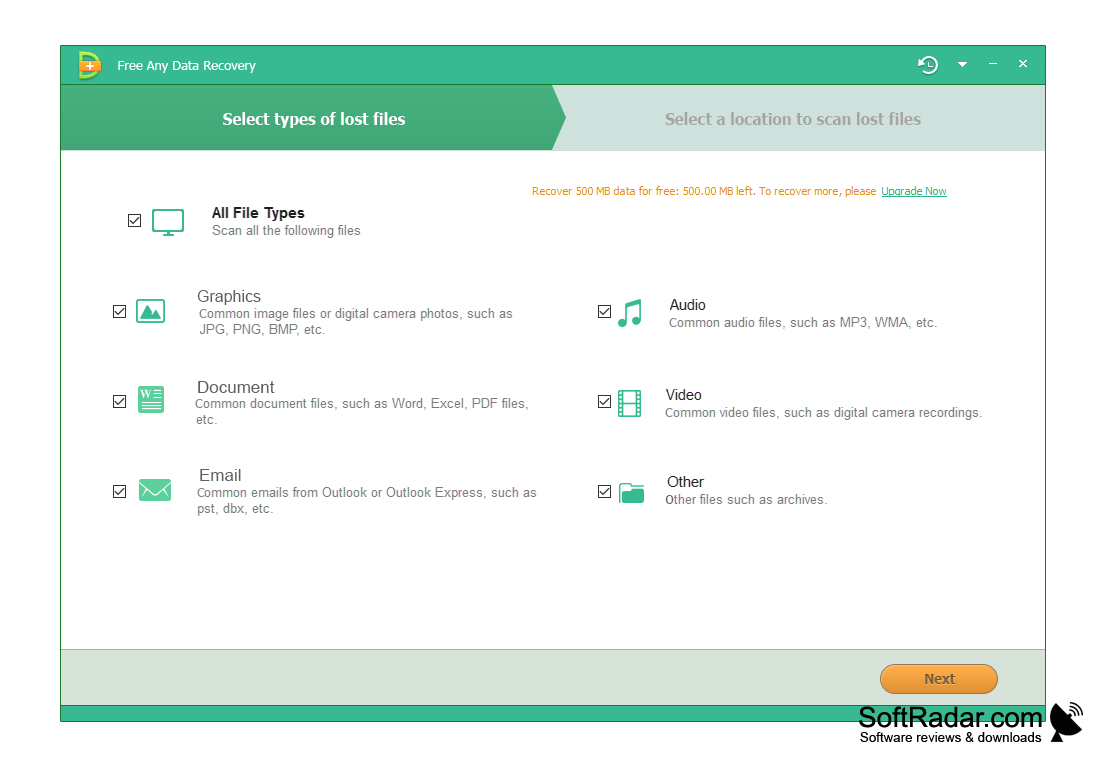
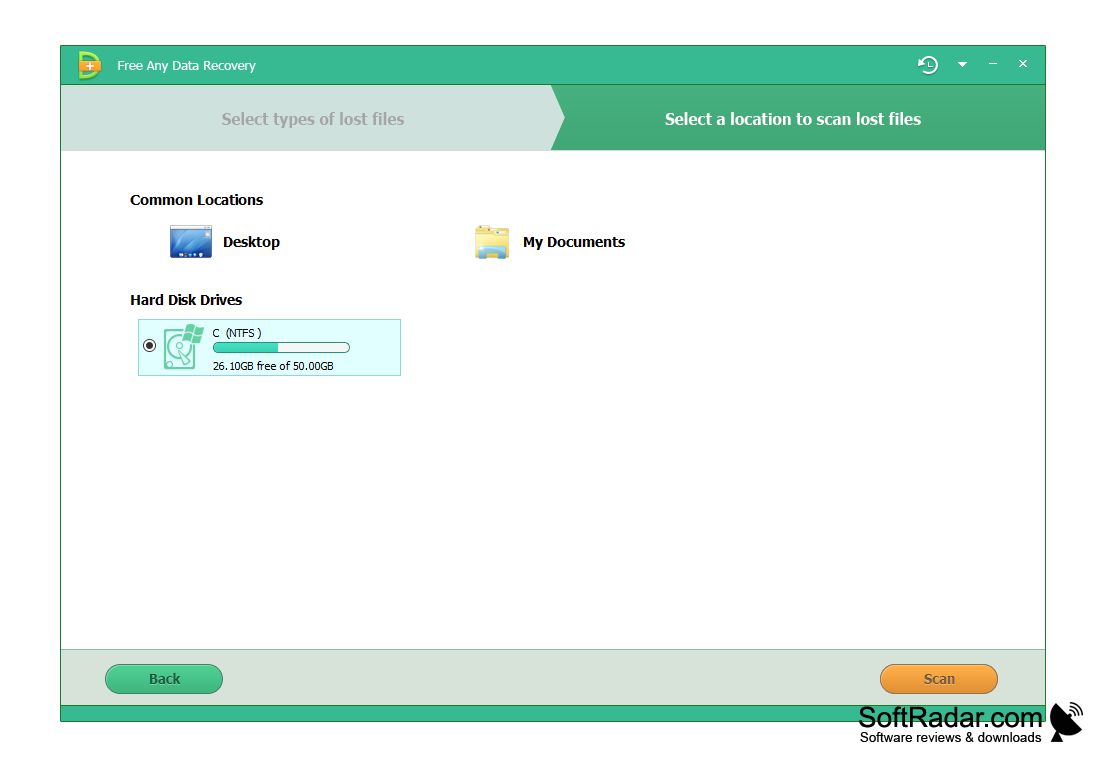
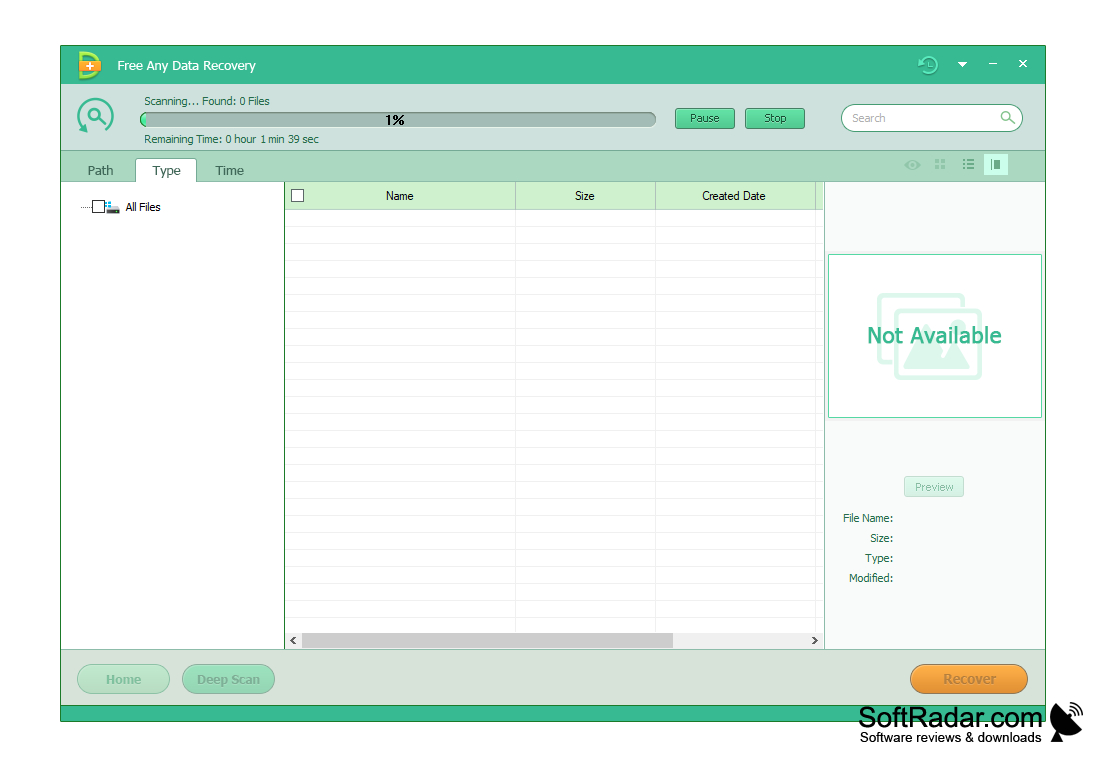
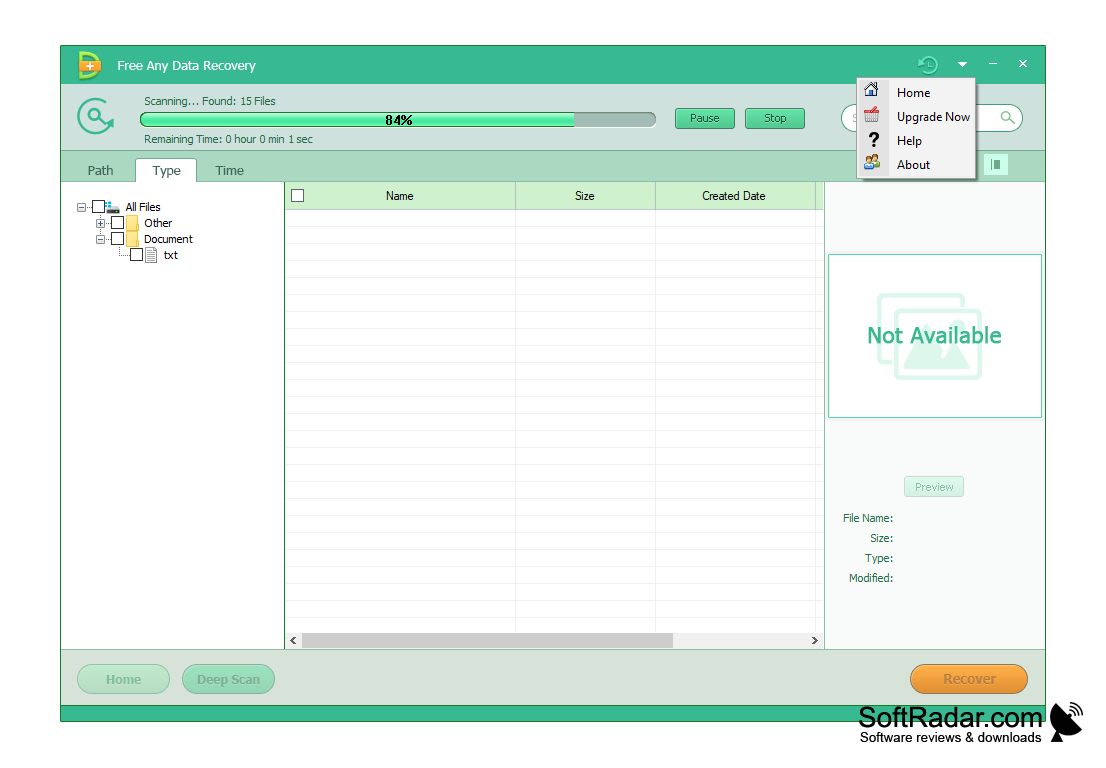
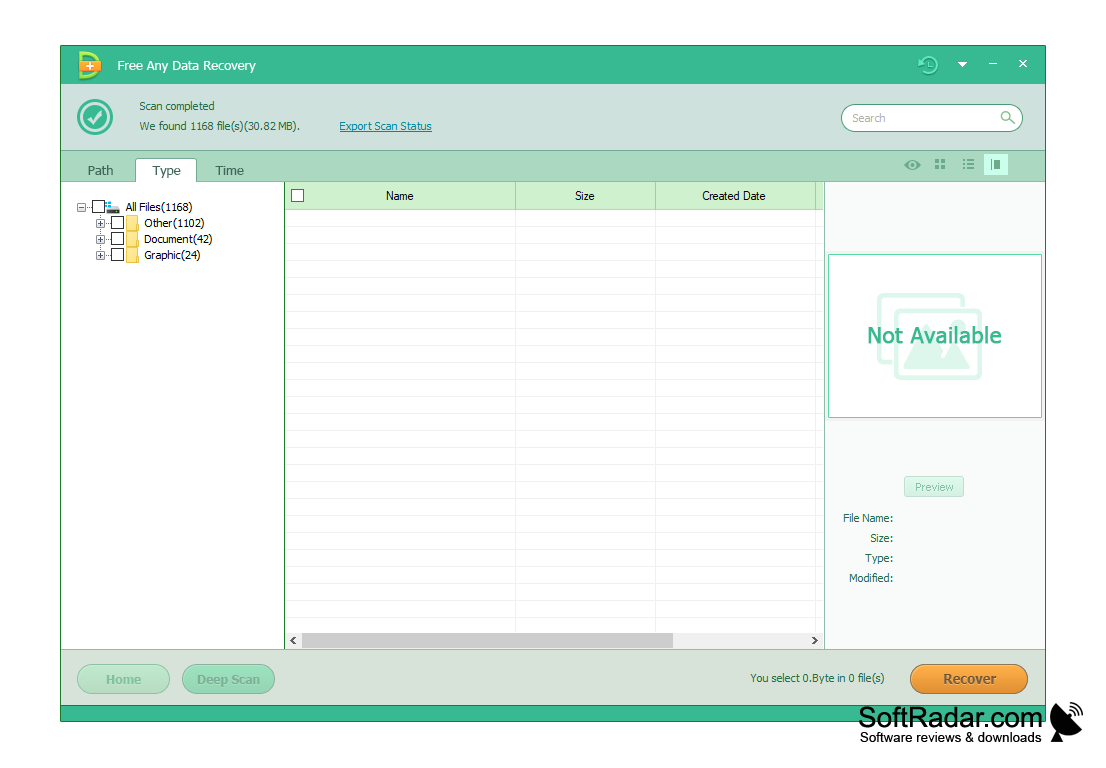
In addition to the standard one, the program also operates modes of data recovery from formatted media and inaccessible hard disk partitions. Also in Tenorshare Any Data Recovery there is a so-called recovery wizard, which is perfect for beginners. The work with this tool is done step by step. First, you select the format of the files that you want to "restore" to their previous form (you can select several). Next, specify the partition or folder in which the data was stored before deletion. The "already" is the field of analysis, the faster it will happen. The final screen will display all detected data and provide the opportunity to preview or listen to it (depending on the format).
You can restore all found data in Tenorshare Any Data Recovery without any restrictions. This fact distinguishes this solution from the competition. If you are looking for an effective free information recovery tool, this program is exactly what you need.
"Tenorshare Any Data Recovery allows you to recover lost data from any type of media for free."
- works with virtually any media and file system;
- provides the ability to preview files before recovery;
- contains a step-by-step recovery wizard that will be useful for beginners;
- works with formatted media and inaccessible hard disk partitions;
- does not contain any restrictions on recovery;
- is available completely free of charge.
PROS
Has user-friendly, intuitive interface.
Offers a free trial version.
CONS
Free version has limited data recovery capacity.
Technical support is not 24/7.


