Total Doc Converter
Allows for documents to be converted in windows
Operating system: Windows
Publisher: JoyceSoft Development
Release : Total Doc Converter 5.1.139
Antivirus check: VirusTotal report
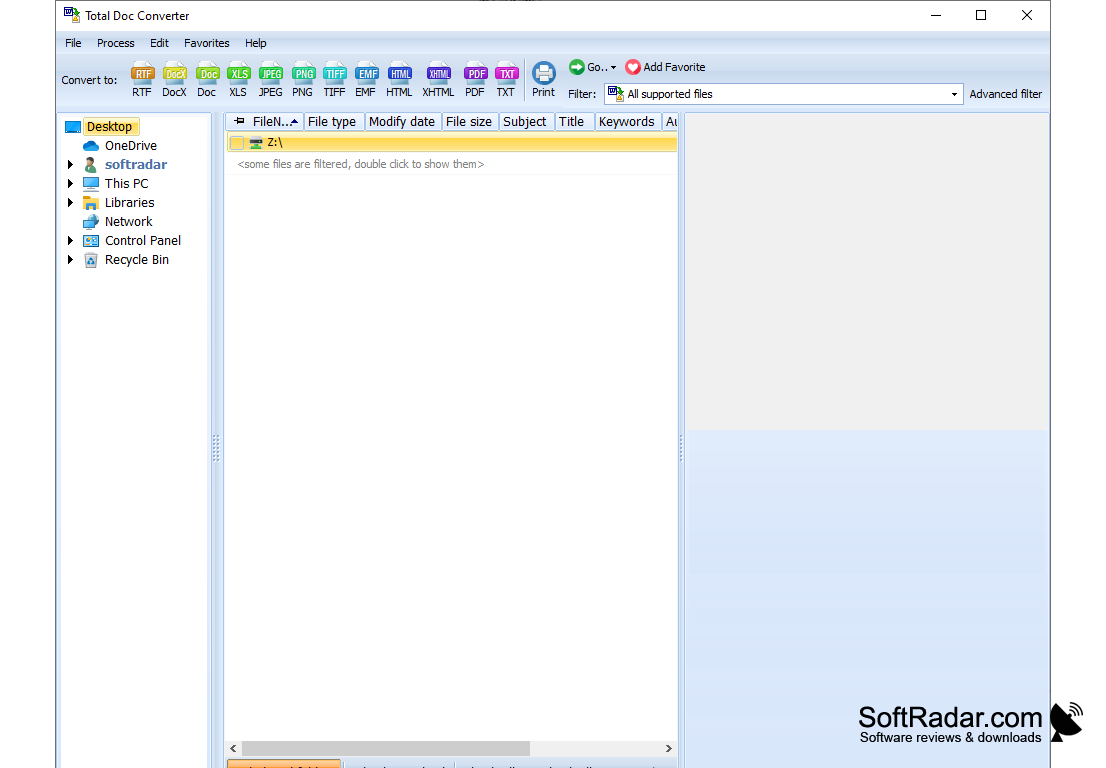
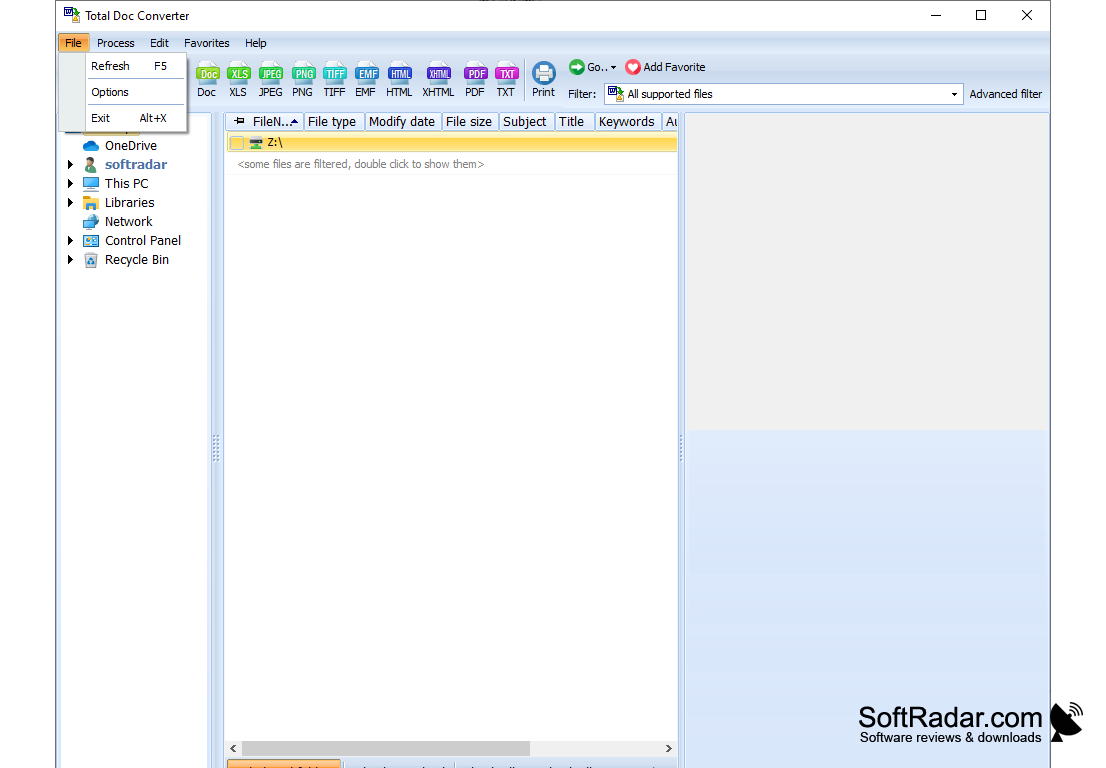
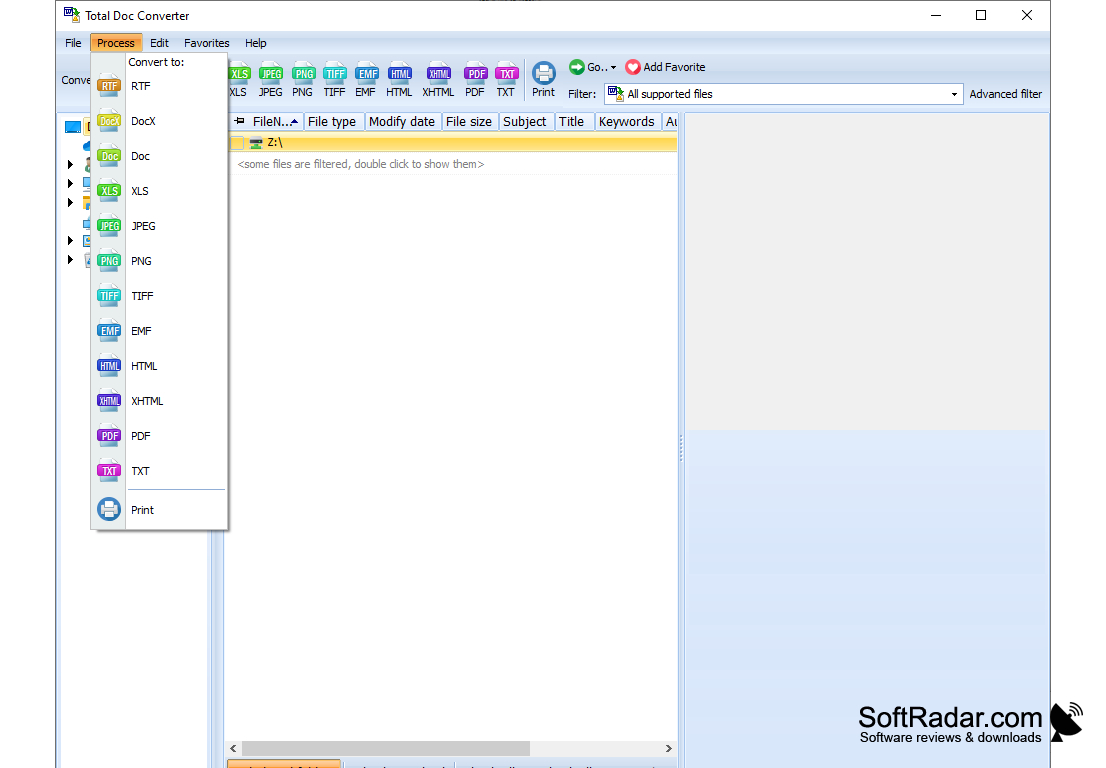
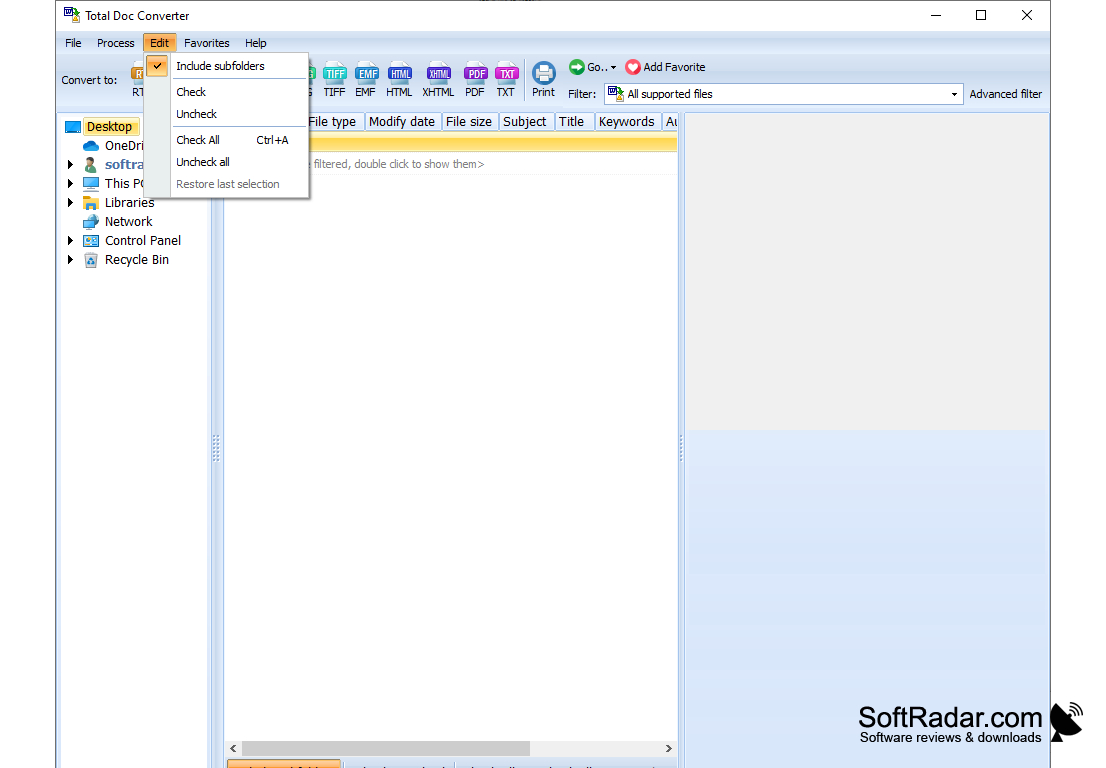
Total Doc Converter is an application that allows you to convert documents in TXT, DOC, DOCX, ODT and RTF formats to PDF, Excel, PNG, JPEG, TIFF, HTML and so on. The program pleases the user with its appearance - its interface looks very nice, and all the controls are well organized. Thanks to the simple file manager, you can easily add files to the program that you want to convert. By the way, Total Doc Converter can process several documents in parallel.
Interestingly, before you start converting, you can easily set the orientation of the text on the finished page, the size of the sheet, and customize the conversion of each page into a separate file. Moreover, the user can choose the style and font of the text for the source document, set up an encryption method, add a digital signature, and add data about the creation of the document. In addition, there are several image quality profiles, each of which can be applied to individual pages of a document.
Total Doc Converter takes up only a small amount of system resources, has a very good response time and allows you to achieve high quality source documents at a relatively small size. The appendix, however, is not devoid of flaws. The most important of these is the lack of accompanying reference materials to accompany the programme. In addition, in order to convert to some formats, additional software will have to be installed.
Total Doc Converter allows efficient conversion of multiple document formats into various file types, offering customization options and high-quality results.
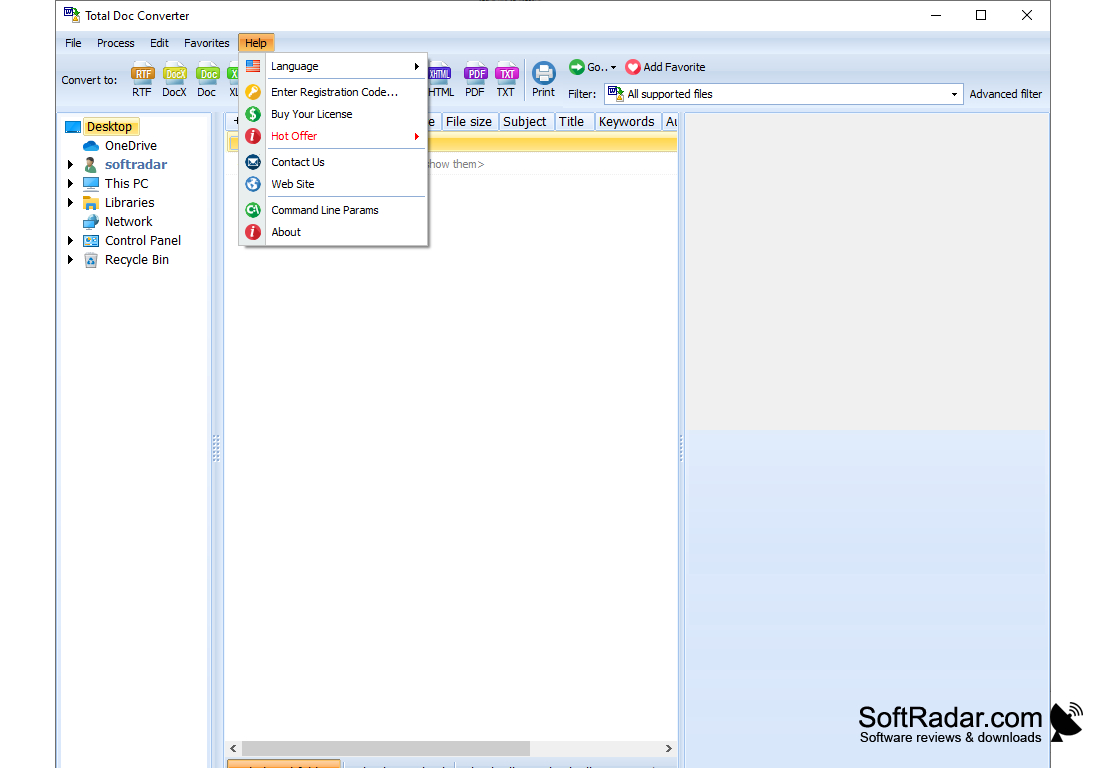
- full command line support;
- you can add a digital signature to the original PDF files;
- header and footer support;
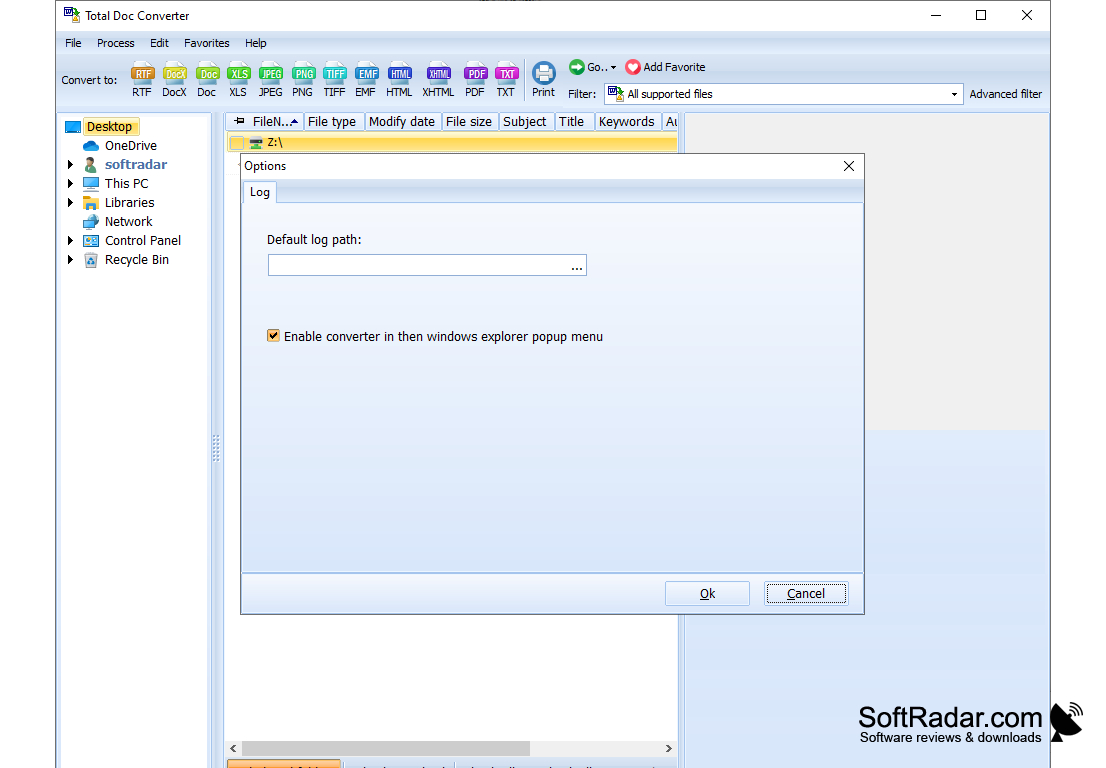
- the program automatically integrates with Windows Explorer;
- the ability to batch convert files;
- you can view the contents of each file before starting the conversion.
PROS
User-friendly interface for easy navigation.
Supports batch conversion for multiple files.
CONS
UI is not very intuitive or user-friendly.
Lacks advanced conversion features and options.