USB Redirector
USB redirector for windows processor
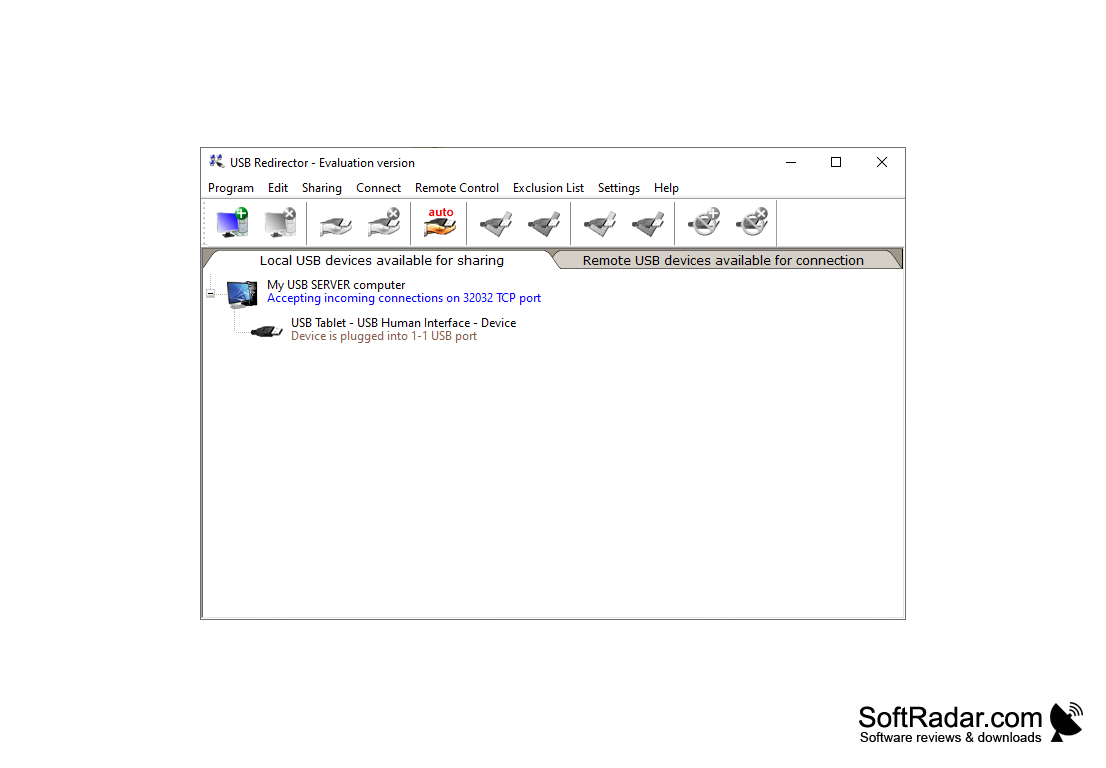
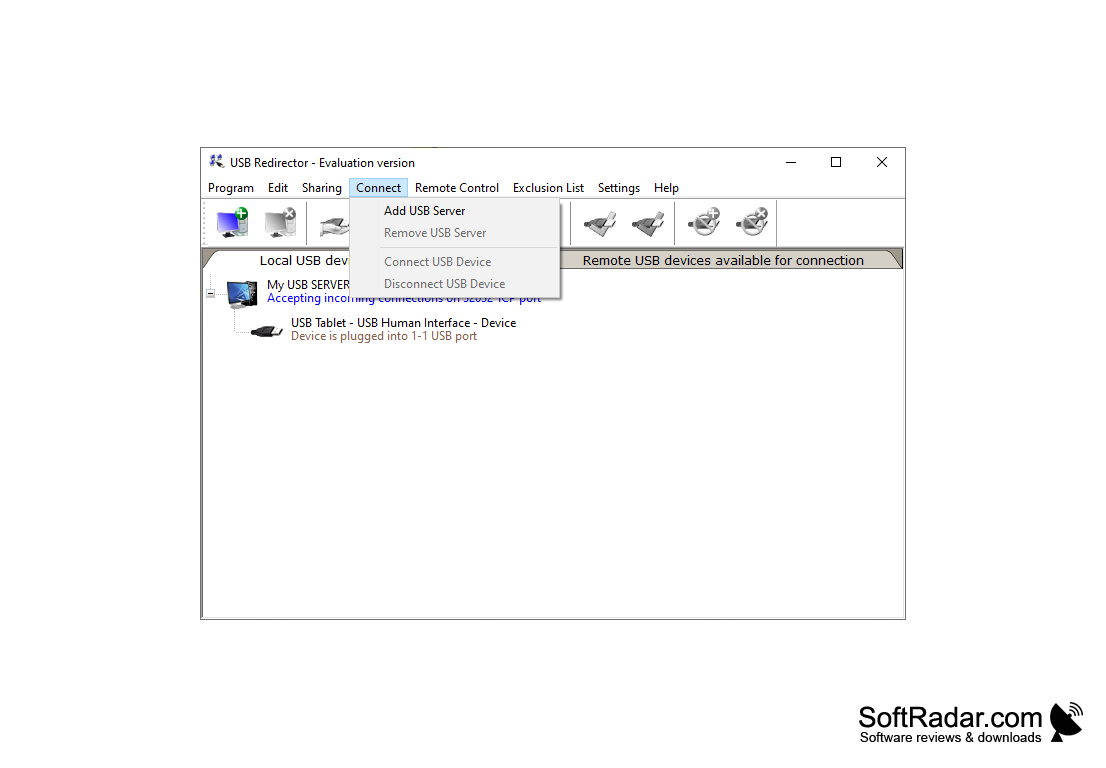
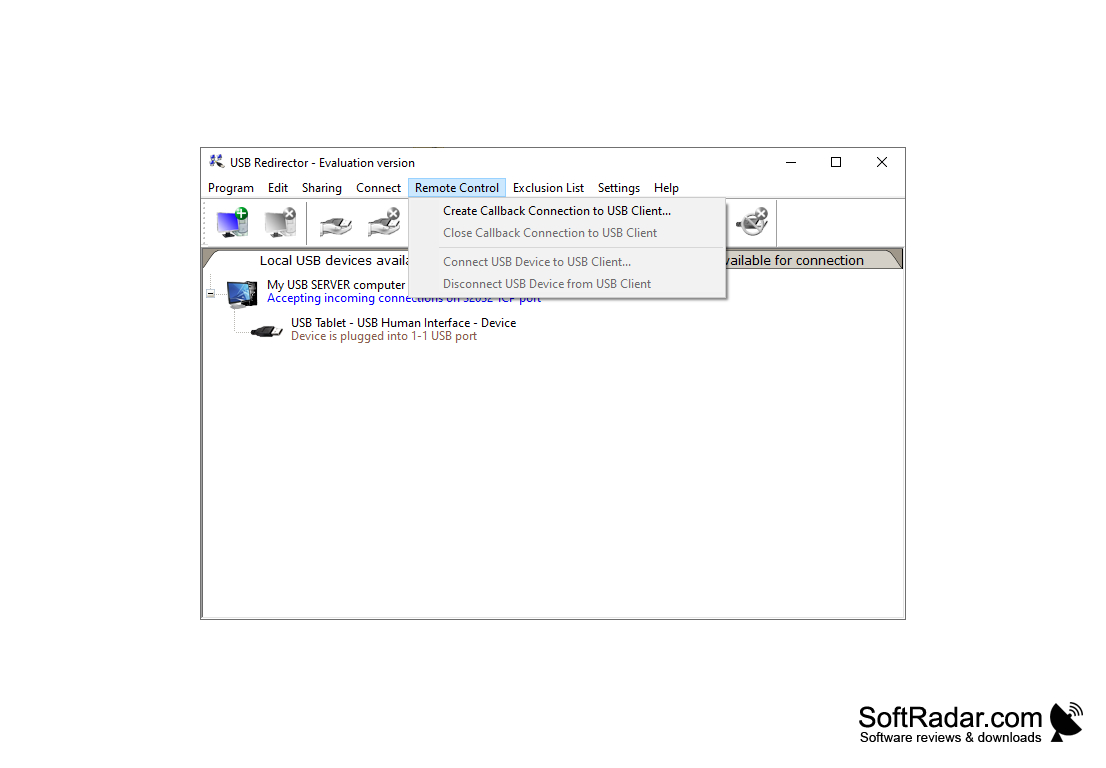
Possibility to get access to any USB remotely, using the Internet or LAN, gives to users program USB Redirector from manufacturer Incentives Pro. In order to make full use of the program's capabilities, it is enough to install it on one of the computers, which will be used as a server in the future, and make the necessary settings. Initially, make the USB stick visible to all PCs (expand the device).
Next, you need to install the program on the devices from which you want to connect remotely to the USB, and assign the IP address of the computer that acts as the server. To complete the settings and start working, select the desired USB stick from the list of available devices and connect it using the corresponding button. The media will now be displayed on the configured PC as a regular device in the My Computer tab. The possibilities of the program are wide, and a knowledgeable and thinking user will definitely find application for them. USB Redirector can be used, for example, as a server for a small corporate network or as a primary or secondary USB port for devices that do not have one.
USB Redirector enables easy remote access to USB devices over Internet or LAN, enhancing flexibility and efficiency in data management.
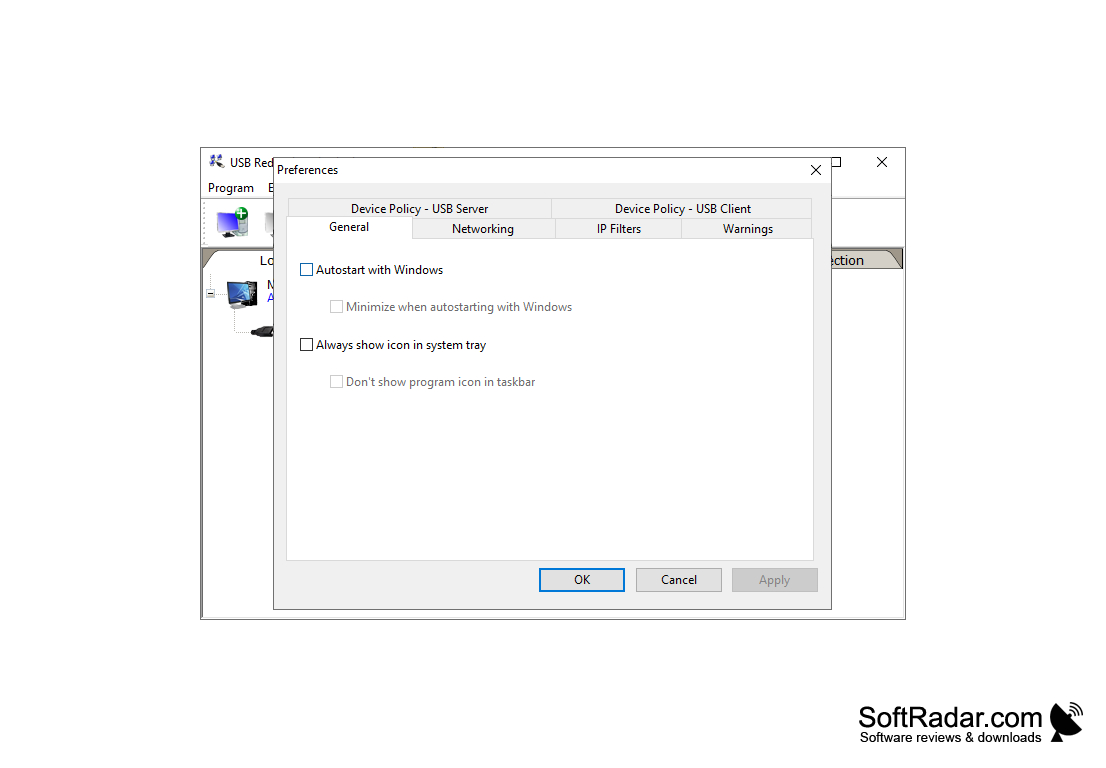
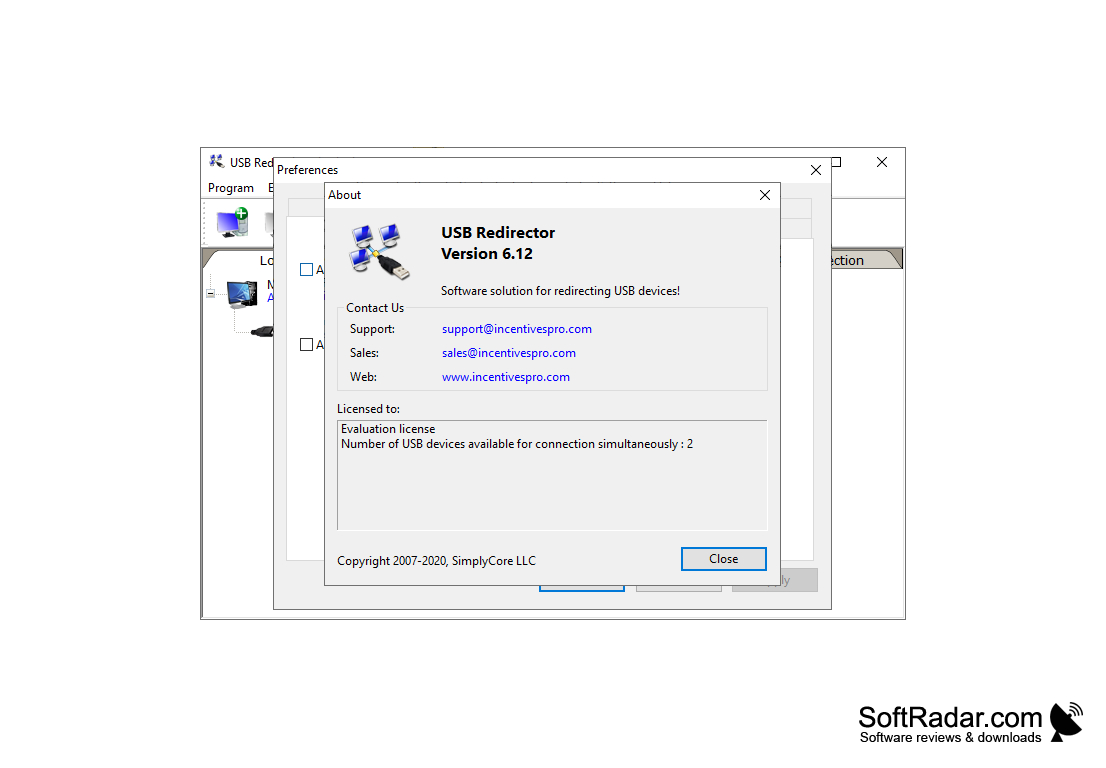
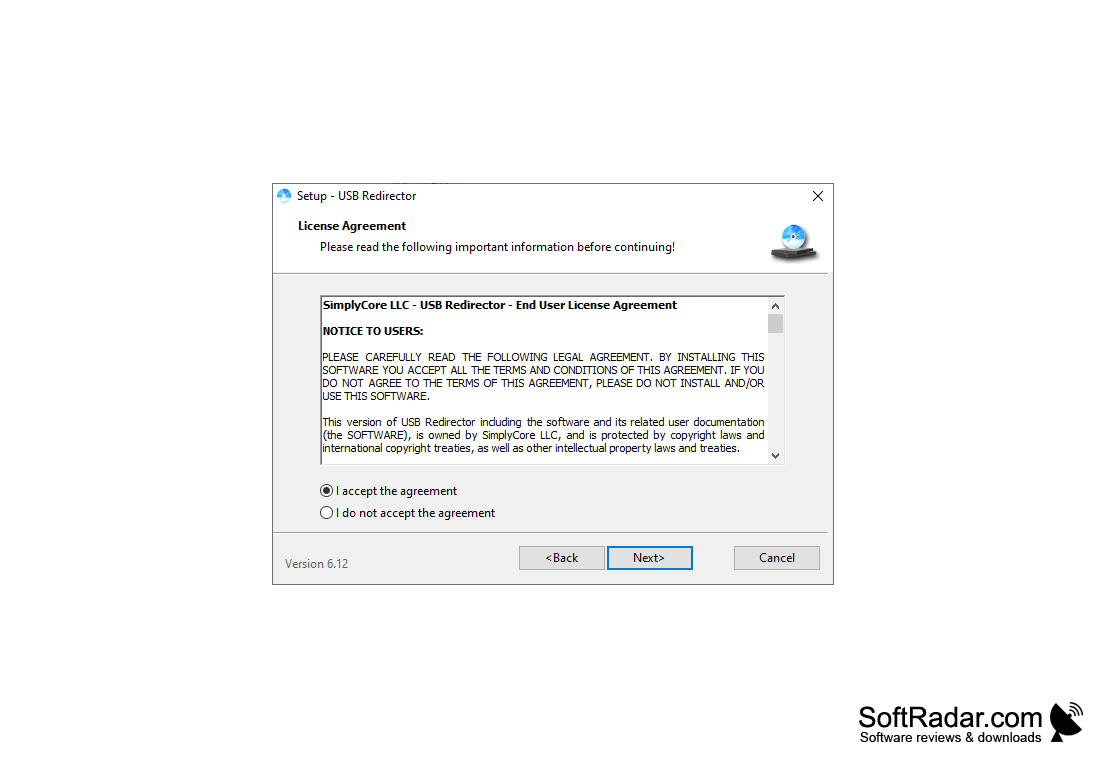
- The ability to access USB storage media from different PCs;
- works in the background;
- The USB device remains available even when rebooting and logging off the system;
- Possibility to create a network with a server and PC clients;
- Automatically connect remote USB devices as soon as they become available
PROS
No noticeable lag when accessing redirected USB devices.
Simple setup with user-friendly interface.
CONS
Lacks frequent updates or improvements.
Technical support is not highly responsive.