
WampServer
Free Windows web development environment that installs Apache, PHP, MySQL and MariaDB on a local computer
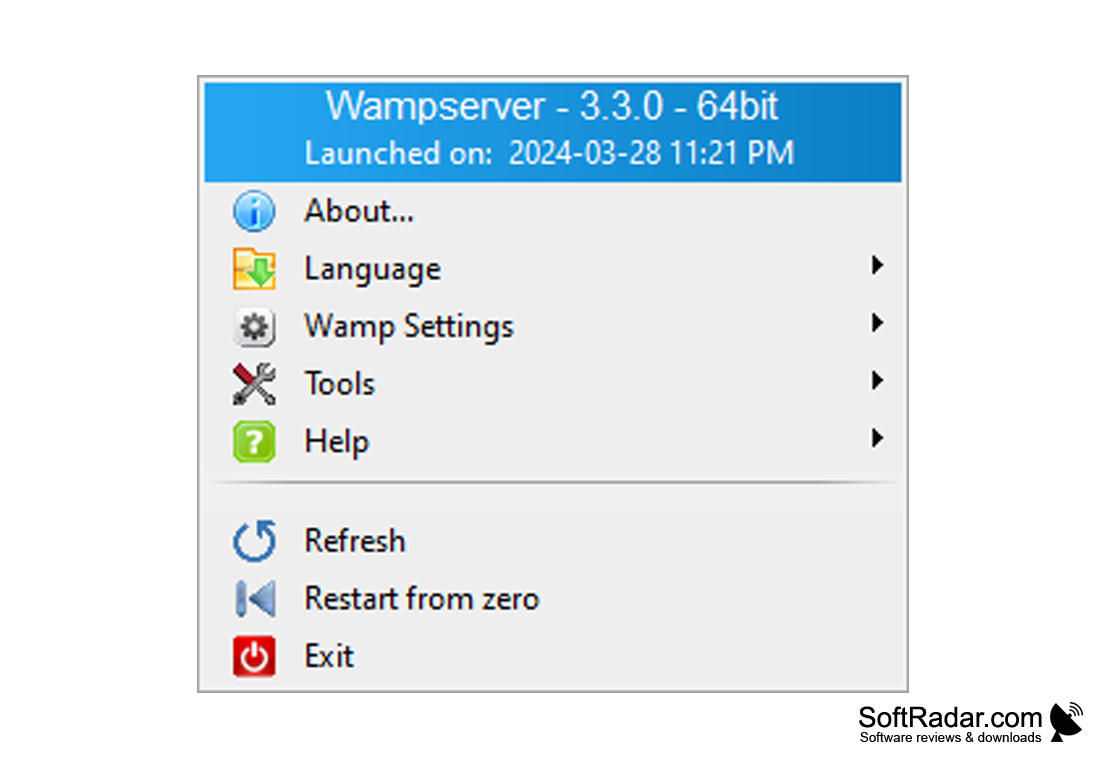
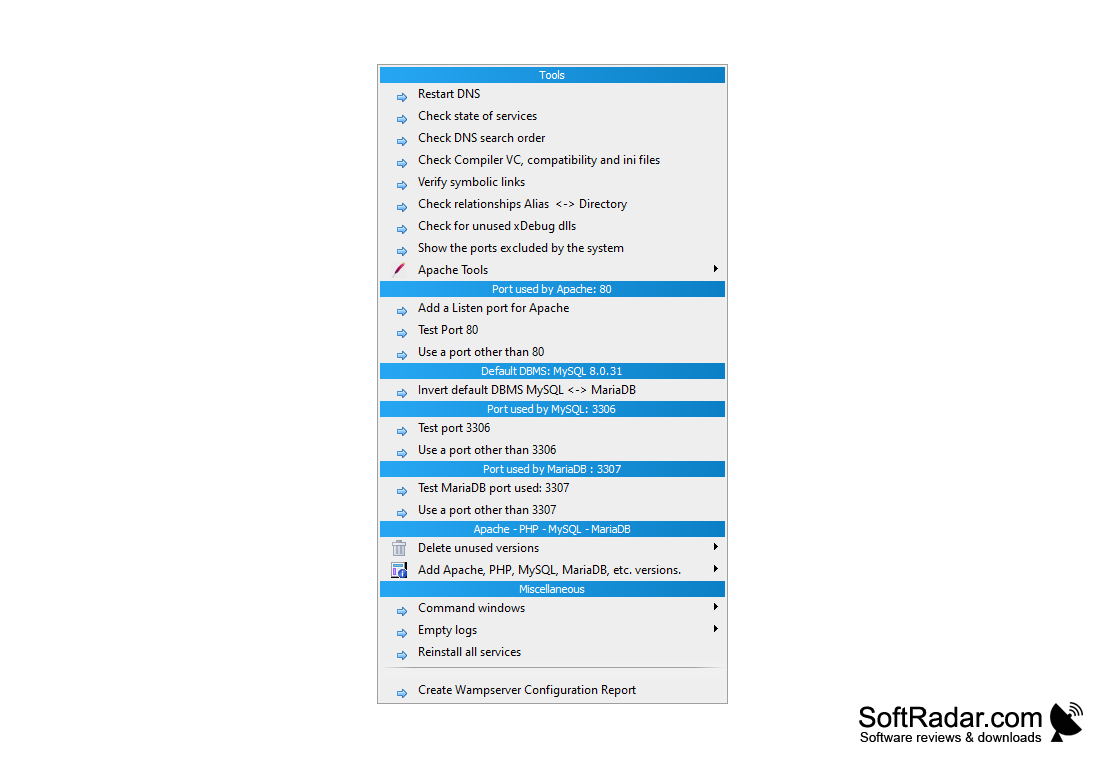
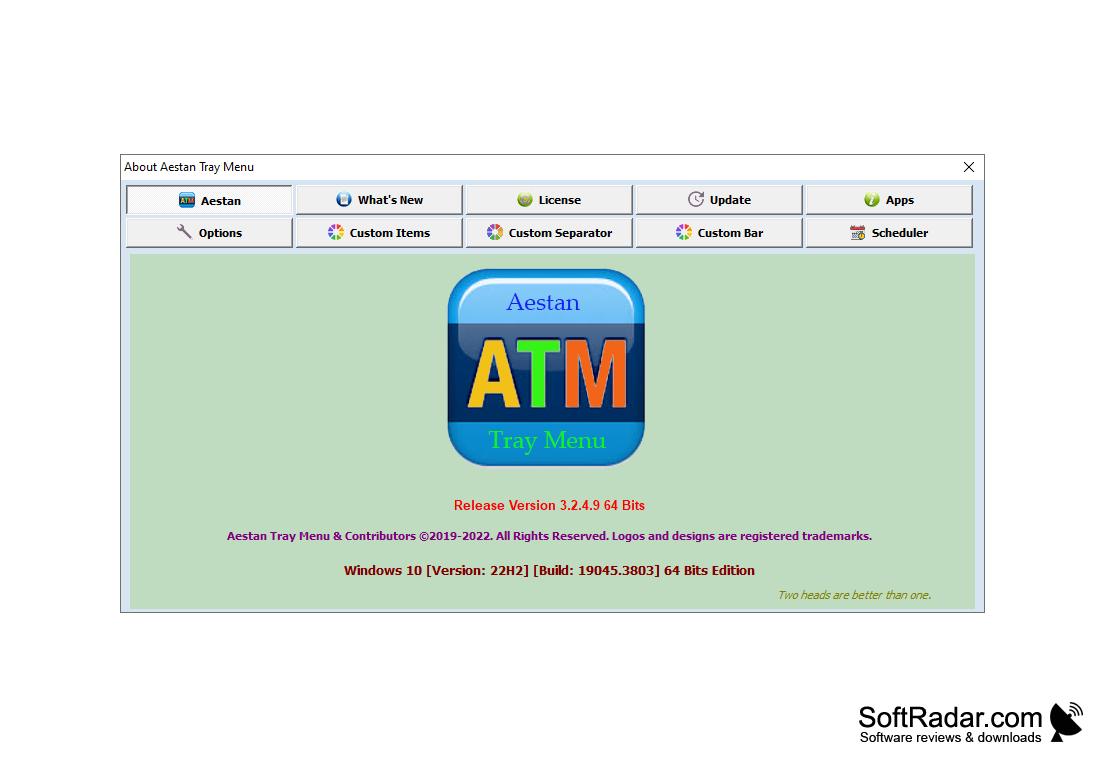
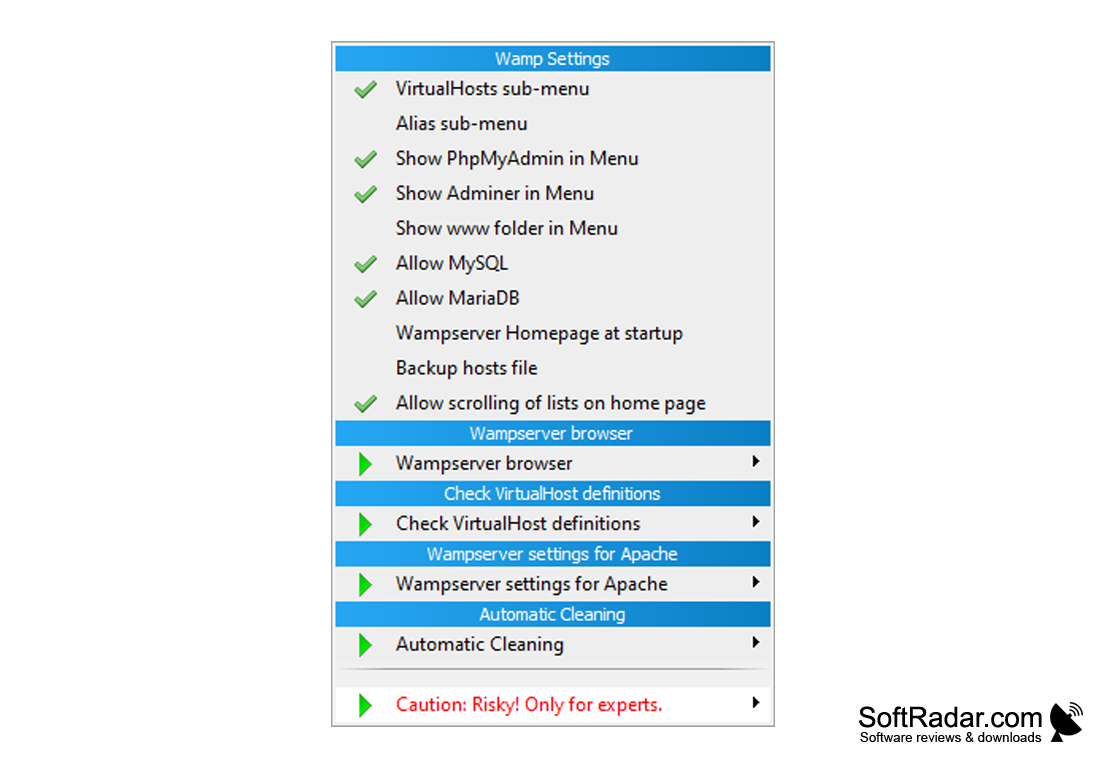
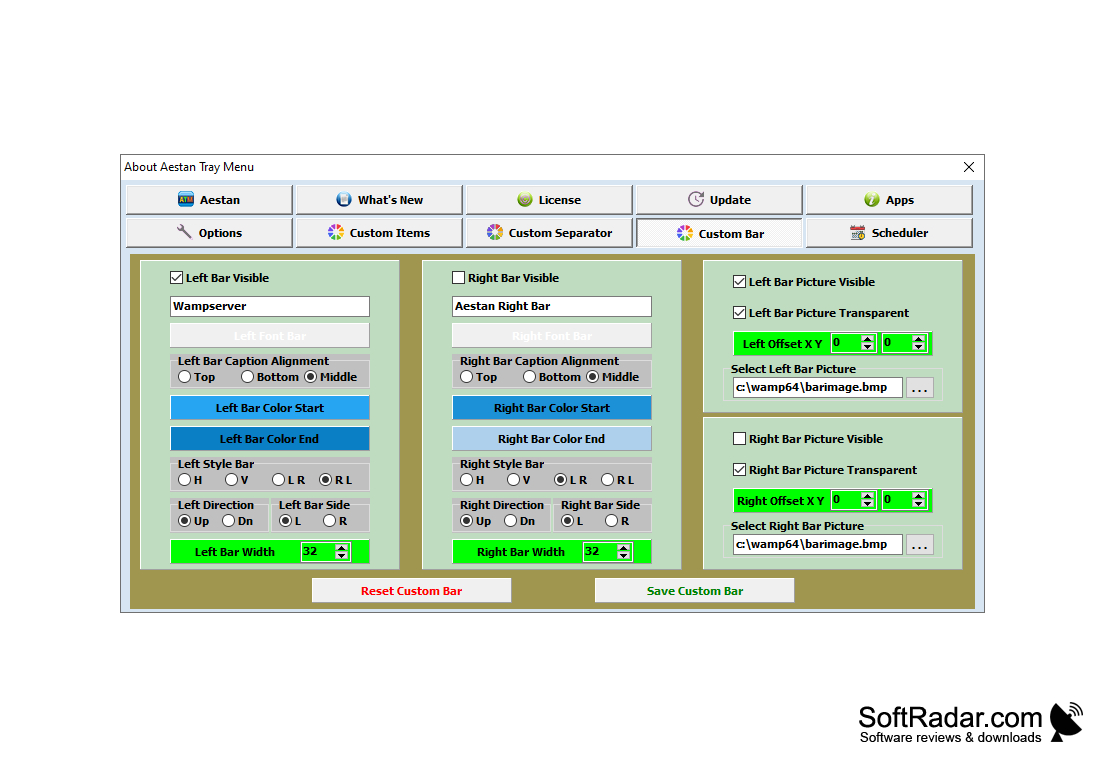
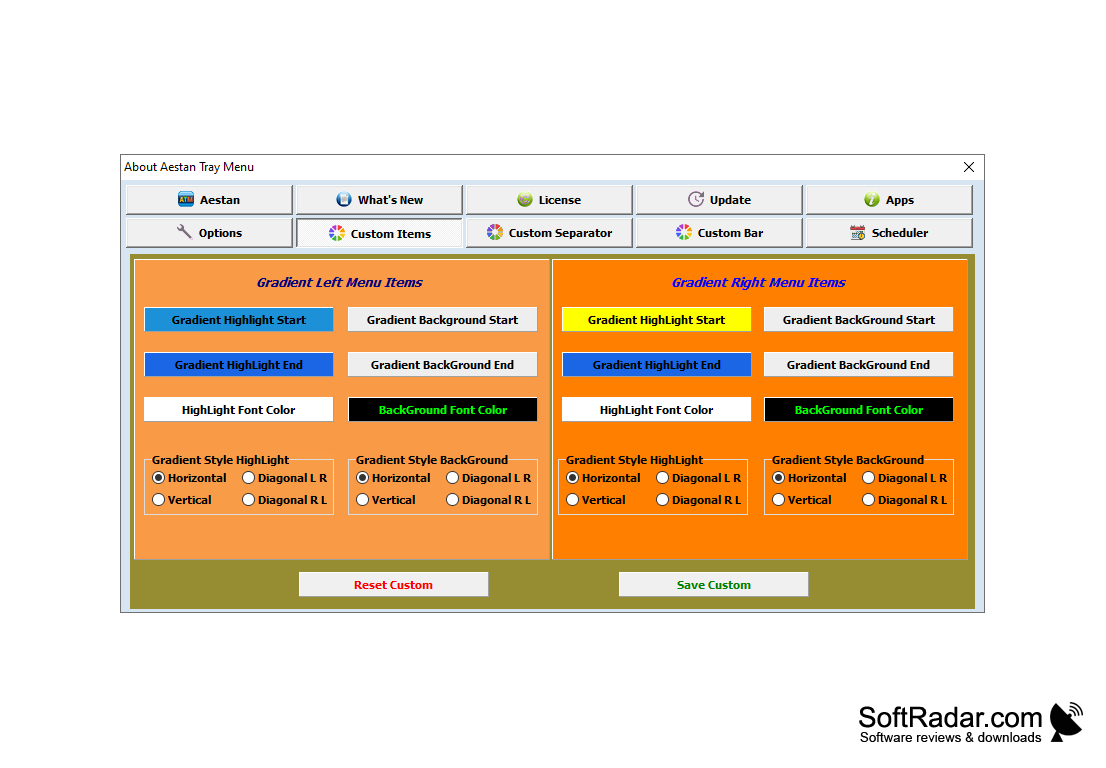
WampServer is a package that allows you to install a full-fledged web server on a local machine running Windows. The package includes recent releases of Apache, PHP, MySQL and MariaDB, and several PHP versions can be installed side by side. Installing the server is easy - just run the installation file as administrator and follow the step-by-step instructions. After that, a WWW directory will be created in the installation folder (for example c:\wamp64\www), where you can put your PHP scripts. To access the local server, just type "http://localhost" in your browser's address bar. WampServer allows you to manage Apache, MySQL and MariaDB settings, change the ports they use, switch between the installed versions of Apache, PHP, MySQL and MariaDB, create virtual hosts, view server logs, edit configuration files, etc. In addition to the main modules, WampServer also includes additional software: PhpMyAdmin, Adminer, PhpSysInfo and the Xdebug extension for PHP. WampServer does not have a classic graphical interface - instead, all program settings are adjusted using the left-click and right-click menus of the icon in the system tray (based on Aestan Tray Menu). WampServer is free; current versions are 64-bit only.
WampServer simplifies the process of setting up a self-contained, local web development environment on a Windows machine.
Microsoft Visual C++ Redistributable packages
PROS
Comes with phpMyAdmin and Adminer for database management.
Enables localhost testing of projects before live deployment.
CONS
Port conflicts with other software need manual fixing.
Not suitable for high-performance business applications.