
WeChat is a Chinese multi-purpose messaging, social media and mobile payment app developed by Tencent
Operating system: Windows
Publisher: Tencent
Release: WeChat 4.1.15.12
License: Free
Antivirus check: VirusTotal report

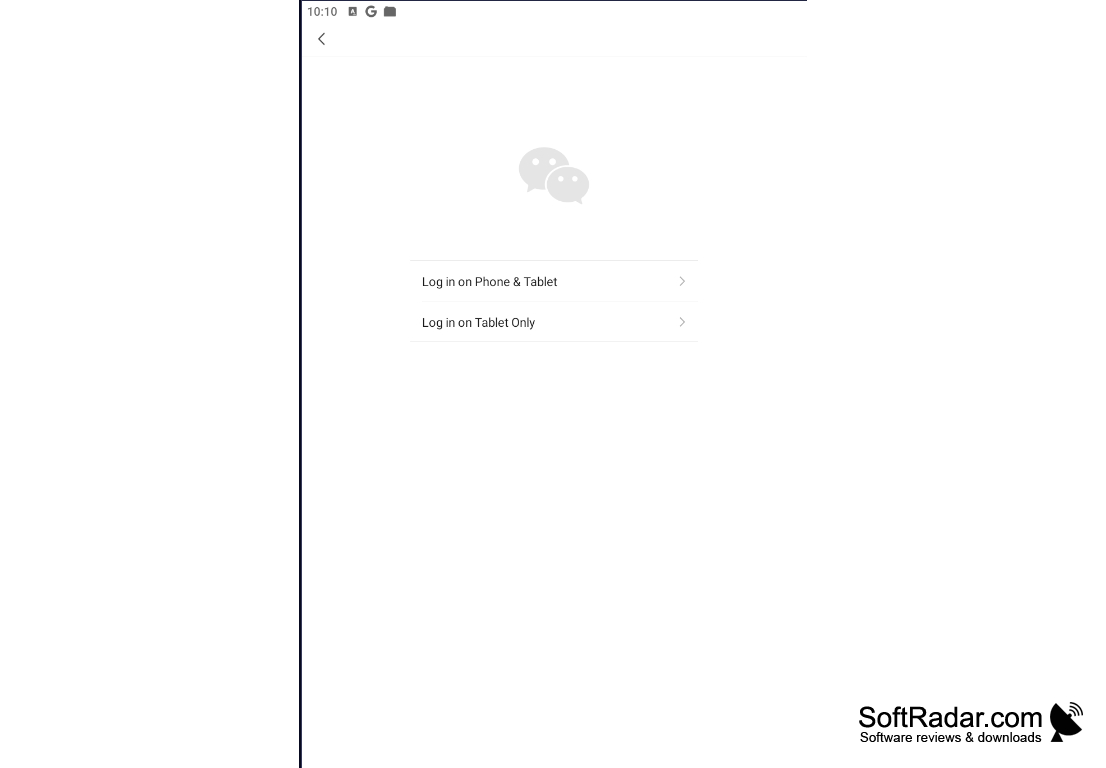
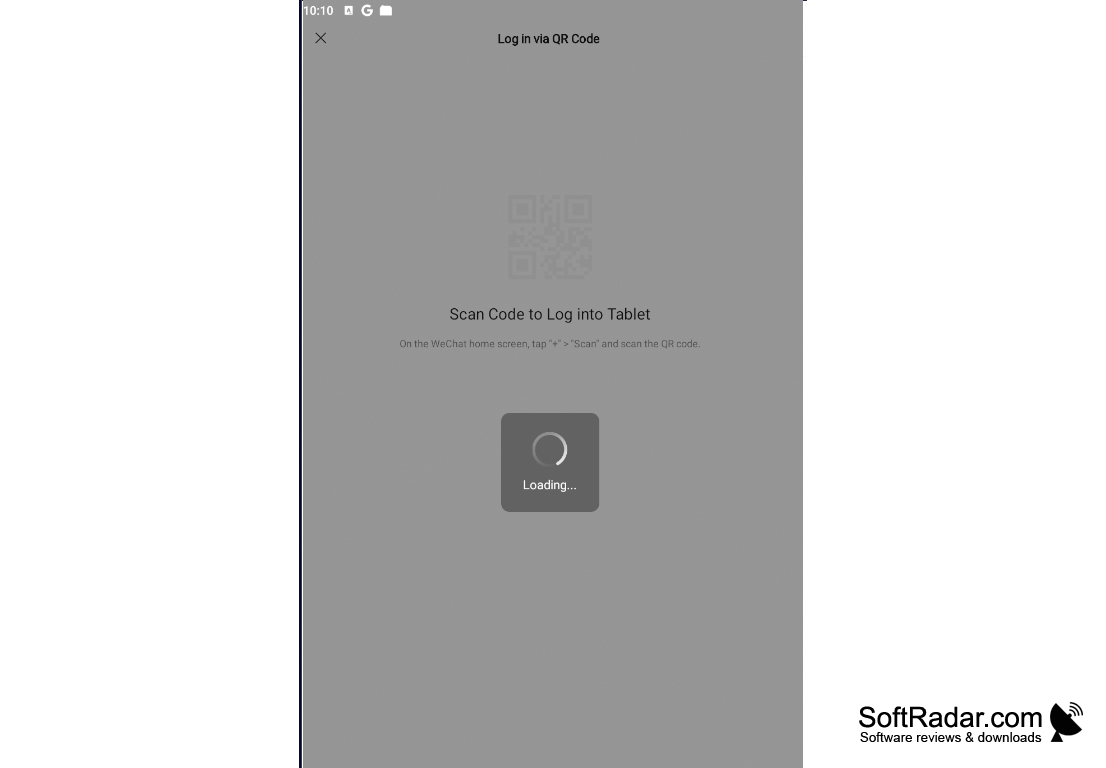
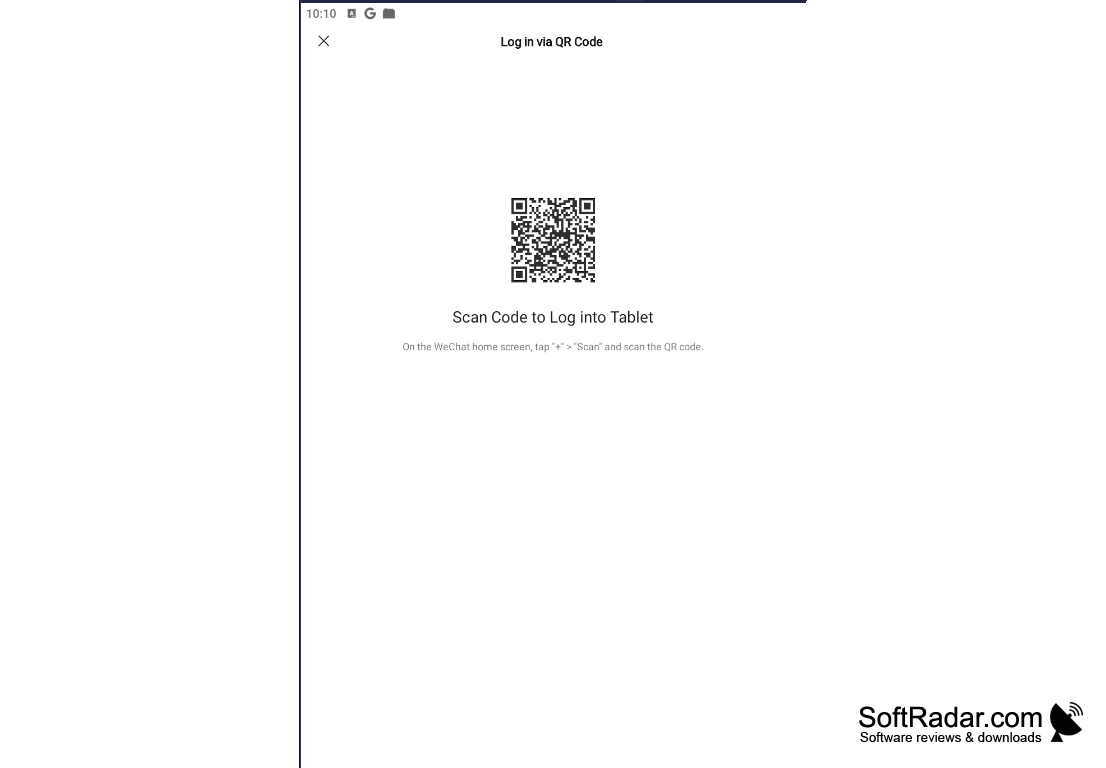
WeChat is the official client of the popular messenger for Windows, which will allow you to communicate with your friends without interrupting your work with your computer. It is worth noting that you will not be able to create a new desktop account. It is designed exclusively for work "in conjunction" with a mobile application. To authorize in the client for Windows it is necessary to start the mobile client, scan with its help a QR code and accept the login confirmation. Contacts and conversations will be synchronized automatically.
The desktop version covers the main messaging functions of the clients for Android and iOS, while payments and some other phone features stay in the mobile app. It allows you to exchange text messages, make voice and video calls, use a huge library of stickers, chat and transfer files. Moreover, WeChat for Windows allows you to back up conversations and save them to a specified folder. The client also has a tool for taking screenshots of the screen. Recent versions let you add more people to an ongoing voice or video call.
The rest of WeChat functionality is quite typical for modern messengers. The program supports visual and audible notifications of new messages, can be launched with the start of the operating system, can adapt to screens with high pixel density per inch and work in the background. The current Windows release is a 64-bit application for Windows 7 and later, and the older 32-bit version is still offered but no longer receives updates.
WeChat allows seamless communication, including text, chat, and file transfer, across desktop and mobile platforms.
32-bit Windows: older version only, no updates
WeChat mobile app for QR code login
PROS
Includes a large sticker library and a screenshot tool.
Syncs chats with the phone after a QR code login.
CONS
Data privacy concerns due to censorship regulations.
Requires the WeChat mobile app to log in on a PC.