
Windroid Toolkit
Access an Android's recovery system and perform multiple tasks from one interface
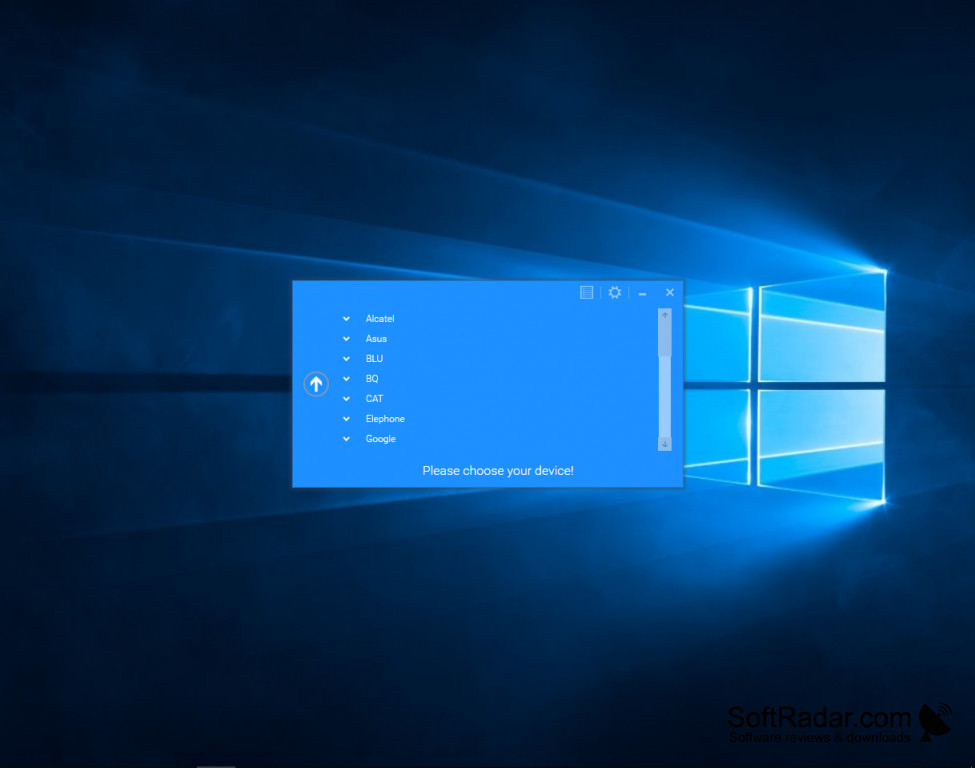
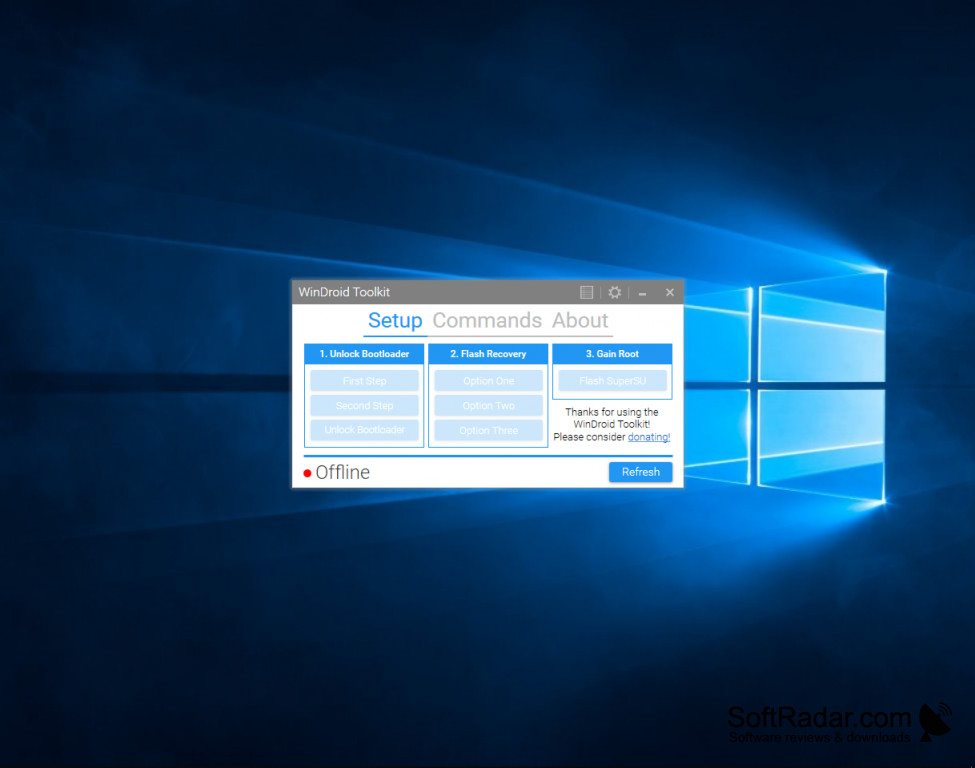
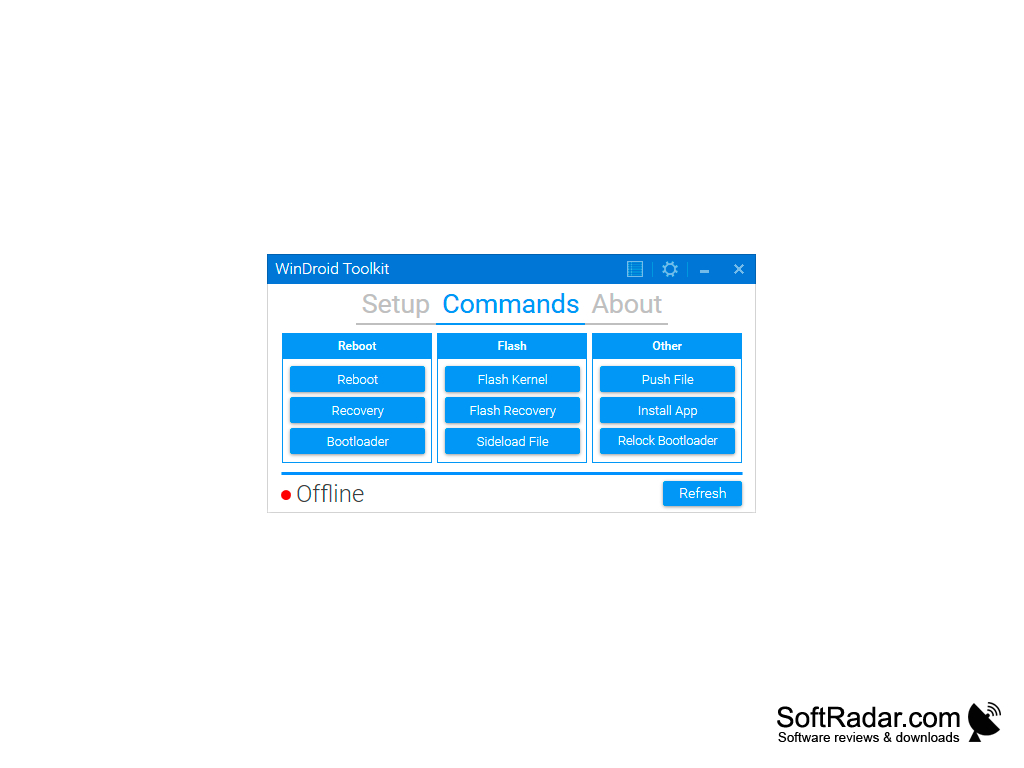
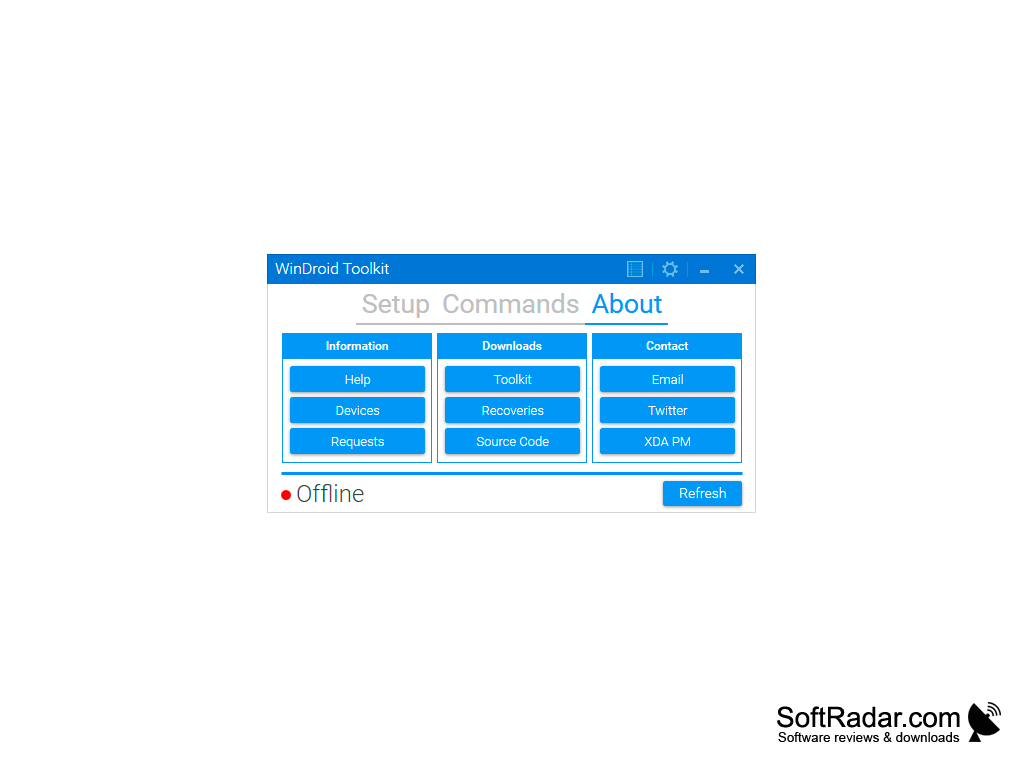
This is a downloadable toolkit for Android cell phones or mobile phones. The program is free to download. It operates on and is compatible with Window's 10, Window's 8, Window's 7, Window's Vista, and Window's XP. This program combines multiple Android system management operations into one easy program. The ability to perform multiple tasks from one interface makes it unique to other programs on the market today. This program makes rooting, unlocking, and custom recovery for Android devices easy and understandable. It makes these tasks for Android devices very accessible, as multiple tasks can be performed from this one interface program. The program is operated on a Window's PC, and the program is connected to an Android device from the Window's PC through a USB cord. The program is easy to use, and it has clear steps to follow in order in a user-friendly format to increase customer satisfaction. The program has been tested for malware and viruses, and the download is 100% free of any bugs. These results have been confirmed by 25 different anti-virus programs, like McAfee, Malwarebytes, and BitDefender.
Features:
Some of the features included in this program are as follows:
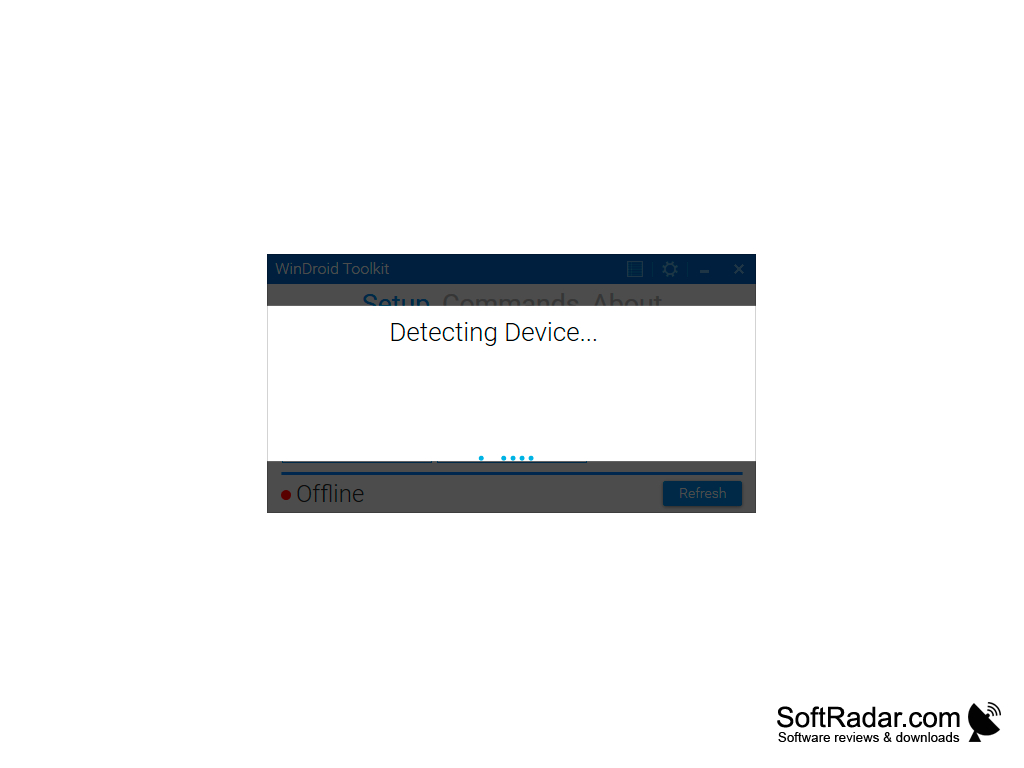
One benefit of this program is that it is USB compatible, meaning it can connect your Windows PC to a plethora of devices through a USB cord.
- A bootloader unlock
- Rooting
- Flash Recovery
- Flash Kernels
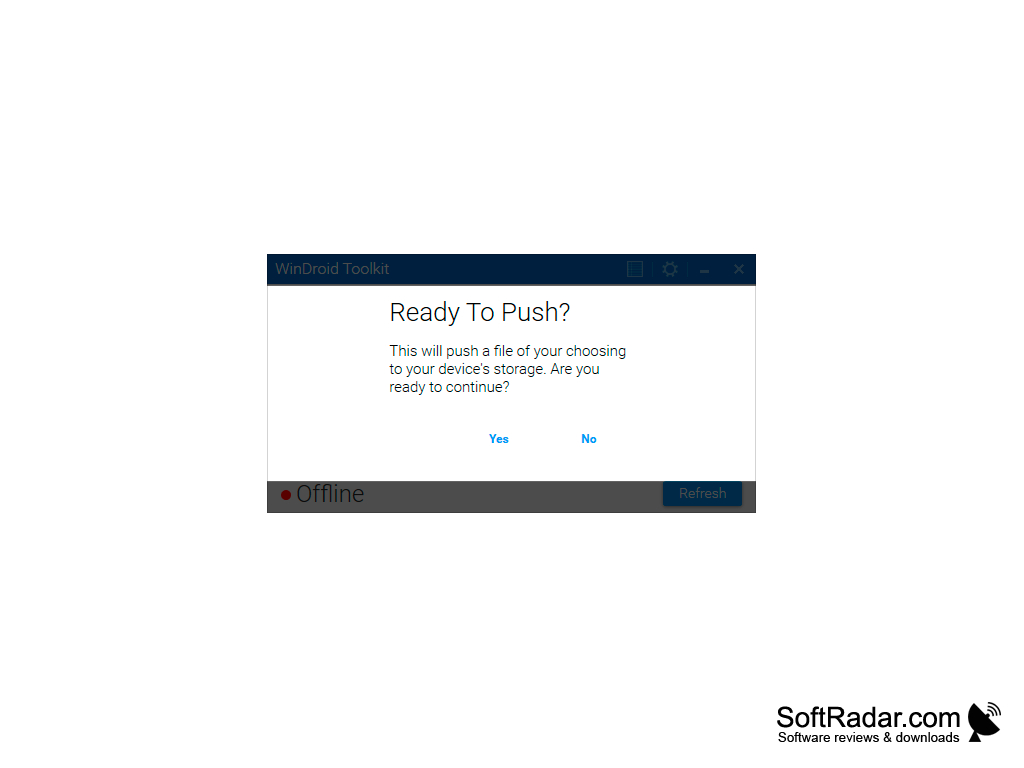
- Push Files
Overall, this system is easily accessible and can connect to many devices, allowing for the easy management and control of an Android system. This one operating system can perform many tasks, like rooting, unlocking, and custom recovery, which makes control of an Android easy and simple. It is safe to use and is free of any malware. The program is compatible with multiple Window's versions, and the Android phone can easily be accessed through a USB cord.
USB port for Android device connection
Protection from malware and virus attacks
PROS
Offers custom recovery and backup features for data protection.
User-friendly interface with detailed guides for easy navigation and usage.
CONS
The interface can be confusing for beginners.
Occasional software crashes reported by users.


