
WinMount
Mount any ZIP, RAR and ISO files onto a virtual drive
Operating system: Windows
Publisher: WinMount
Release : WinMount 3.5.1018
Antivirus check: passed
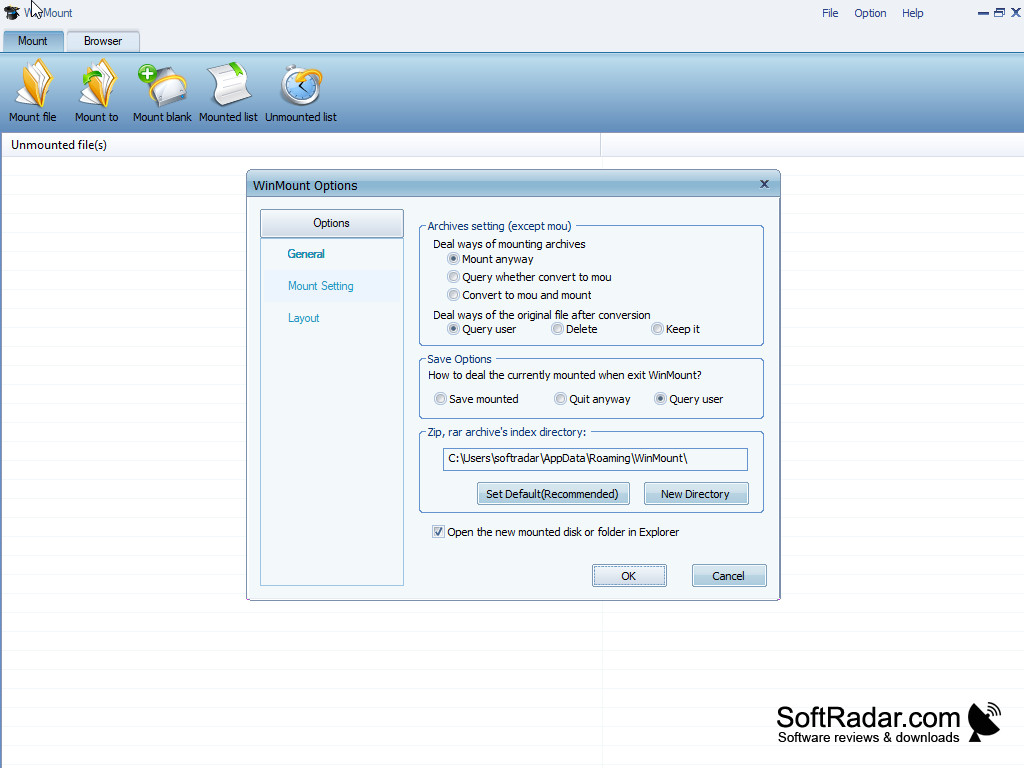

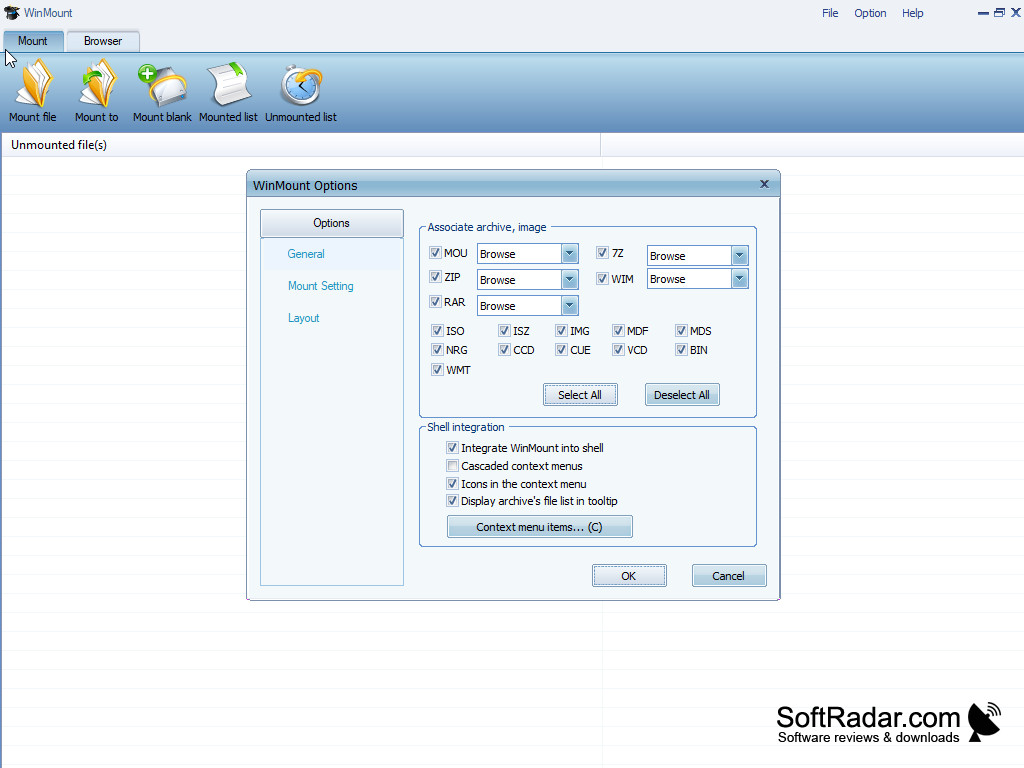
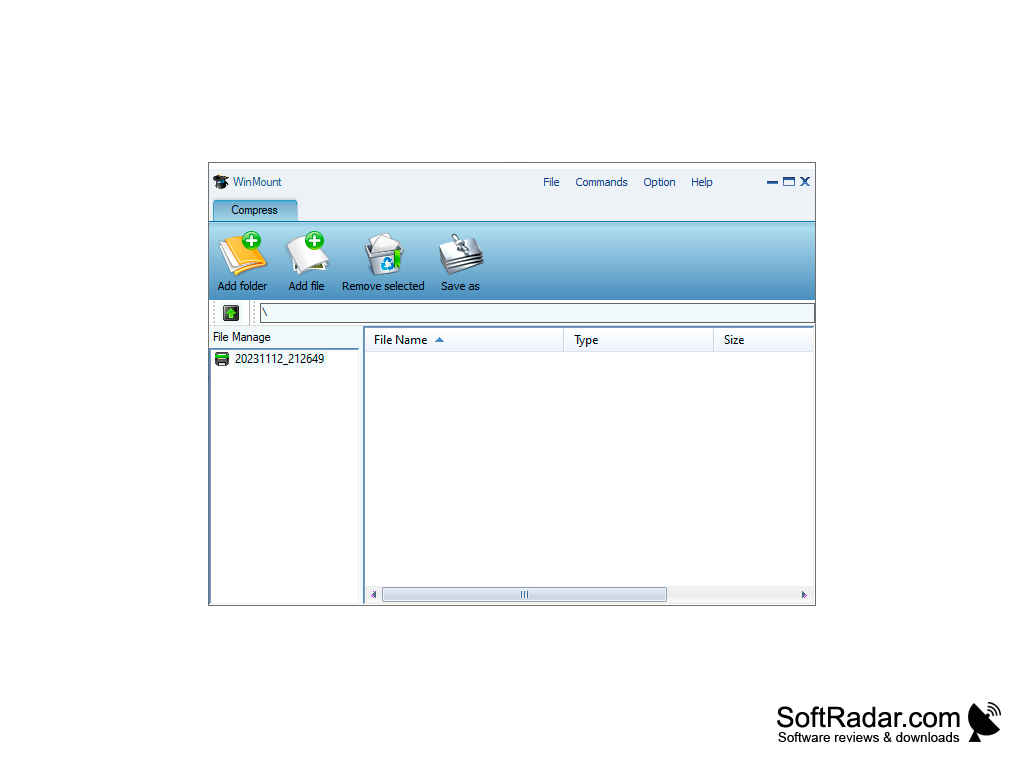
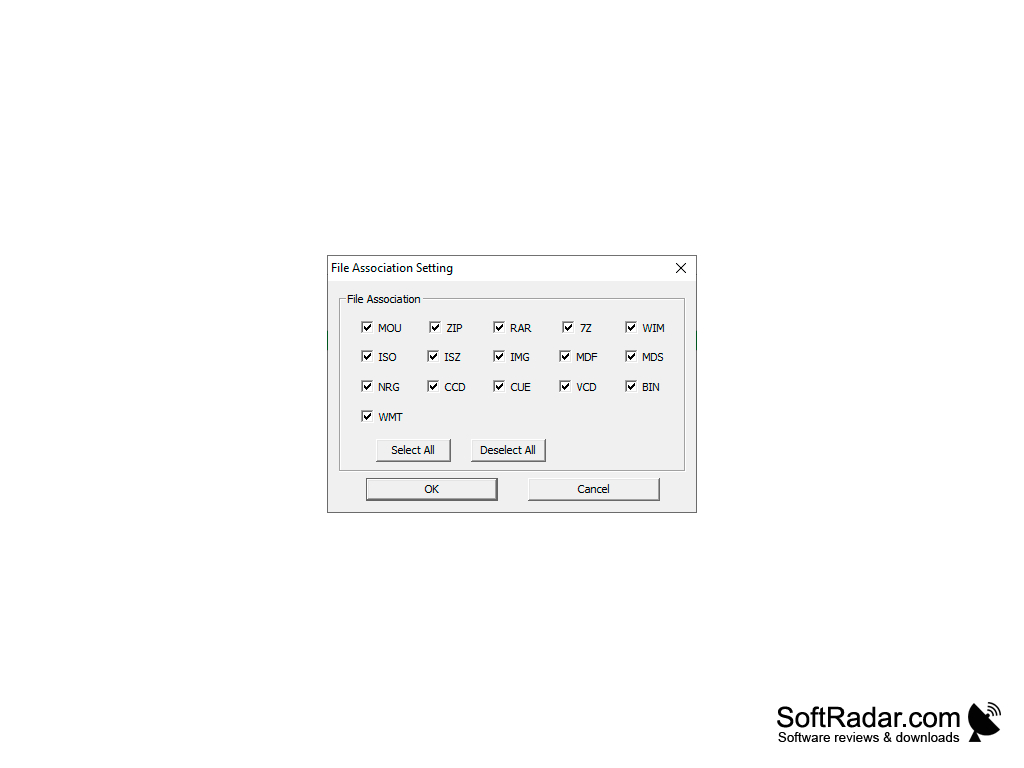
The WinMount content-mounting application functions exactly like a standard drive. Rather than having to compress and decompress files, this application allows users to quickly drag-and-drop content, the way they would using any other standard, graphical user interface. WinMount utilizes their custom "MUO" file format, which allows for rapid compression and decompression, as well as conversion to RAR ZIP 7Z. ISO mounting support is also available and can be used to burn ISO, ISZ, NRG, CCD, IMG, BIN, MDS/MDF, and CUE onto DVD-ROMs, CD-ROMs, and HDDs. WinMount also allows you to seamlessly create virtual RAM Disks from between 64MB and 4GB, which are automatically erased upon restart.
All of these features, combined, comprise a formidable package of secure data transfer and file burning function, which both save time and simplify tasks. WinMount is available as a free download, to be used on a trial basis, or by personal licensure for $49 and $999 for site licensure. Take the hassle out of data compression, data security, and simple file transfer by downloading this comprehensive software suite.
Features:
Erasable RAM Disk creator feature secures against the possibility of data theft or intrusion after shutdown
- RAR, ZIP and MOU mounting an ISO, ISZ, NRG, CCD, IMG, BIN, MDS/MDF, and CUE burning capability
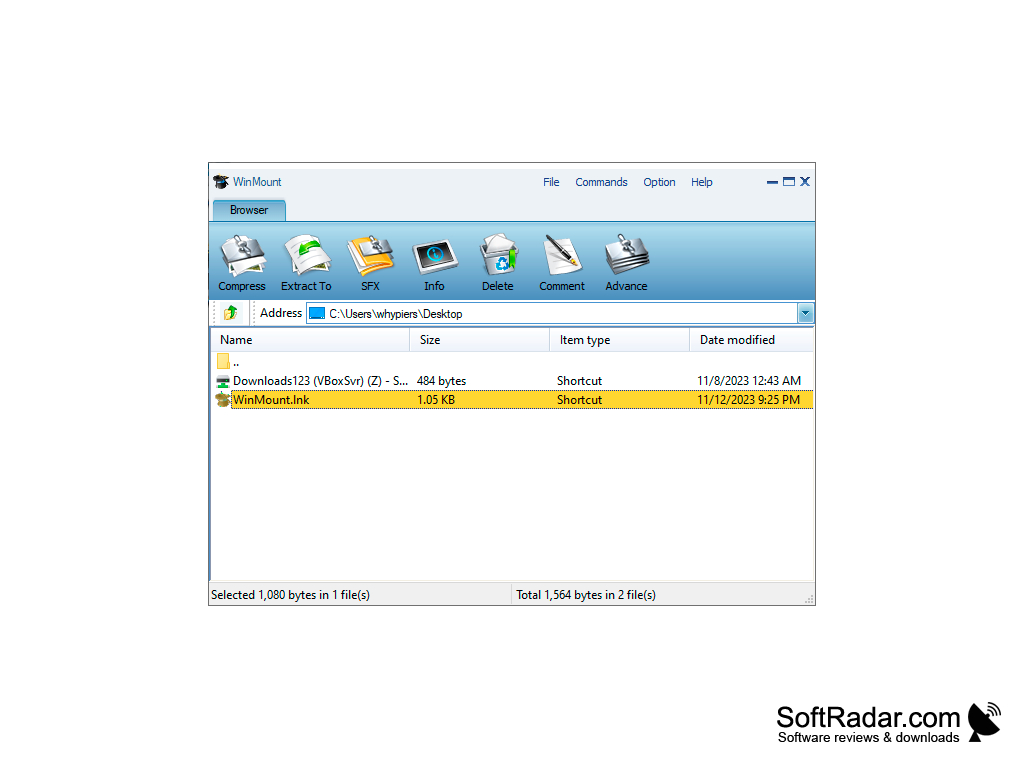
- Convenient 'drag-and-drop' style interface allows rapid file transfer
- High-efficiency compression standard protocol created exclusively for WinMount
- Secure, erasable RAM Disk feature enables temporary file storage which is irretrievable upon system restart
WinMount is a fast, highly-efficient new data compression standard which is more convenient and secure than any other competing application on the market. It is a versatile software suite which ably handles all of the following data protocols and file extension types: MOU, RAR, ZIP, 7Z, CAB, ARJ, ISO, GZ, BZ2, TAR, WIM, ISO, BIN, BWT, MDS/MDF, NRG, IMG, ISZ, CUE, CCD, APE, FLAC, WV, VHD, VDI, VMDK.
CPU: 1 GHz or faster processor
RAM: Minimum 512MB
Hard Disk Space: 20MB free
PROS
Equipped with a user-friendly interface.
Offers optimal system resource management.
CONS
Somewhat complicated interface for beginners.
Limited support for file formats.


