
WirelessKeyView
A tiny portable tool which recovers and displays stored wireless network security keys/passwords.
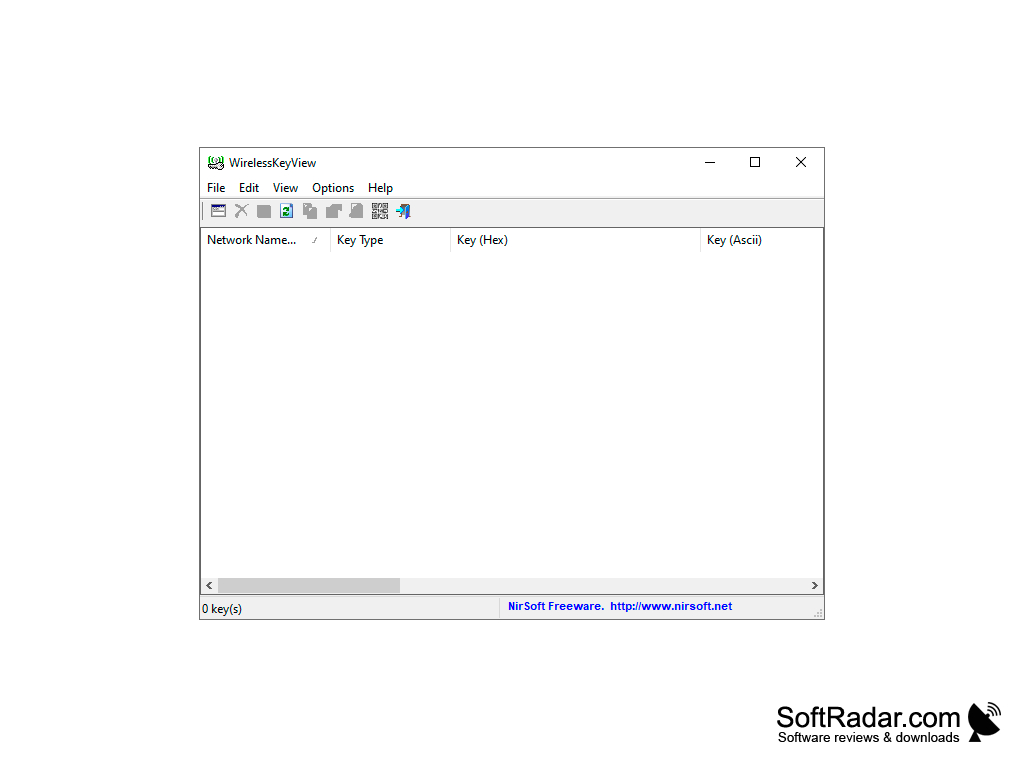
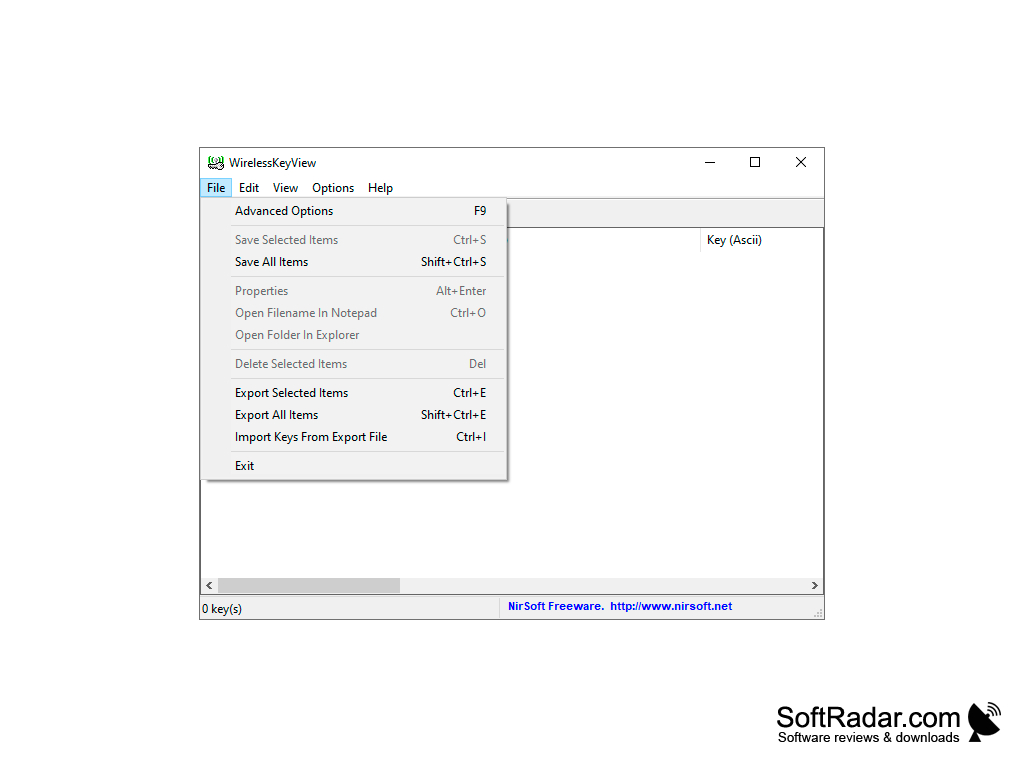
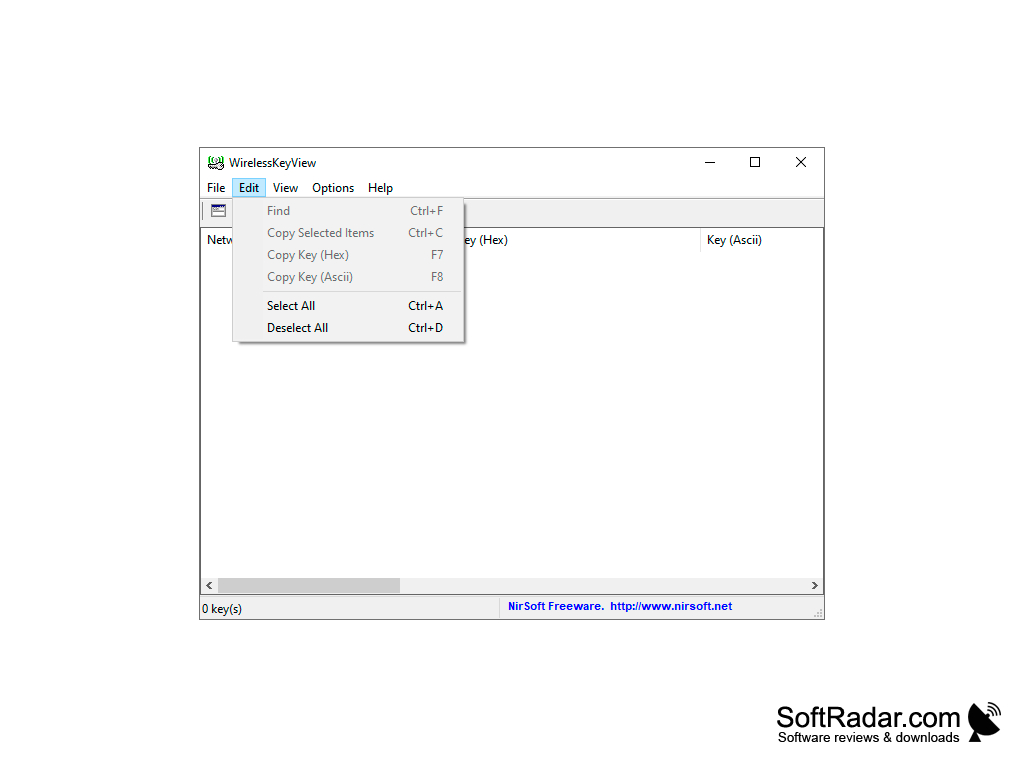
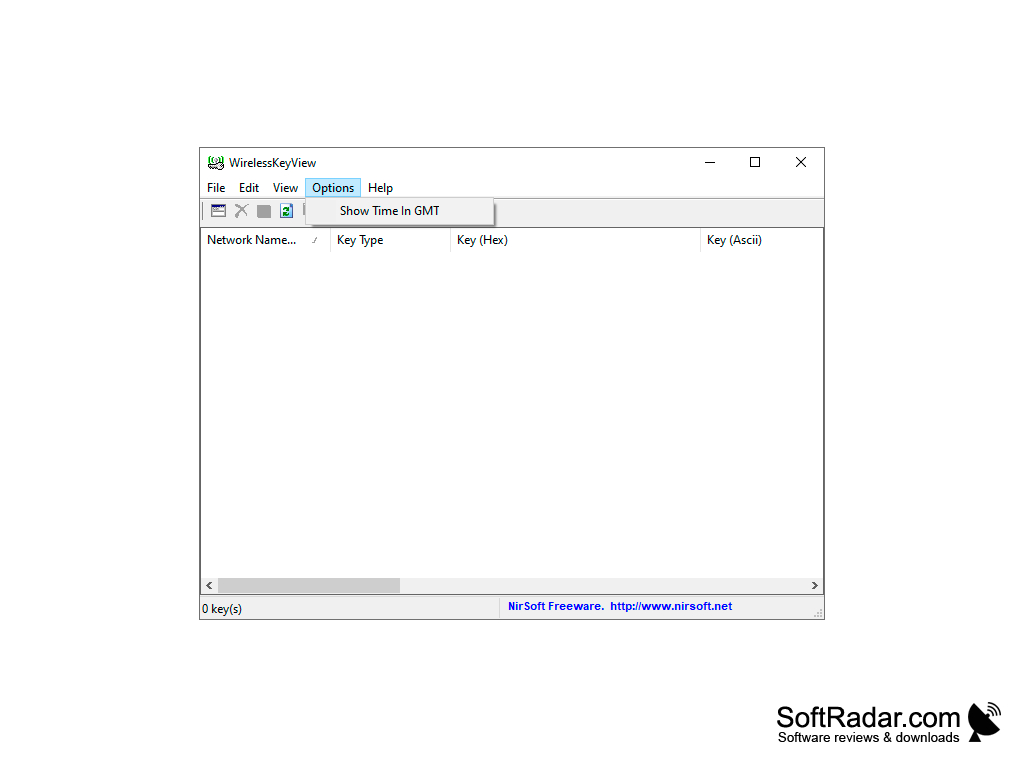
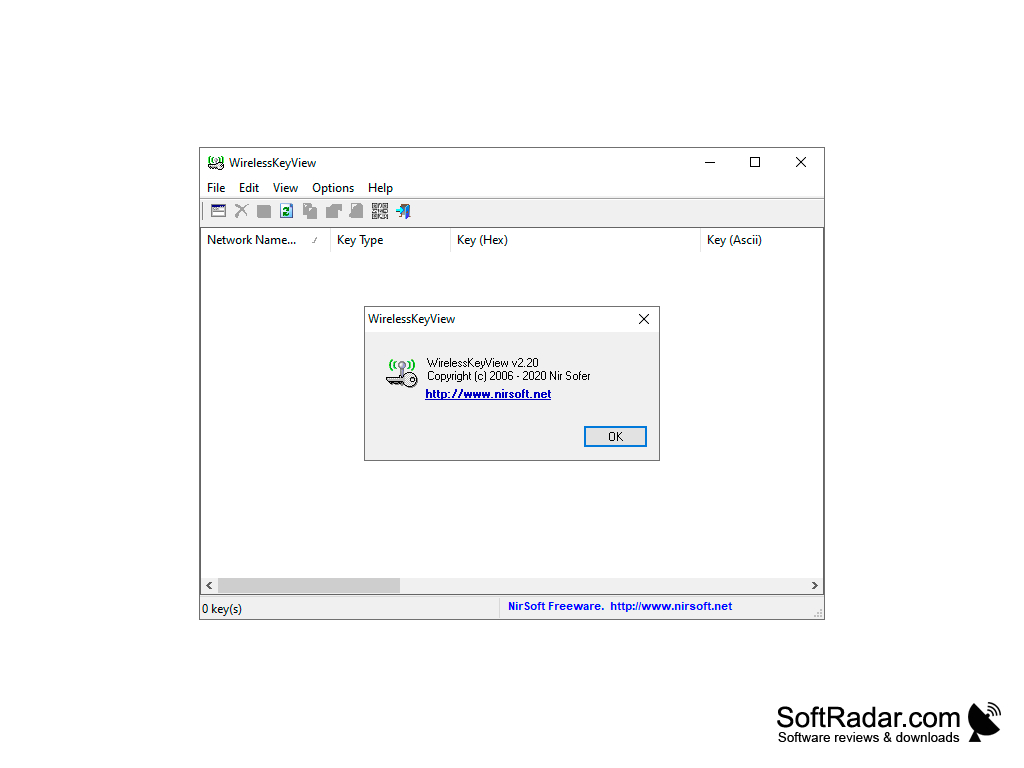
WirelessKeyView restores all wireless network keys (WEP/WPA) stored on your computer by the 'Wireless Zero Configuration' service of Windows XP or by the 'WLAN AutoConfig' service of Windows Vista and later, up to Windows 11. The program will allow you to easily save all keys in text/html/xml files or copy them to the clipboard.
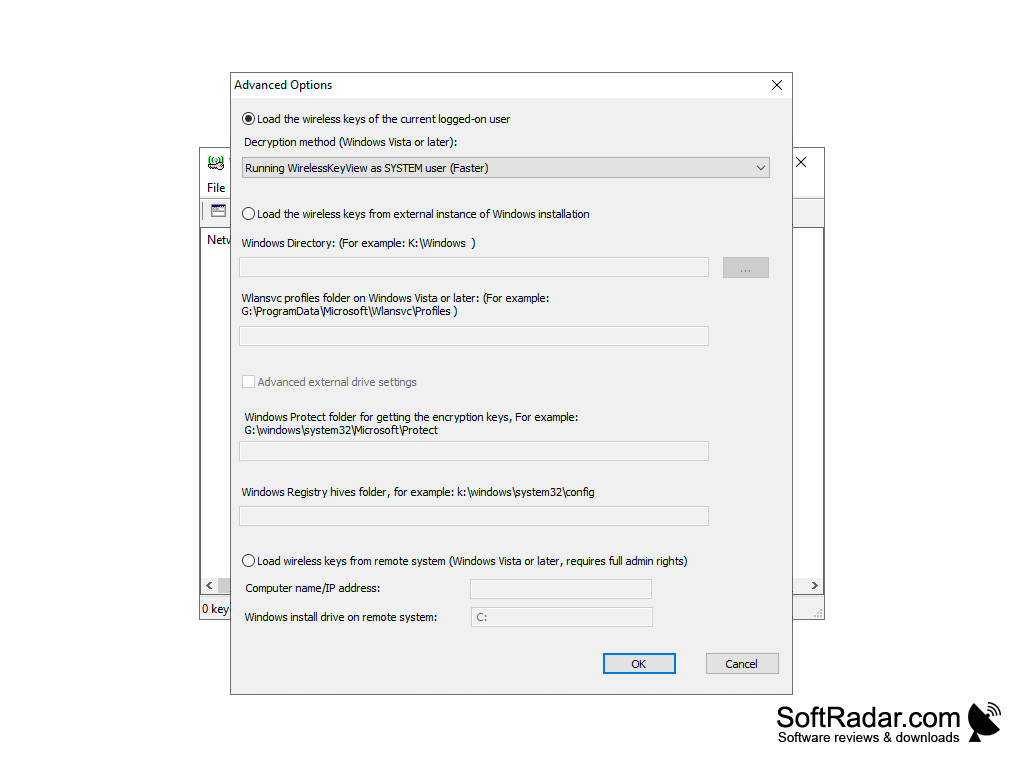
WirelessKeyView does not require additional files, such as DLLs, or installation. Simply copy the executable file (WirelessKeyView.exe) to any folder from which you want to run the program. It can also load keys from an external Windows drive or a remote computer.
Command line options:
WirelessKeyView's main benefit is its ability to easily recover and save all wireless network keys stored on your computer.
/stext - saves the list of all wireless keys in the text file;
/stabular - saves the list of all wireless keys in a tabular text file;
/shtml - saves the list of all wireless keys in the HTML file;
/sxml - saves the list of all wireless keys in the XML file.
32-bit or 64-bit Windows
PROS
Works on all Windows versions from XP to the latest.
Compact, portable and doesn't require installation.
CONS
Lacks a user-friendly interface for non-tech-savvy individuals.
Requires an administrator login to read stored keys.