10AppsManager

An easy removal utility for built-in apps
Operating system: Windows

Release : 10AppsManager 1.0

Antivirus check: passed

Report a Problem

Windows 10 includes a lot of applications that you might NOT find useful and could be considered 'blot-ware'.  If you don't intend to use it, simply get rid of it. For instance, apps like Music, Maps, Weather, Mail, News, and Sports may not be for everyone. The problem is that by default, you cannot simply uninstall these apps like any other 3rd-party app in the Windows 10 environment.

Enter 10AppsManager. It is a feasible solution to remove those apps you consider inconvenient.

You can hide the apps that you don't need from the Start Menu. However, they are still being used as the default tools to open various hyperlinks, emails, or other programs. This was previously out of your control.

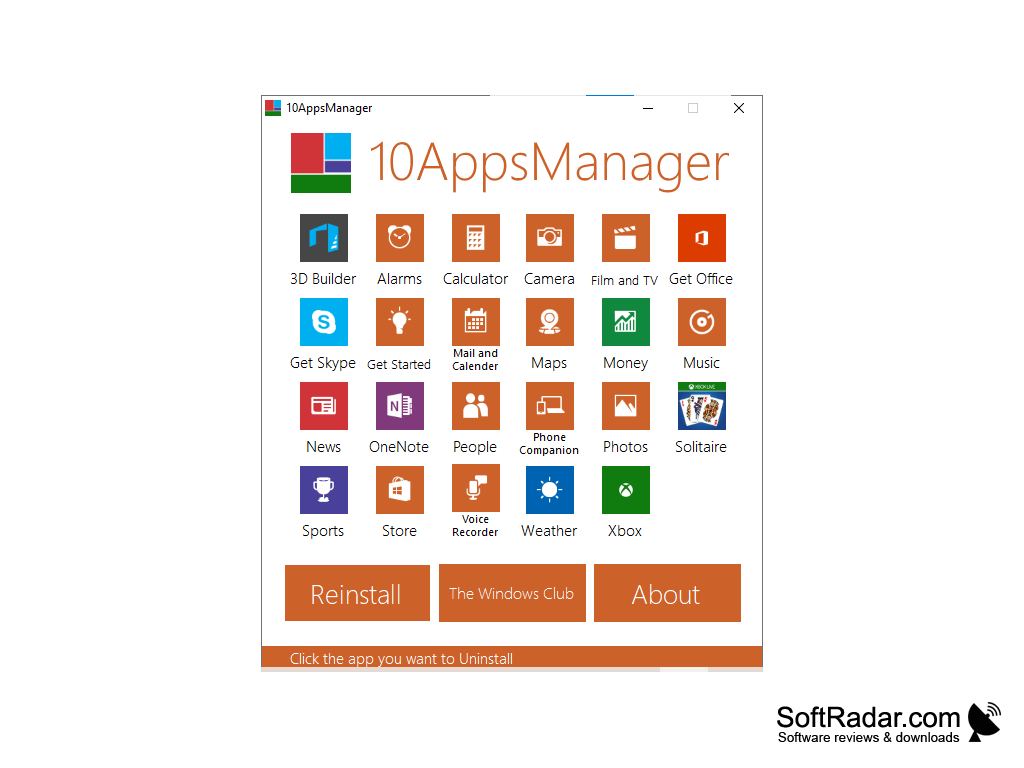
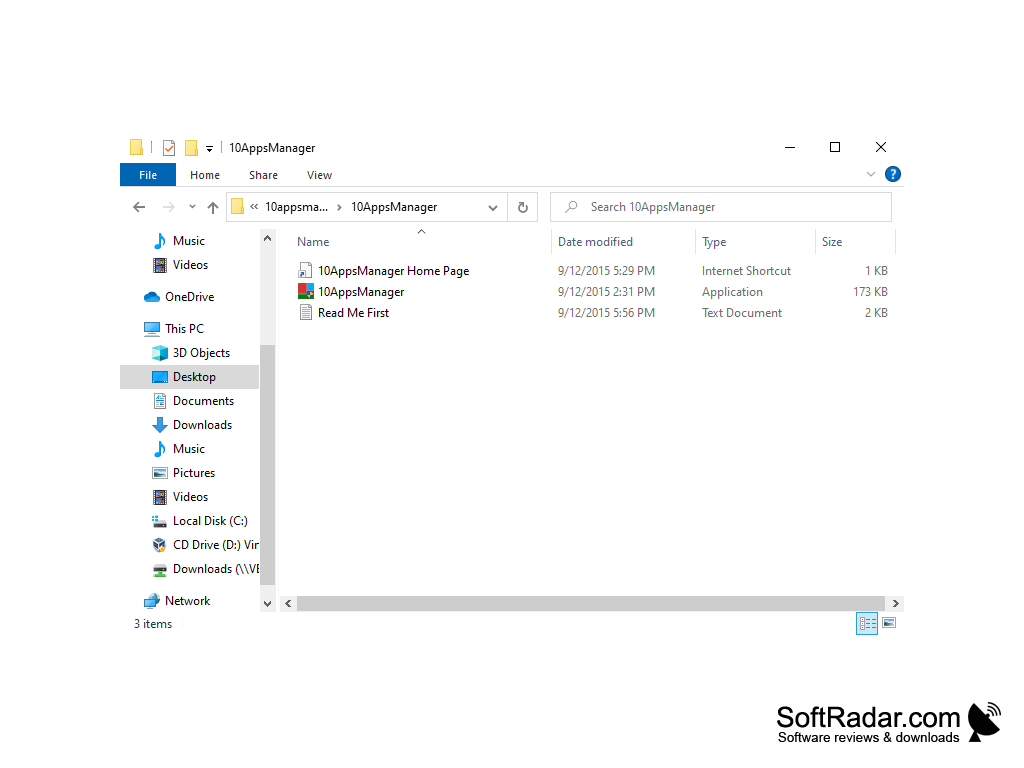
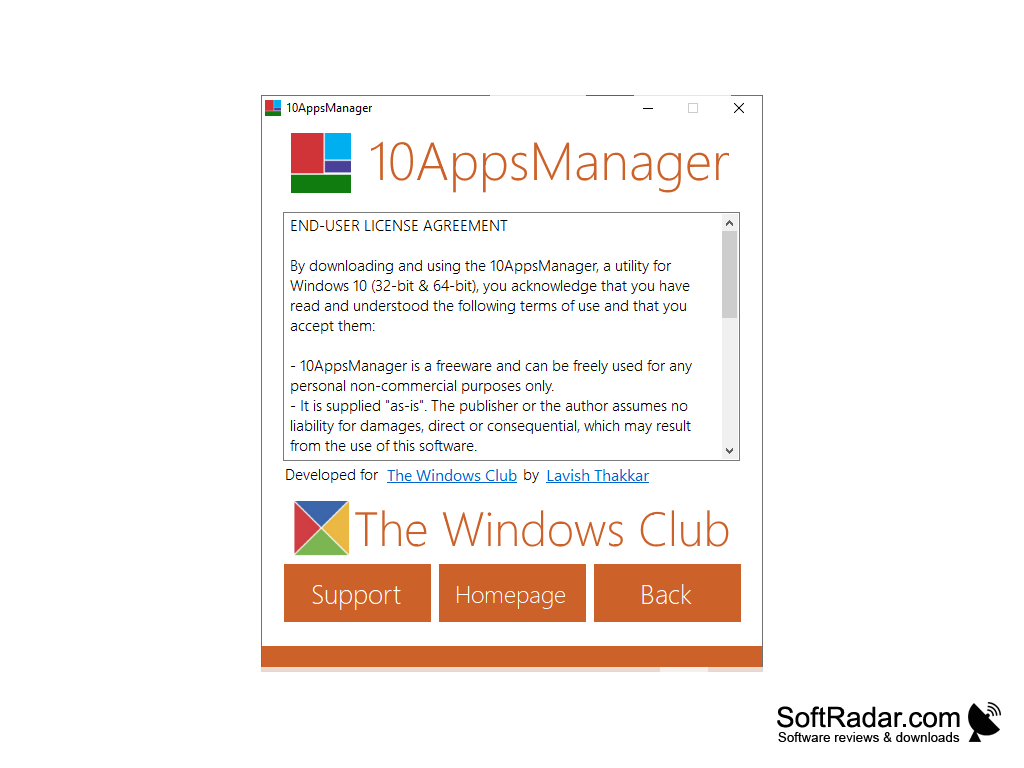
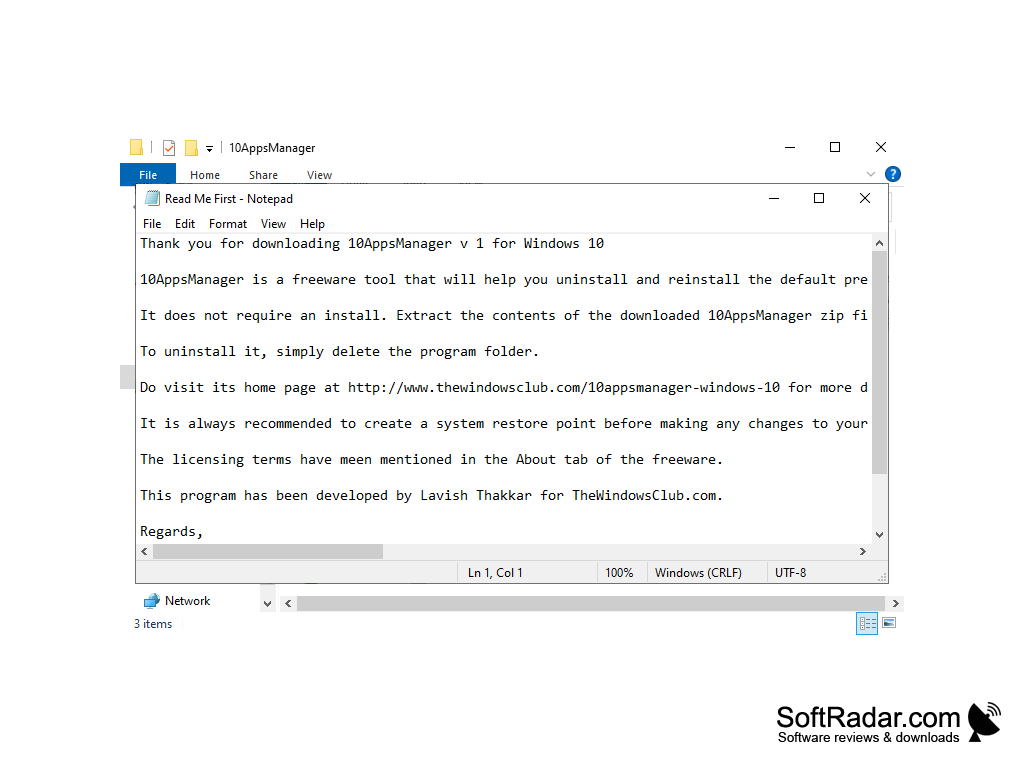
10AppsManager is easy and simple to use.  It's a three-step process. First, right-click on 10AppsManager.exe and run as Administrator. Then, select the applications you want to uninstall. Finally, just click uninstall.

10AppsManager (for Windows) provides an easy-to-use tool to uninstall built-in apps that you don't need.
Features:

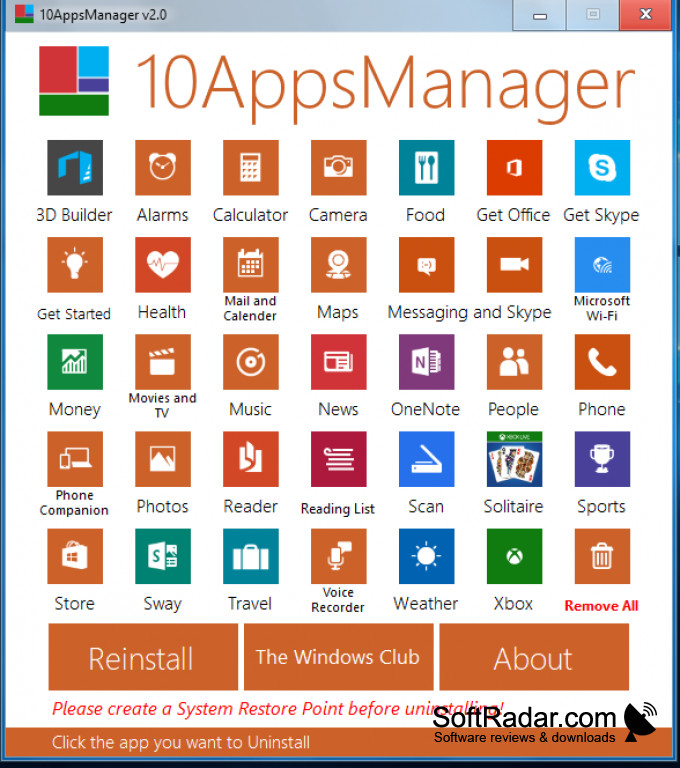
Removes:

  • Alarms and Camera
  • Food and Health
  • Get Office or Get Skype
  • Mail and Calender
  • MS Wi-Fi
  • Money and News
  • Music, Movies and TV
  • One Note and People
  • Phone and Phone Companion
  • Reader and Reader List
  • Scan and Solitare
  • Sports, Store, and Sway
  • Travel and Voice Recorder
  • Weather and XBox

10AppsManager is small yet very useful. It allows you to remove pre-installed apps in Windows 10 that you don't use. This software makes it easier than manually removing unwanted native apps from Windows 10.

The process is quick and the app can notify you by promoting you with a dialog box.If you change your mind about an app, just re-install it with another click. That's it.
Runs on Windows 10 (32/64-bit).

Free version (Freeware).


PROS
Uninstalls Windows 10 apps easily and quickly.
Requires no installation, fully portable.
Provides clear, user-friendly interface.

CONS
Limited compatibility with some Windows versions.
Lack of advanced features for experienced users.
No built-in system to backup apps before removal.
image/svg+xmlBotttsPablo Stanleyhttps://bottts.com/Florian Körner Jonathan Stanziano
Finally! An app that cleans up all those unused Windows apps! I especially like the levels in which you can remove the apps. Some of them you just want out of the way until you may need them. Great concept for an app!
image/svg+xmlBotttsPablo Stanleyhttps://bottts.com/Florian Körner Finlay
This is a program that will allow the user to get rid of pre-installed apps successfully all at once. This is a great tool for someone who does not like pre-installed apps. Otherwise, it can seem impossible or unpremeditated to get rid of apps that are already installed.
image/svg+xmlBotttsPablo Stanleyhttps://bottts.com/Florian Körner James Michaels
10AppsManager is a freeware tool that allows you to easily uninstall and reinstall the default, built-in & preinstalled Windows Store apps in Windows 10. While you can always manually install, uninstall or reinstall the Store apps, the process is not so easy for the pre installed apps. It is easy to uninstall or reinstall 3rd-party apps, but not the default pre installed apps. Therefore this is a really helpful tool.
image/svg+xmlBotttsPablo Stanleyhttps://bottts.com/Florian Körner Rory
10AppsManager for Windows is a software that allows you to install or uninstall the applications that come in your computer as default so you can configure your device the way you want
image/svg+xmlBotttsPablo Stanleyhttps://bottts.com/Florian Körner Leon
I am very happy with the 10AppsManager because it has made things easy. I can easily uninstall and reinstall the default from windows 10. It takes half the time using this software then it would if I did it manually.
Samsung PC Share Manager
Allows for DLNA use with specific television sets.
HDTach
A physical performance hard drive test delivering maximum accuracy
SanDisk SSD Toolkit
Maintain, monitor and update the firmware of your SanDisk drives
WinToBootic
Make bootable 32-bit or 64-bit Windows installers from ISO files
RT Seven Lite
An utility for Windows 7 that allows users to customize or disable features