8GadgetPack
Side panel customization software that let's you add unique widgets
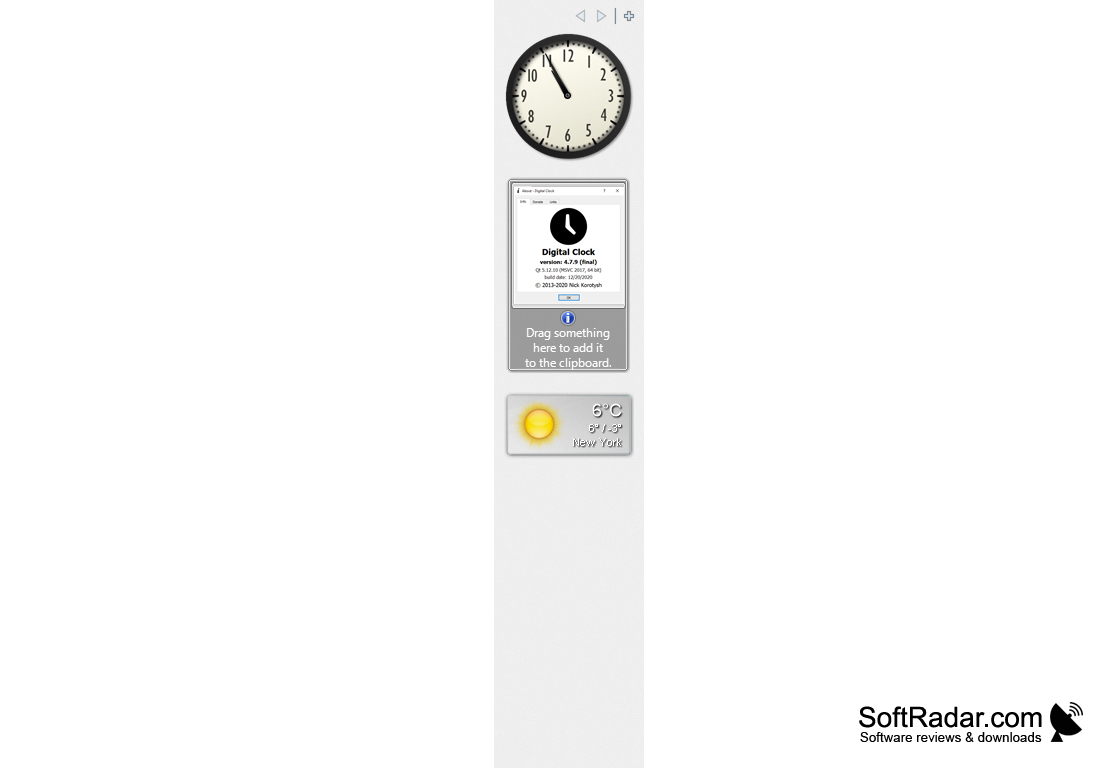
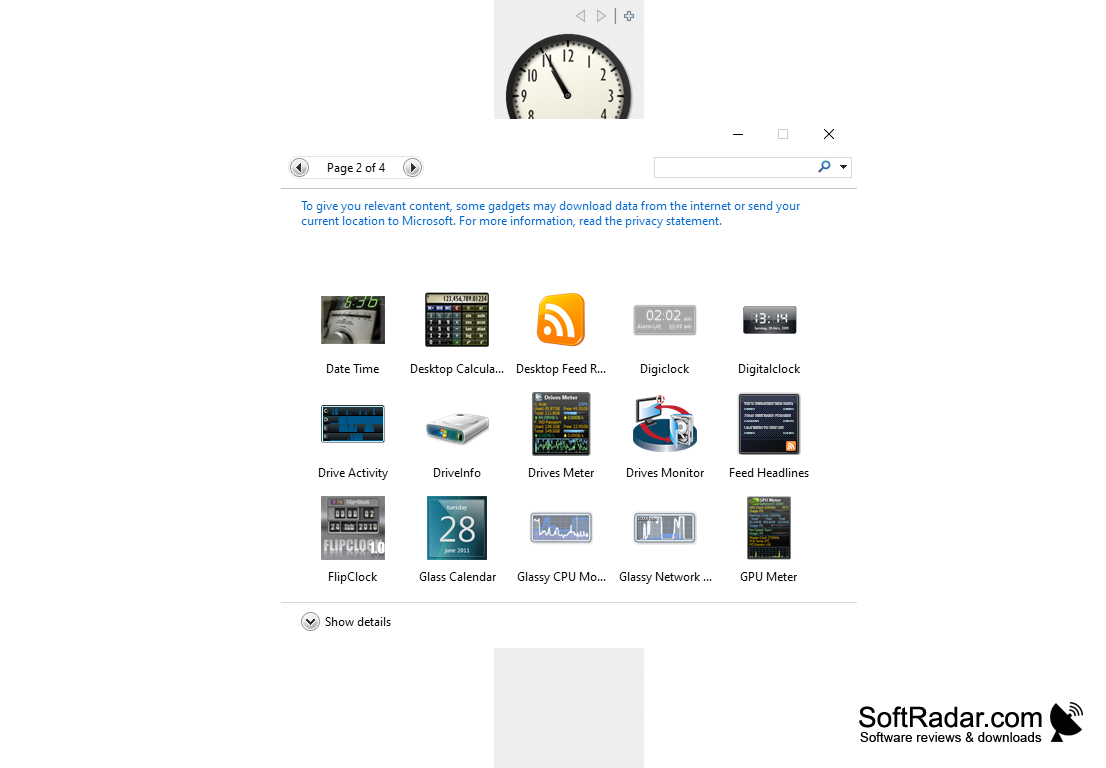
8GadgetPack: An application that allows you to install gadgets on the latest versions of your operating system. As you know, the ability to add gadgets for the desktop appeared in Windows Vista, in the "seven" they also worked, but with the release of the operating system Windows 8, the developers decided to abandon the possibility of using them. This decision was made due to the appearance of many "holes" and "vulnerabilities" of the system security, which were caused by the addition of these "superstructures" for the desktop.
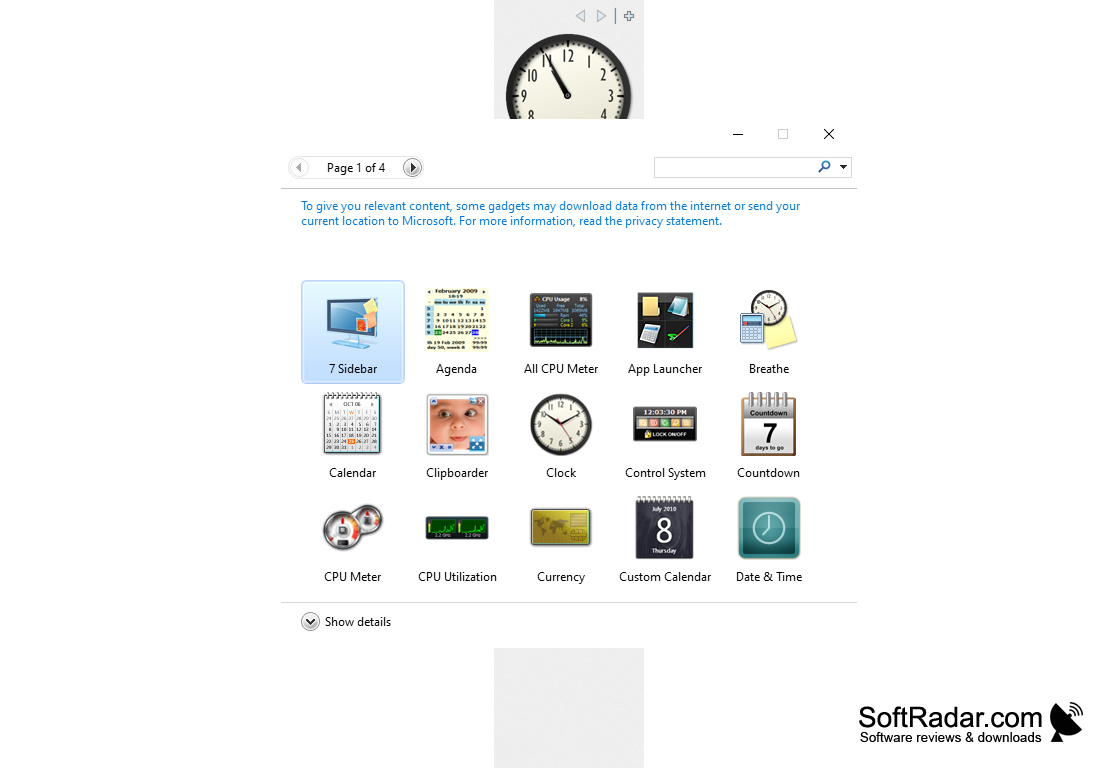
For those who are used to using gadgets for the desktop, but want to switch to a newer version of the operating system from Microsoft, and this program was created. It gives users back the ability to work with gadgets on Windows 8, 8.1 and 10, allowing them to be placed on the side panel or in any place on the desktop. Installation of the program is as simple as possible. In addition to the 8GadgetPack itself, a set of the most popular desktop add-ons will be added to your PC. You can also download them (gadgets) from specialized web resources and add them to the program's library (or directly to the sidebar) by pressing the appropriate key.
8GadgetPack can be launched together with the start of Windows, it allows you to scale the side panels and gadgets themselves, "fix" them in a certain place on the desktop, as well as disable the display of all the desktop superstructures in one click. You can download and use this program absolutely free of charge.
8GadgetPack reintroduces the ability to use desktop gadgets, enhancing customization and functionality in newer versions of Windows operating systems.
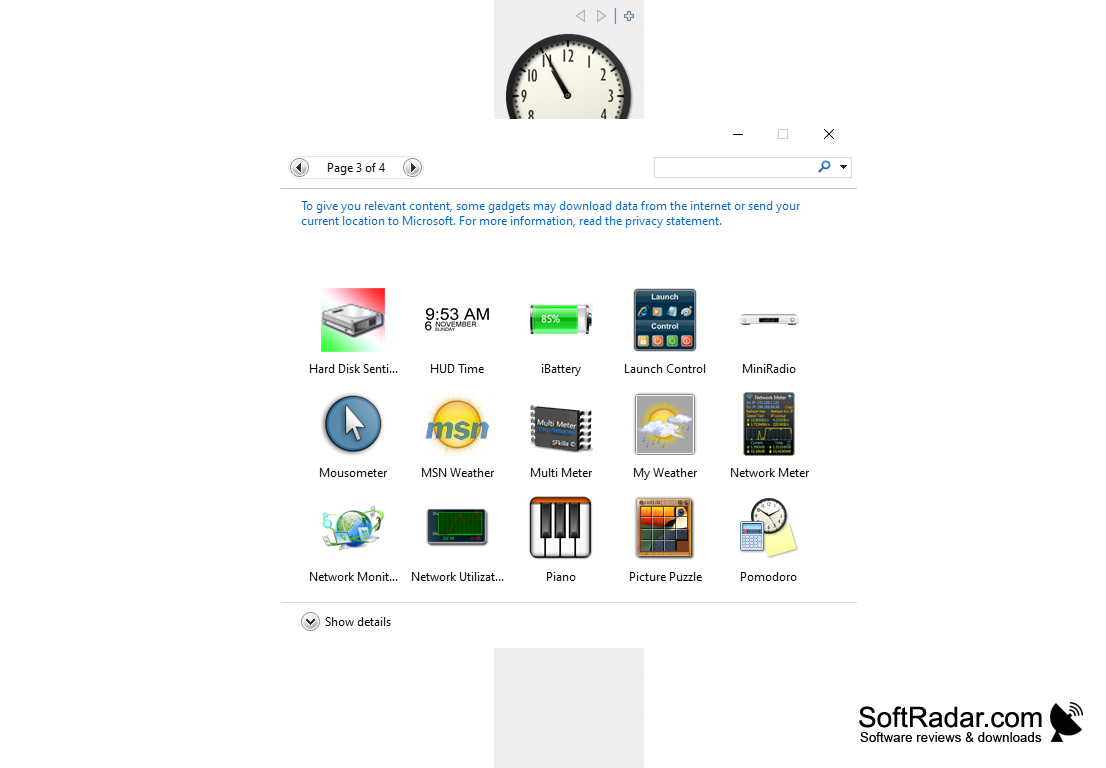
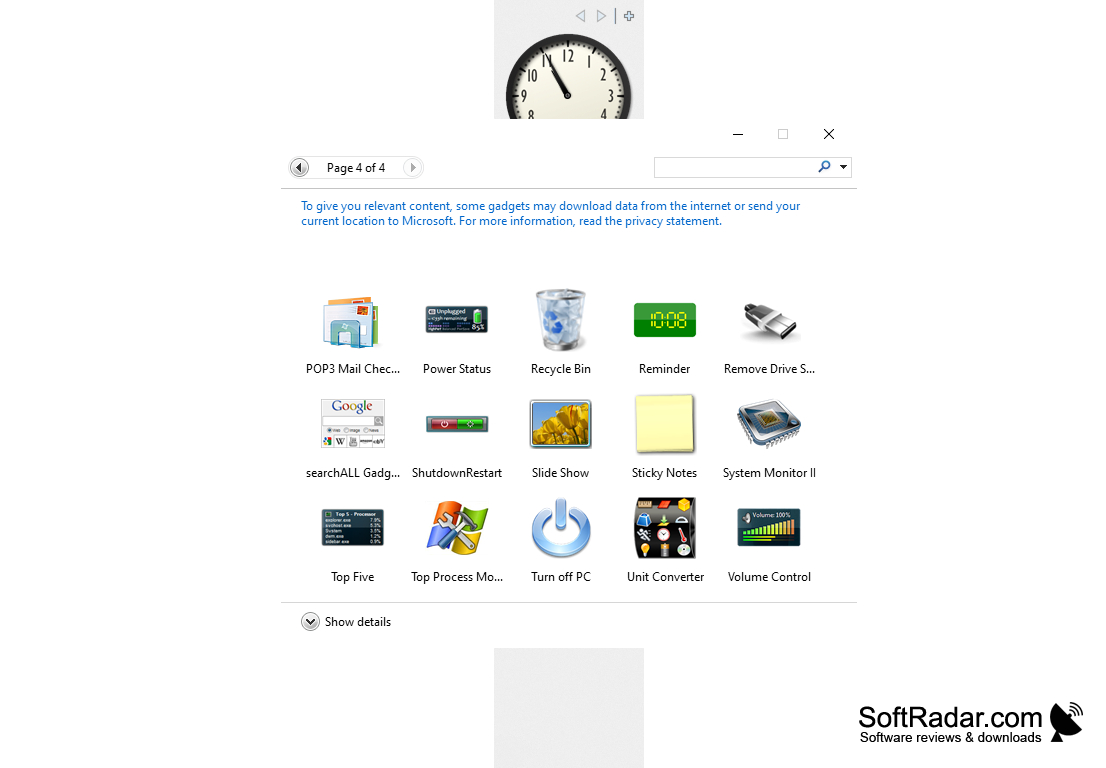
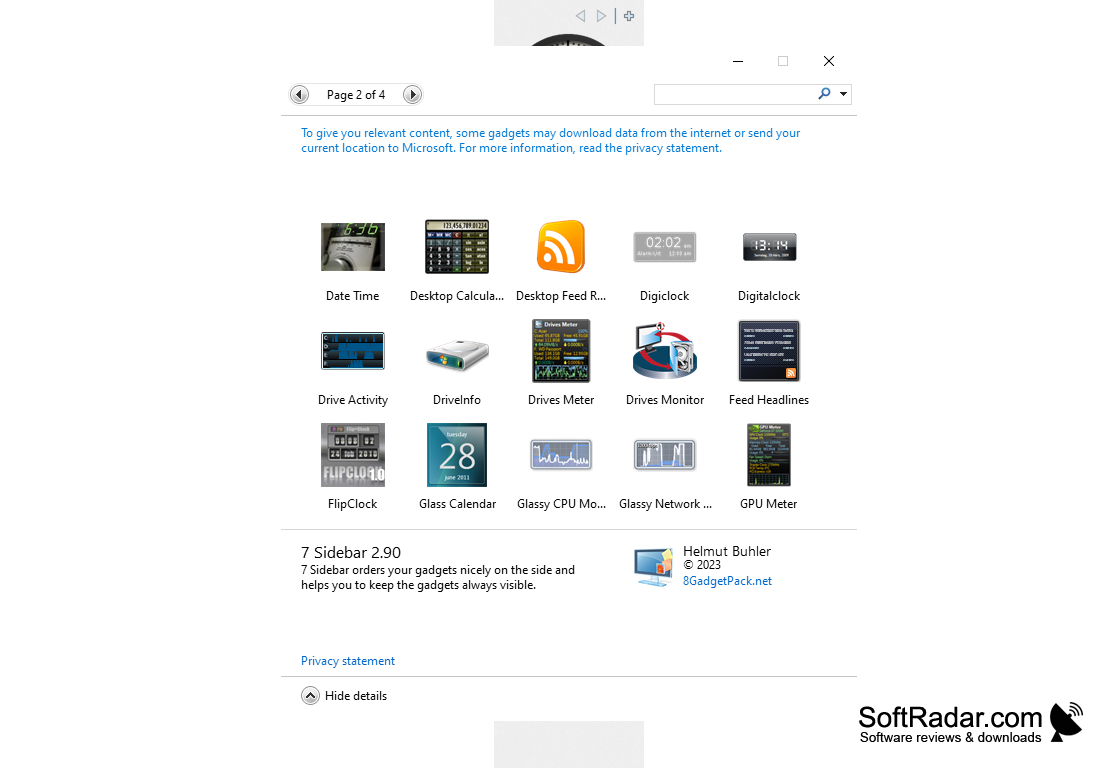
- allows you to use desktop gadgets on Windows 8, 8.1 and 10;
- contains its own library of superstructures;
- Allows you to fix gadgets in a certain place, as well as freely scale them;
- can place gadgets on a separate panel or in any place on the desktop;
- is distributed free of charge.
PROS
Offers over 60 high-quality gadgets to choose from.
Regularly updated for performance improvements and bug fixes.
CONS
Lack of customer support for troubleshooting issues.
Potential security vulnerabilities with outdated gadgets.