AlfaOBD
AlfaOBD is a diagnostic software for Fiat, Alfa Romeo, Lancia, Chrysler, Dodge, Jeep and Ram vehicles that gives access to their electronic control units.

AlfaOBD is a diagnostic and configuration software for vehicles produced by the Stellantis group (formerly Fiat Chrysler Automobiles). In general, 1994 - 2025 Fiat, Alfa Romeo and Lancia models and 2005 - 2025 Chrysler, Dodge, Ram and Jeep models are supported, and the official site keeps a detailed list of supported vehicles.
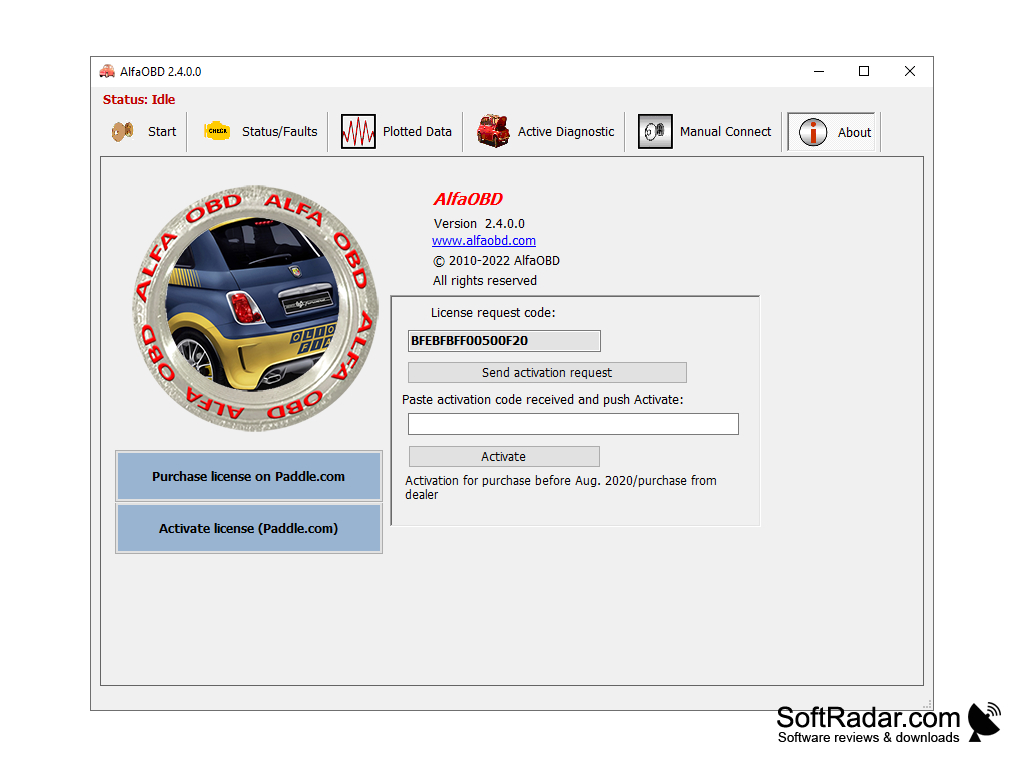
AlfaOBD is primarily aimed at car owners, yet it provides many of the features of professional scan tools. Unlike generic OBD-II / EOBD applications, which only give limited access to the engine and transmission and sometimes the ABS, it natively supports the individual electronic control units (ECUs) of the car. The program connects through a compatible OBD interface; some models need extra adapters to reach additional CAN buses, and vehicles from model year 2018 need a hardware Security Gateway bypass. AlfaOBD for Windows can be used free of charge with a 15-minute session limit, while a paid activation unlocks active diagnostics, configuration and manual connect.
AlfaOBD natively communicates with the car's control units, giving owners many professional scanner functions beyond generic OBD-II access.
Features:
• Monitoring of dynamic parameters of the engine, transmission, body, dash, ABS and climate control
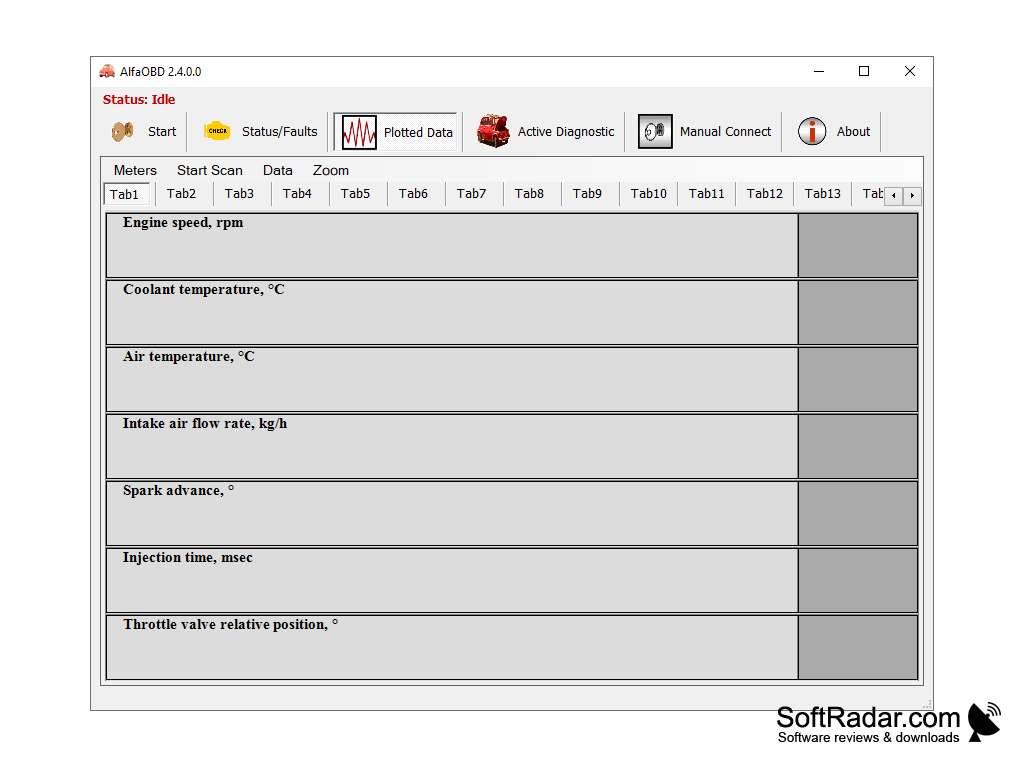
• Graphical presentation of live data as adjustable plots
• Plotted Data view with gauges such as engine speed, coolant temperature and intake air flow
• Reading of ECU identification data and system status
• Reading of fault codes (DTC) with probable causes and freeze frame data where applicable
• Clearing of fault codes and monitoring the system for new faults
• Service light reset and engine oil change procedures
• DPF regeneration and ABS bleeding procedures
• Air suspension maintenance and transmission calibration procedures
• Electronic key and RF remote control programming on some vehicle models
• Body computer configuration to activate newly installed equipment
• Proxy alignment after configuration changes
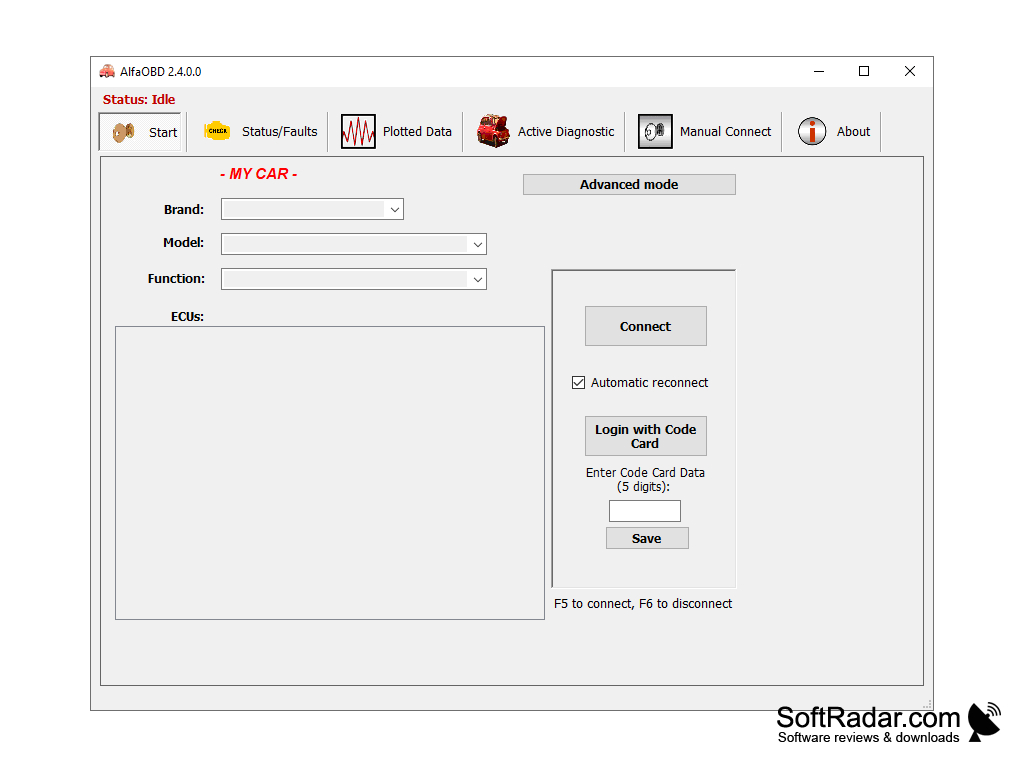
• Brand, model and function selection on the start screen
• Advanced mode for experienced users
• Login with Code Card data on supported vehicles
• Manual connect mode in the full version
• Automatic reconnect option, with F5 to connect and F6 to disconnect
• Support for ELM327-based USB, Bluetooth and Wi-Fi interfaces (version 1.3 and above)
• Support for OBDLink MX+, LX, EX, SX and other STN11xx - STN21xx based devices
• Windows version for Windows XP to Windows 11; it can also be used on a Mac through Parallels or Boot Camp
• Android version with the same functions, sold separately
• Free mode without expiration, limited to 15-minute sessions
.NET Framework 4.8 on Windows 8.1, 10 and 11
.NET Framework 4.6.1 for the Windows 7/8 build
ELM327 v1.3+ or OBDLink OBD interface
SGW bypass module for 2018 and later vehicles
PROS
Provides extensive, detailed diagnostics of car systems.
Reads and clears fault codes with probable causes.
CONS
Limited to Stellantis brands such as Fiat and Chrysler.
Full features need a paid licence activation.