
TweakPower
TweakPower is a Windows maintenance utility for people who want to clear unwanted files, manage startup items, and adjust system settings in one place.
Operating system: Windows
Publisher: Kurt Zimmermann
Release: TweakPower 2.076
License: Free
Antivirus check: VirusTotal report
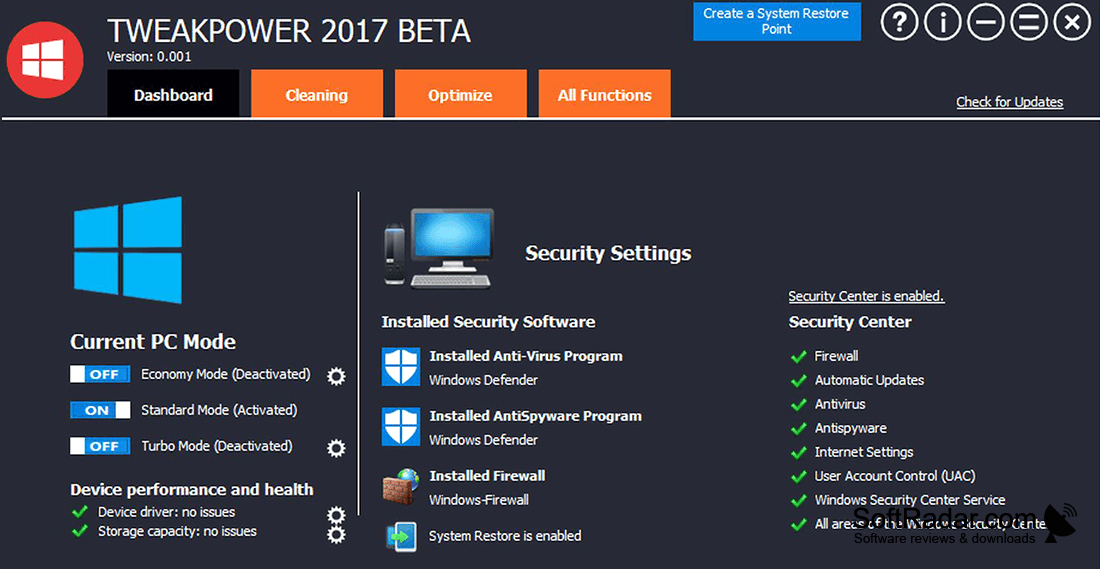
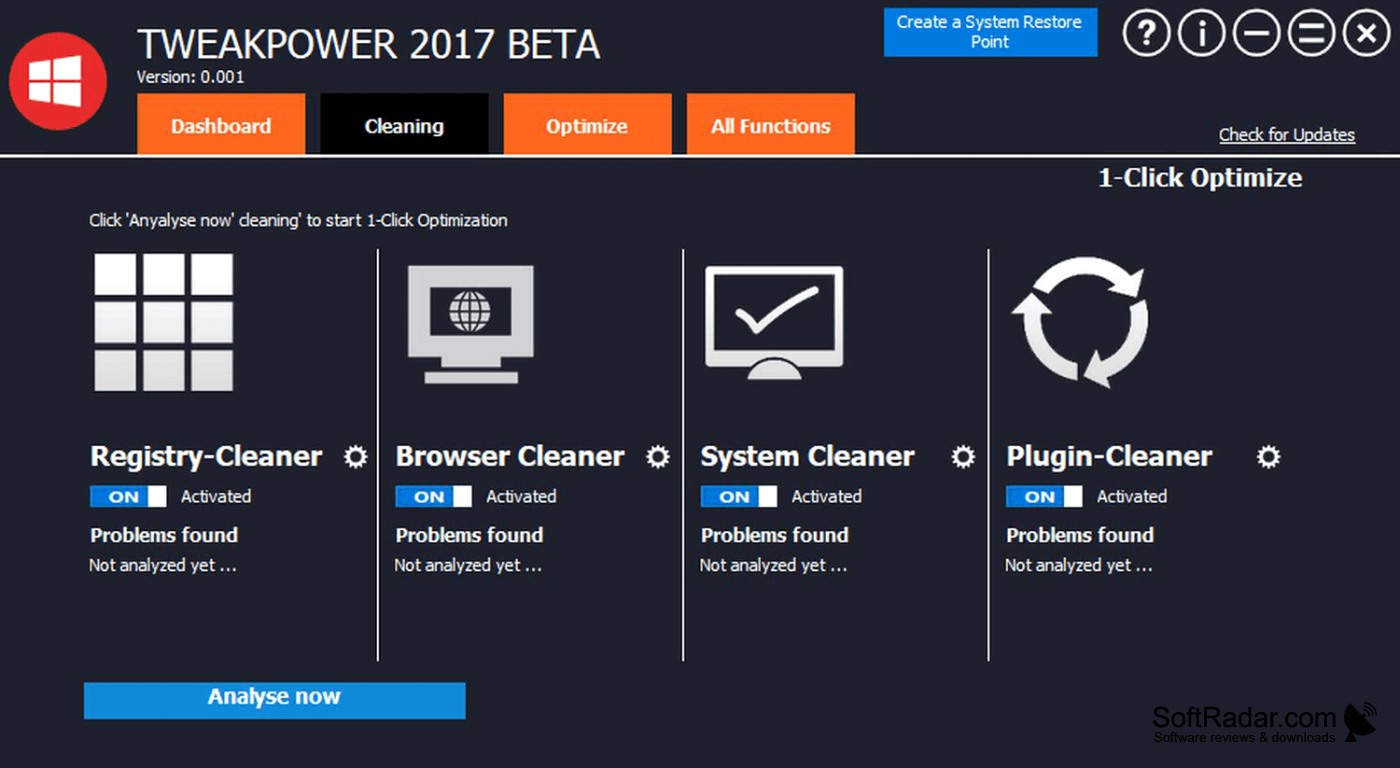
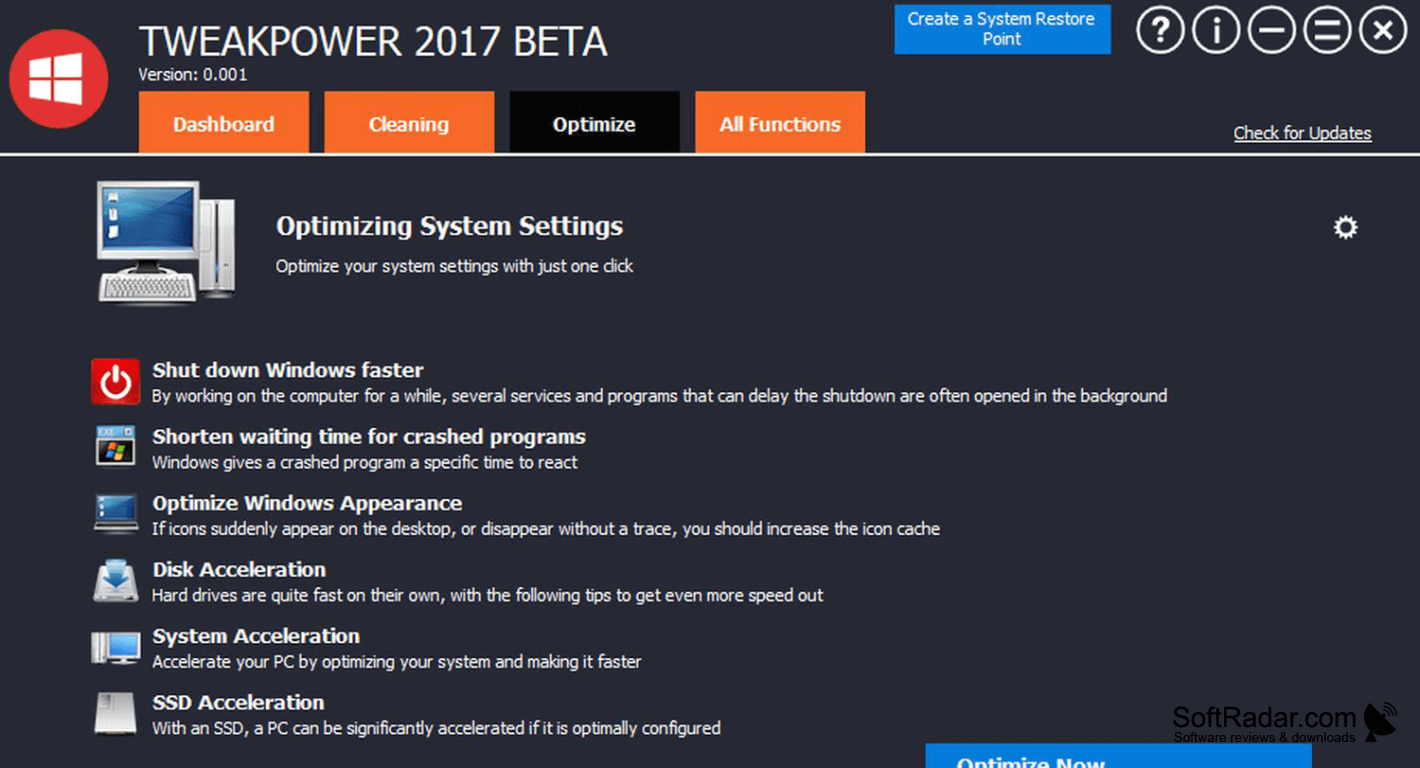
TweakPower brings common Windows upkeep tasks together for people who prefer one place to review and change their PC settings. It can remove leftover files from Windows, applications, and browsers, and it offers tools for checking disk issues and managing programs that launch at startup. Users can also adjust scheduled tasks and change parts of the Windows interface.
It brings file cleanup, startup management, and system adjustments into a single utility.
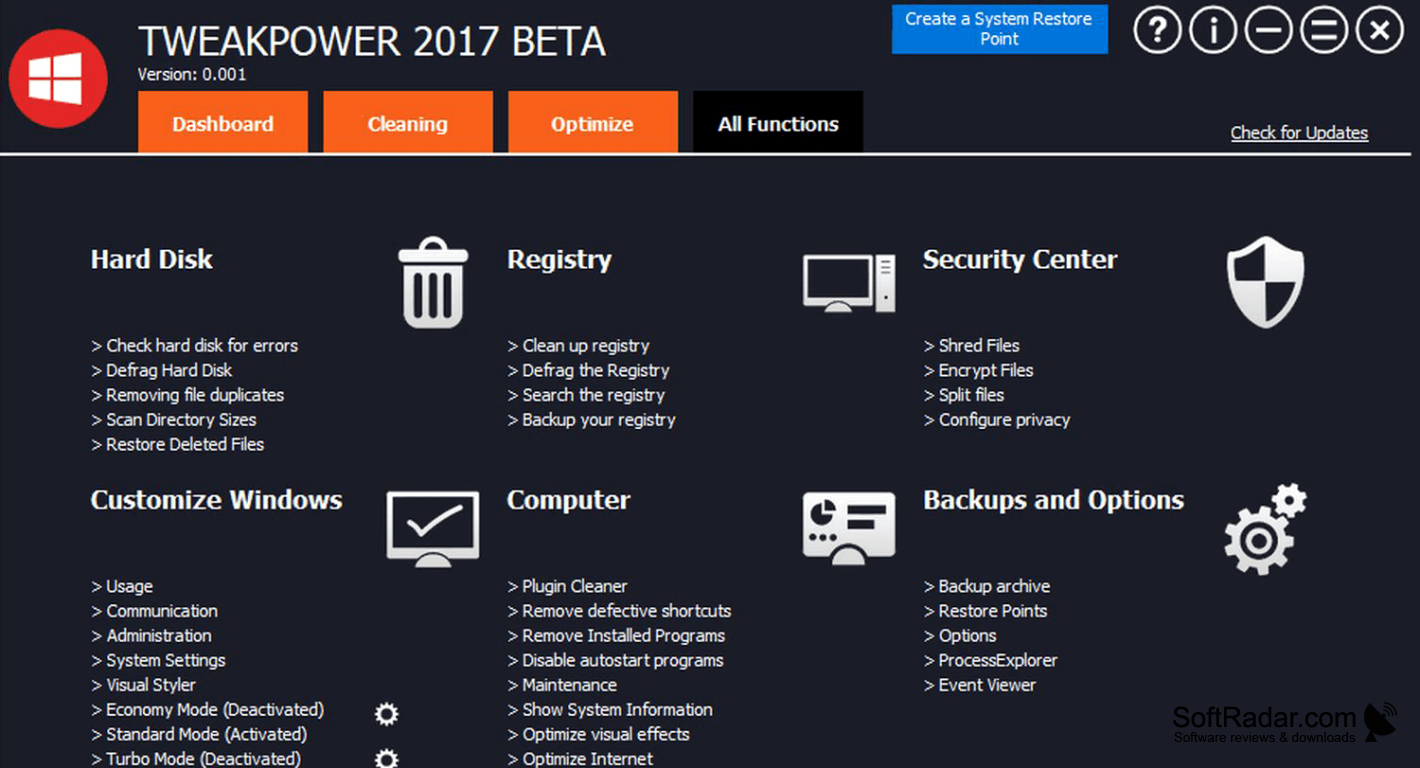
Maintenance tools cover registry cleanup, software removal, and automatic upkeep. Separate controls let users change power use and limit background processes, while settings panels cover network connections and Windows components. The program saves adjustments so users can reverse them, create system restore points, and back up or restore the registry. It also includes file splitting and system information tools.
Features:
- Remove temporary files and browser traces
- Manage startup entries and scheduled tasks
- Adjust Windows appearance and system settings
- Change power and background process settings
- Back up and restore the registry
- Split files into smaller parts
PROS
Offers one-click tools alongside more detailed controls.
CONS
Registry cleaning and aggressive tweaks require caution.


