NVIDIA App
NVIDIA App helps Windows users with NVIDIA graphics hardware manage drivers, adjust game and application settings, and capture gameplay.
Operating system: Windows
Publisher: NVIDIA Corporation
Release: NVIDIA App 11.0.6.383
Antivirus check: VirusTotal report
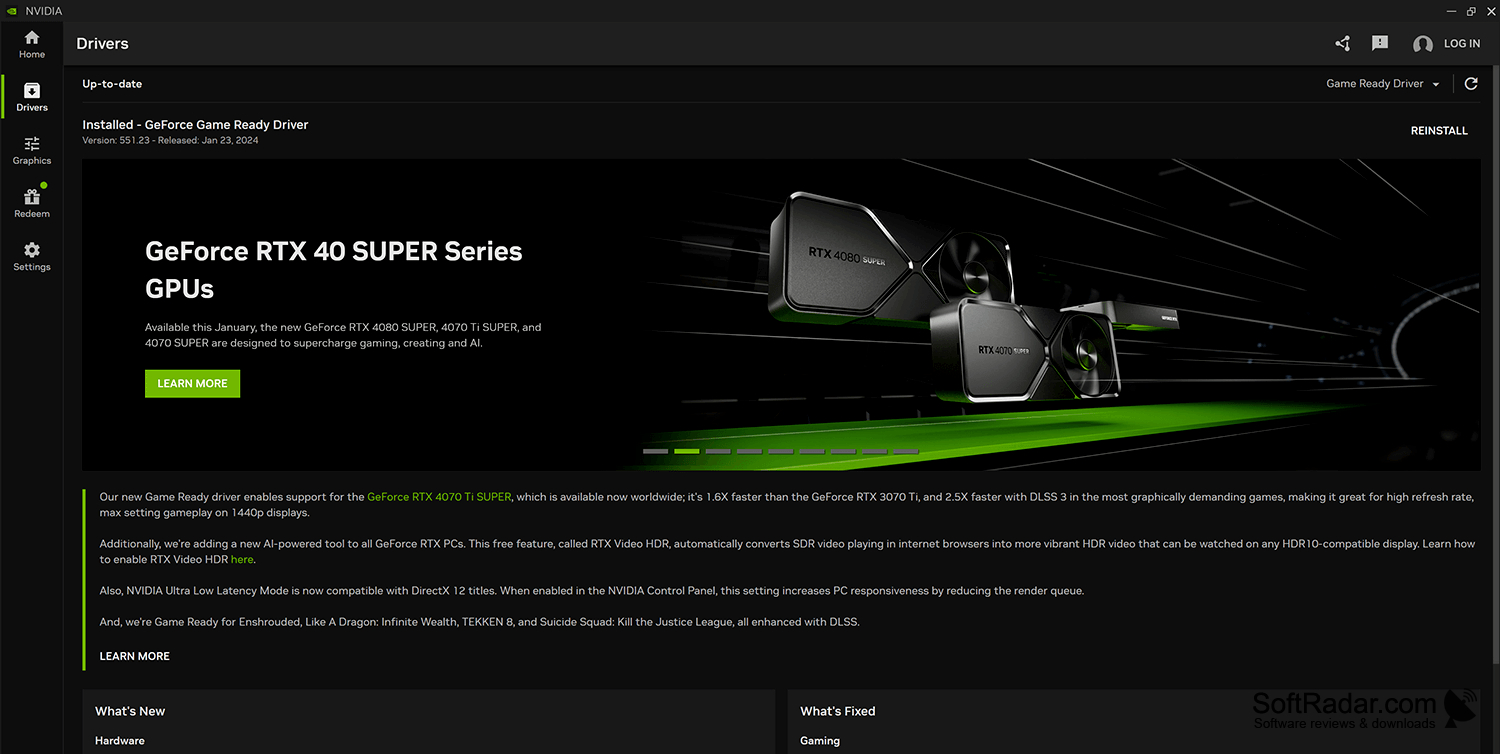
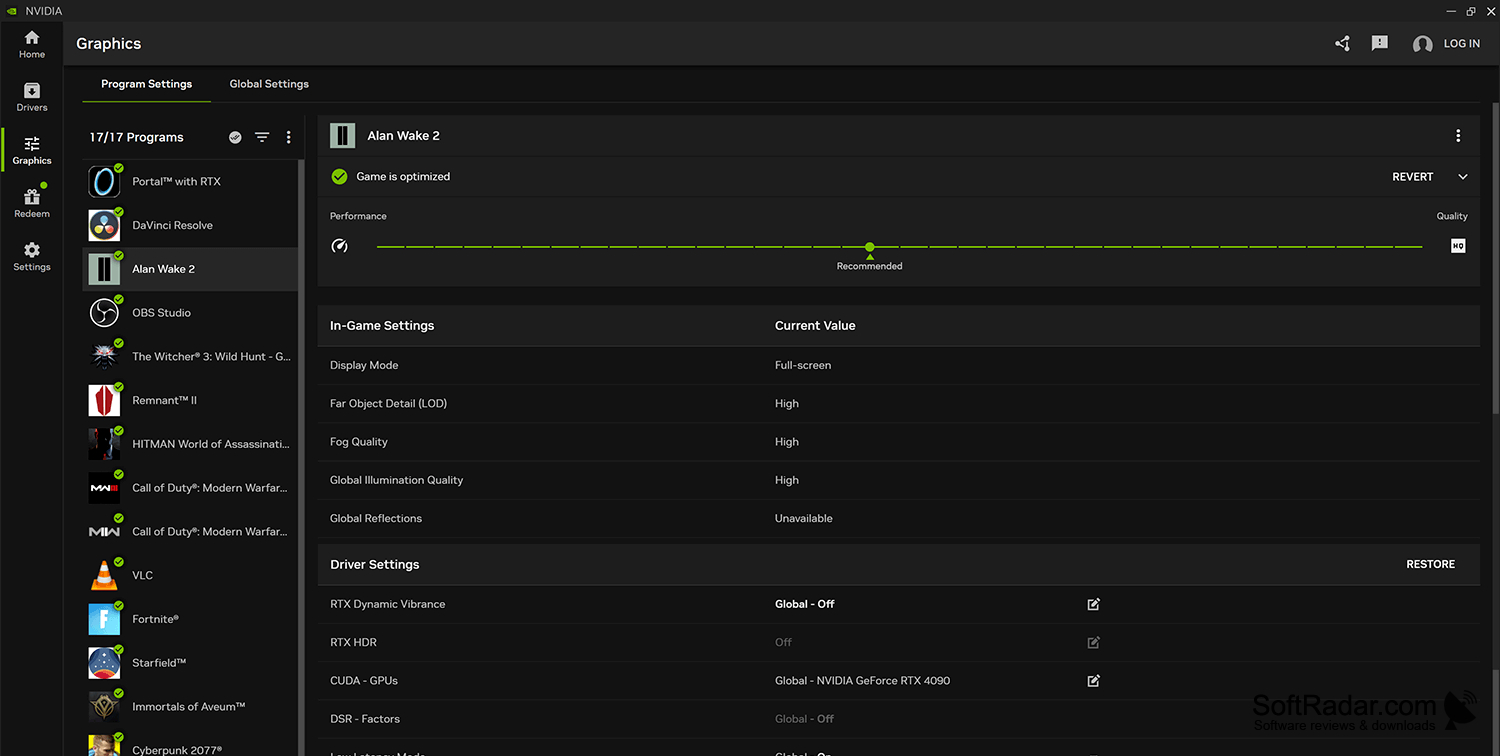
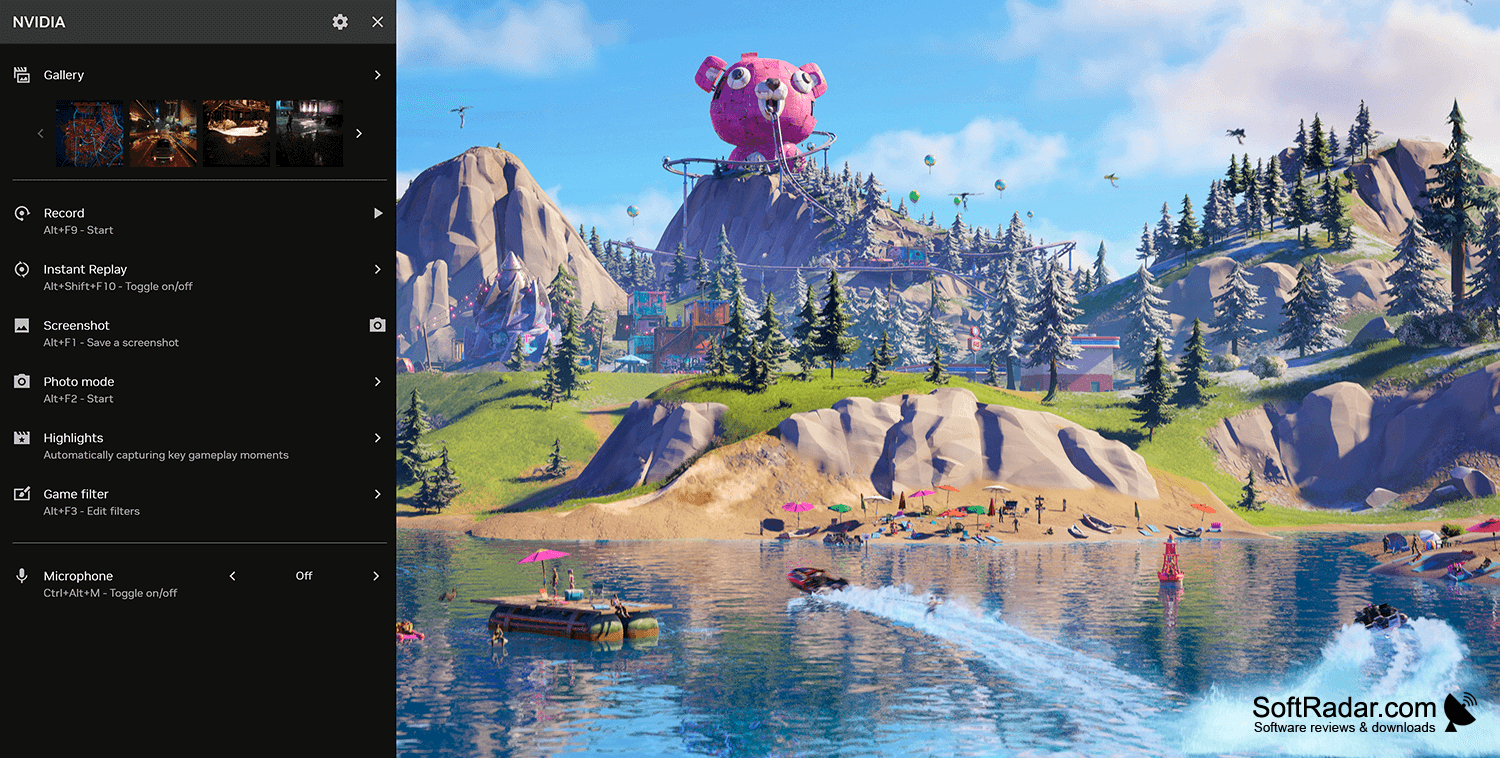
NVIDIA App brings driver management and graphics configuration together for people using NVIDIA GPUs on Windows desktops and laptops. It can be used to check for driver updates, adjust settings for individual games or other programs, and record gameplay without switching between separate utilities. The interface also provides access to other NVIDIA applications.
Keep graphics driver updates and per-game settings accessible in one application.
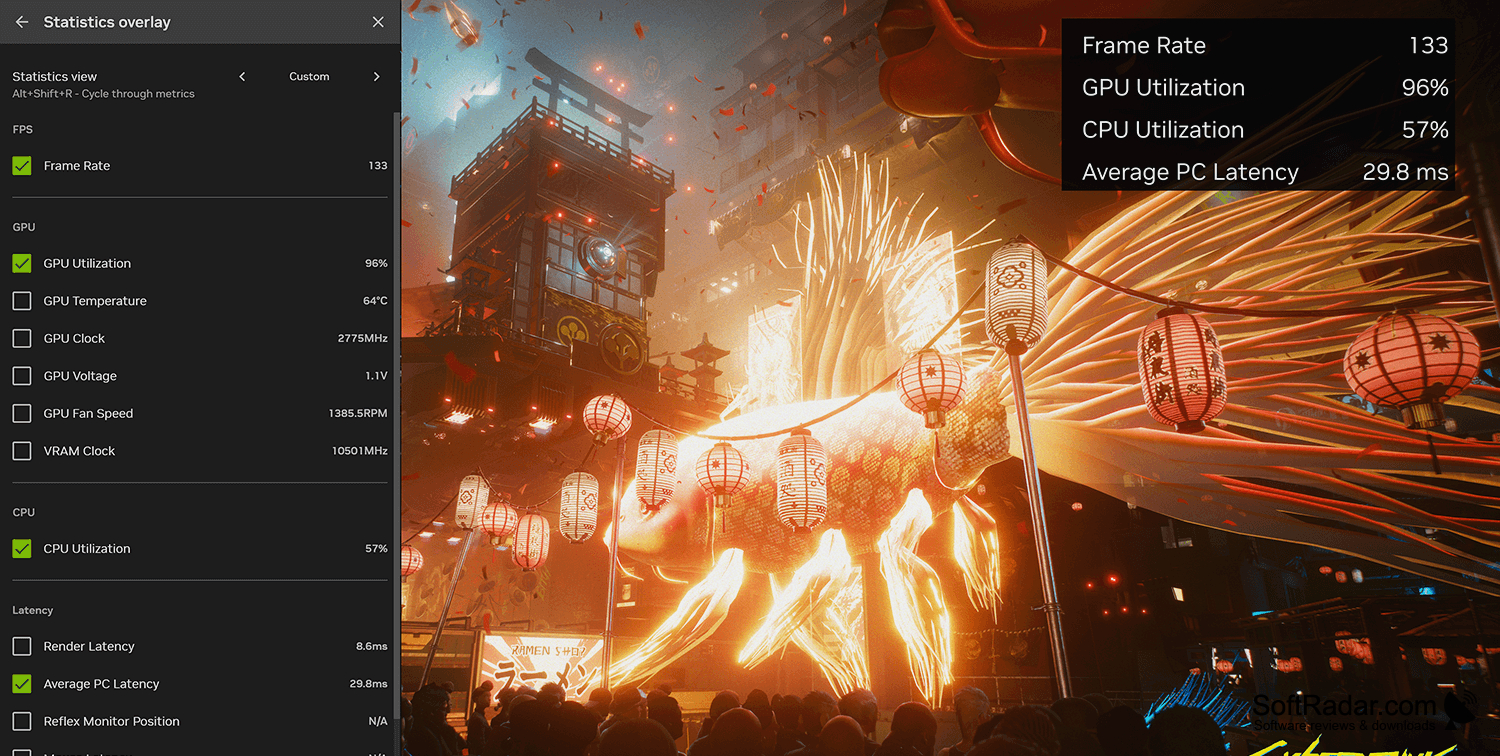
The software displays details about available Game Ready and Studio drivers before installation. Its settings area supports changes for individual applications as well as defaults used more broadly. An overlay provides recording controls, performance data, visual filters and access to saved captures while a game is running. Supported hardware can also use AI-based filters and DLSS options through the app.
Features:
- Check for NVIDIA driver updates
- Adjust settings for individual games
- Set graphics defaults across applications
- Record gameplay from an overlay
- View performance data while gaming
- Apply visual filters in supported games
Requires supported NVIDIA graphics hardware
PROS
Combines game settings and GPU controls.
Recording overlay makes gameplay capture straightforward.
CONS
Some advanced GPU settings remain outside the app.


