
Ammyy Admin
Software for remote assistance and administration
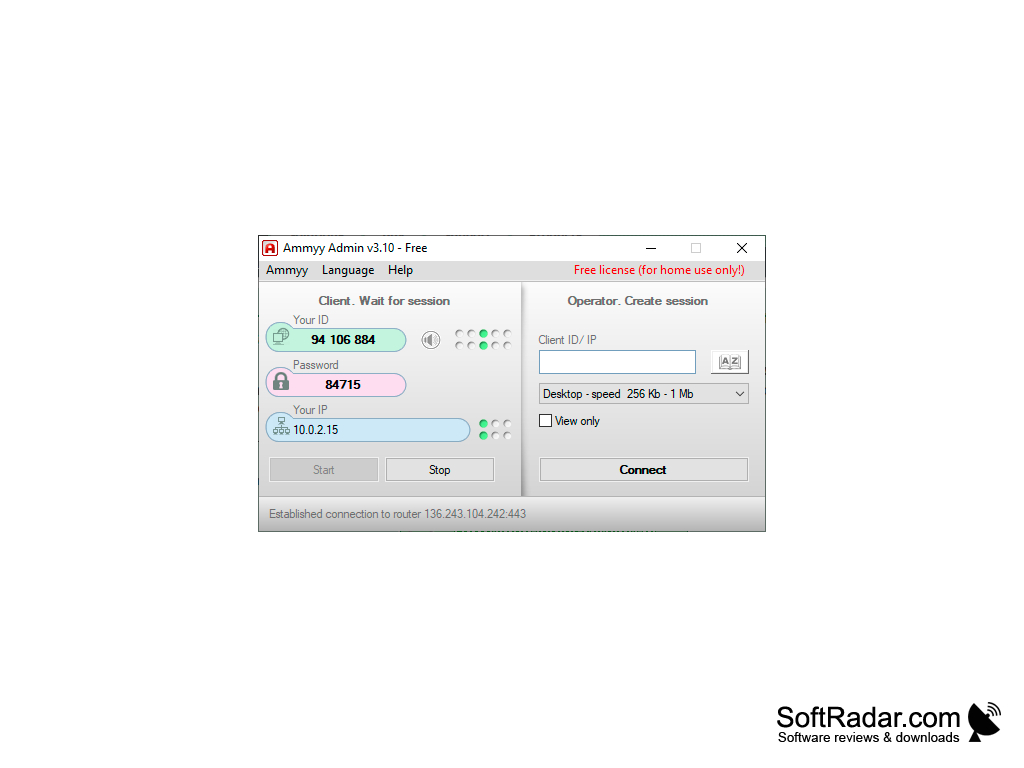

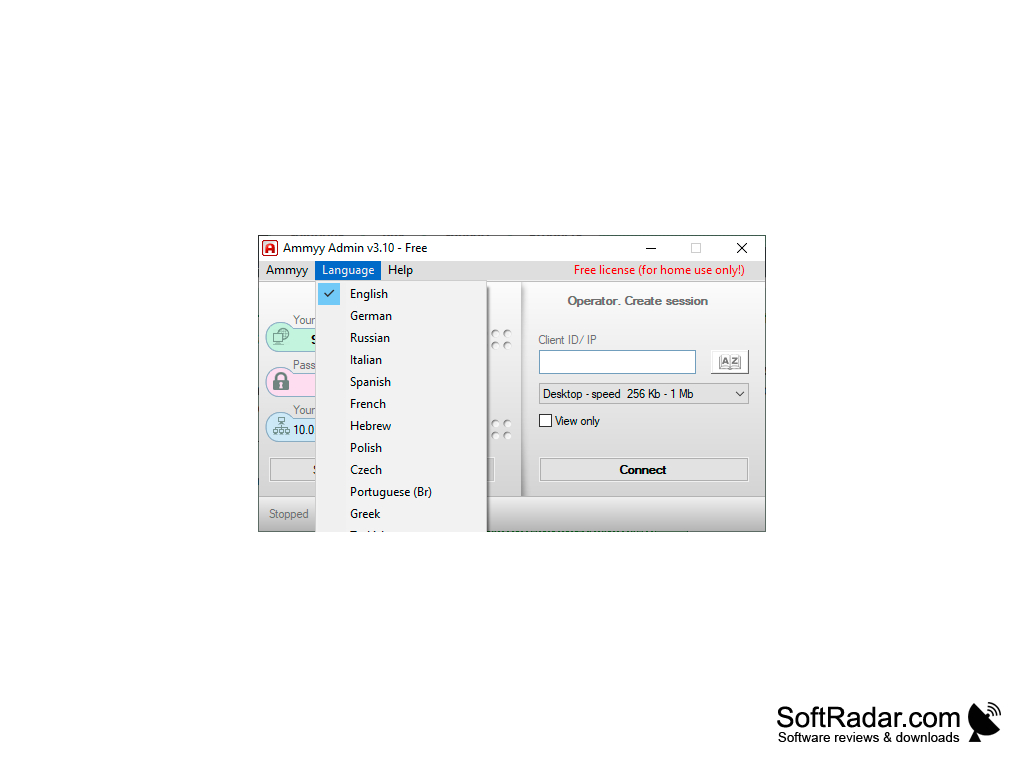
Ammyyy Admin allows instant access to any computer connected to the Internet (with the owner's permission, of course). The program is extremely easy to use, it does not require installation and is not divided into client and server parts. That is, to connect to a remote computer, you only need to have its host run the program, told you its identifier on the server Ammyy Admin and security code. Everything is very simple and convenient.
Once you have access to your computer, you can control your mouse and keyboard, start and work with installed programs, and so on. In addition, Ammyy Admin allows for voice chat and file sharing, does not require firewall configuration and real IP presence. The application works correctly even if the connection is slow and provides a decent level of safety during operation. With all the functionality offered, it is difficult to believe that the program is free.
Ammyy Admin provides simple, convenient, and secure remote access to computers without the need for installation or complex configurations.
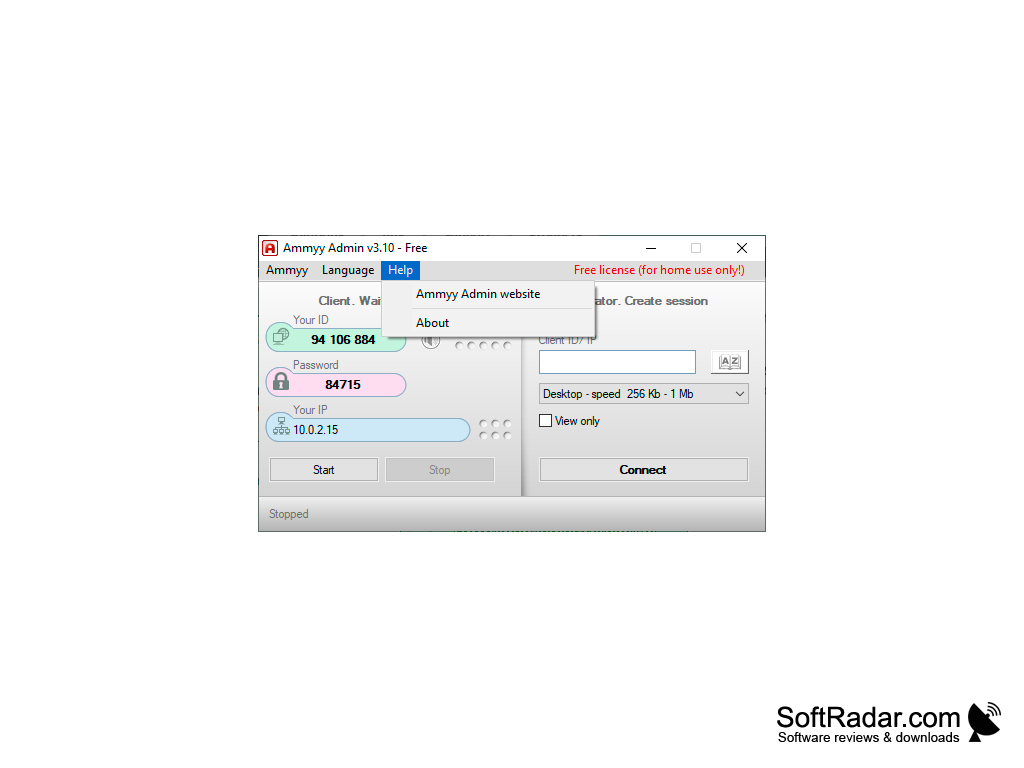
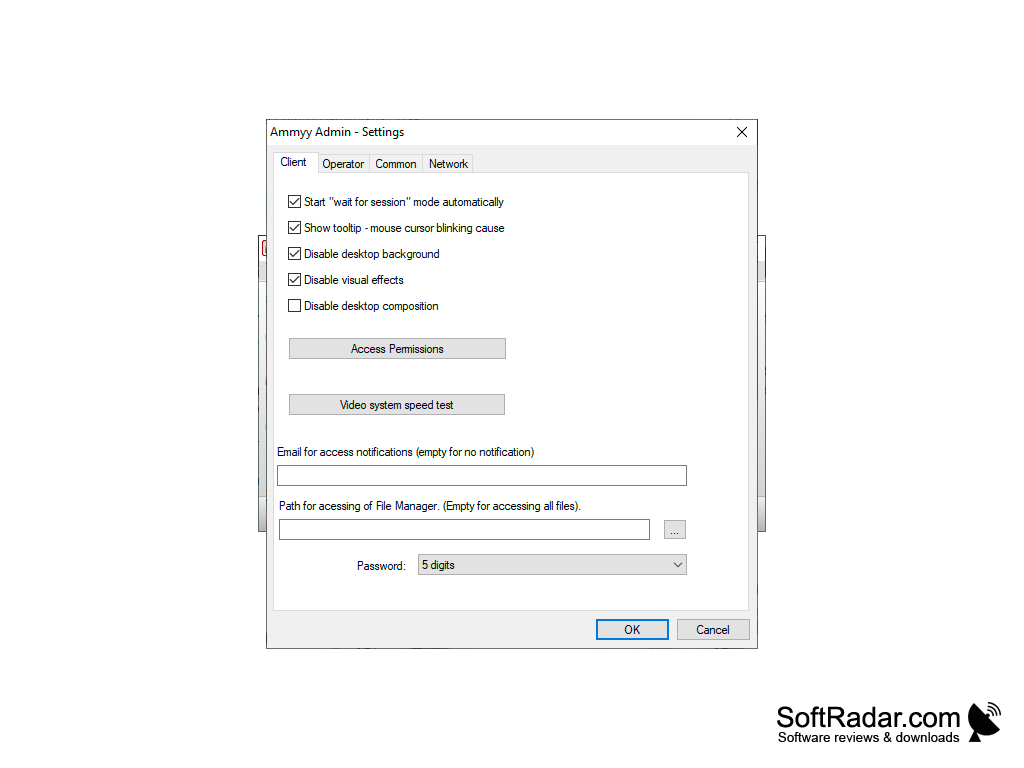
- the program is portable and small in size;
- uses advanced algorithms to encrypt the connection;
- has a built-in voice communication client;
- allows you to share large files;
- supports Microsoft Remote Desktop Protocol.
PROS
No installation or registration required.
Uses advanced encryption for data transfers.
CONS
Limited advanced features compared to other remote access software.
No Mac/Linux support limits its usage.


