
Animation Desk
Animation Desk is a frame-by-frame animation and sketching app from Kdan Mobile for animators, artists and students.
Introduction
Animation Desk is an easy-to-use sketching and drawing animation app for creating hand-drawn, frame-by-frame animations quickly and easily. It is made by Kdan Mobile for animators, digital artists, illustrators and students. You can start from a blank canvas or draw on top of imported video clips and photos, which is handy for rotoscoping and animatics. With its intuitive, touch-friendly user interface, beginners can make their first animated clip in a short time.
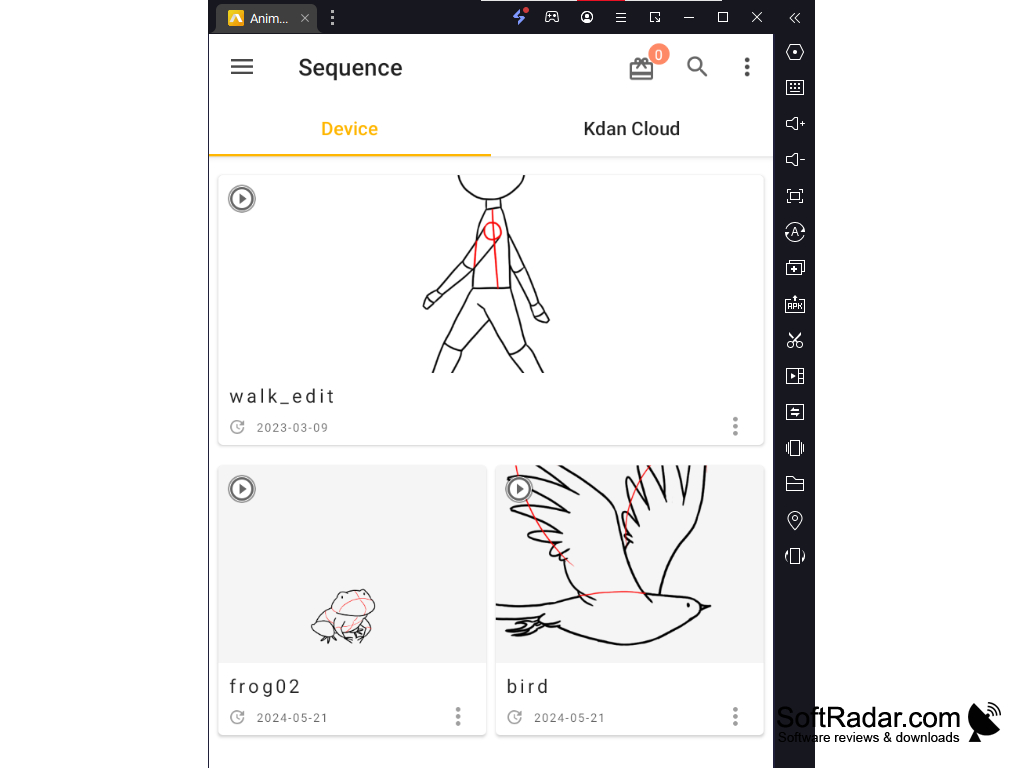
Animation Desk allows users to easily create hand-drawn animated stories and share them as videos or GIFs.
Features
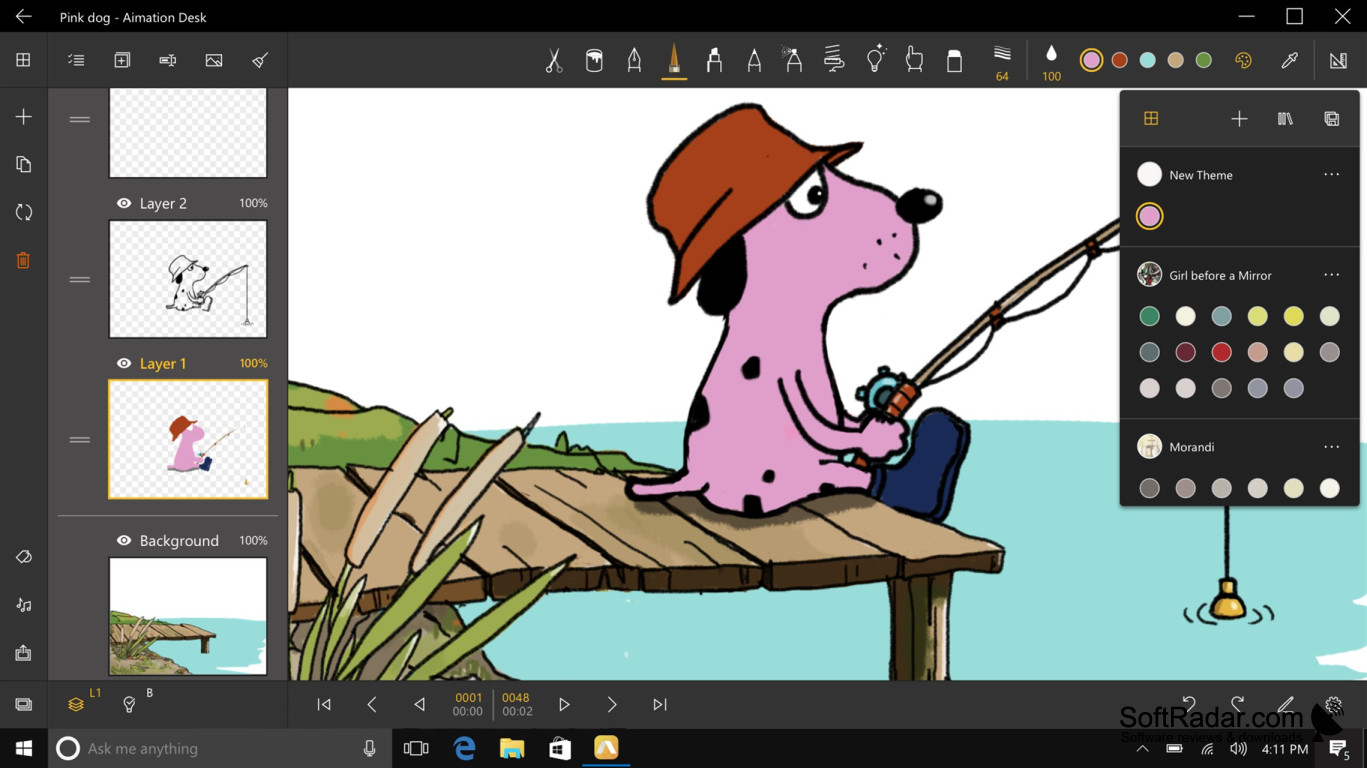
1. Drawing Tools: Animation Desk features a variety of drawing tools, including pencils, erasers, brushes, and more. Effect brushes create screentones, shadows and textures, you can customize your own brushes, and layers allow you to draw and edit your artwork separately.
2. Animation Timeline: Animation Desk provides a frame viewer that allows you to easily manage your animation projects. You can easily add, delete, and rearrange frames, repeat frames, set the frame rate (FPS), and preview your animation in real time.
3. Color Palette: Animation Desk comes with color palette management that allows you to easily pick colors for your artwork. You can create and manage several palette sets, analyze colors from an imported image and use an HSV color wheel.
4. Sound and Music: Animation Desk supports audio recording and the import of multiple soundtracks, allowing you to add music, voice-over or lip-synced dialogue to your animations.
5. Export: Animation Desk exports finished animations as MP4 video, animated GIF and PNG images (single frames or frame sequences), and storyboards can be saved as PDF. Image sequences can be imported as well.
6. Onion Skin and Rulers: onion skin shows the neighbouring frames as faint overlays, so you can keep movements smooth and consistent, while the perspective ruler and selection tools help with accurate drawing.
7. Pen Support: the Windows app is designed for tablets and touch screens, and it works with the Surface Pen and the Surface Dial for faster drawing and tool switching.
Conclusion
Animation Desk is a user-friendly animation app for creating 2D frame-by-frame animations on Windows 10 and Windows 11. It features a variety of drawing tools, layers, onion skin, a frame viewer, color palettes, audio support and several export formats. The app is free to download from the Microsoft Store, and extra features are unlocked with in-app purchases or a Pro plan.
Windows 11
PROS
Offers a vast range of drawing tools.
Supports multiple export options.
CONS
Does not create 3D animations.
Some tools and features require a paid Pro plan.