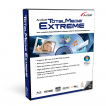
ArcSoft TotalMedia Extreme
ArcSoft TotalMedia Extreme is a suite of programs for playing, editing, burning and backing up high-definition video, music and data.
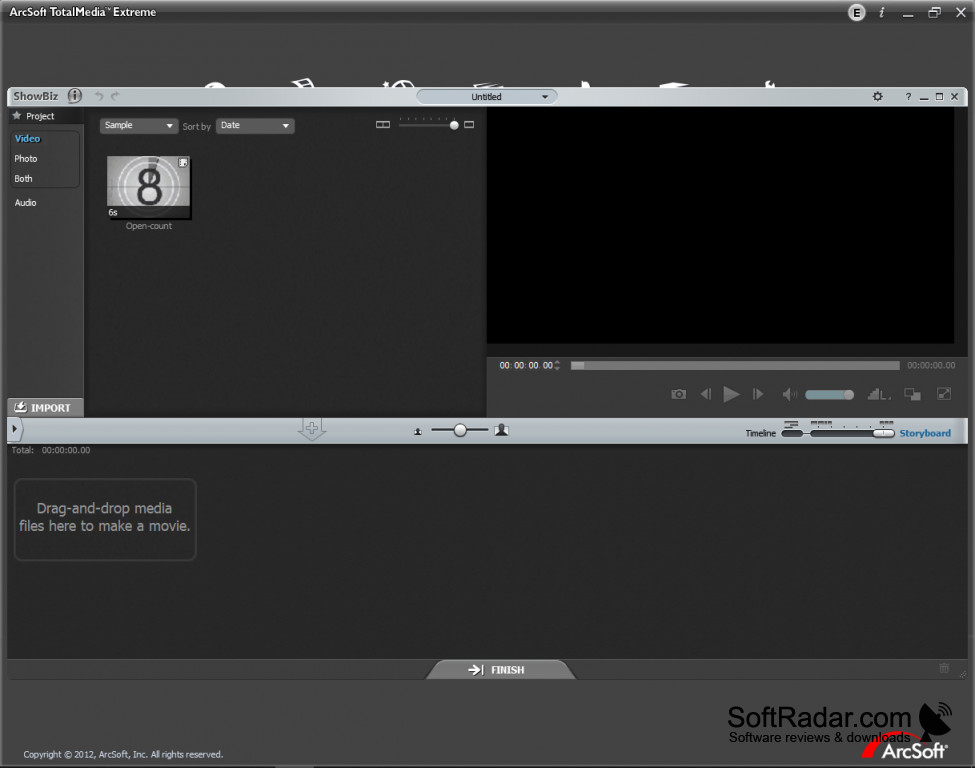
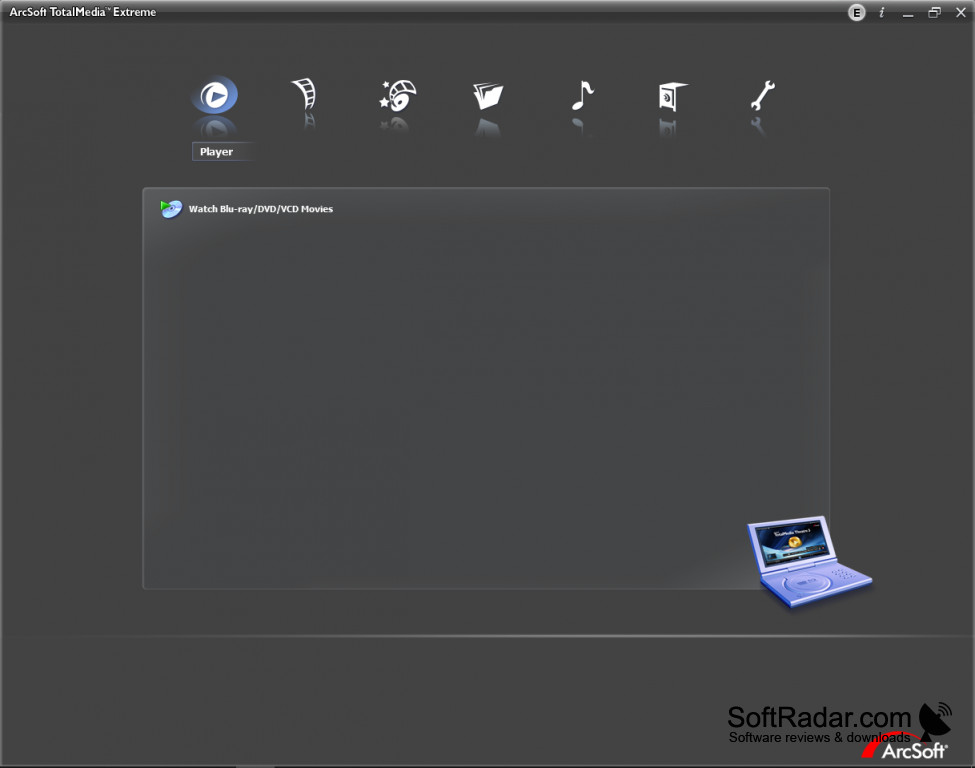
ArcSoft TotalMedia Extreme is a program suite developed by ArcSoft. It supports a user in playing, editing and authoring video and music files. Incorporated in this suite are a playback application, a data archiving application, and video creation applications, all designed for high-definition content.
Features:
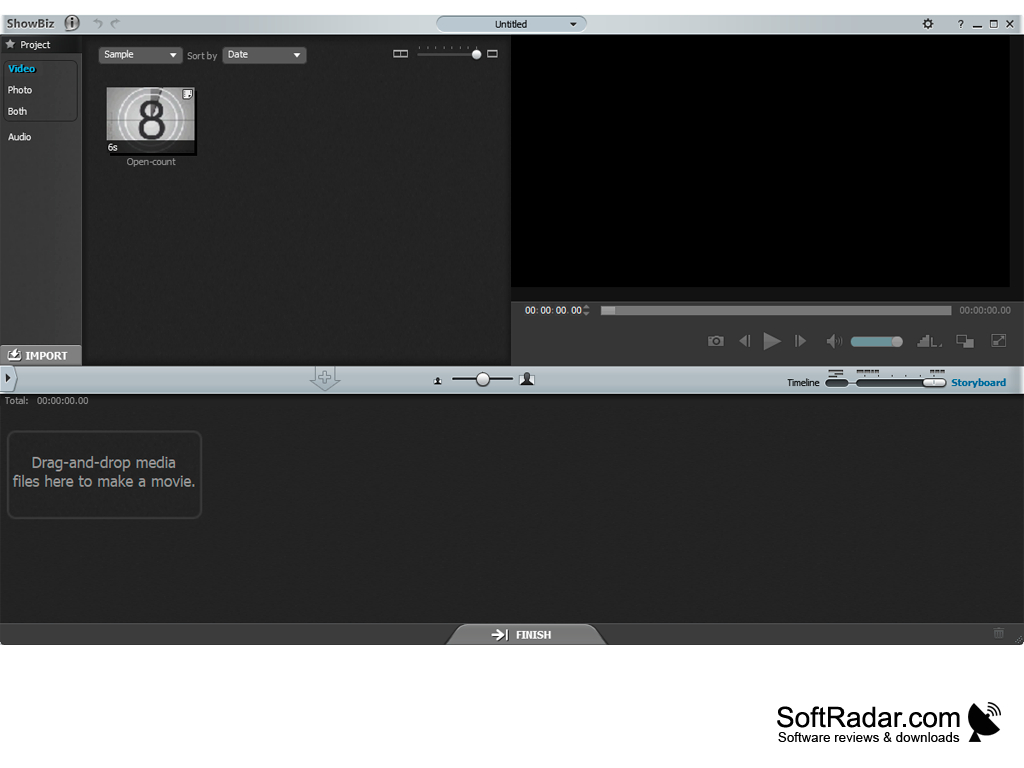
- Create movies, edit videos, and liven up your movie with ShowBiz
- All-in-one media player with a cinema-like experience
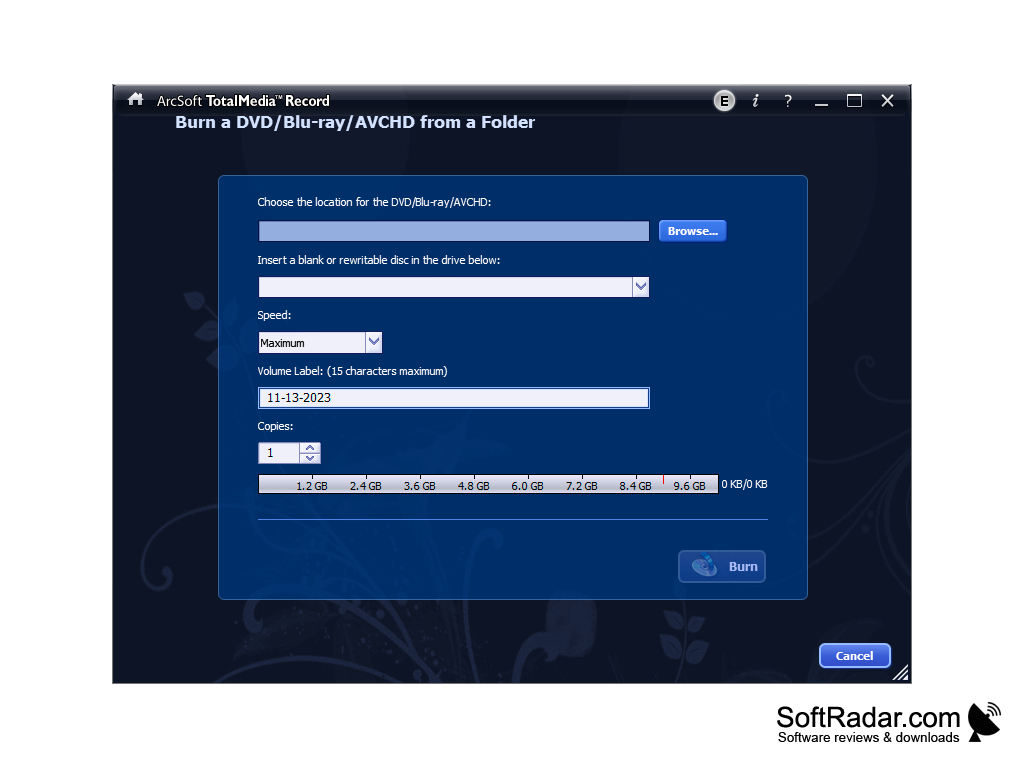
- Backups and data mastering with TotalMedia Record
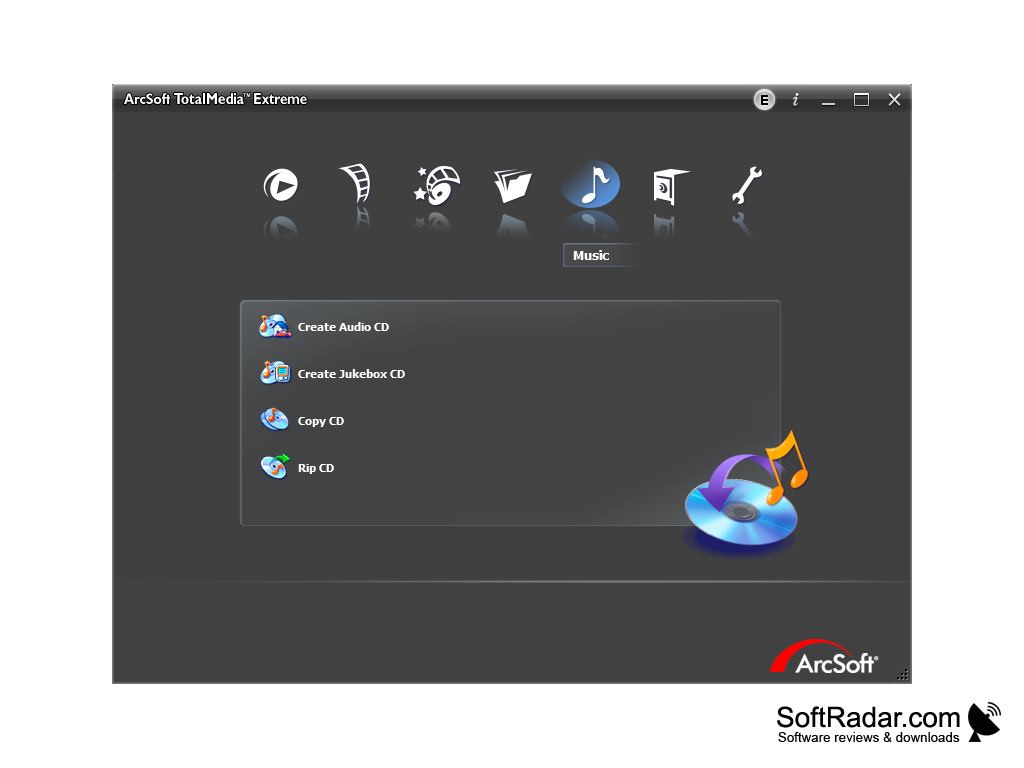
- Create, rip and copy audio CDs
- Full set of label design tools in LabelMaker
- Burn DVD, Blu-ray and AVCHD discs from a folder
- Supports Windows XP, Vista and 7
- Import media from the library or external devices
- Intuitive user interface
- Supports a large list of templates for printing labels
It combines a Blu-ray and DVD player, a video editor, disc burning and backup tools and a label maker in one integrated suite.
ArcSoft TotalMedia Extreme is a complete package of applications that lets a user watch Blu-ray, DVD and VCD movies and create DVD, AVCHD and Blu-ray discs. With this suite, a user can listen to music or watch videos from discs and from files stored on the computer. Version 3 bundles TotalMedia Theatre 5, ShowBiz 5, TotalMedia Record 2 and TotalMedia LabelMaker 2, which makes it a solid platform for creating, editing, and viewing multimedia content.
TotalMedia Theatre plays Blu-ray discs, DVDs, AVCHD discs and video files, can show 2D DVDs and videos in 3D, and uses SimHD to upscale standard-definition video to high definition. Media can also be easily backed up with TotalMedia Record, including other contents the user wants to keep, such as email messages or Internet Explorer favorites. The same tool creates and rips audio CDs, duplicates discs, and creates and burns disc images.
With the full set of design tools in LabelMaker, users can design and print custom CD labels and jewel case inserts and add text with the desired font, size, color, drop shadows and curved effects. Digital pictures can be imported and enhanced before they are placed on a label. ShowBiz can also create video files for portable devices such as iPods, iPhones and PSPs. The suite was sold as commercial software with a 15-day trial; ArcSoft has since retired its consumer media products, and TotalMedia Extreme is no longer developed or supported.
Blu-ray or DVD drive for disc playback and burning
PROS
Comes with a user-friendly interface, easy for beginners.
Provides tools for editing, converting, and recording media files.
CONS
No longer updated or supported by ArcSoft.
Officially supports only older Windows versions.


