
Audiggle
A discontinued music identification program for Windows that recognized songs playing on the PC and showed their title and artist.
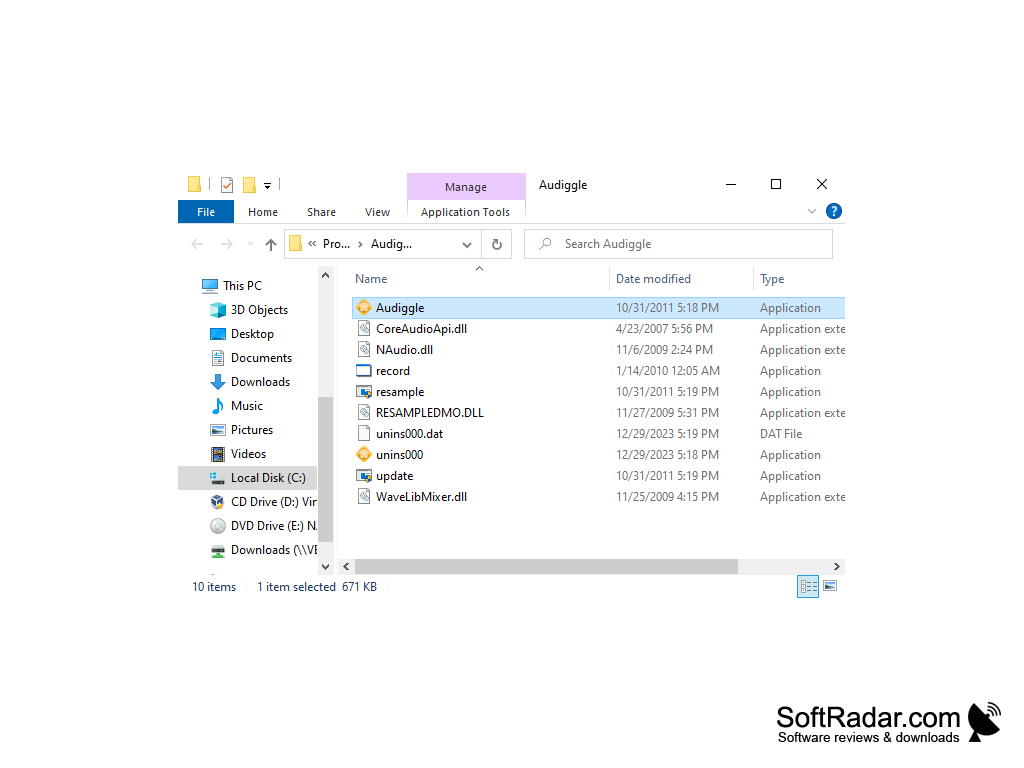
Audiggle is music identifying software for the PC. It works in a similar way to the audio detection and identification apps found on many mobile devices such as the iPhone and Samsung phones. Instead of holding a phone to the speaker, you start the search on the computer itself. Since this is a PC based software, it works on YouTube, internet radio, Hulu, DVD movies and many other applications which can be run on the PC. Of course, a recording input such as a stereo mix line or a microphone must be available to your PC for this program to capture sounds.
It provides the title and artist of the song after capturing a short clip of the audio playing on the PC. These captured clips are used to search a huge database of similar clips on the Audiggle servers. The answer is then presented in the program window and as a pop-up alert, and a search can be started from the window, from the system tray icon or with the Ctrl+Alt+A shortcut.
These search results could be used to read the lyrics of the songs, learn more about the artist and buy the track from licensed online stores.
It identified the song playing on the computer, from YouTube to internet radio, and showed the title and artist in one click.
The program itself was free to download, but searches used credits: a free Basic account gave 5 searches per month after e-mail activation, while the Flex (prepaid credits) and Pro (monthly subscription) packages offered more. The Audiggle service has since been shut down, so the program can no longer identify songs.
The Audiggle program also could share found songs on Facebook and Twitter, including automatic posting through its InstaTweet option.
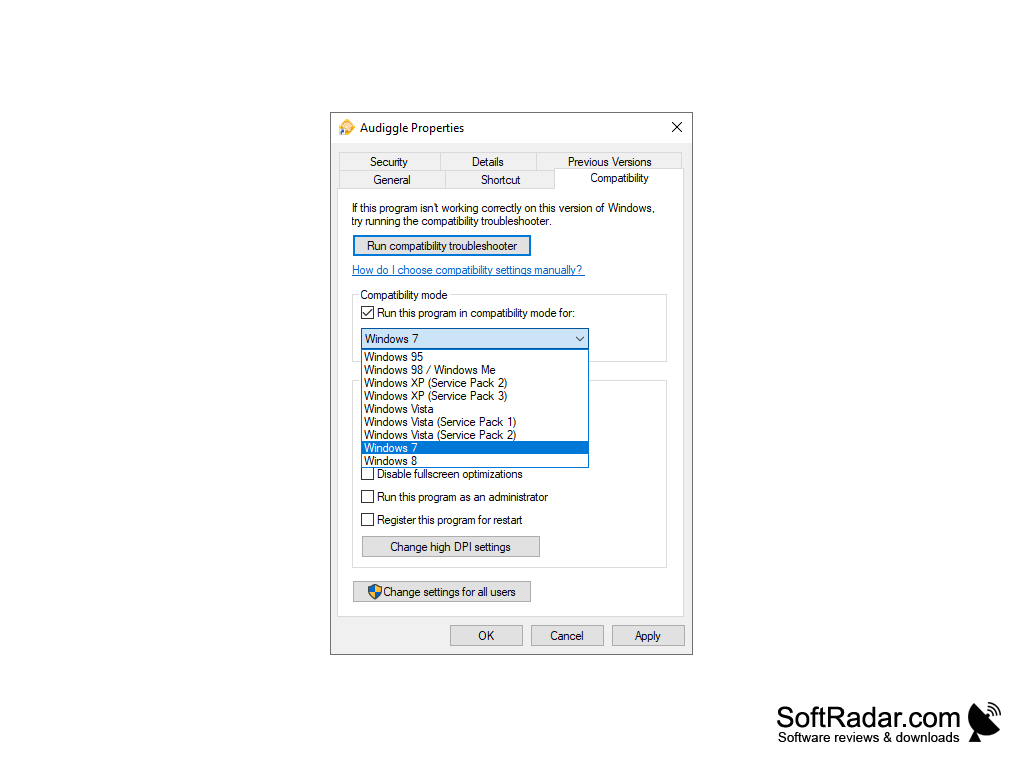
Sound card with a recording input
PROS
Showed song title and artist with one click or a hotkey.
Could share found songs on Facebook and Twitter.
CONS
The free account allowed only a few searches per month.
Needs a working recording input to capture audio.


