
AstroPrint Desktop
AstroPrint Desktop connects a 3D printer to a computer by USB or through the AstroPrint cloud, prepares designs on a virtual print bed and sends print jobs.
Operating system: Windows
Publisher: AstroPrint
Release: AstroPrint Desktop 0.3.1
Antivirus check: VirusTotal report
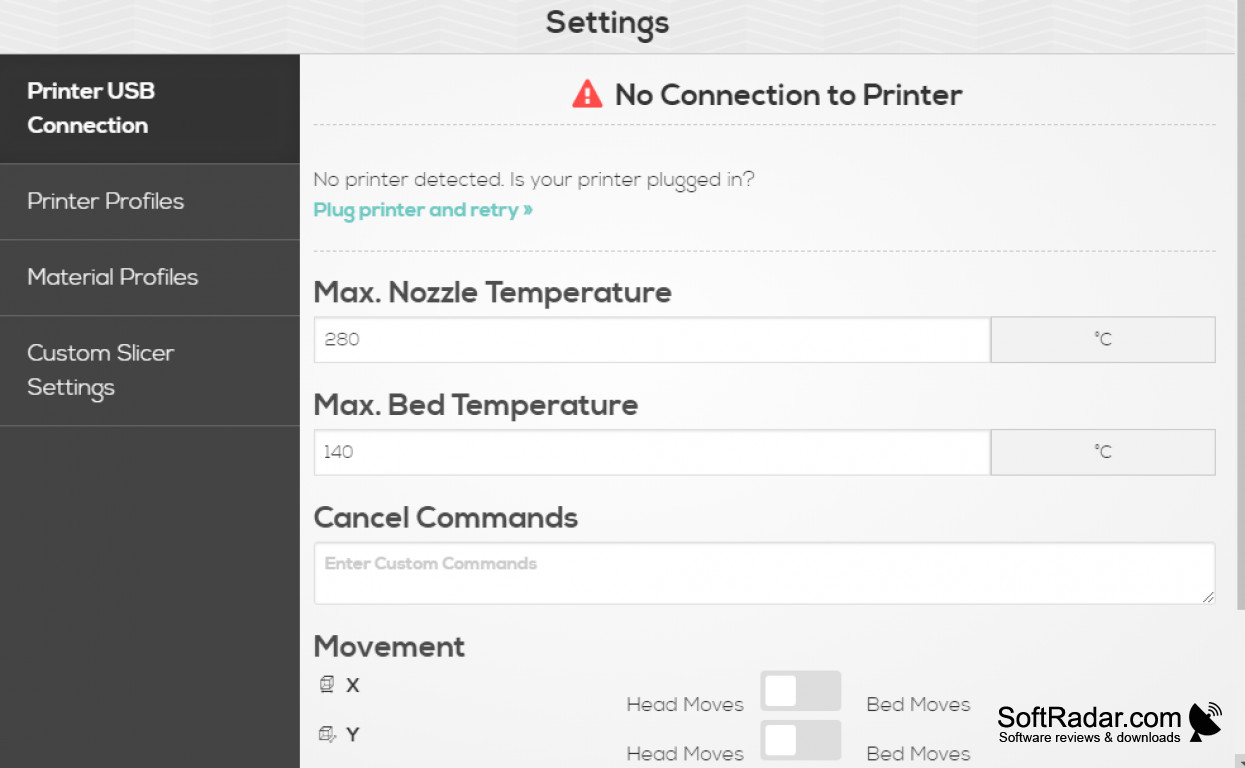
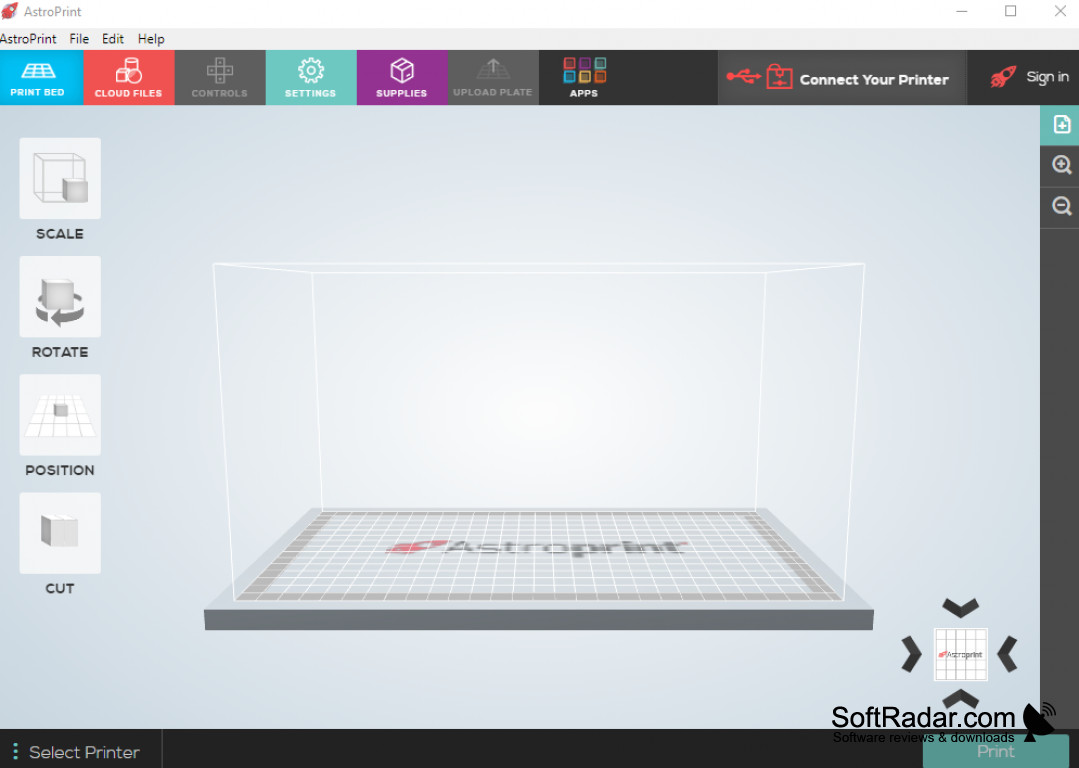
AstroPrint Desktop is a 3D printing application from AstroPrint. It connects a printer directly to the computer over USB, without a separate AstroBox device, and can also reach printers on the local network or remote printers linked to an AstroPrint account. It suits hobbyists and classrooms that manage one or several printers from a desktop computer.
Controls a 3D printer from the desktop and syncs designs and settings with the AstroPrint cloud.
Designs are placed on a virtual print bed, where they can be scaled, rotated, arranged and duplicated to print several copies at once. A GCODE viewer shows the print path layer by layer and visualises print speeds before the job starts. Files, printers, materials and custom settings stored in an AstroPrint cloud account are synced into the program.
Features:
- USB printer connection without an AstroBox
- Access to network and cloud-linked printers
- Scale, rotate, arrange and duplicate designs
- Layer-by-layer GCODE preview
- Sync of files, materials and settings with the cloud
AstroPrint account for cloud features
PROS
Clear layer-by-layer GCODE preview.
Syncs designs and settings from the cloud.
CONS
Early version with a limited feature set.