Asus Ai Charger
A simple utility for Windows that enables you to charge your Apple devices through your PC’s USB ports
Operating system: Windows
Publisher: ASUSTeK Computer
Release : Asus Ai Charger 1.05.02
Antivirus check: VirusTotal report
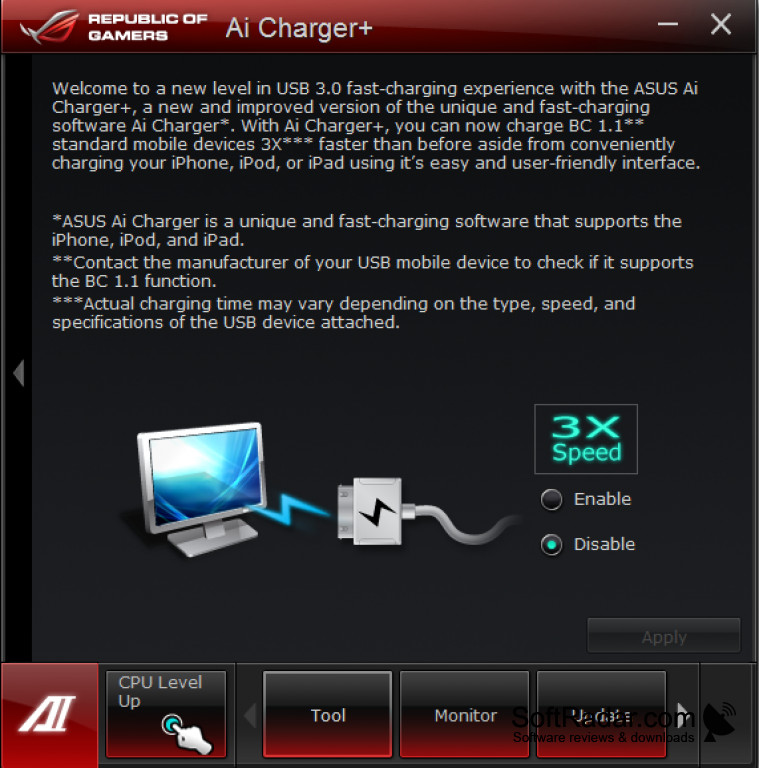
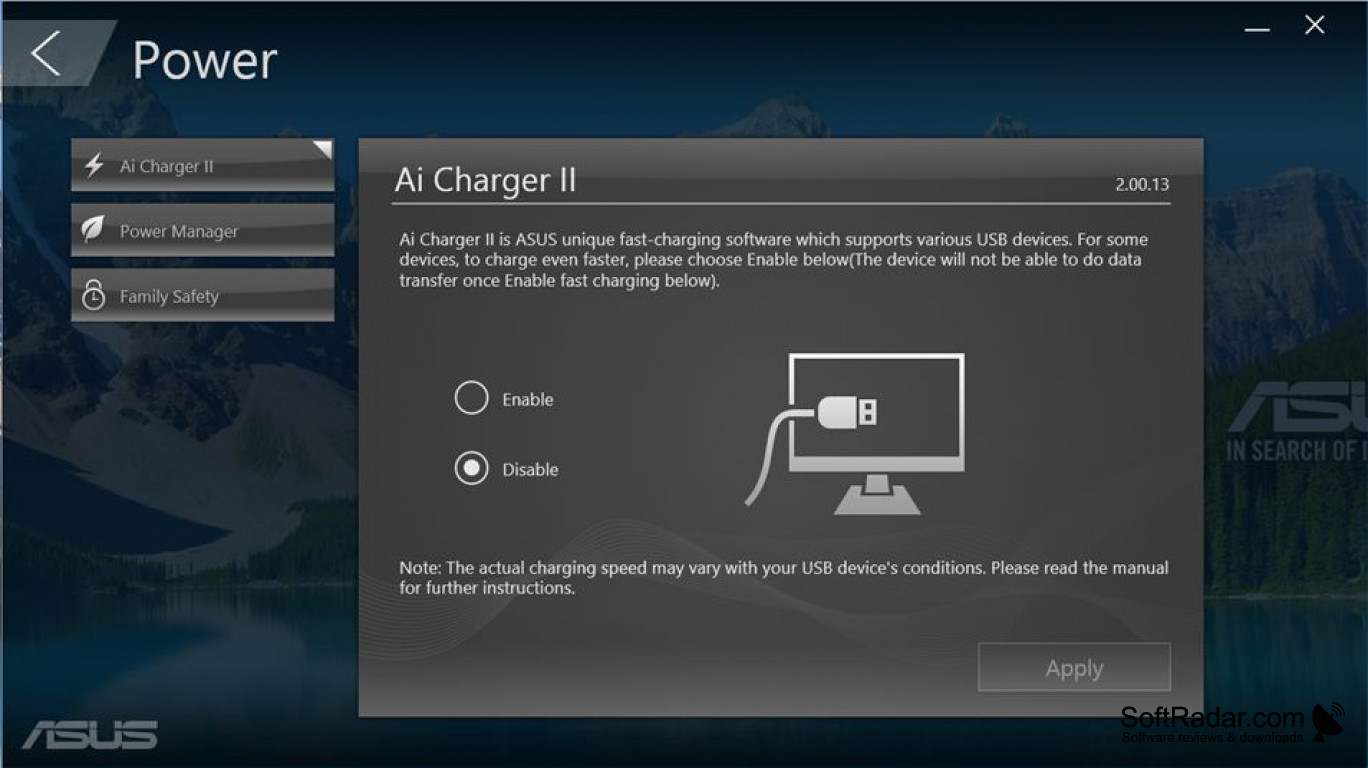
The Asus AI charger is a small but mighty utility for Windows that converts your PC into a mega charger for all your Apple devices using your USB port. You can charge your iPhone, iPad, iPod, or any other compatible Apple device directly from your PC while you work, play, or leave it in standby. While the Asus AI charger works best on an Asus computer, it can be used with most PC’s as well. If your PC is not compatible for some reason, a message will pop up indicating this when you try to use it.
Features:
- Quickly charges your Apple devices and speeds up to 50% faster!
- Compatible with almost all PC’s
- Can be used while your PC is in on, in standby mode, or even turned off
- Allows you to charge your Apple devices while you work on your PC
Asus AI charger will charge your Apple device up to 50% faster, allowing for maximum charging efficiency.
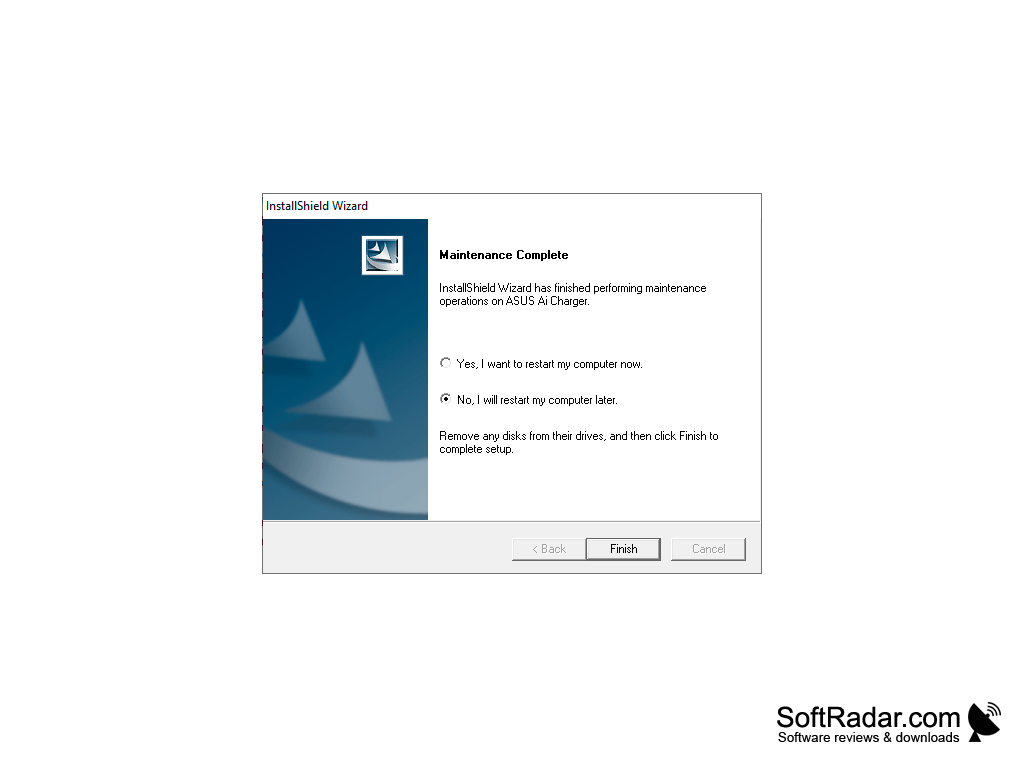
In a unique marriage of Apple device and PC, the Asus AI charger is a powerful Windows utility that allows you to charge your Apple devices directly from your PC. The program works by increasing the power available to your USB ports, which in turn enables them to charge up Apple devices at very rapid speeds. Asus AI charger is a straightforward installation, and you will need to reboot your computer once you have installed it before using it. Once you plug in your device, it should begin charging. If, for some reason, your PC does not get enough power to the USB port to allow for charging of the Apple device, the system will notify you with an error message near the battery indicator. The program runs with a small icon in the taskbar, letting you know that it is ready to use. It’s that simple!
So if you are ready to turn your PC into a high powered charging station for your Apple devices, then you can do a quick and easy installation of Asus AI charger today and maximize your charging potential!

USB port available on your PC
Compatible with most PC systems
Reboot required after installation
PROS
Compatible with a variety of devices.
Free, lightweight, and easy to install.
CONS
May not work with all USB devices.
Potentially drains laptop battery faster.


