
Autodesk Design Review
Allows for review of design on windows
Operating system: Windows
Publisher: Autodesk, Inc
Release : Autodesk Design Review 14.0.0.177
Antivirus check: passed
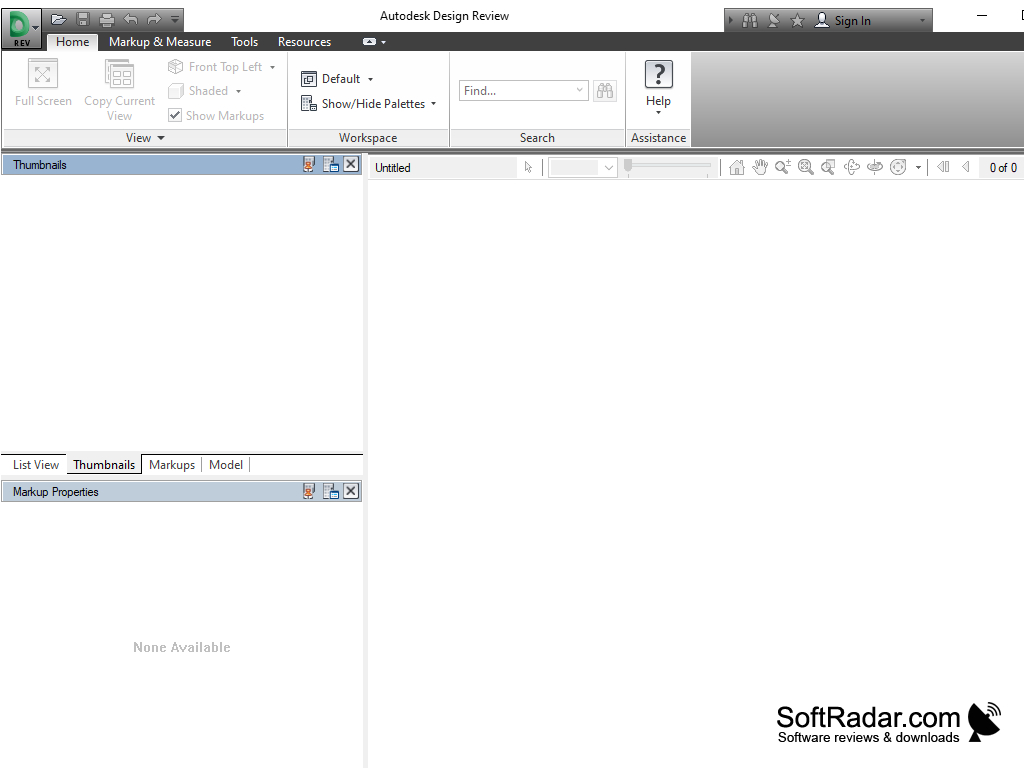
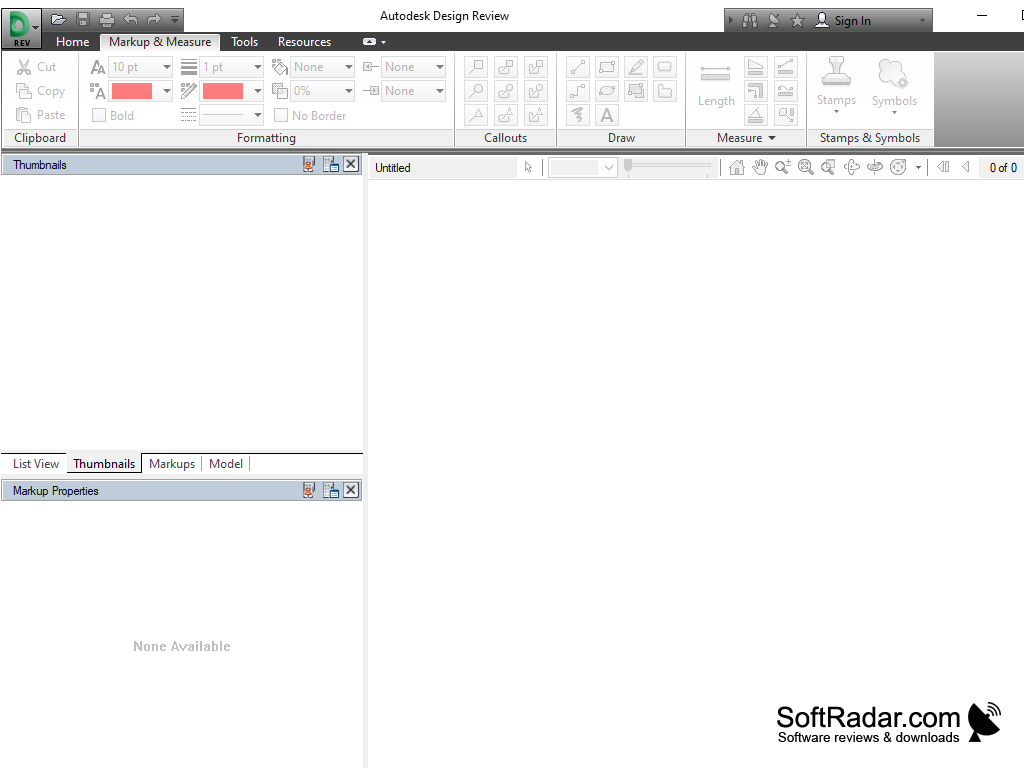

Autodesk Design Review is a program that is designed to view drawings in DWF, DWG, and DXF formats. It can be used on those computers on which presence of the high-grade CAD program is not obligatory. With Autodesk Design Review, you can view drawings, make electronic notes on them, and print them.
The purpose of this application is to improve the interaction between employees working on the same project, speed up the verification of 2D and 3D drawings and reduce costs by reducing the amount of printed information. You can view high-resolution models and drawings, measure parts and add comments and suggestions for improvement to your drawing files.
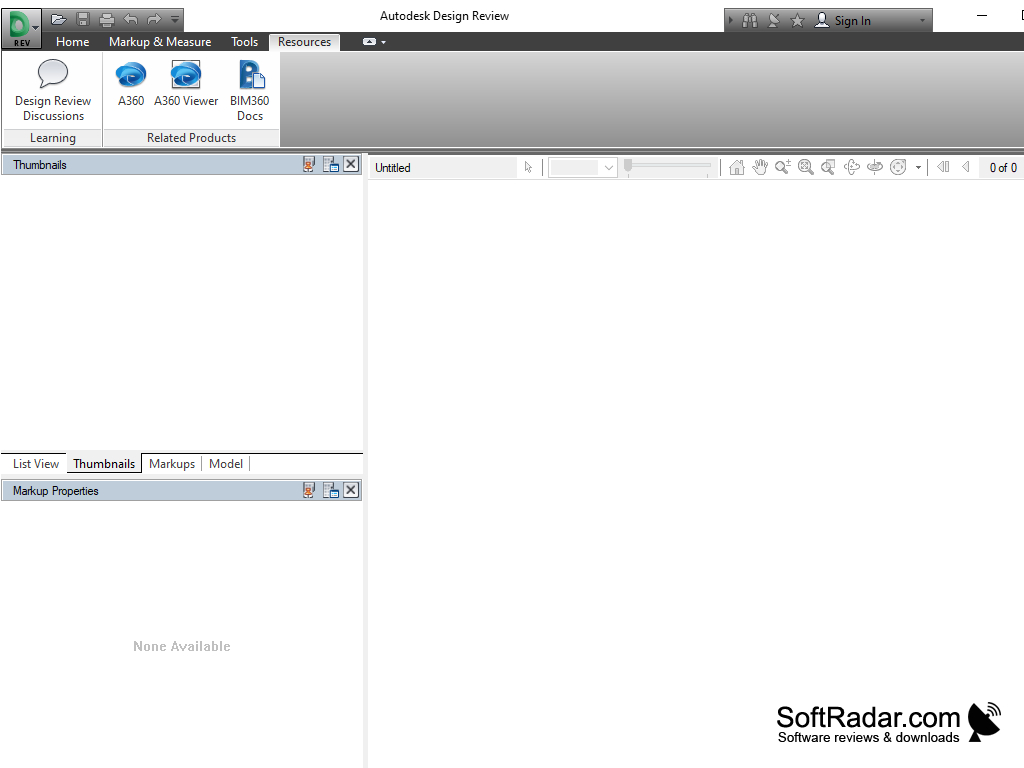
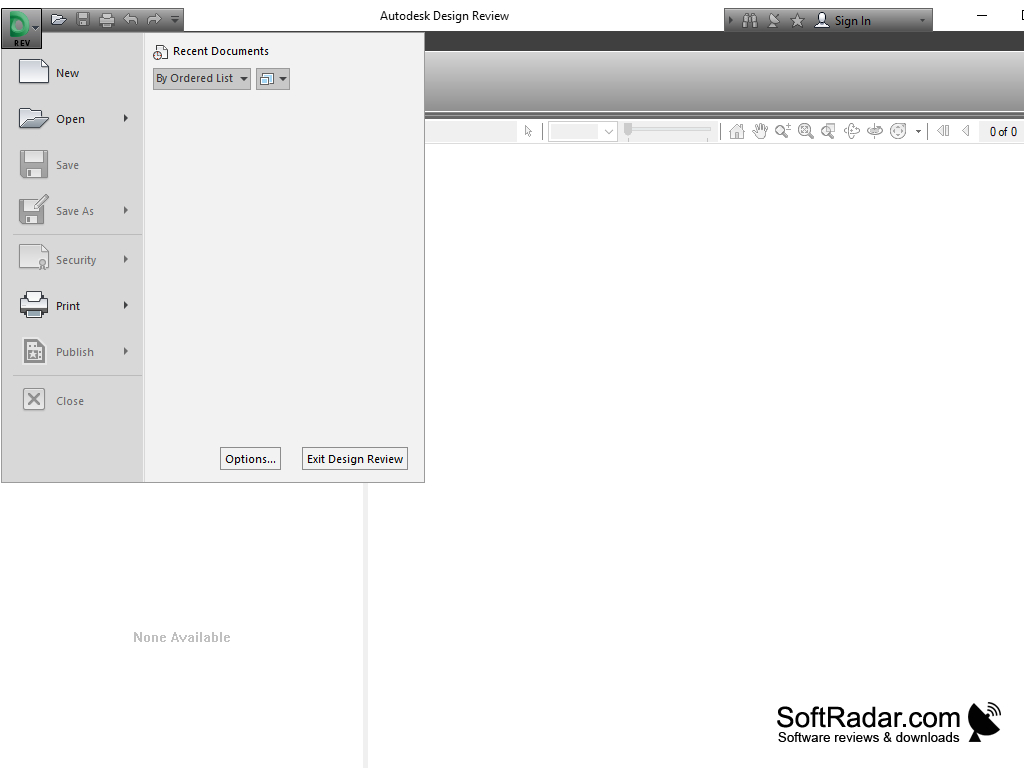
The Autodesk Design Review interface is ribbon-style, with different options on different tabs and no main menu. The button at the top left gives us access to the menu for opening and saving files. In order to view DWG files, you must also install the free DWG TrueView software. Although this program is a separate product, it is included in this installation kit.
Autodesk Design Review enhances collaboration by allowing users to view, annotate, and print 2D and 3D models, thereby accelerating project verification and reducing costs.
-1 GHz or faster 32-bit (x86) or 64-bit (x64) processor
-Minimum 2GB of RAM (4GB recommended)
-Install DWG TrueView for DWG files
PROS
Features measuring and markup tools for easy design collaboration.
Free to download and utilize.
CONS
May experience slow performance with larger files.
Lacks advanced 3D modeling features.


