Aweray Remote
Aweray Remote (now AweSun) is a remote desktop tool for controlling computers and mobile devices, giving remote support and transferring files.
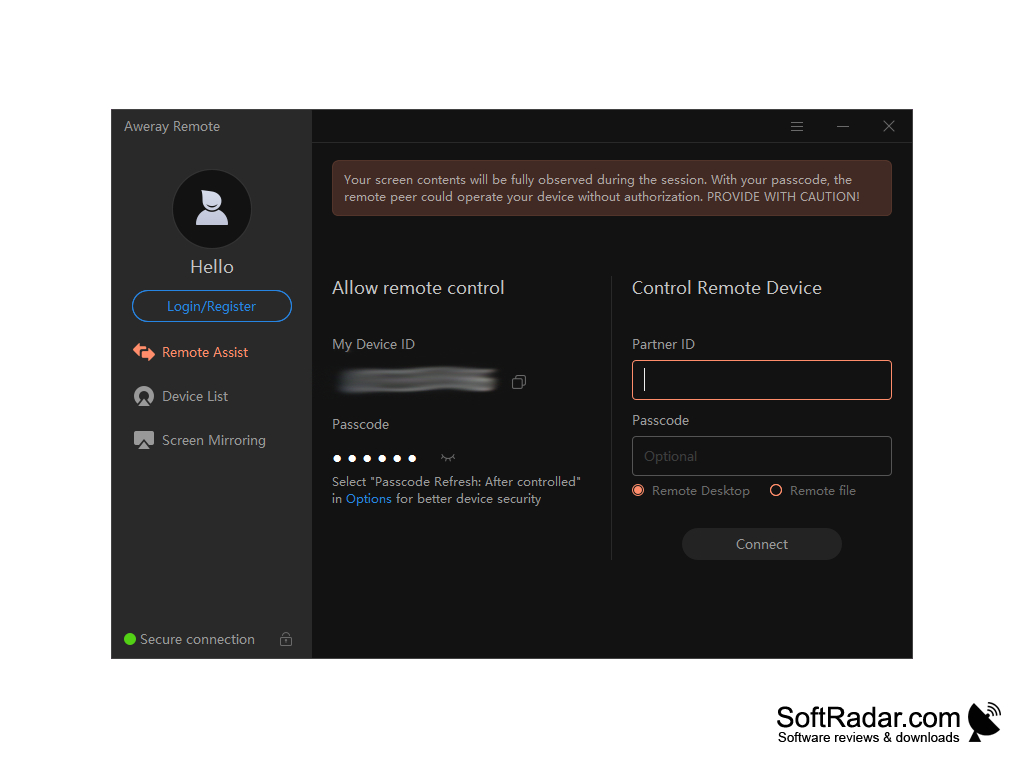
Aweray Remote, now called AweSun, is a remote desktop program from AweRay. It allows users to access and control computers and mobile devices from anywhere, help other people remotely and transfer files. A connection is made by entering the partner's device ID and passcode, and no router or firewall configuration is needed.
Features:
• Secure Remote Access: Aweray Remote connects to a computer by its device ID and passcode, and the passcode can be refreshed automatically after each controlled session.
Aweray Remote allows users to securely access and control their devices remotely using just a device ID and a passcode.
- Multi-Platform Support: Aweray Remote is available for Windows (32-bit, 64-bit and ARM), macOS (Intel and Apple silicon), Android and iOS.
• Easy Setup: Aweray Remote is easy to set up and use; after installation the device ID and passcode are shown right on the main screen.
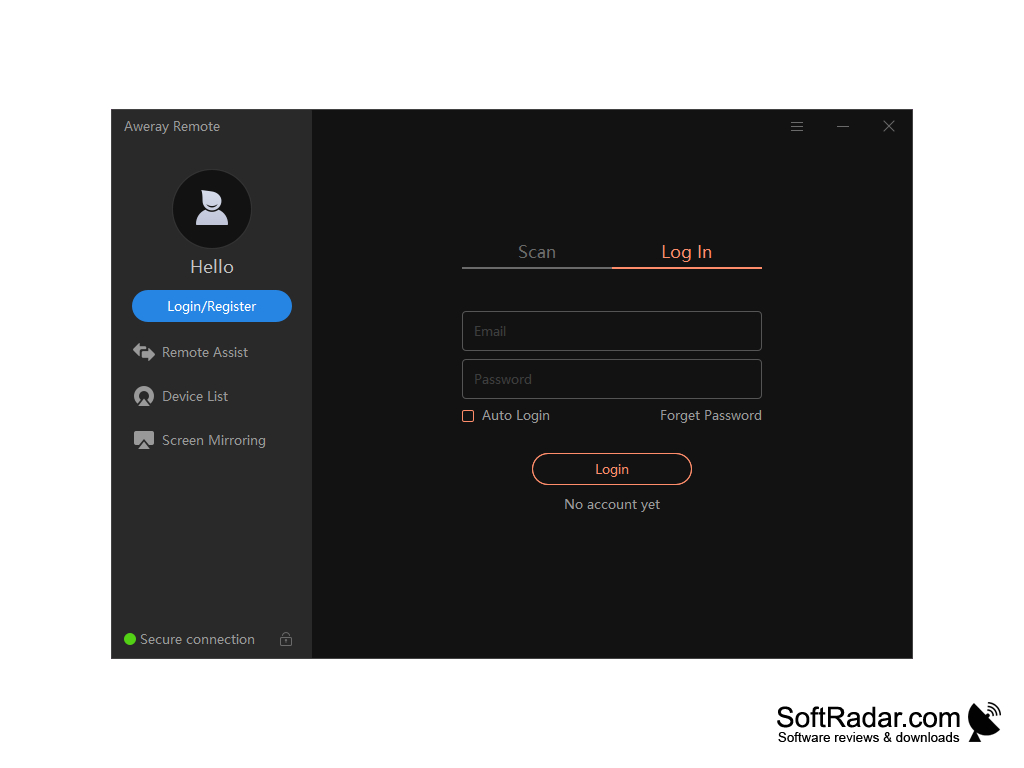
• Device List: after logging in to an AweRay account, users can keep their own computers in a device list for quick access.
• Remote File Transfer: Aweray Remote allows users to transfer files between remote and local computers by drag and drop, without file size limits.
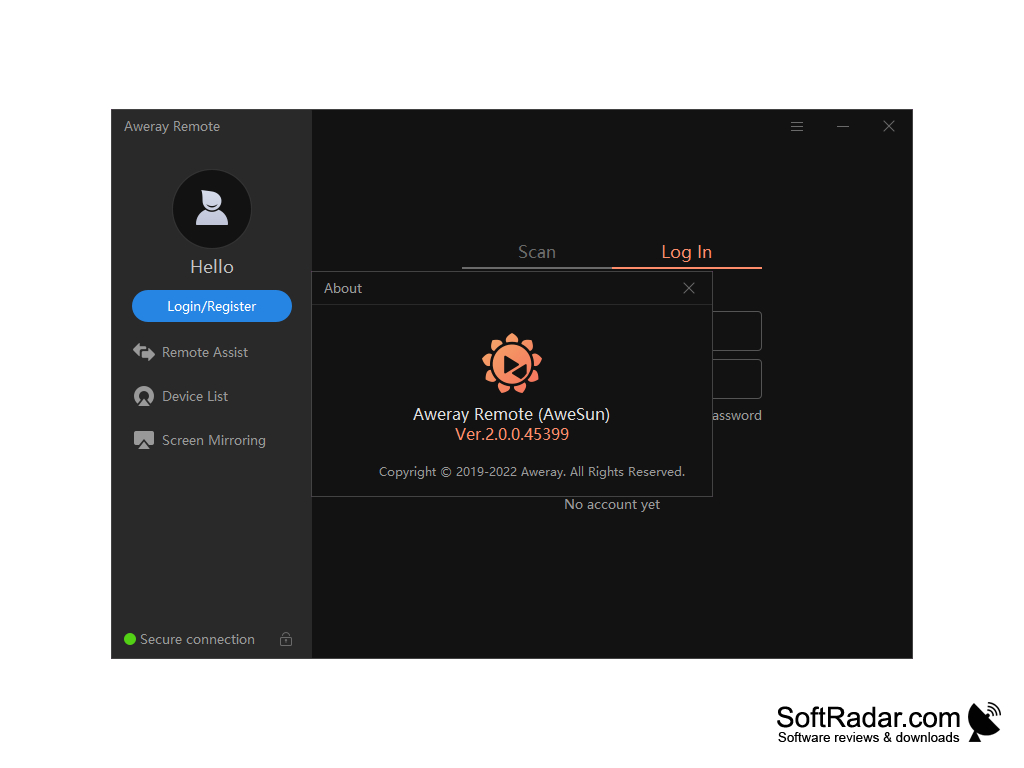
• Screen Mirroring: a separate Screen Mirroring section is available next to Remote Assist and the device list.
• Remote Desktop Viewer: Aweray Remote allows users to view and control a remote desktop, with multi-screen control in the paid plans.
• Mobile Control: Android devices can be controlled without root (two devices in the free plan), and phones and tablets can be used to control a PC.
• Remote Tools: depending on the plan, the program also offers remote camera access, remote CMD/SSH and RDP connections.
• Gaming and Design Mode: higher plans stream at up to 144 FPS and 4K with 4:4:4 color and add gamepad mapping and tablet mapping.
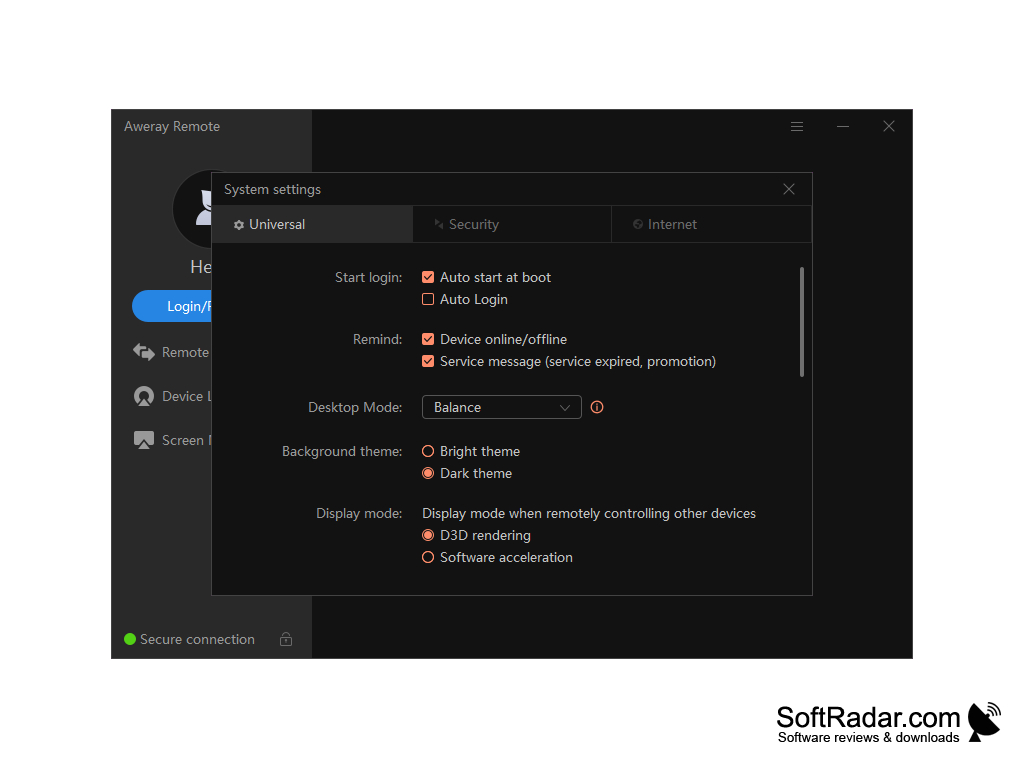
• Flexible Settings: options include auto start at boot, a dark or bright theme, and D3D rendering or software acceleration for the remote screen.
• Scalability: Team and Enterprise editions and an on-premises deployment are offered for organizations.
• Free Plan: the Personal edition is free with up to 30 FPS and 1080p quality, while paid plans are billed annually.
• Support: the AweRay website provides a help center, documentation and contact options for personal and business users.
Aweray Remote is a practical solution for businesses, organizations, and individuals who want a simple way to access their computers and devices from anywhere in the world. Its free personal plan, clients for all major desktop and mobile systems and optional paid features for gaming, design work and IT administration make it a flexible choice for remote access.
PROS
Protects sessions with a device ID and passcode.
Facilitates easy remote control and file transfer.
CONS
User interface is not very intuitive.
Multi-screen control requires a paid plan.