
Belarc Advisor
Get a complete overview of your computer contents
Operating system: Windows
Publisher: Belarc
Release: Belarc Advisor 13.1.0
License: Free
Antivirus check: VirusTotal report

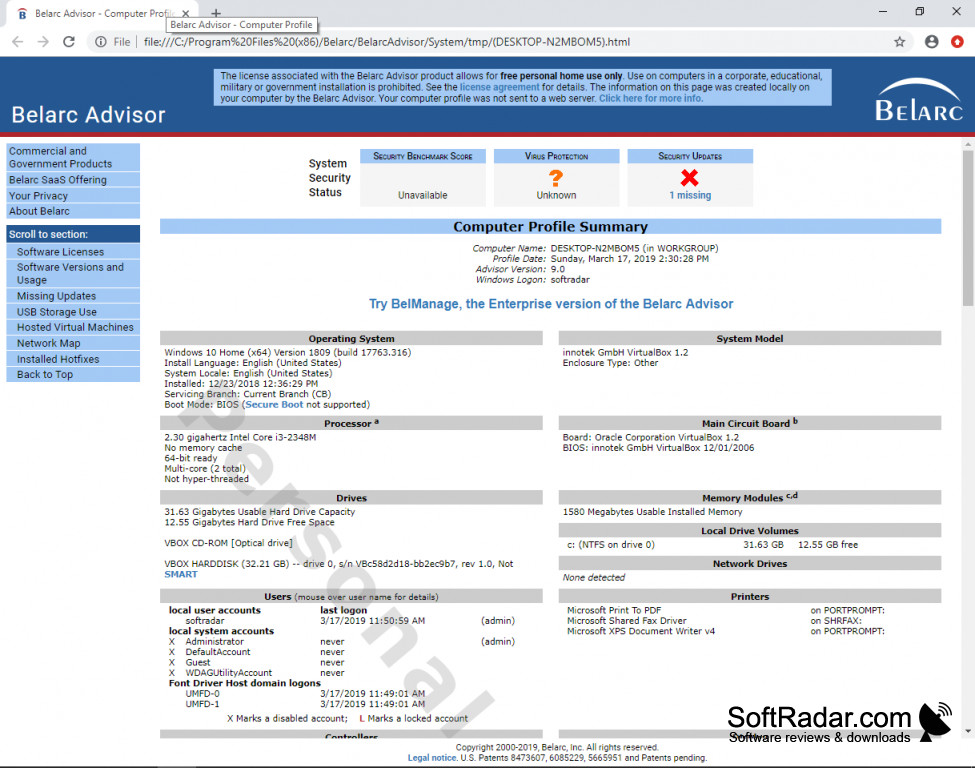
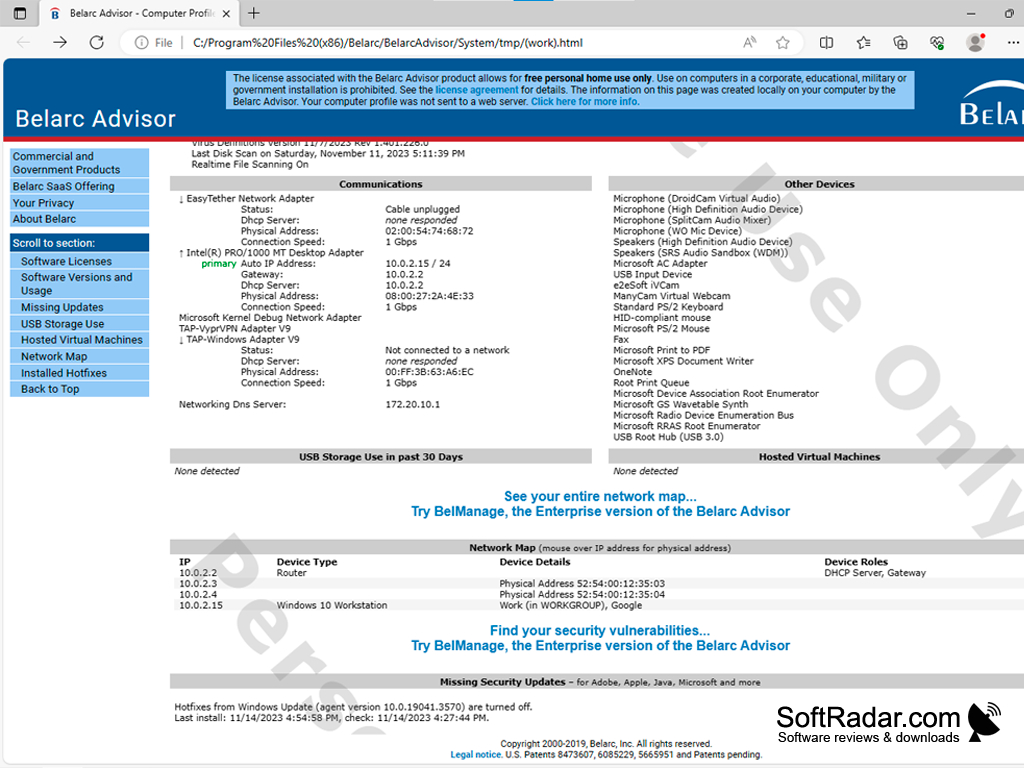
Belarc Advisor keeps all of the information on your computer or computers organized and in one place.
Features:
- Belarc Advisor will run on all popular browsers and many more.
- Belarc Advisor works with all current operating systems as well as some of the older versions.
- The program is free for personal use and can be licensed for certain charities.
- Keeps your information out of the servers and save on your own computer.
They allow certain charities the ability to obtain a license at no charge in certain circumstances.
Belarc is a US company based out of Maynard, MA. If you are looking for safe and easy to use the program, Belarc Advisor is the one. Belarc is used by many large and well-known entities including the US Marines and the FAA. Belarc is also a member of the Center for Internet Security or CIS. This allows Belarc customers the ability to monitor things such as:
Hardware, identifying both authorized and unauthorized hardware.
Software, identifying both authorized and unauthorized software.
Vulnerabilities, monitoring both on-premise and cloud-based, for products offering cloud storage, system environments for any vulnerabilities.
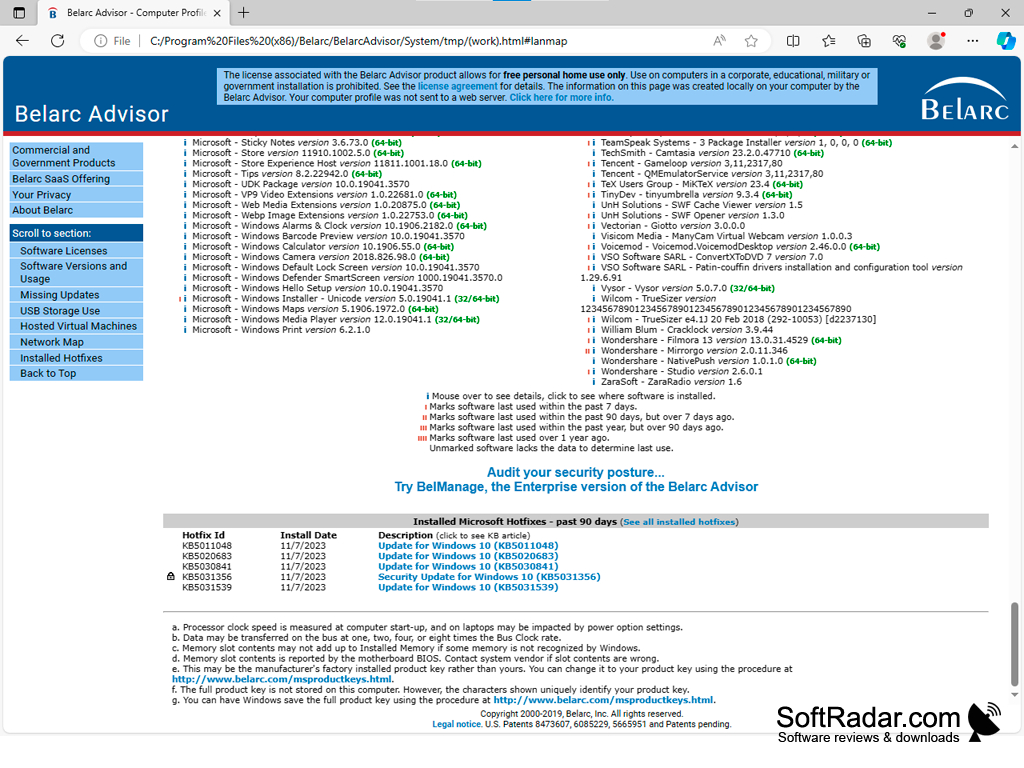
The Belarc Advisor keeps all your information out of the cloud and instead creates a local web page that will show you the information you need. The file itself is very small and fast to download and easy to use, even by someone who is not overly computer savvy.
The webpage you are presented with is easy to understand and very informative. Belarc Advisor allows you to keep a very close watch on your computers inner workings as well giving you the ability to find general computer information you might need all in one spot. One negative I have found is the web page it provides does seem to have a bit of advertising that is sprinkled throughout, but it is not overly invasive.
Overall I think the product is very useful and would highly recommend to anyone regardless of their computer skills.
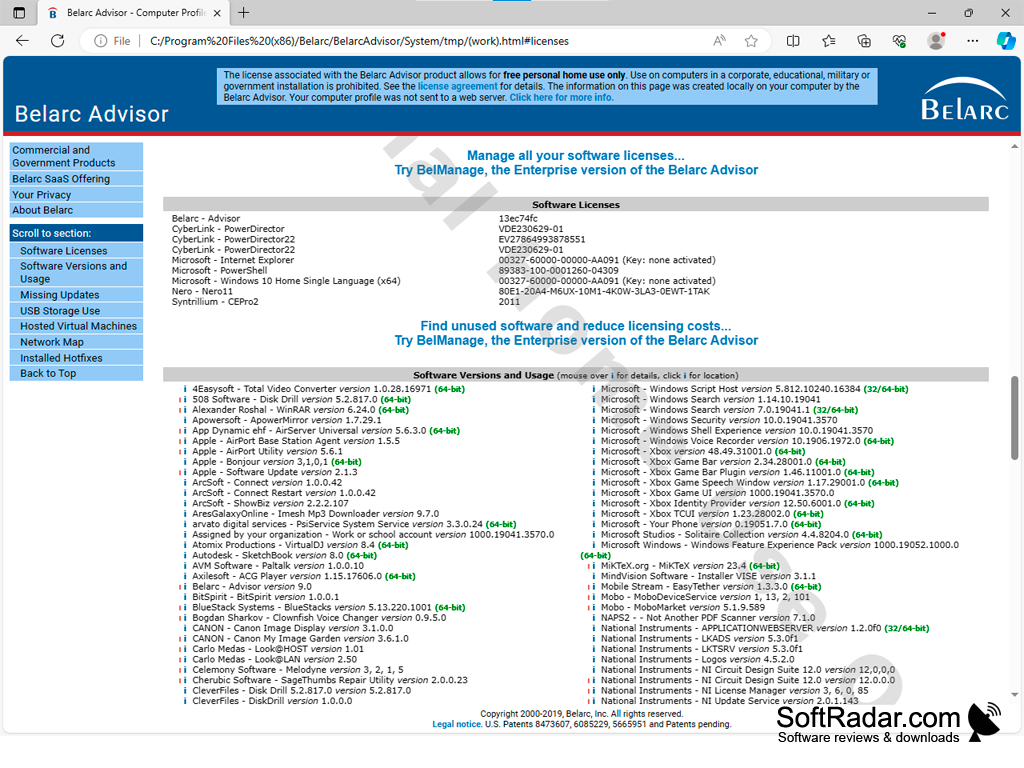
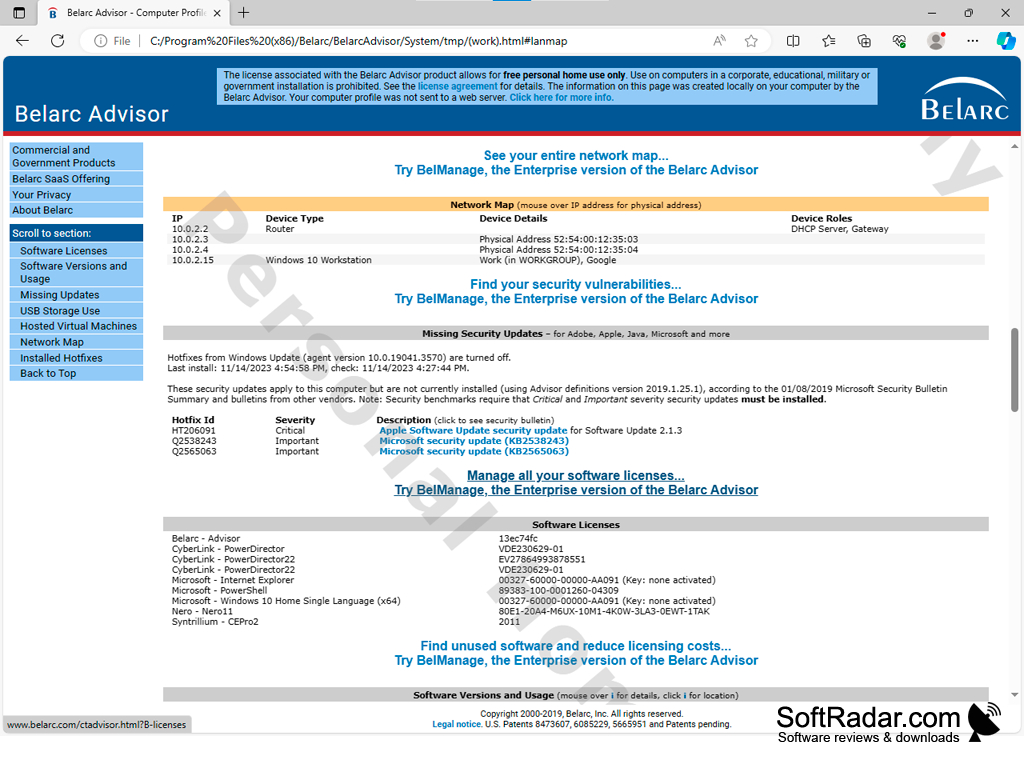
Requires popular web browsers for optimal functioning.
Hardware capable of running a small, fast download.
Sufficient storage for saving information locally.
PROS
Identifies missing security updates, vulnerabilities and licenses.
Free for personal use with comprehensive analysis.
CONS
Lacks real-time system monitoring capabilities.
Free version does not provide network inventory features.


