
BluffTitler
A Windows desktop app for creating intro videos
Operating system: Windows
Publisher: Outerspace Software
Release : BluffTitler 17.0.0.4
Antivirus check: VirusTotal report
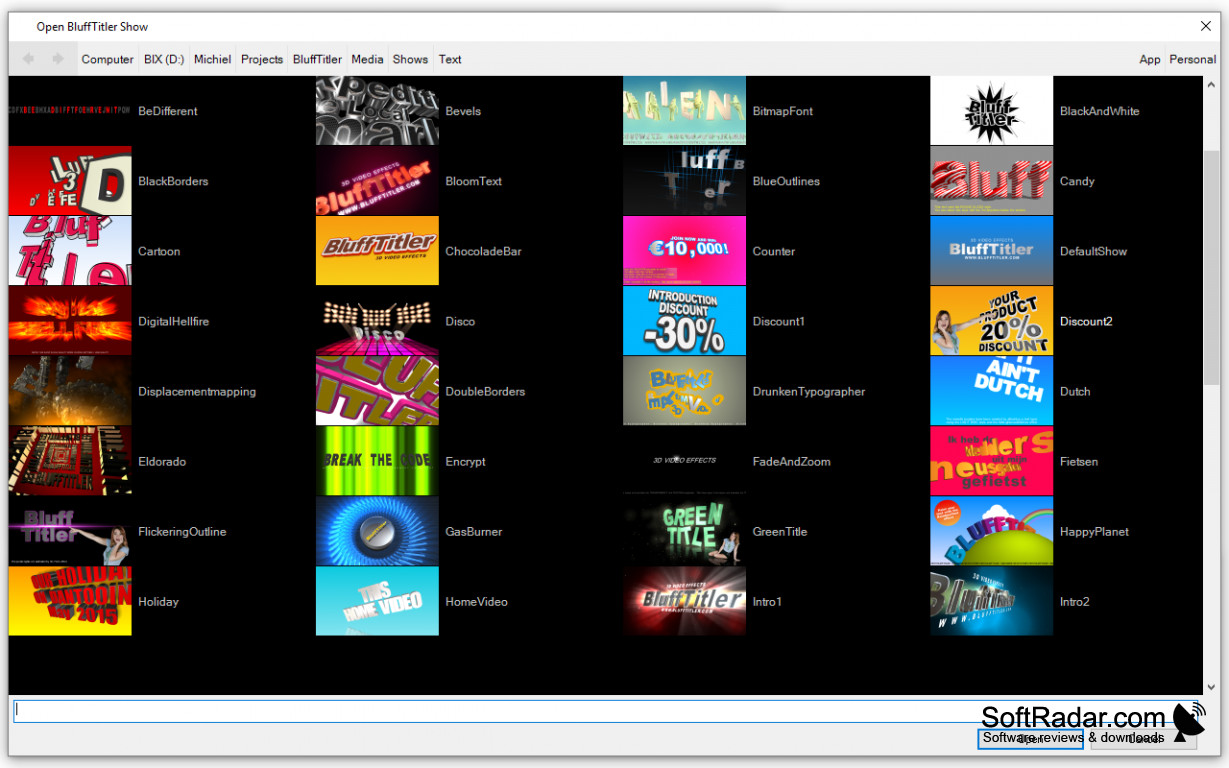
BluffTitle is the best new app that has made life simpler for creating 3D videos. The BluffTitler 'Outerspace Software' is designed for the level that best suits you. You can get in Easy and Pro. The added features to version 11.0 include everything you need to create that perfect video, including a bitmap tracer, stereo rendering, new better and improved bitmap fonts, contour drawing, and a post-render command-line option.
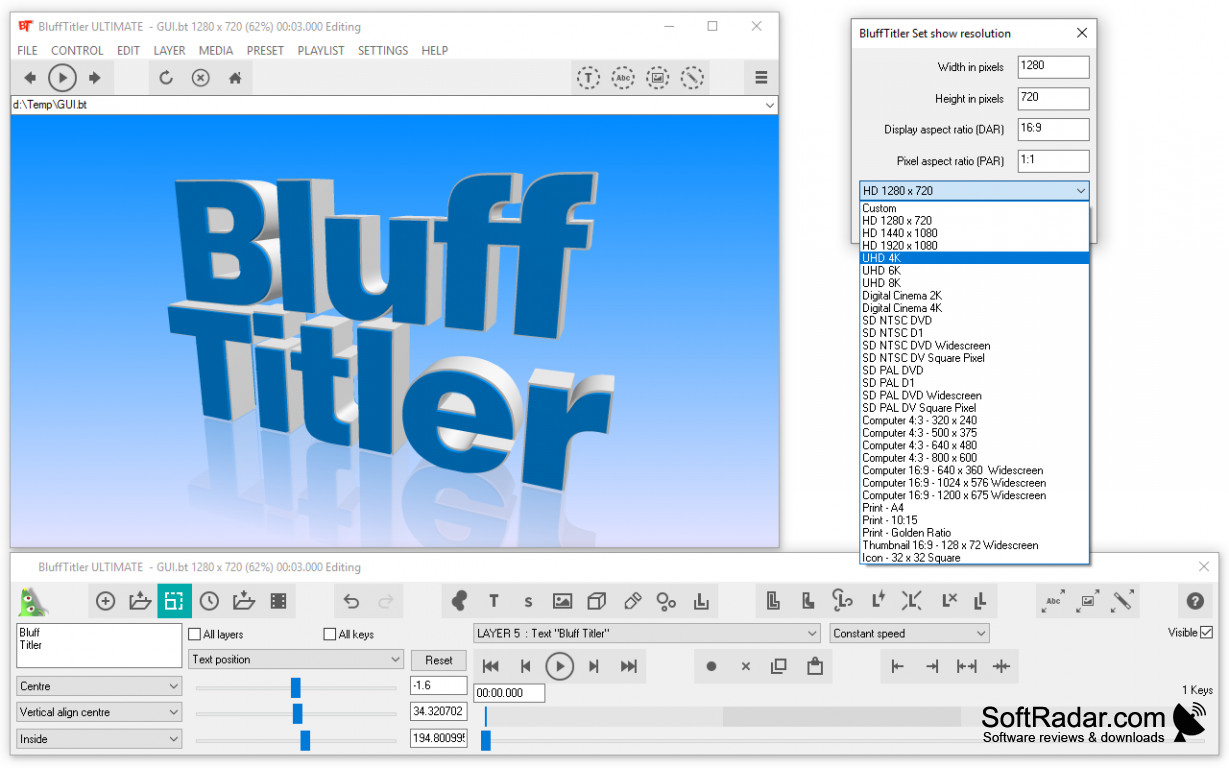
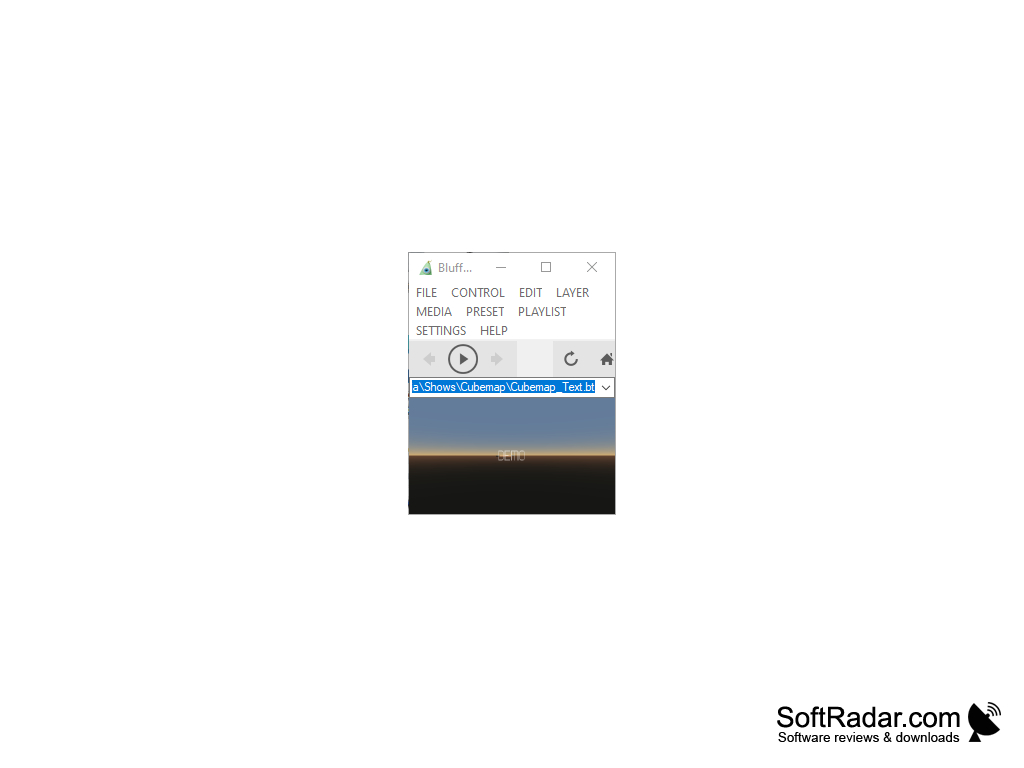
When creating your videos, the BluffTitler display appears as two floating windows -
1. One displays the title video, and
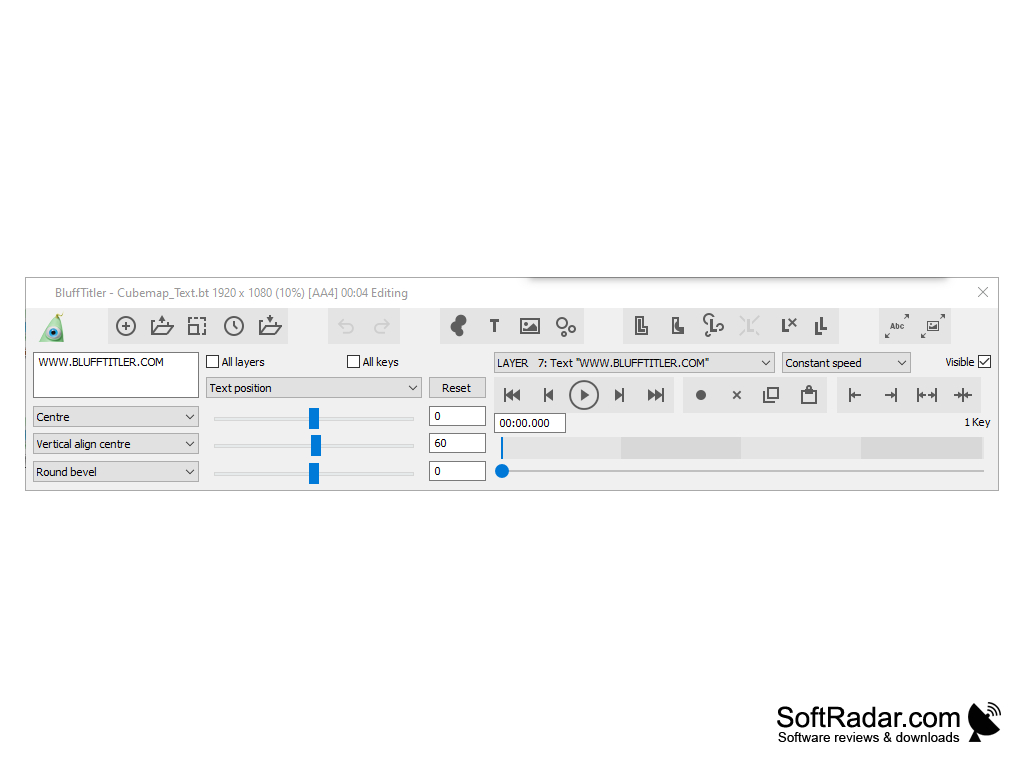
2. Second displays a control panel window containing all of the tools used to construct and design the title.
Similar to other graphics applications - BluffTitler uses layers to organize and separate the elements into the title design. With the Pro version - there are 19 layers, with each layer has been pre-assigned to a particular function for creating your video. The end result and finish videos are shown in real time - definitely a plus for creating videos in little time.
The BluffTitler Windows desktop app is affordable and easy to use
Features:
- The BluffTitler is 'superfast.' BluffTitler uses DirectX 11, which is the best high profile state of the art 3D game technology create and showcase your animations in real-time. This feature is super fast for exporting videos.
- With the various features to create unique effects using the Complex 3D rendering techniques that will simplify the depth of field, displacement, and cube mapping, it makes it super easy for beginners and advanced users.
- The best part is that there are so many templates available and ready to use to create the most appealing videos ever. It all comes with the installer that is easy and simple.
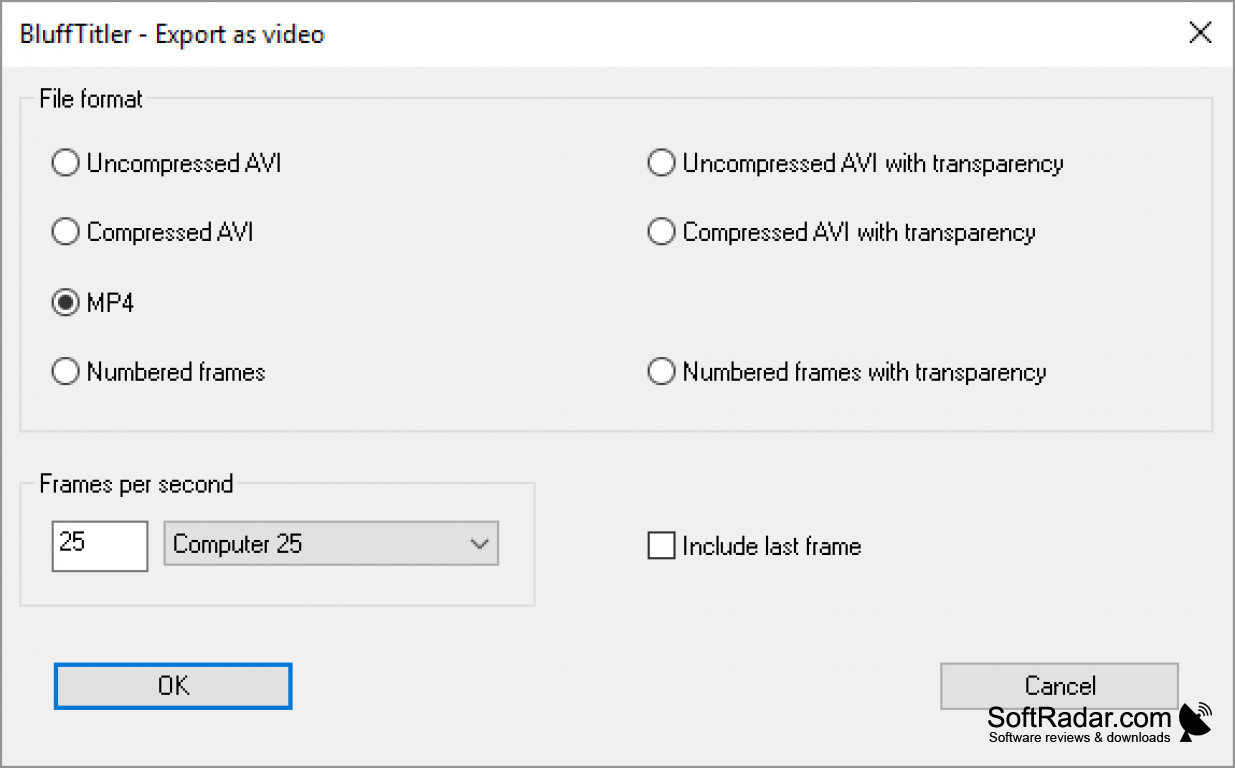
- Depending on how you wish to export your videos, BluffTitle gives you the added edge in exporting your video titles as a video file or as numbered frames that are good for any resolution frame rate, compression, and with or without alpha channel.
DirectX 11 compatible Graphic Card.
2GB RAM or more.
100MB available disk space.
PROS
Offers 3D animation effects for texts.
Can export creations in high resolution formats.
CONS
Complex interface for beginner users.
No support for Mac operating system.


