
CipherShed
An encryption software used to maintain the security and integrity of your data
Operating system: Windows
Publisher: CipherShed project.
Release : CipherShed 0.7.4.0
Antivirus check: VirusTotal report
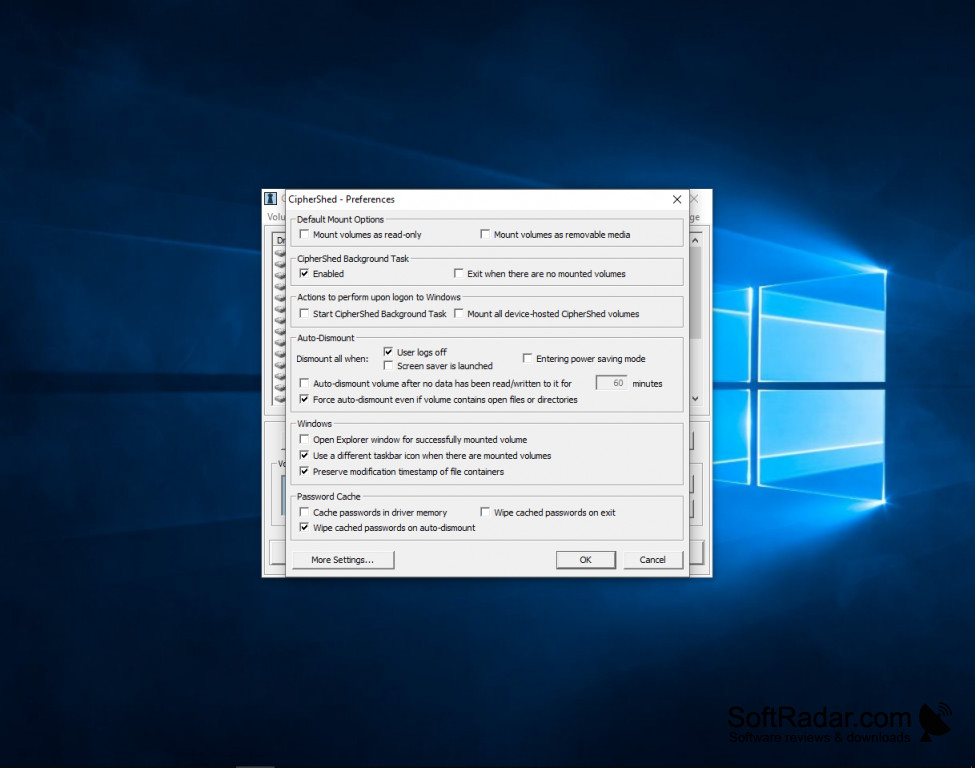
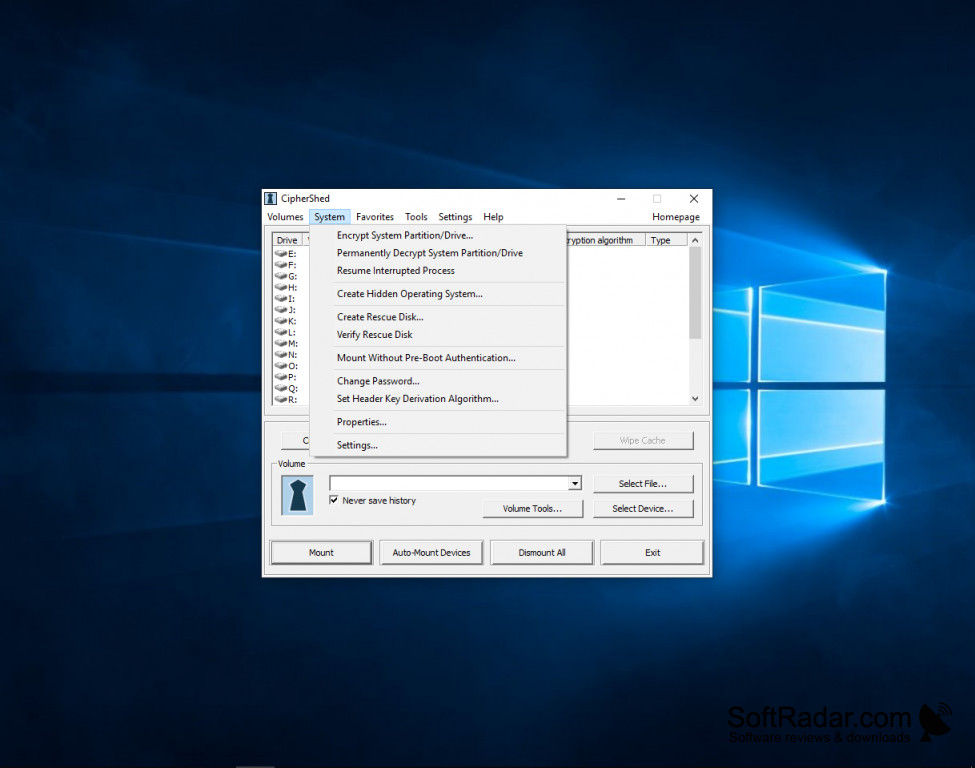
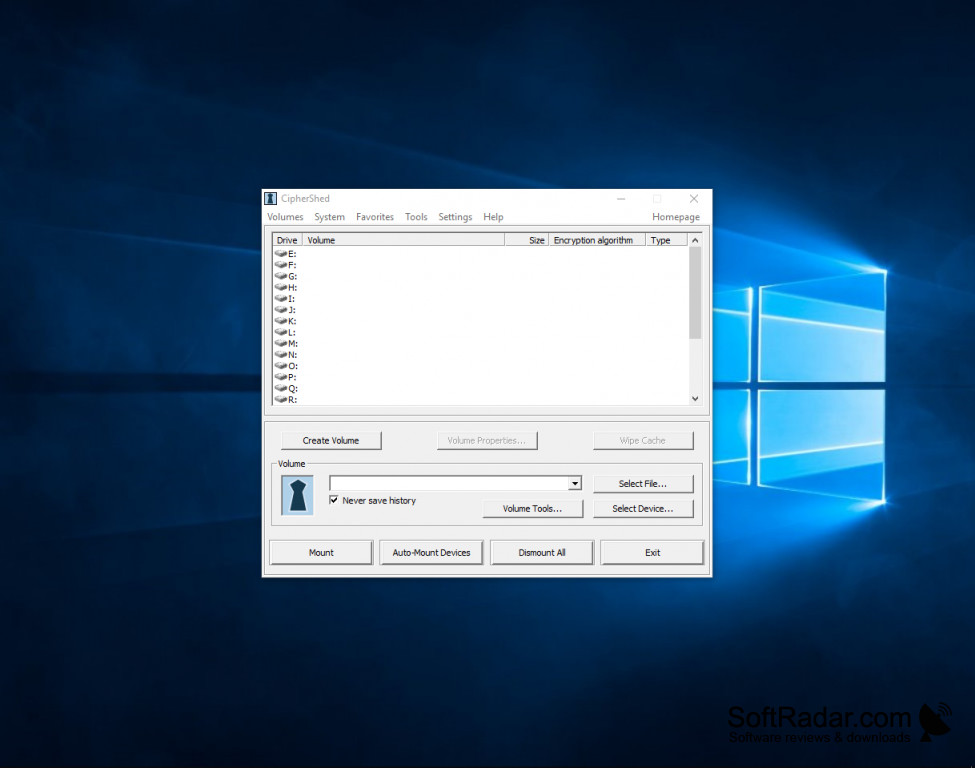
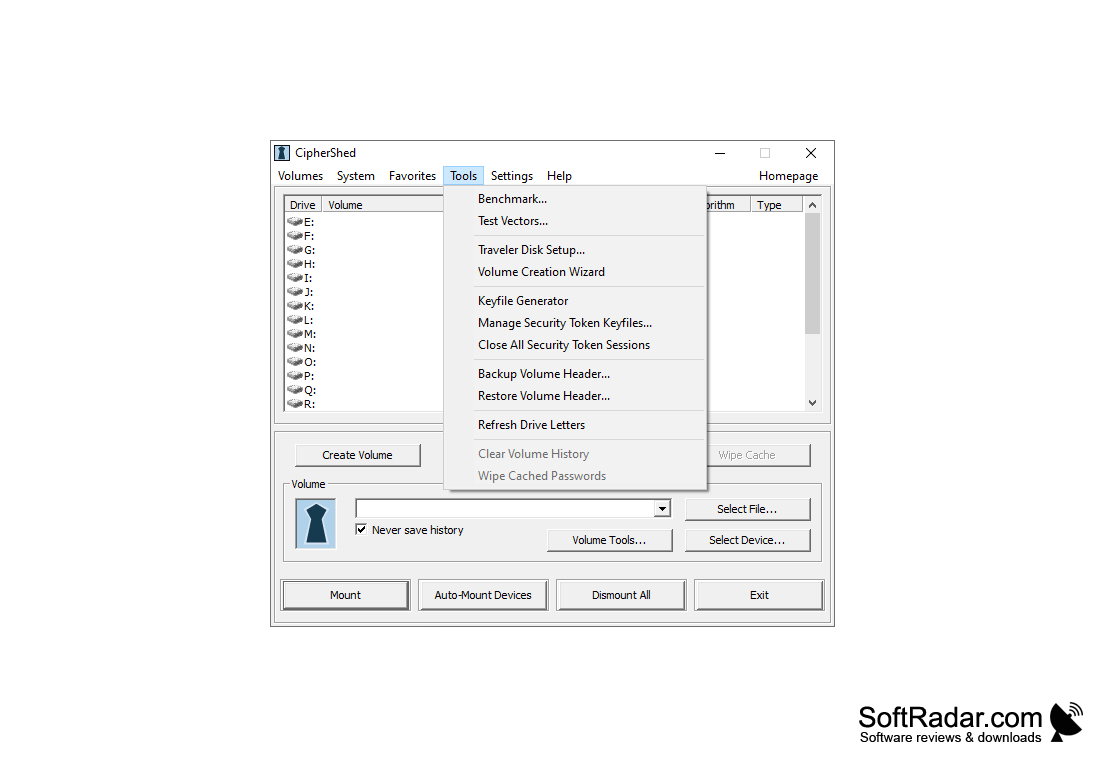
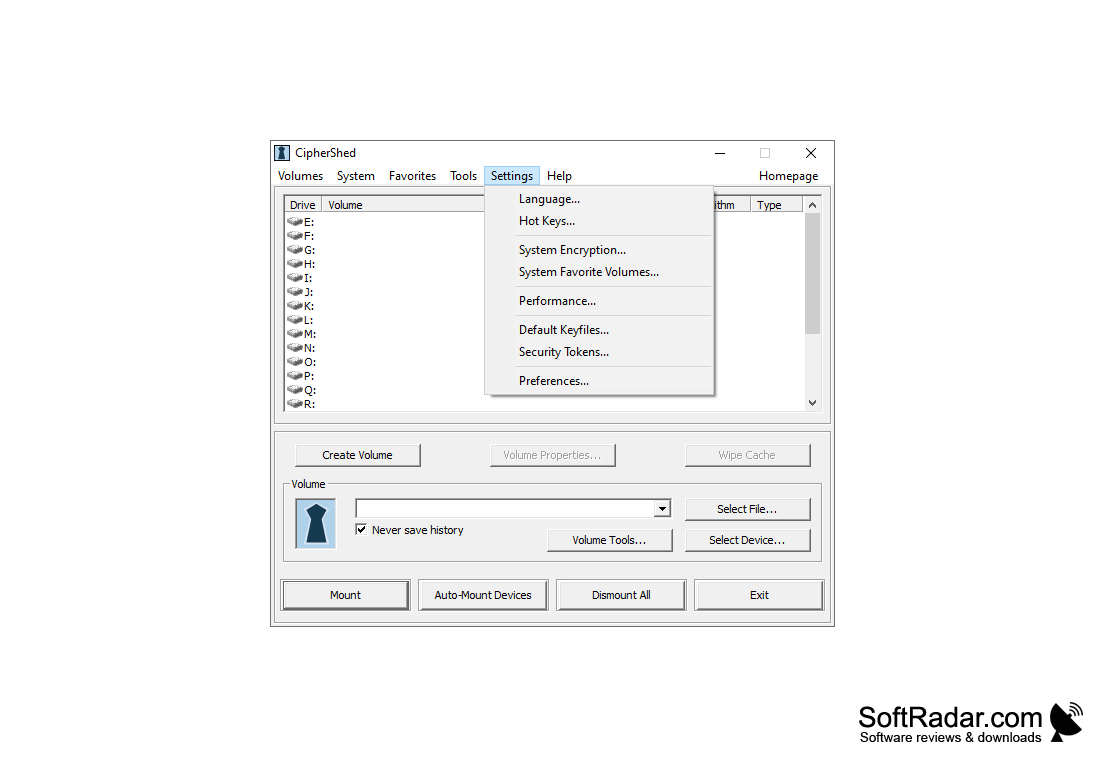
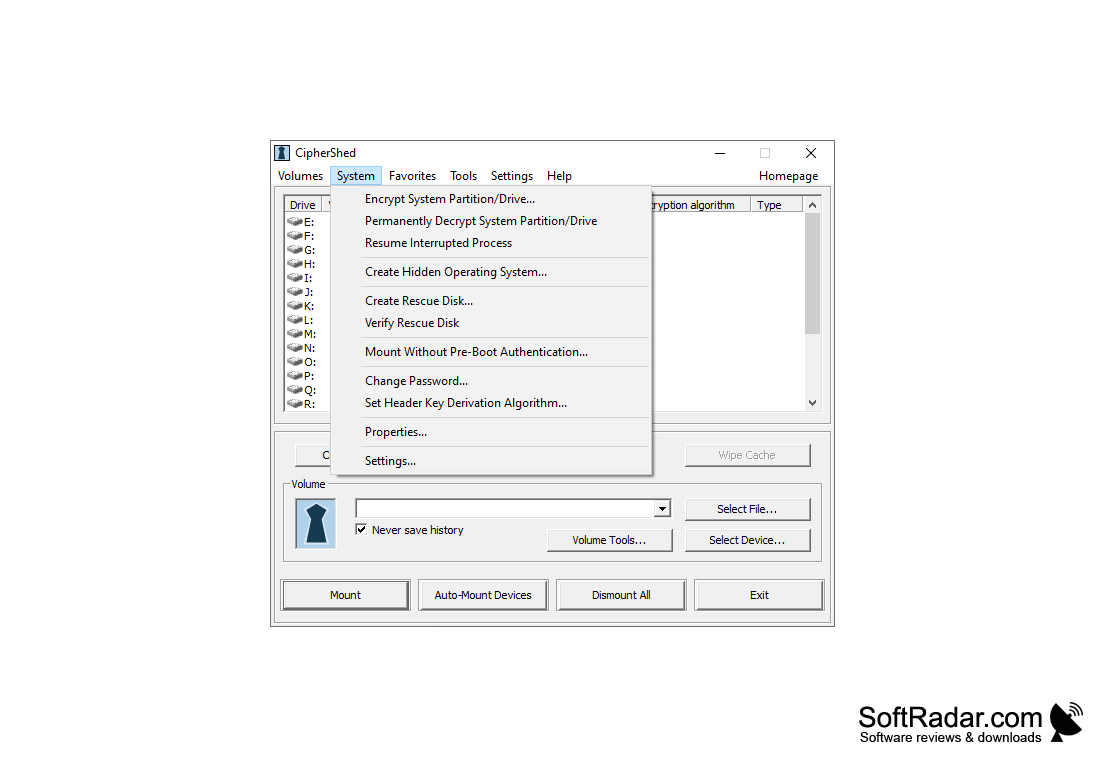
CipherShed is a user-friendly software created with the purpose of helping one encrypt containers for safe data storage. The application can be installed as portable or standalone. The installation process is not complicated and once set up, the user interface is intuitive and simple. Menus contain options and features while your encryption containers are clearly displayed on the main UI screen. CipherShed is a constantly updated software currently running on version 0.7.4.0. Their latest update dealt mostly with Rebranding as well as various buffer overflow fixes. CipherShed is a branch from the TrueCrypt software - when TrueCrypt was dropped from development, CipherShed emerged as a fork of the remaining project. The ultimate goal is to establish and maintain data security as well as an organization through encrypted containers. The process is speedy and simple, however, a manual can be found online for those who are newcomers to the data storage world. You are given multiple encryption options such as hidden volume implementation and hash and encryption algorithms. One feature worth mentioning regarding CipherShed is its ability to allow the user to create Hidden operating systems which can’t be accessed or traced what so over. CipherShed can be used with Windows 10, Windows 8, Windows 7, and Windows Vista. The file size to download from the internet is 3.3MB and it is free of charge to download with just a few simple steps.
Features:
- The interface is simple and user-friendly
- Only a few steps needed to encrypt containers
- Separate Container storage feature allows for better organization of data
- Free
user-friendly
In today's world of hacking and internet security breaches, peace of mind with sensitive data storage can only truly be achieved through a secure encryption process. With CipherShed, one can ensure their data to be stored and certainly unable to be accessed without permission.
Requires 3.3MB of free storage space.
Features portable or standalone installation.
Supports various hash and encryption algorithms.
PROS
Open source and continuously updated.
Intuitive interface suitable for beginners.
CONS
Lack of customer support can cause issues in urgent situations.
Hasn't received updates recently, which raises security concern.