
ClipConverter
ClipConverter is a free online video and audio converter with browser add-ons and a former Windows desktop client for downloading clips.

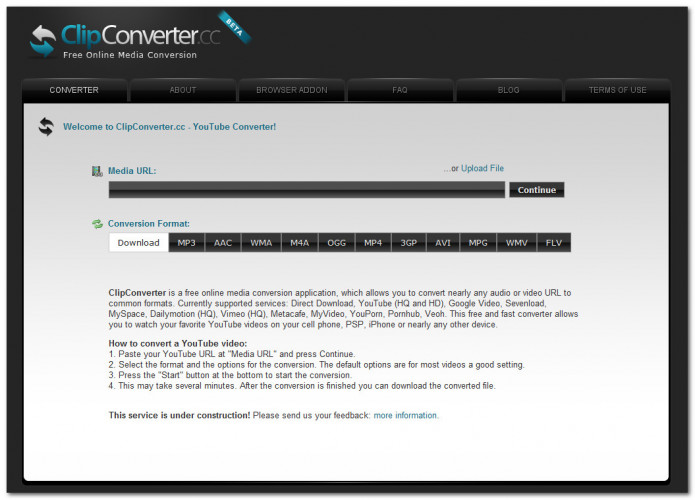
ClipConverter is a free online media conversion service that works in any modern web browser, including Chrome, Firefox and Safari, so it can be used from any operating system. It also offers a browser add-on for these three browsers that places a download button on YouTube pages, so videos can be converted and saved directly while browsing.
Features:
- Download and convert videos from major portals such as YouTube, Vimeo and Facebook Video.
- Download audio and video from nearly any media URL.
- Output formats include MP3, M4A and AAC for audio and MP4, 3GP, AVI, MOV, MKV and WEBM for video.
- Different easy and simple ways to download: the website, the browser add-on and a bookmarklet.
ClipConverter converts almost any audio or video URL, including YouTube and Vimeo links, to common formats such as MP3, M4A and MP4.
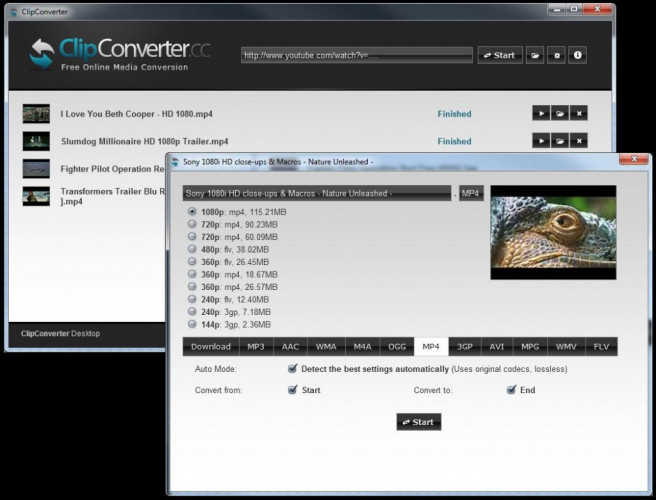
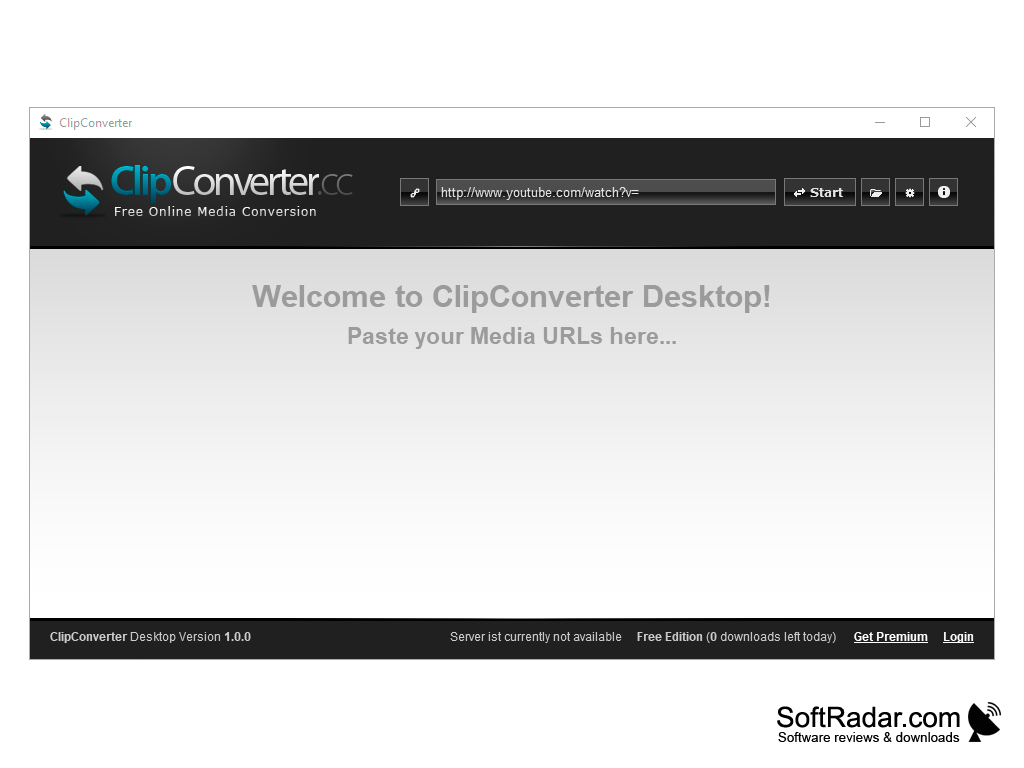
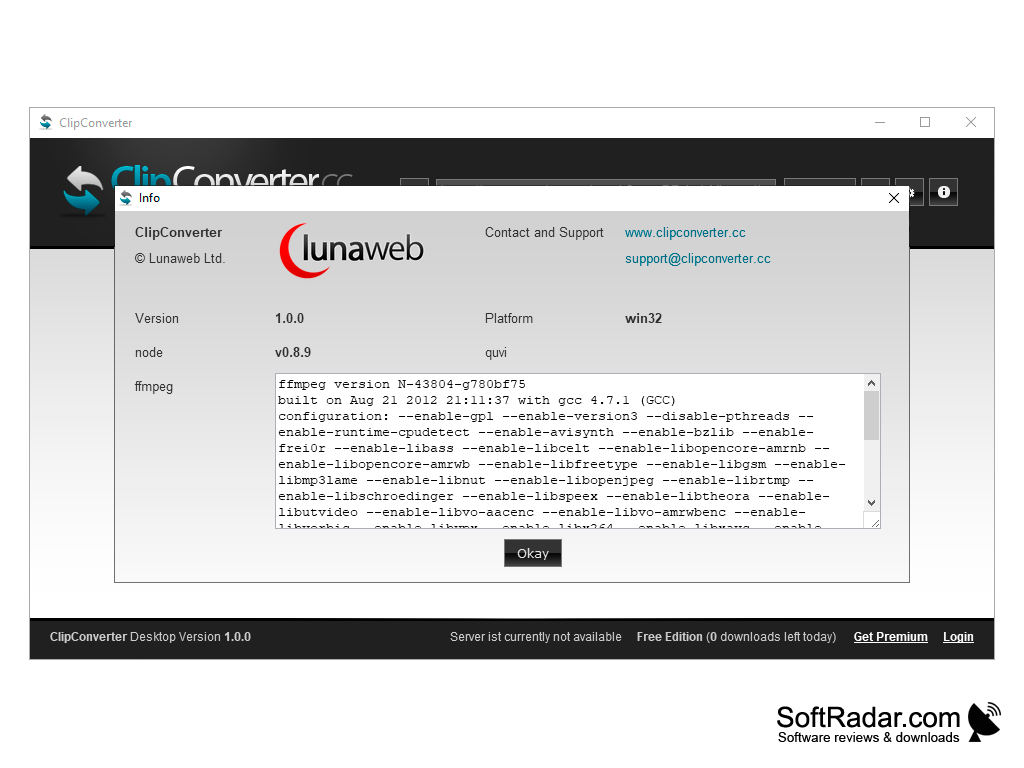
Besides the web service, ClipConverter was also released as ClipConverter Desktop, a Windows application that fulfills the same function as the online version but from the desktop. It has a simple interface in which it is enough to enter the URL in the address box and follow the steps indicated by the program. The desktop edition is no longer offered on the official website, and its old download address now leads to the online converter.
This type of tool usually comes in three forms: web pages, browser extensions and installable applications, and ClipConverter has offered all three. The service converts almost any audio or video web address to the most common formats; YouTube downloads are offered in qualities up to 720p, 1080p and 4K. This free and fast converter allows you to watch your favorite videos offline on your PC, TV, or nearly any other device.
On the ClipConverter.cc website, in addition to downloading and converting videos to the desired format, you can also adjust some parameters of the file, such as the audio and video bitrate, the resolution and the audio channels, and trim the clip to a start and end point. In case of doubts, the FAQ section on the same website explains the steps to follow.
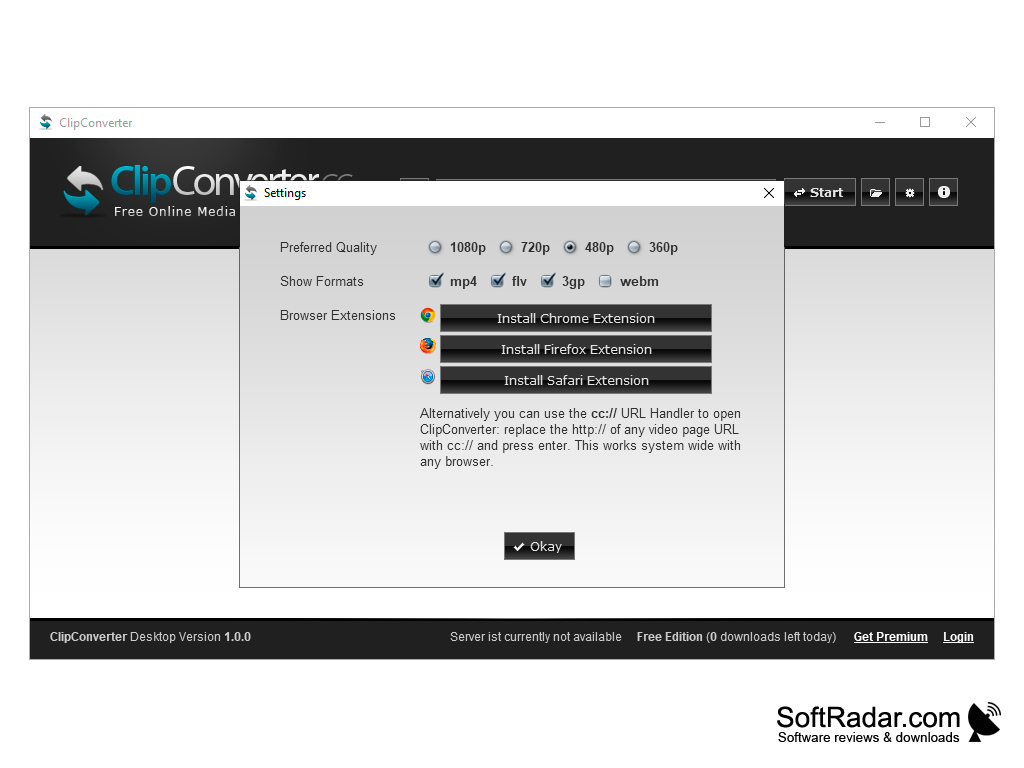
Chrome, Firefox or Safari for the browser add-on
PROS
Easy to use with a straightforward interface.
Offers bitrate, resolution and trimming options.
CONS
The website shows advertising.
Depends on an online service for every conversion.


