
Cool Reader
CoolReader is fast and small cross-platform XML/CSS based eBook reader for desktops and handheld devices
Operating system: Windows
Publisher: Vadim Lopatin
Release : Cool Reader 3.0.51-2
Antivirus check: passed
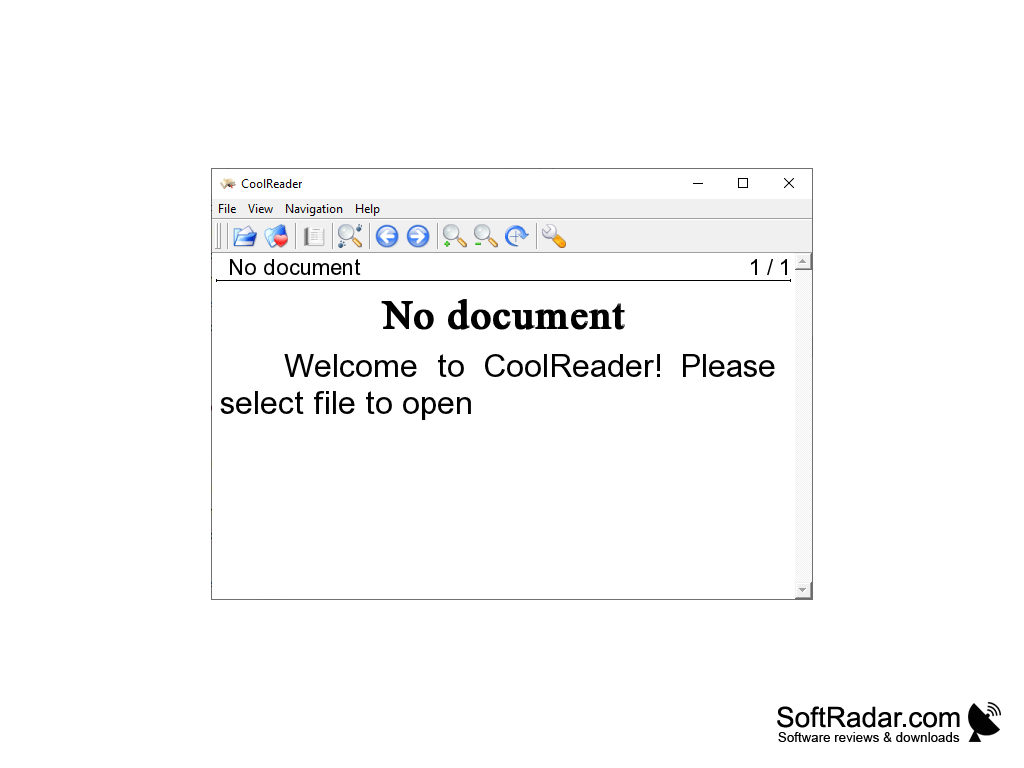
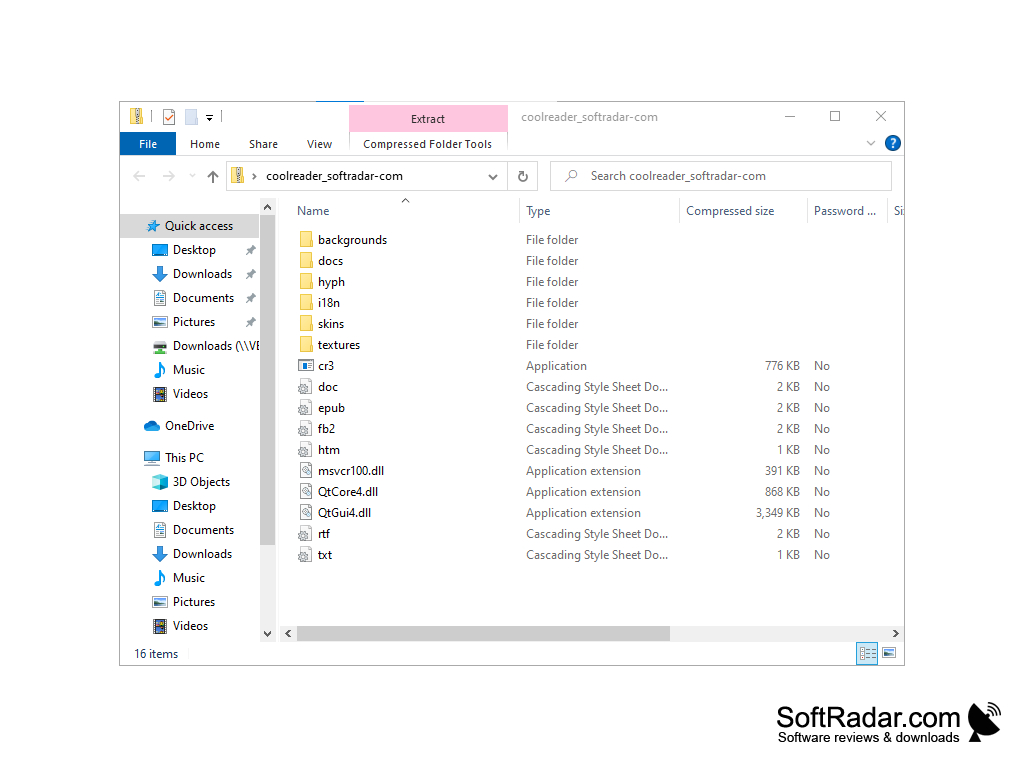
CoolReader is a program for reading e-books in EPUB, FB2, DOC, TXT, RTF, MOBI and HTML formats. It is so simple and easy to use that it does not even require installation on a computer. Since the program is portable, it can be launched from external media. CoolReader does not leave any keys in the system registry and other "traces" in the system. Management of the book library is very interesting in the program. The home screen displays the art categories you have created, links to online catalogues with free books, and a file browser panel. All of these components are closely interlinked, and the movement of books between them can be done by "dragging and dropping". The program automatically remembers the place where the user has finished reading and provides quick access to the books he has read recently.
The application does not offer the user any particularly interesting "chips", but it does an excellent job with the usual functions of "reader". Among them: page scaling, selection of "background" and font, automatic page flipping at the selected speed, creation and convenient bookmark management, "night" mode, search for the contents of the book, "voice" sounding of books and work in full-screen mode. Quite "solid" functionality for a free program, isn't it? The CoolReader works quite fast, without performance problems on low-power systems.
Cool Reader provides an easy-to-use platform that supports multiple e-book formats and offers robust functionality like bookmark management and automatic page flipping.
- works with the most common e-book formats (FB2, TXT, MOBI, RTF, EPUB, DOC, HTML);
- can "sound" books with an electronic voice;
- provides links to online catalogues with free books;
- includes a convenient bookmark manager;
- remembers the place where you interrupted the reading, as well as the last two books you read.
PROS
Offers customizable reading options like font size, color, and background.
Free, open-source, and user-friendly with minimal ads and distractions.
CONS
The interface can be difficult to navigate for beginners.
Occasional glitches and freezes during use.


