Crosti

by Levin Sergey

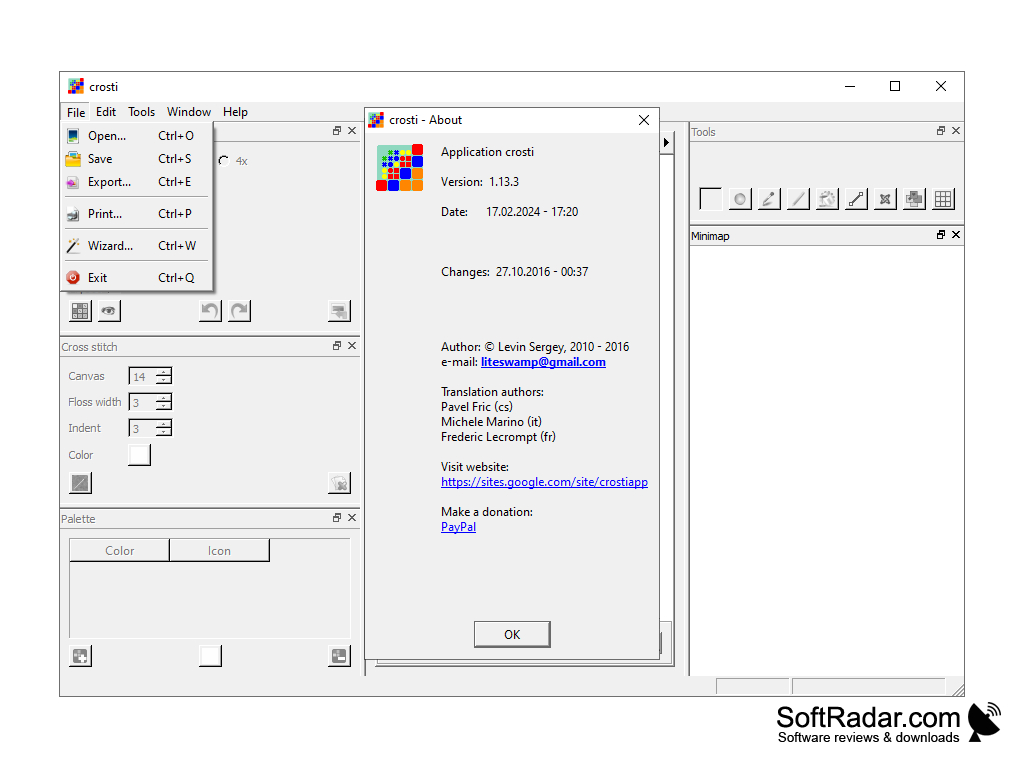
A full feature cross stitch design editor application for Windows and Linux systems
Operating system: Windows

Publisher: Levin Sergey

Antivirus check: passed

Report a Problem

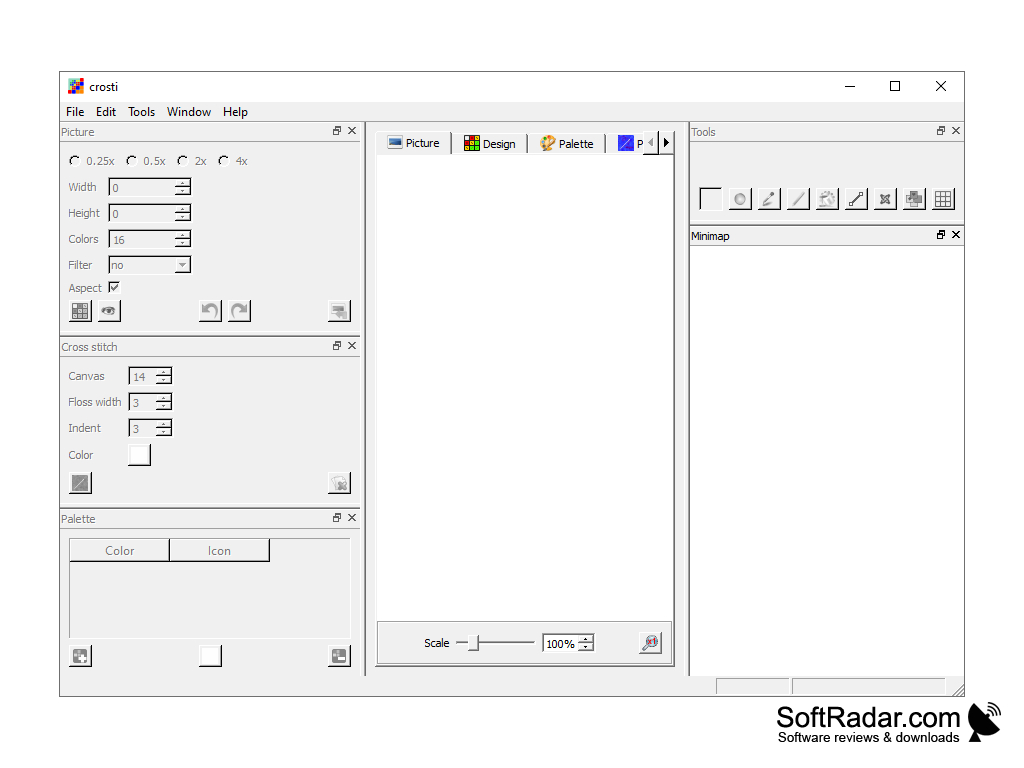
Crosti is an interesting program that will allow you to easily create diagrams for cross embroidery using graphic images or photos. At the same time, all the user has to do is to upload the image to the utility, and then it will automatically convert it into a scheme, which can be saved to a separate file or edited beforehand.

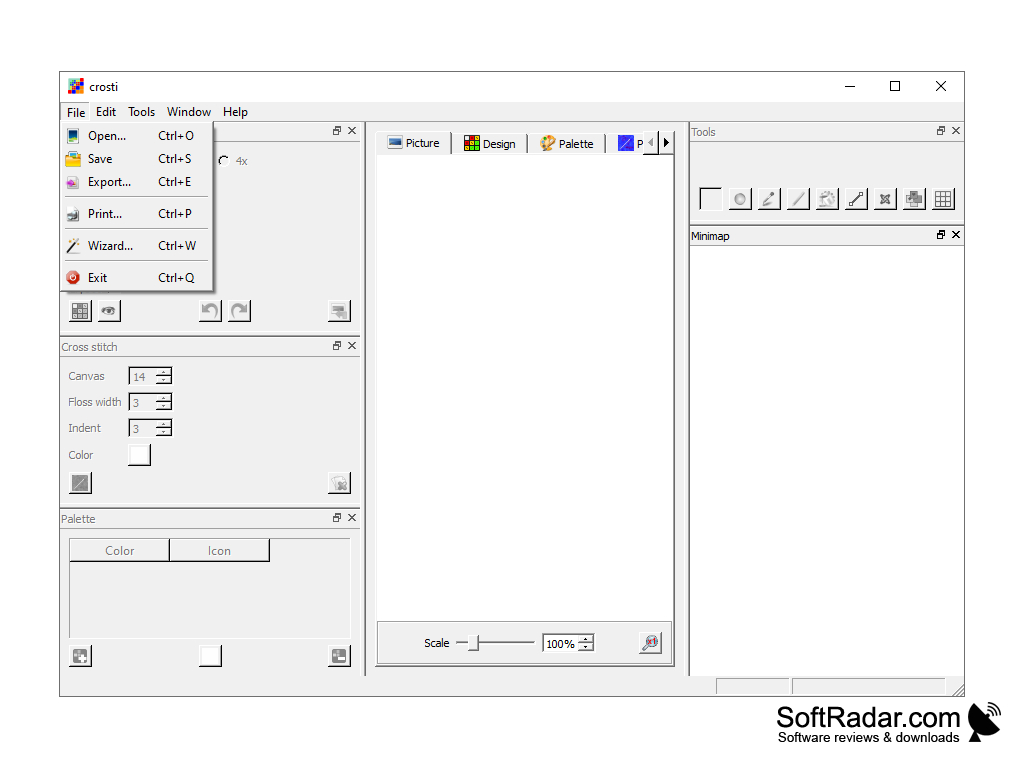
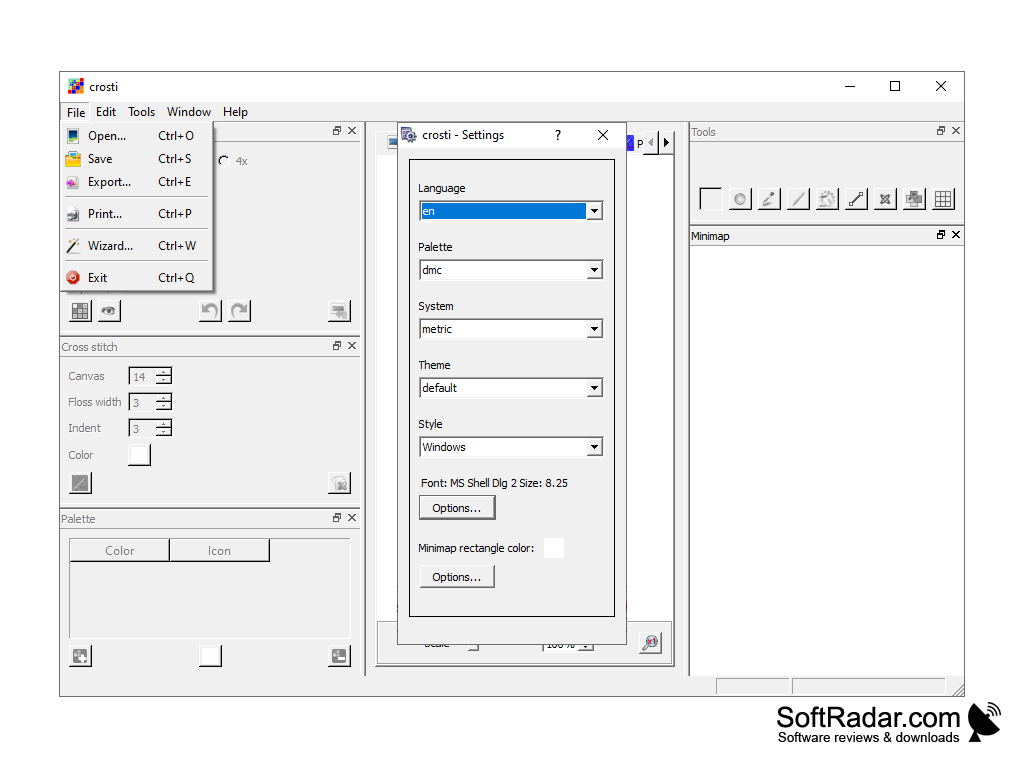
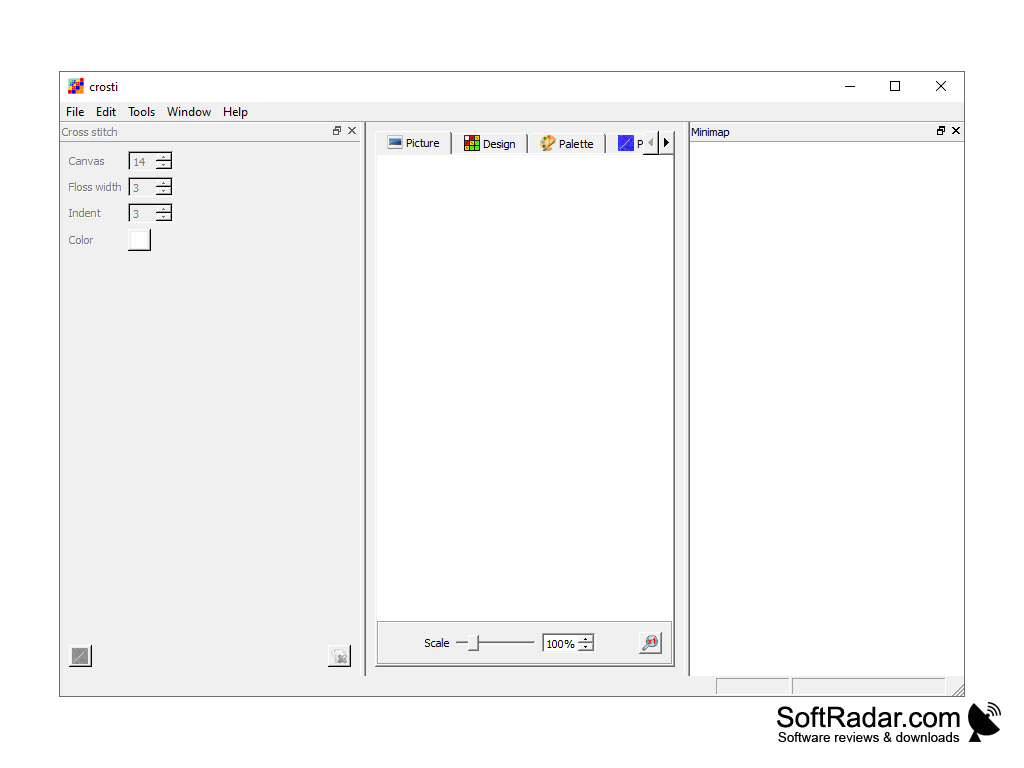
The graphical interface of the program is extremely simple and convenient, so that even inexperienced users can orientate themselves in the functions. There is a set of tools that allow you to rotate and resize the picture, reduce the number of colors used, the location of half-crosses, edit the color palette, and so on. The utility supports a large number of input formats, and also allows you to save images in a wide range of output formats. This allows it to be used as a graphic image converter. And in conclusion, it is worth mentioning that Crosti is distributed free of charge.

Crosti allows you to quickly convert any image into a ready-to-use cross-stitch pattern for free.
- Convert images to cross-embroidery schemes;

- possibility to edit color palette, number of colors, image size and other parameters;

- support for a large number of input and output formats, allowing the program to be used as a converter;

- distribution free of charge;

- Russian language support.


PROS
Allows creation of unique cross-stitch patterns from personal images.
Offers great user-friendly interface and easy to use design tools.
Free to use and available for both Windows and Mac systems.

CONS
Lacks advanced editing features for intricate cross-stitch designs.
Limited image import options and formats.
User interface is outdated and not intuitive.
image/svg+xmlBotttsPablo Stanleyhttps://bottts.com/Florian Körner Liam
I believe Crosti is described well for someone familiar with this type of program. For someone unfamiliar I would like an example, maybe with the use of pictures to better explain what is meant to create diagrams for cross embroidery using graphic images or photos.
image/svg+xmlBotttsPablo Stanleyhttps://bottts.com/Florian Körner David
Krita is an open-source drawing program, offering support for different file types. One thing I find interesting is that there is a wide array of functions you can have in this program, such as using different layers and channels for drawing as well as Krita being accessible by tablet and touch screen, which can make the process of producing a nice piece of digital art the more easier and simpler.
image/svg+xmlBotttsPablo Stanleyhttps://bottts.com/Florian Körner Jake
It is used in the desktop cross stich design from the custom image. It can also be used for the resizing the image, changing the colours. It is been applicable for the both windows and Linux operating systems. It is safe,free and securing software. This software will be very suitable for the custom made designs in the stitching method.
QuarkXPress 2017
Software raising the bar for design and productivity with improvements to graphic and image editing
Fractal Explorer
Walks you through the steps of fractals
ComiPo!
Support for desktop stream for windows
PhotoStage Slideshow Software
Software that allows for easily creating slideshow displays
Photomatix Pro
Photo editing software that allows for many photo variations