CUE Splitter
A freeware designed to break up a single large audio file into individual tracks
Operating system: Windows
Publisher: Medieval Software
Release: CUE Splitter 1.2
Antivirus check: VirusTotal report
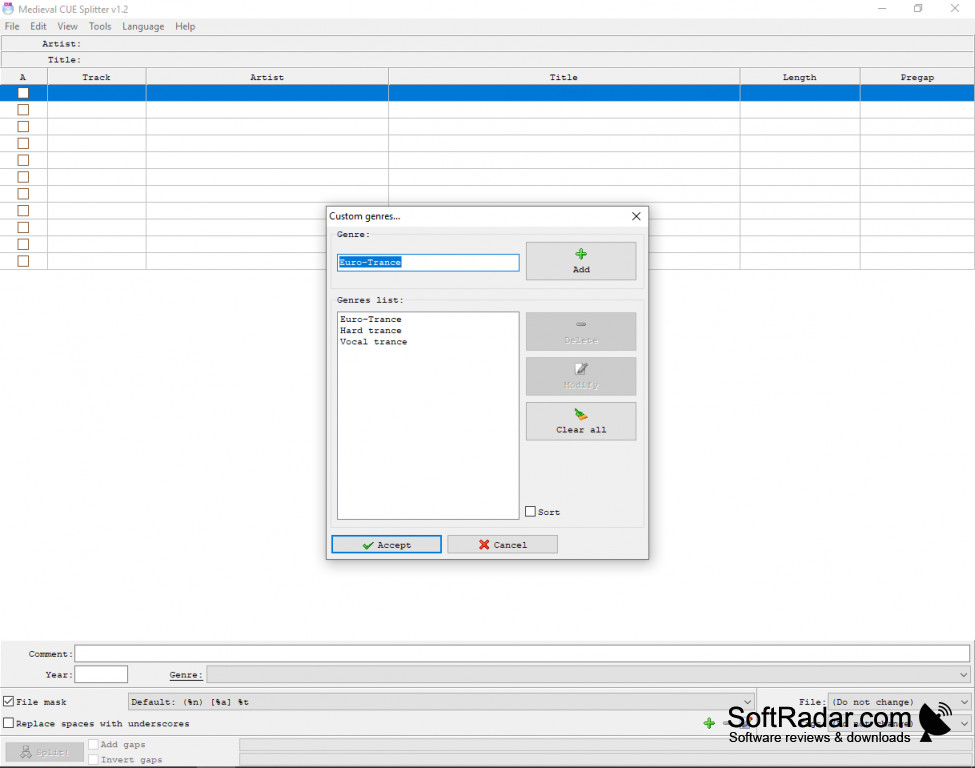

CUE Splitter is freeware designed to take a large audio file, and break it up into smaller individual tracks based on information contained in a "CUE Sheet" file. The CUE file often comes with such tracks and has information about internal track's title, artist, duration, and more.
Features:
- Support for WAVE, MP3, FLAC, APE, OGG, WMA, MPC, WV and TTA audio files
- Support for ID3v1, ID3v2, Lyrics, Vorbis comment and APE tags
- Contains user-defined "file mask" engine which can generate output files
- Ability to save tags information
- Shows detailed information about audio files
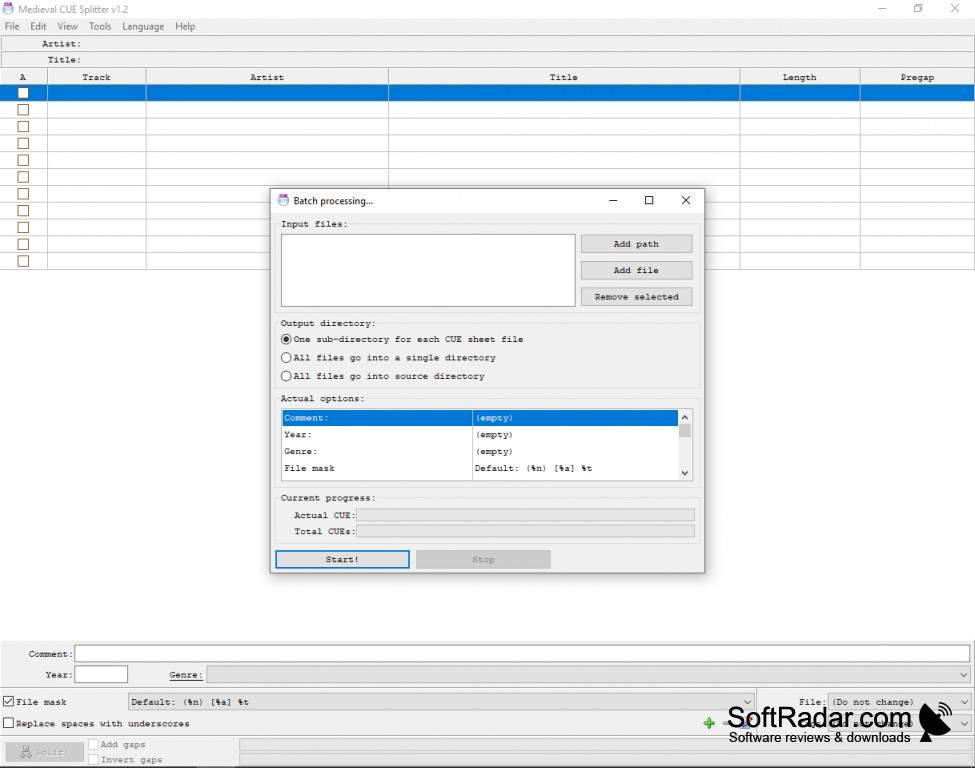
- Batch processing of multiple CUE files
- Freeware
CUE Splitter splits a whole-album audio file into separate tracks for free, without re-encoding the audio.
CUE Splitter is an effective tool for splitting up your large audio files based on a provided "CUE" file. It also detects hidden tracks and sub-indexes automatically.
Cue Splitter performs the split without the need to decode or re-encode your audio file! This saves large amounts of time and preserves the integrity of the associated file. Output files are automatically named based on user-defined rules enabling more automated work and splitting to be performed.
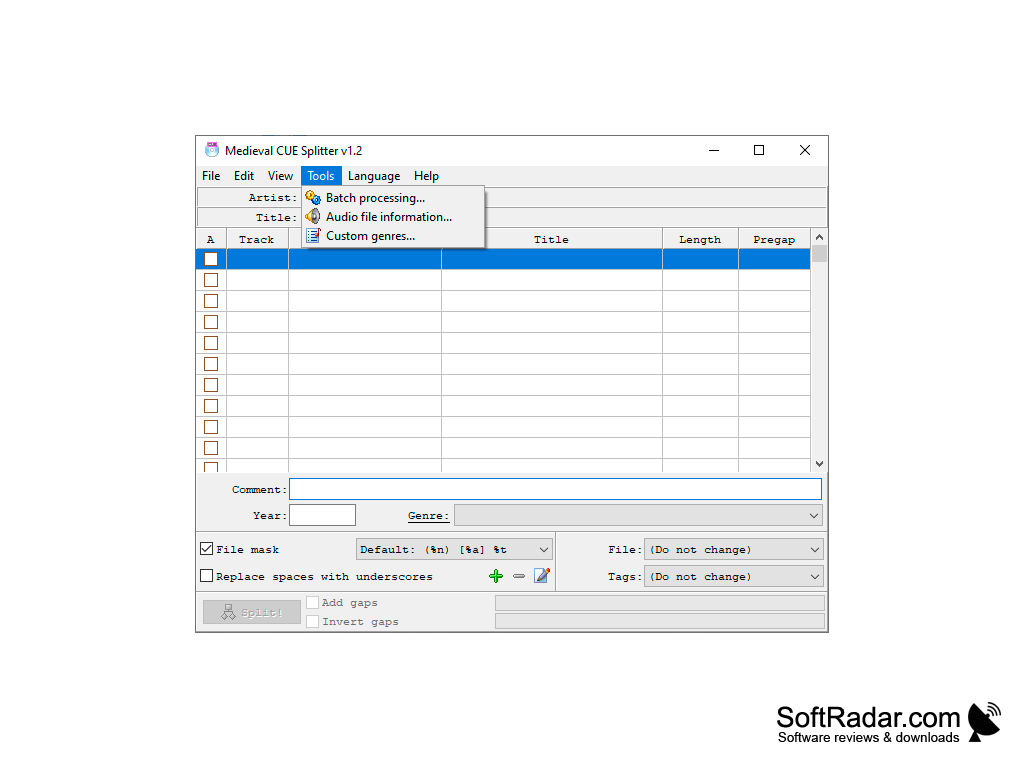
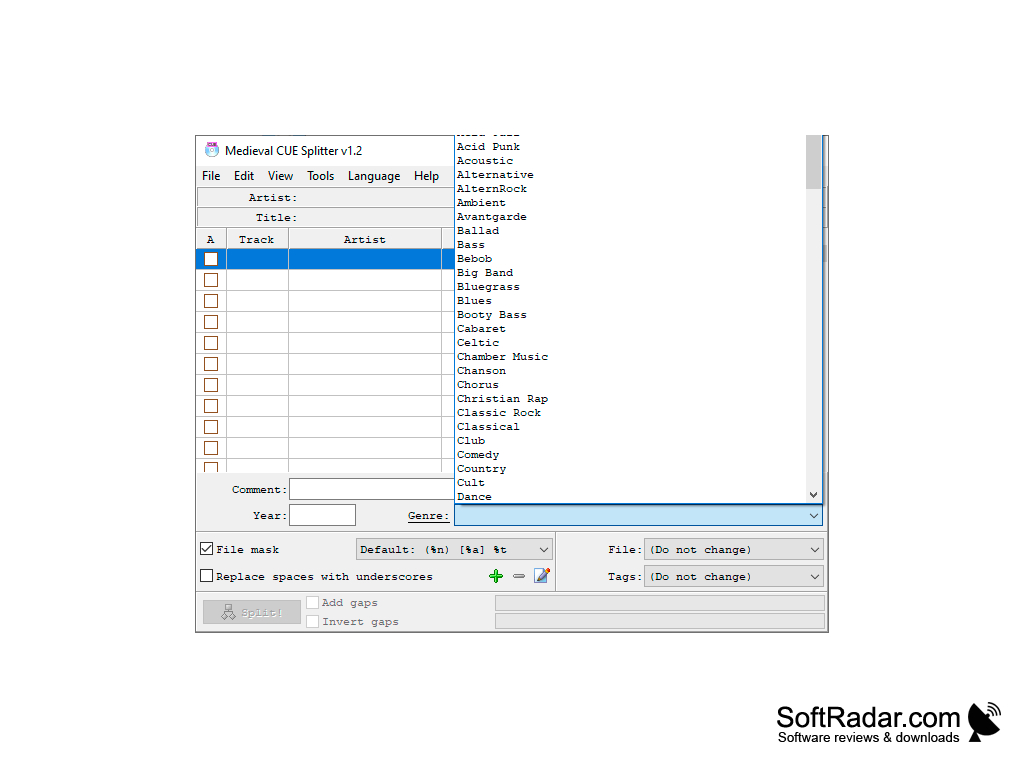
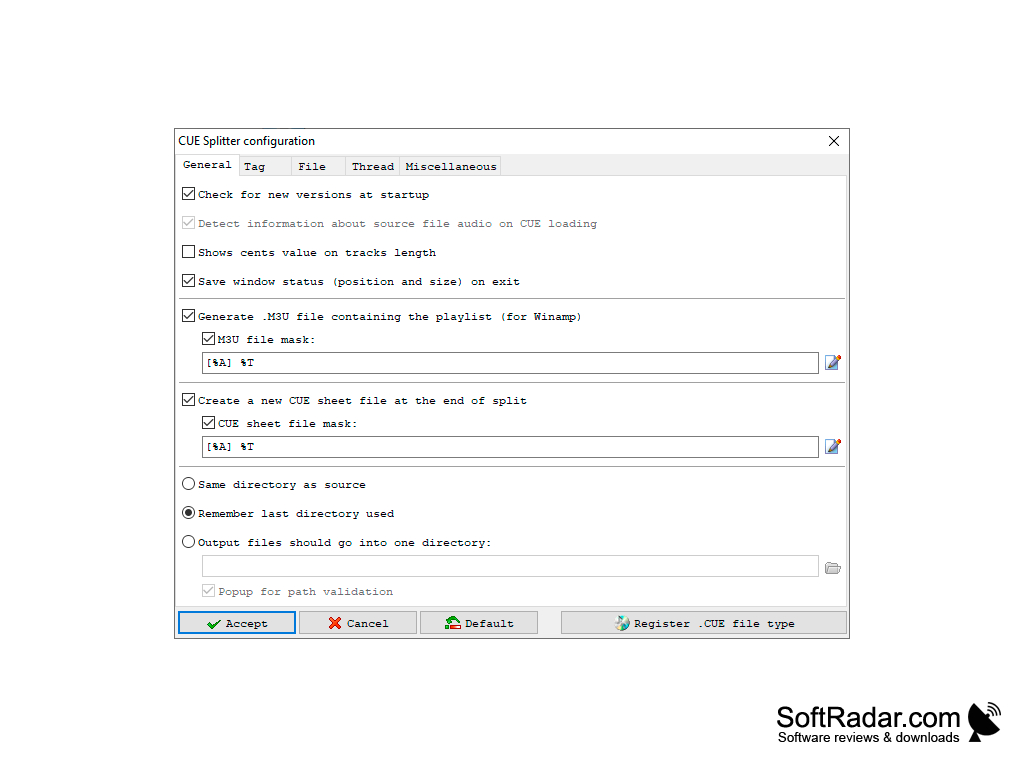
Cue Splitter has a simple interface with a track list where you can edit the artist, title, and other details of each track, plus a Tools menu with batch processing, audio file information, and custom genres. There is also a configuration window and a help function. Besides this classic Win32 program, Medieval Software offers a separate UWP edition, and the interface is available in more than 30 languages.
Cue Splitter has a "file masks management" function which is highly versatile, using user-inputted variables to define the specific mask you want to associate with a file. Options such as "Add gaps" and "Invert gaps" control how pregap audio is handled, and the program can generate an M3U playlist and a new CUE sheet for the split tracks. VBR MP3 files are processed accurately, and DTS-WAV files from DTS audio CDs are fully supported.
PROS
Easy to use with a clean, intuitive interface.
Freeware that splits audio without re-encoding.
CONS
Lacks advanced features for professional audio editing.
No in-built player for pre-split listening.