
Dxtory
Movie capture tool specifically for the applications DirextX and OpenGL.
Operating system: Windows
Publisher: ExKode Co. Ltd
Release : Dxtory 2.0.142
Antivirus check: VirusTotal report
Dxtory allows you to record media from audio and video sources and save them in a multitude of formats. There is a free trial available for users who are interested as well as a paid version.
Features:
- Free Trial
- Multiple save formats.
- Record audio from different sources.
- Customize options
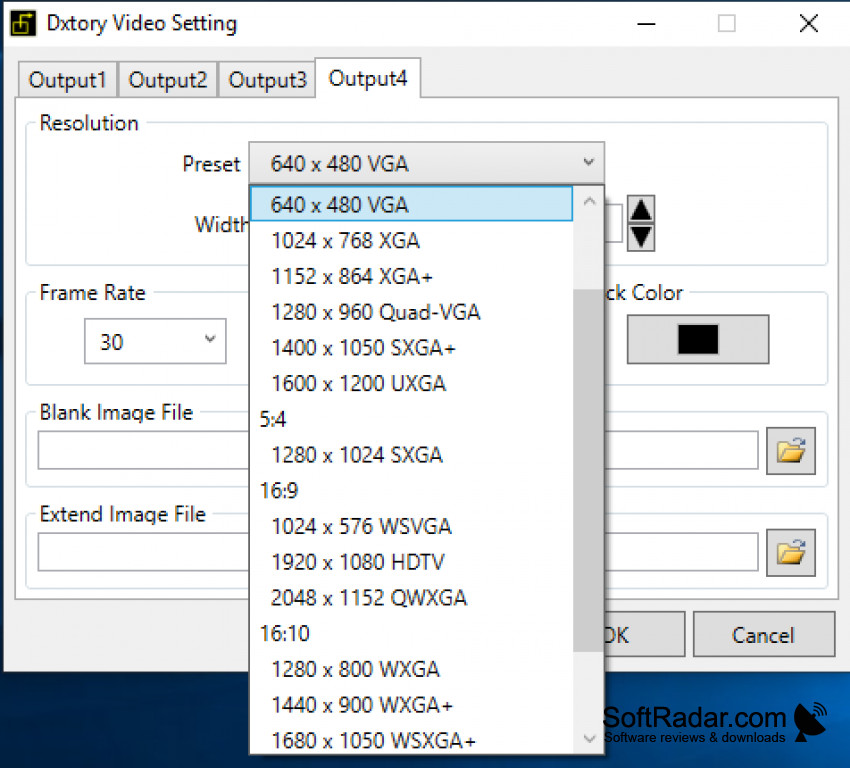
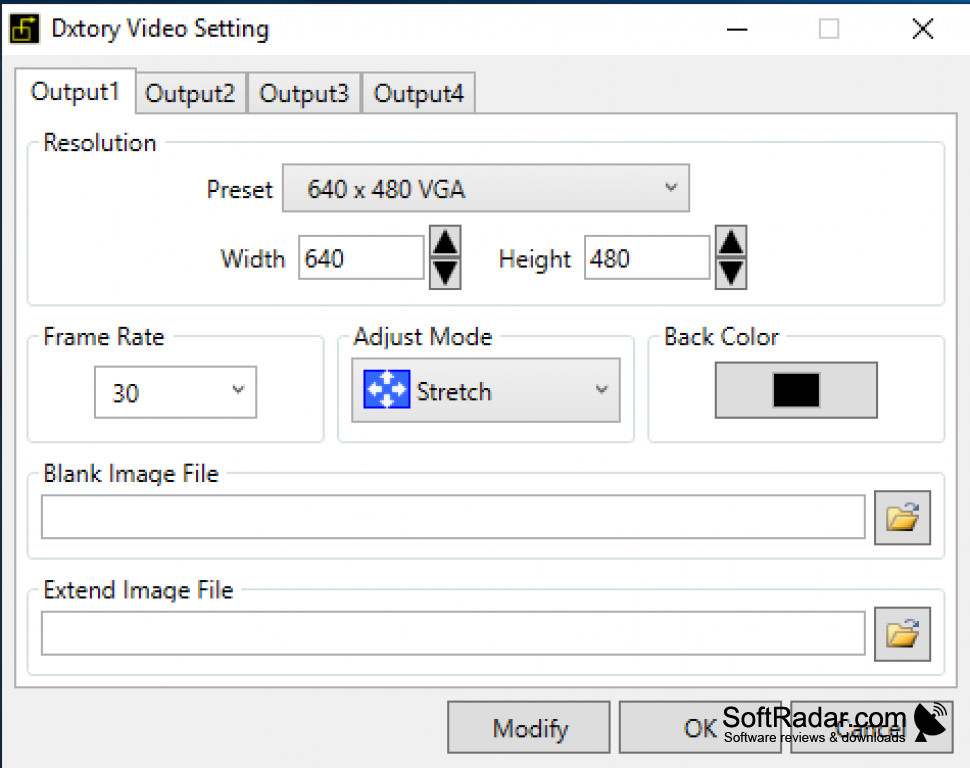
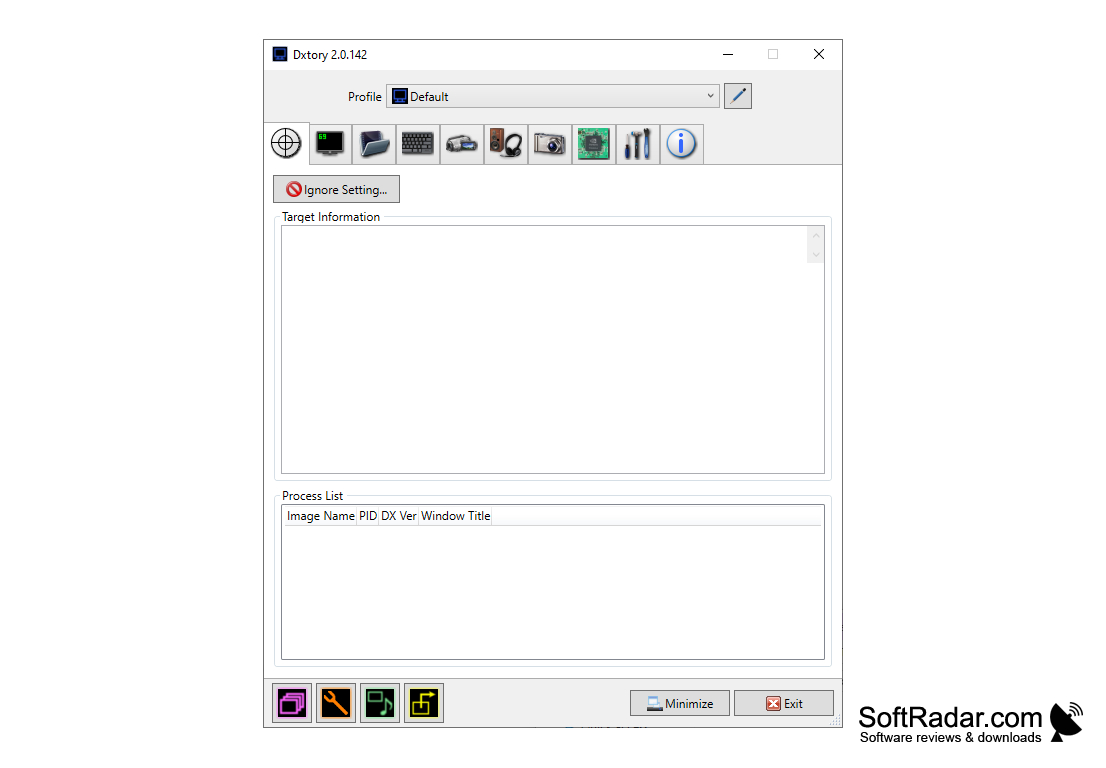
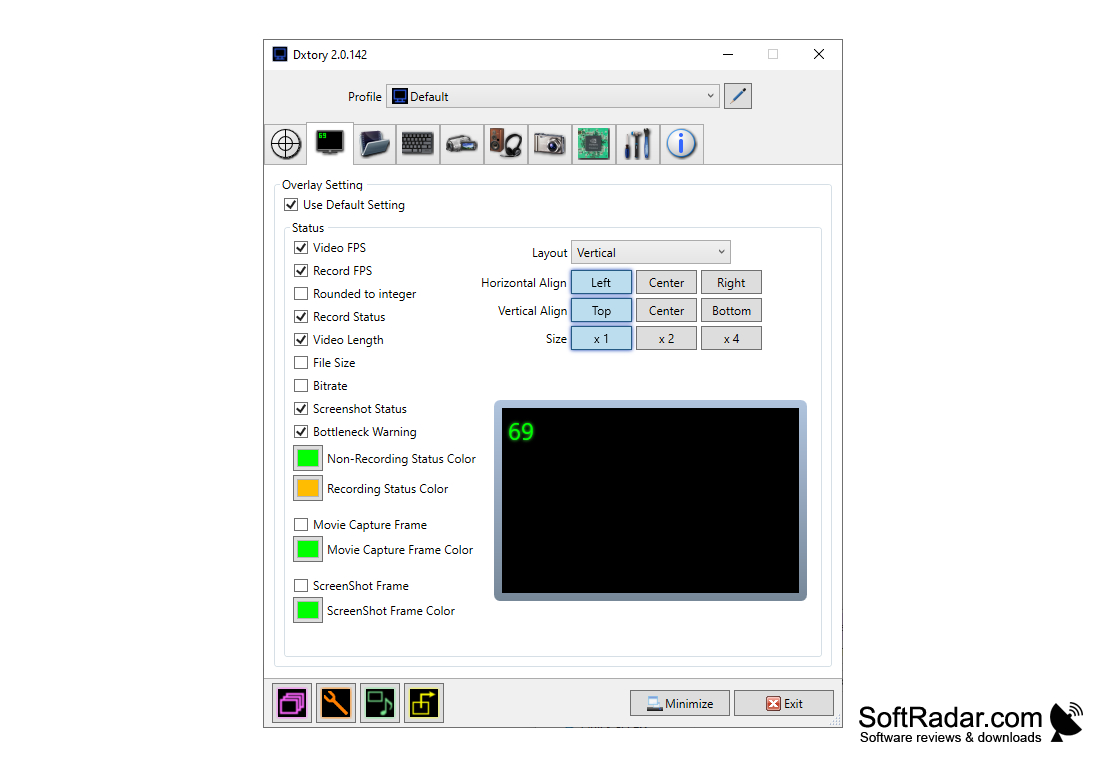
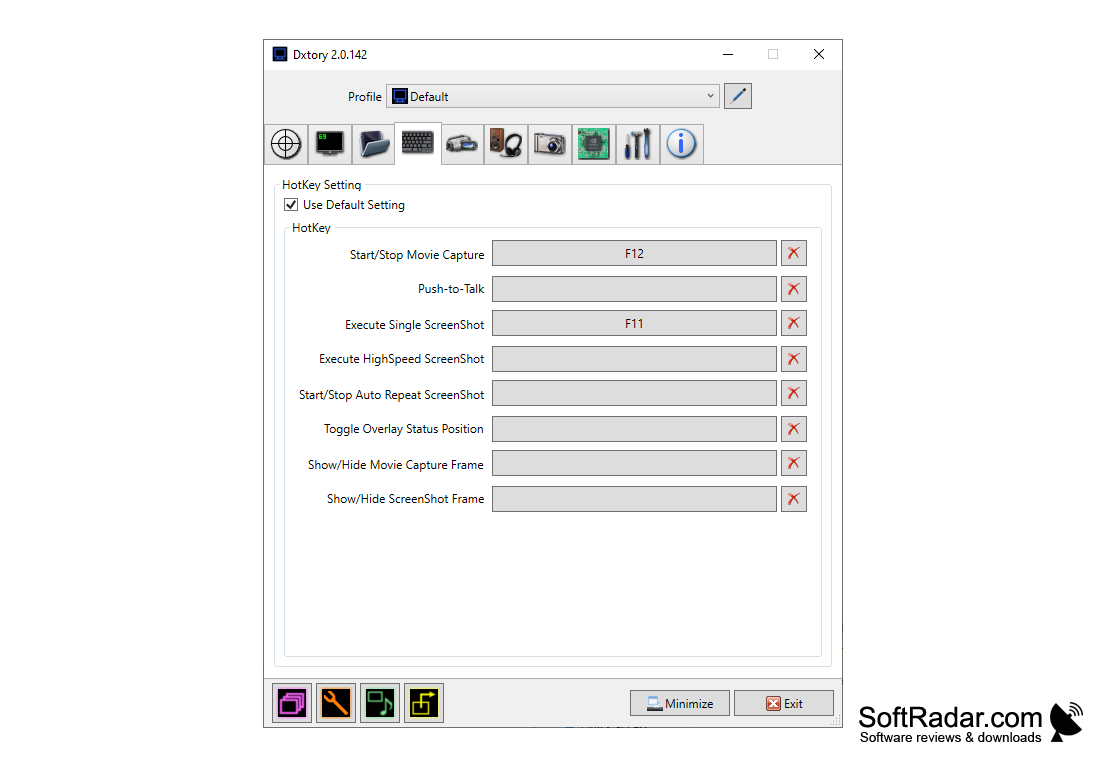
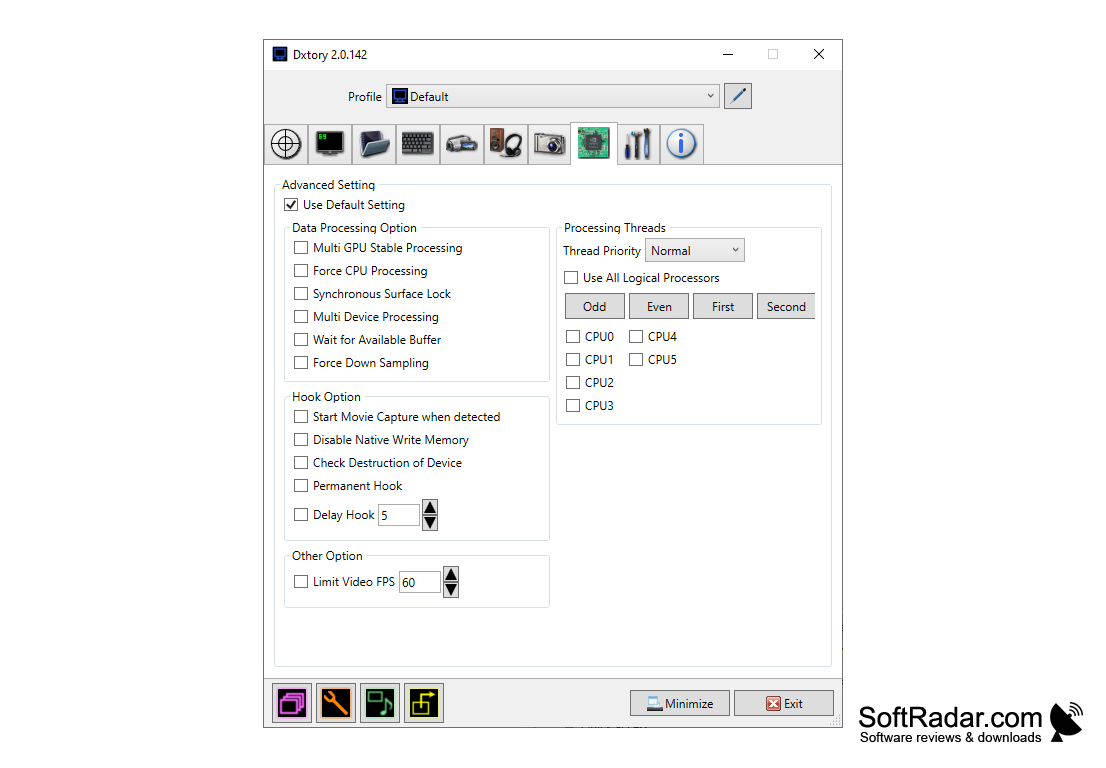
The interface of the Dxtory application is easy to use and should allow you to find everything that you would need to begin capturing your desired media. The main window of Dxtory will have a global, advanced, screenshot, hotkey, video, and audio settings available for you to start using this tool. With the standard tools that are available for use, there are also additional not so obvious ones available as well. Some of these tools are that the overlay settings can be changed to a color-coded frame and status indicators as well. There is also the ability to customize your screenshots my changing the margin, scaling, and there are even different options for clipping the screenshot as well.
Dxtory captures media quickly and is lossless.
Dxtory is a capture tool specifically for DirextX and OpenGL applications allowing it to record video and audio directly from surface memory, this allows for media that is recorded fast as well as being lossless in the recording. While recording audio it can be captured from multiple sources, such as from the video and your microphone when you are speaking; this makes Dxtory a great application to use from when you are gaming and wish to record, although the free version does place a watermark on the recording. Dxtory also supports third-party sources for video codes and audio. Dxtory is an easy to use application that will allow you to easily record video and audio for you to watch. This program not only records it but does so in high quality for an enjoyable viewing experience.
Runs on:
- Windows 10
- Windows 8
- Windows 7
- Windows Vista
- Windows XP
- Free to use for a trial period, but will apply a watermark.
PROS
Supports multiple audio sources simultaneously.
DirectShow support offers compatibility with streaming software.
CONS
Limited video editing features compared to other software.
Complex user interface may confuse first-time users.


