
FixWin
A portable application to repair & fix common Windows annoyances & issues
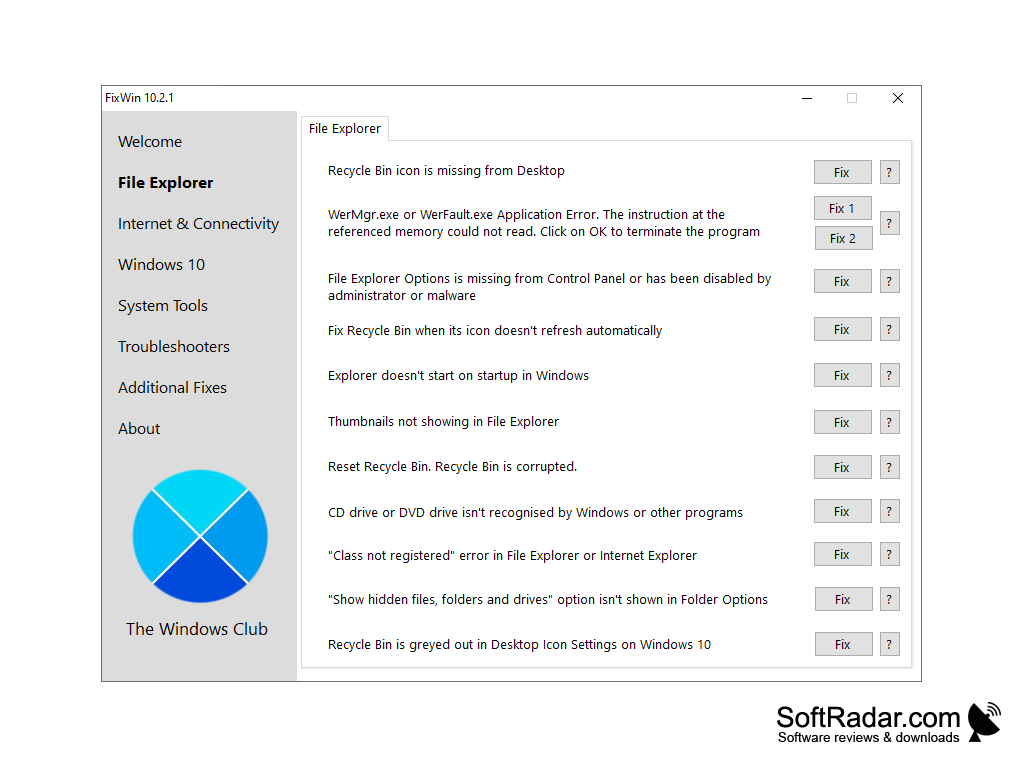
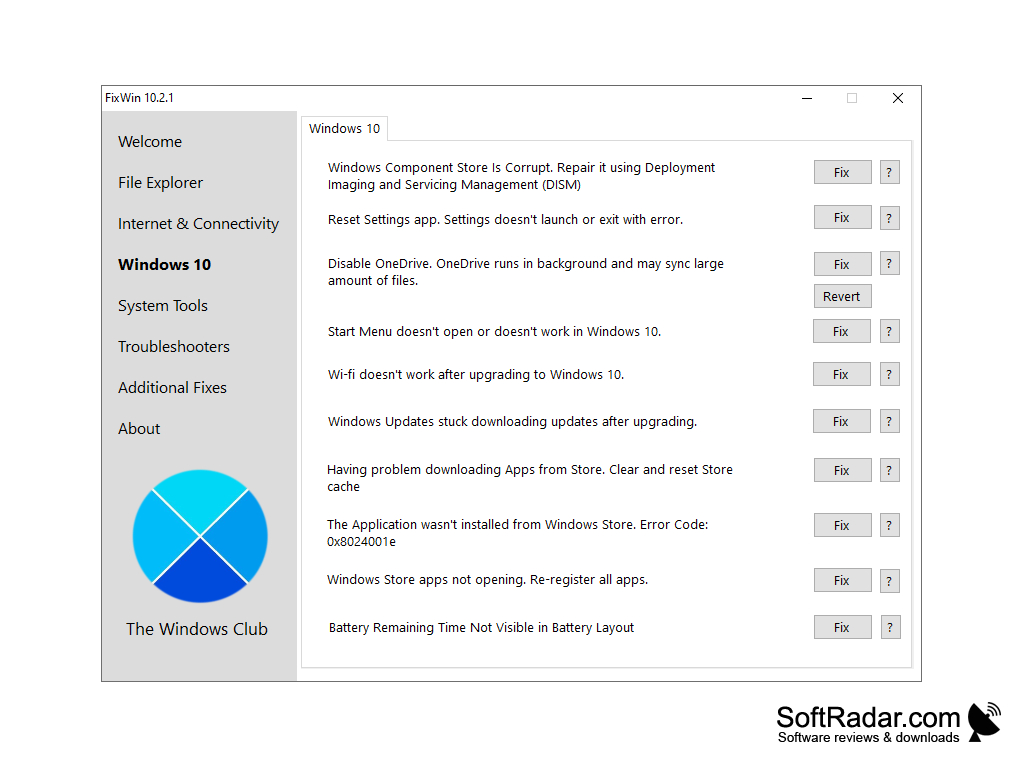
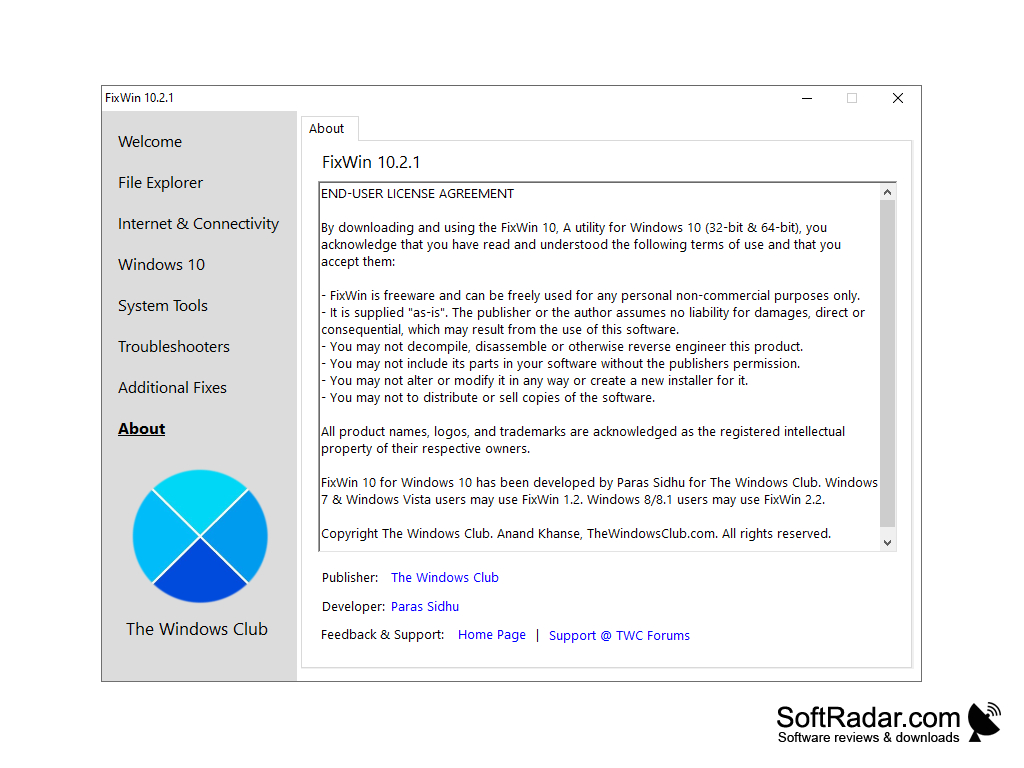
The FixWin is a portable freeware application that is designed to troubleshoot and repair common Windows problems. FixWin 10 is made for Windows 10 (32-bit and 64-bit), while older releases remain available for Windows 7 and Vista (FixWin 1.2) and for Windows 8 and 8.1 (FixWin 2.2); FixWin 11 is offered separately for Windows 11. Perhaps your Recycle Bin icon does not refresh correctly, or you have lost the right-click context menu in Internet Explorer? Or maybe the Start Menu doesn't open, or Store apps don't start and you need to re-register them? While there are several guides and reference materials on how to solve these problems on the Internet, FixWin does not just give advice, but does everything you need quickly and efficiently. It was developed by Paras Sidhu for The Windows Club.
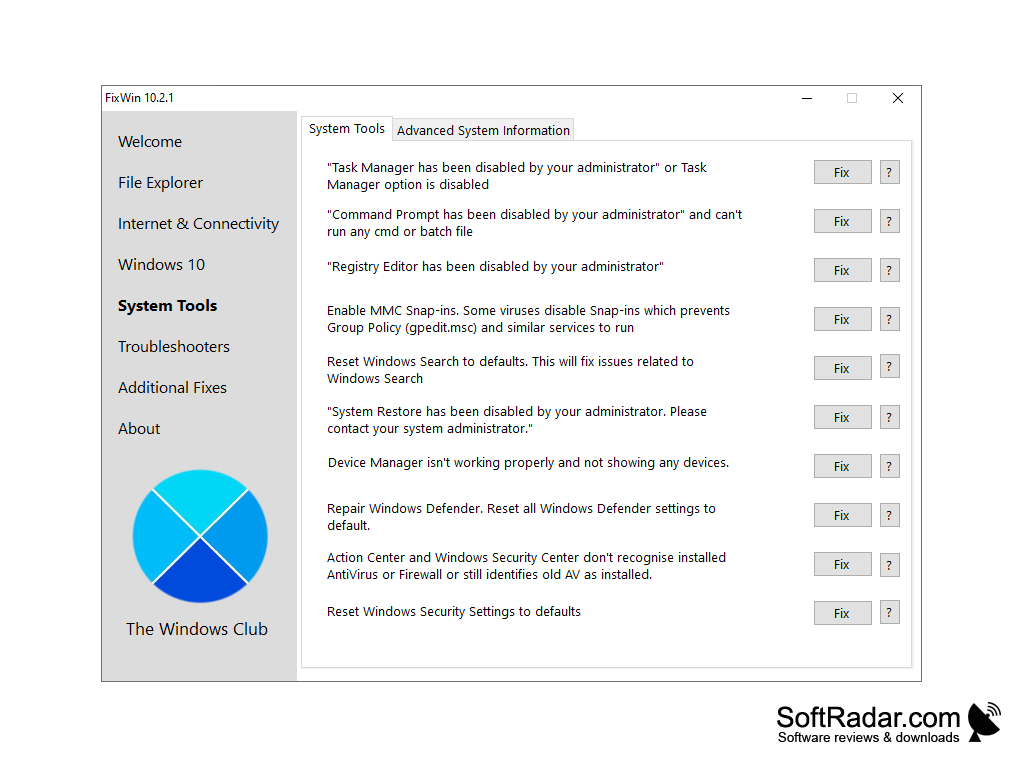
The fixes are located in six tabs: File Explorer, Internet & Connectivity (including Internet Explorer fixes), Windows 10, System Tools, Troubleshooters and Additional Fixes. Each fix has its own Fix button and a question mark button that explains what it does. Normal use of the FixWin program involves the following actions. Start the System File Checker utility first. You will find this button on the Welcome page. This operation will find and replace damaged system files. It could take about five to ten minutes. The next thing you need to do is to create a system restore point, which is also done from the Welcome page. Developers recommend always creating a restore point, so that you will always be able to get your system back to its previous state. After that, you can begin to correct the aspects of the system that do not work for you. Apply no more than one fix at a time, and then reboot the computer. After rebooting, check the result and continue with other corrections if necessary.
FixWin quickly resolves many common Windows problems with one-click fixes, without requiring technical expertise.
Older releases for Windows 7/Vista and 8/8.1
PROS
Fixes common Windows errors efficiently.
No installation required, portable software.
CONS
May intimidate less tech-savvy users.
Each release targets only one Windows generation.


