
HaoZip
A very lightweight file decompressor/ unzipping program available for Windows
Operating system: Windows
Publisher: HaoZip Software Studio
Release: HaoZip 2.2.3.97
Antivirus check: VirusTotal report
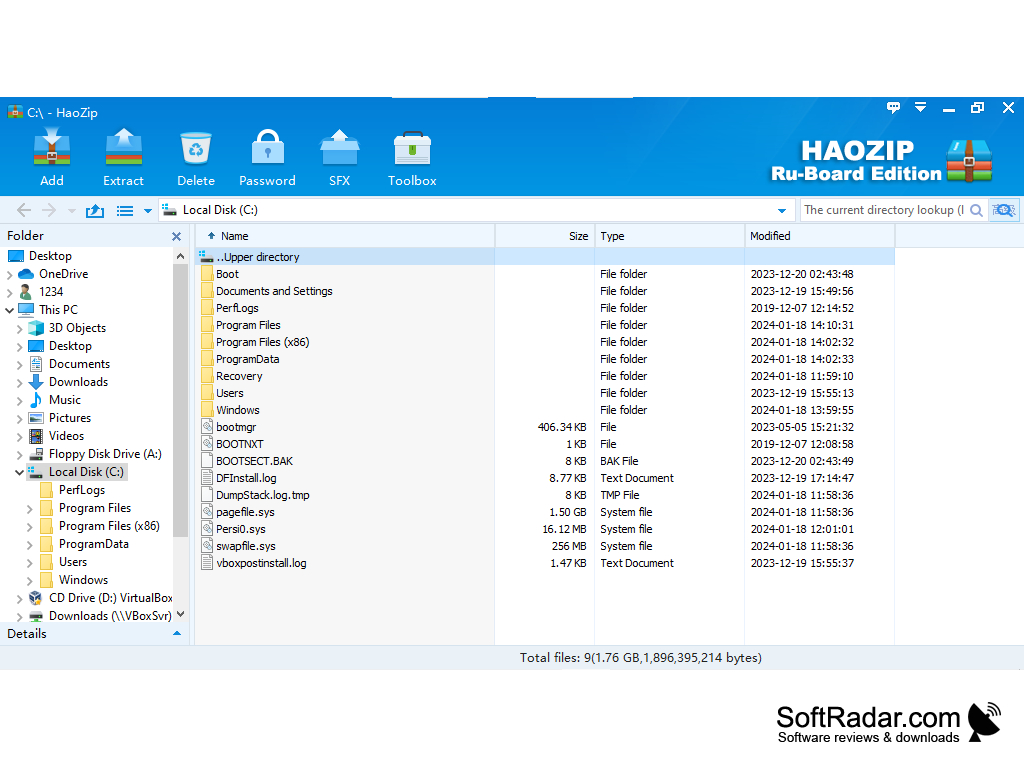
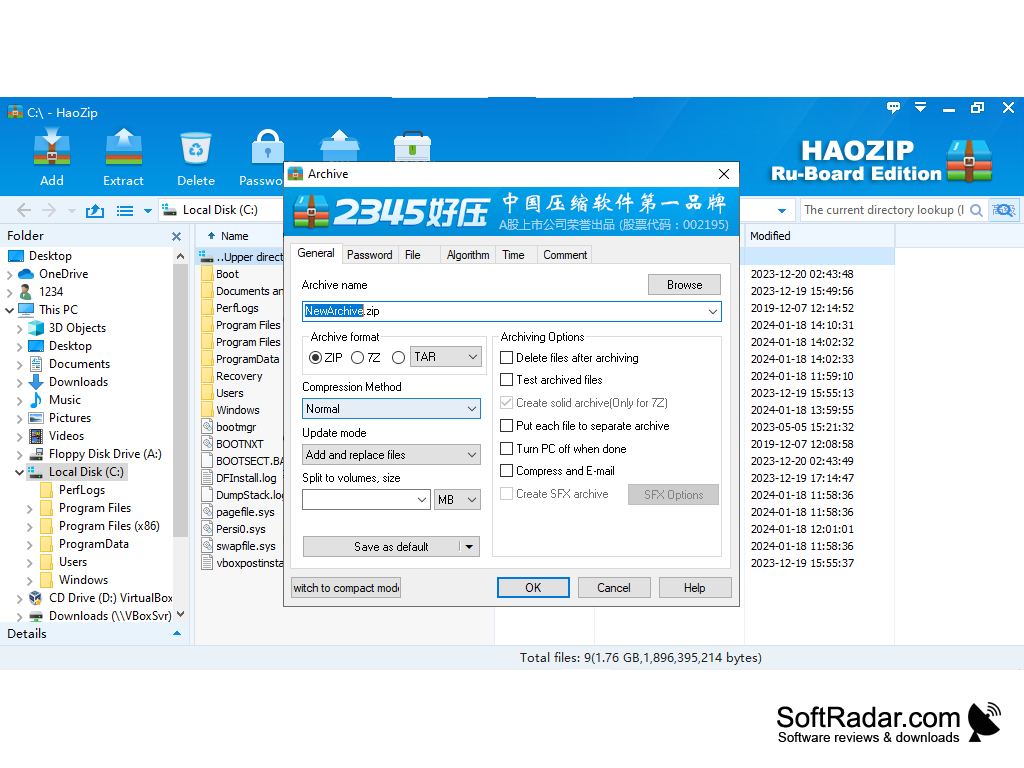
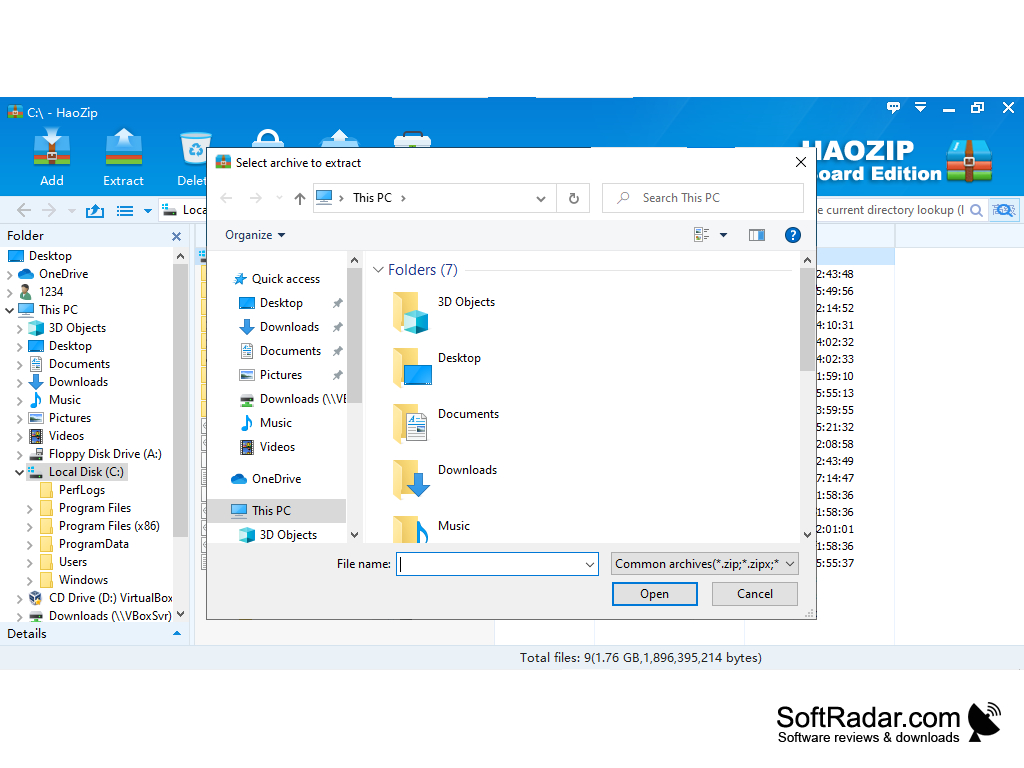
HaoZip is a free archiver from Chinese developers for some time now. Integration into the Windows Explorer context menu is available.
The archiver can unpack more than 50 archive formats and create 3 archive formats - ZIP, 7Z and TAR.GZ. There are several packaging methods with different degrees of compression. File compression speed is quite high, with individual HaoZip file types compressing much faster than WinRAR.
The archiver is very popular in China and has an impressive audience of users there. The peculiarity of this archiver is the additional tools. The archiver is equipped with a utility for batch renaming of files, an image converter that can also convert in batch mode, an image viewer, an MD5 hash counting tool for selected files, and some other utilities. Such a set of tools is a rare guest in this kind of software, and for HaoZip it is undoubtedly a competitive advantage.
HaoZip offers high-speed file compression and comes equipped with unique additional tools such as batch renamer and image converter.
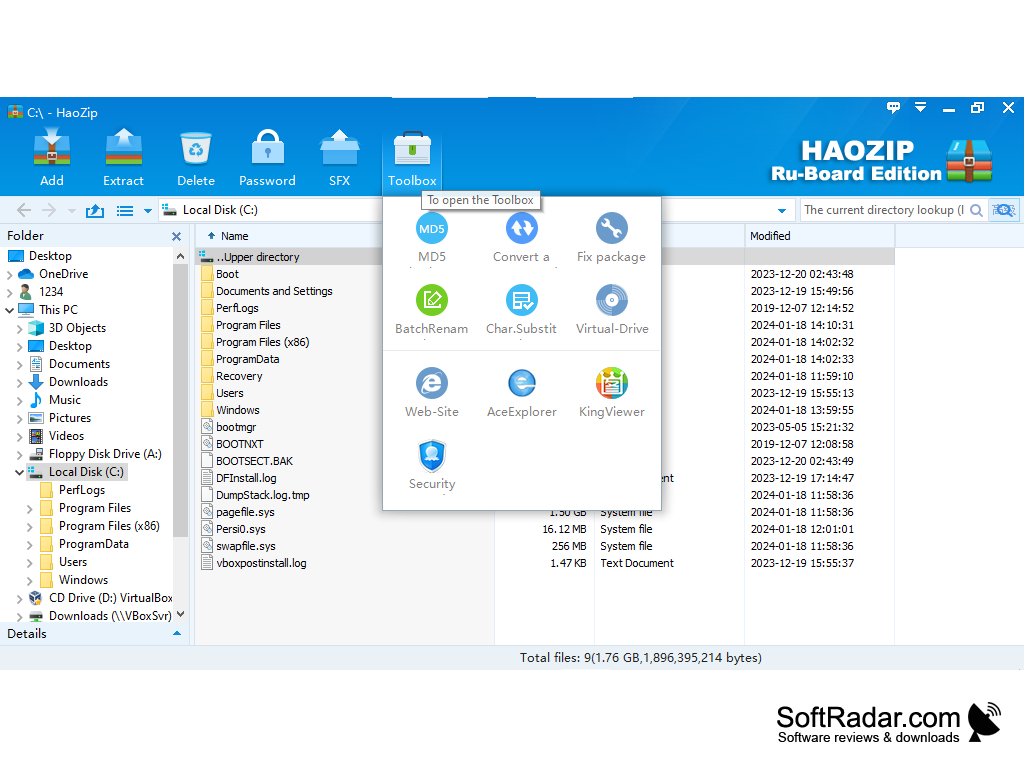

- full support for compression and unpacking of 7Z/ZIP/TAR archives, the ability to create self-extracting archives, the ability to encrypt files in the archives;
- convenient work with the program, adding program items to the context menu of Windows;
- A built-in image viewer that allows you to view images directly in the archive without having to unpack them;
- Skin support, possibility of individual adjustment of the program appearance;
- support for multithreading technology, efficient use of multi-core processors.
PROS
Includes a handy file viewer.
Integrated with context menu for easy access.
CONS
Significantly slower compression speed compared to other tools.
Might displays ads during the installation process.