
Hex Workshop
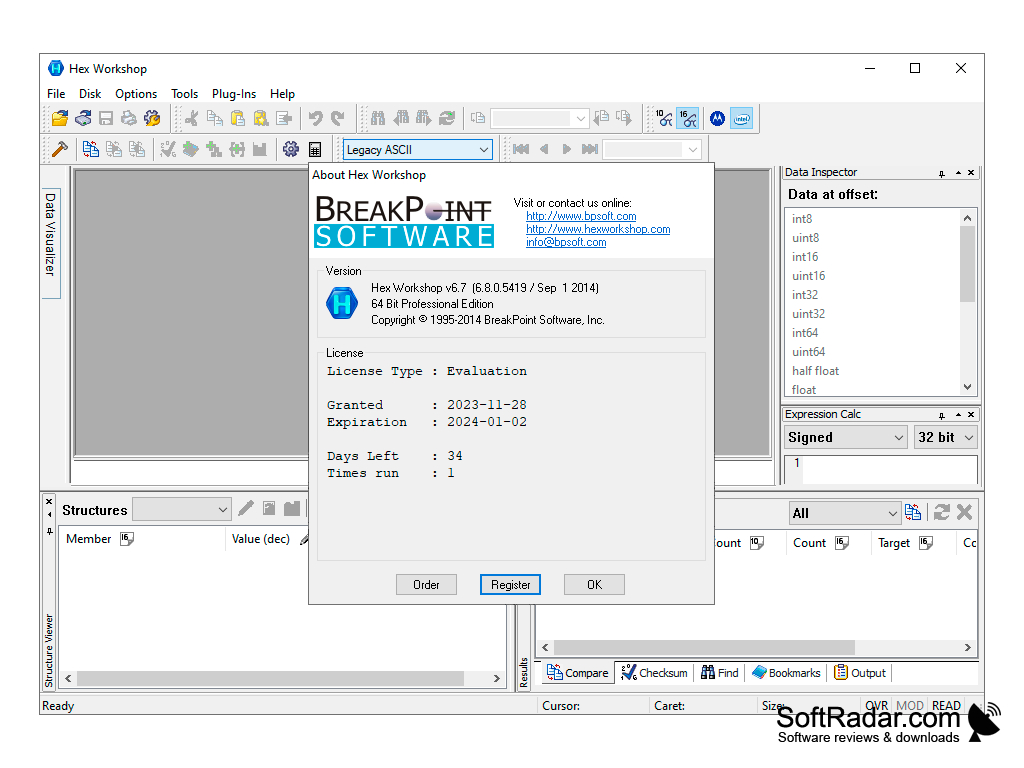
Hex Workshop is a Windows hex editor that combines binary editing with data interpretation, a structure viewer and binary file comparison.
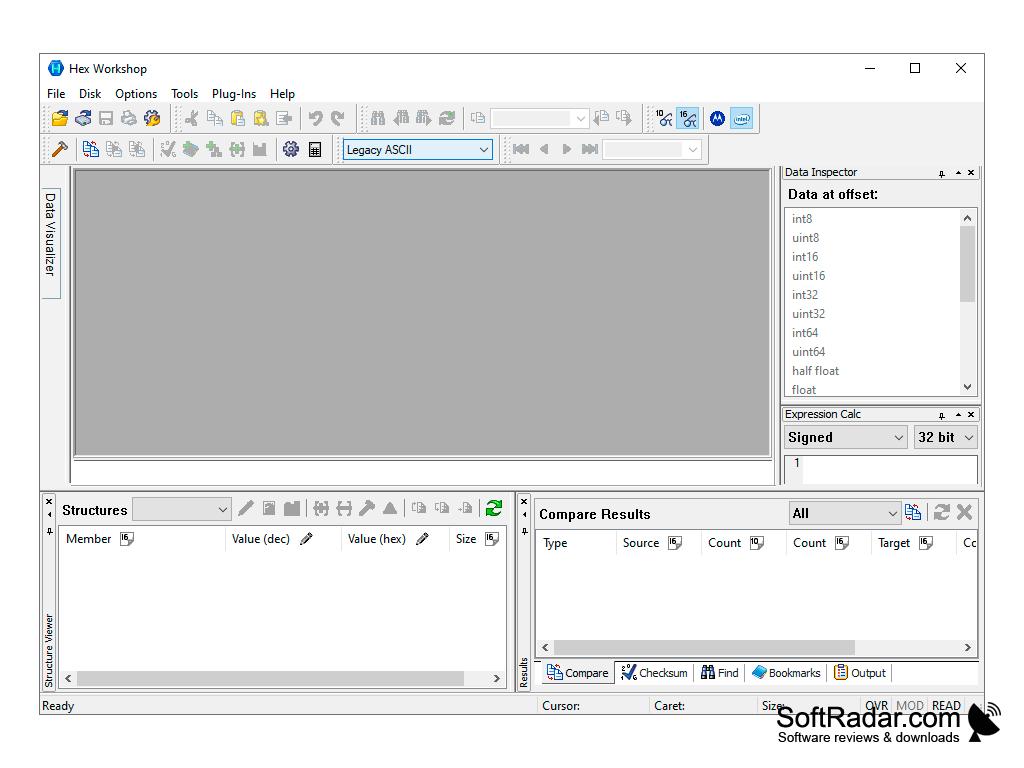
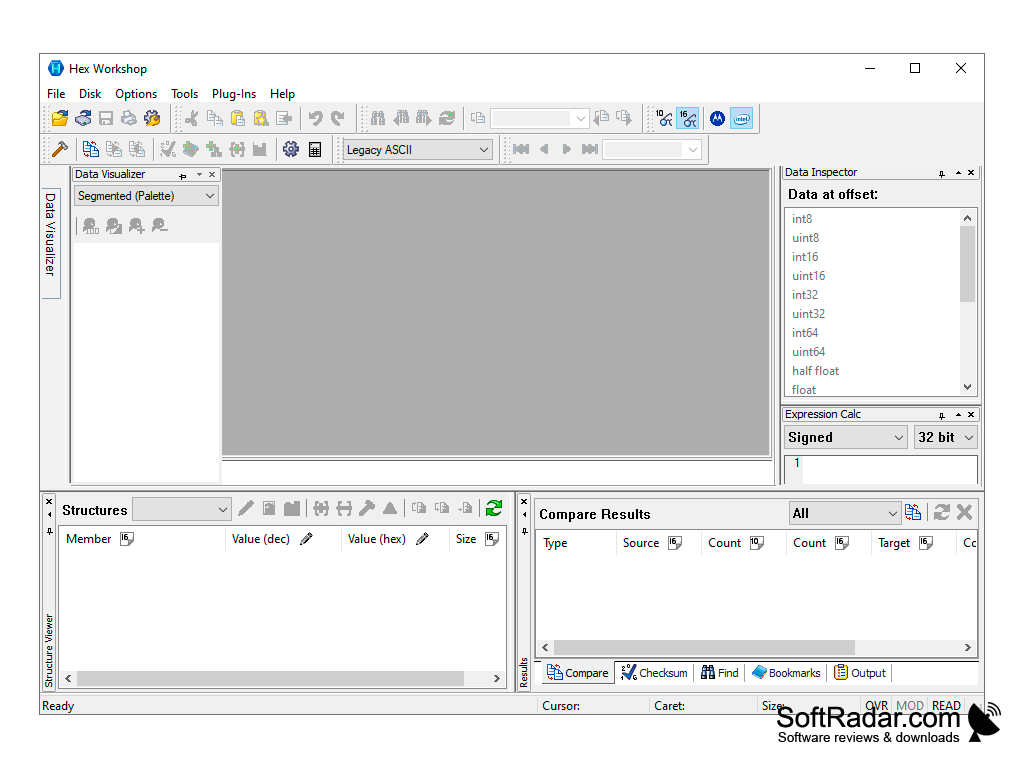
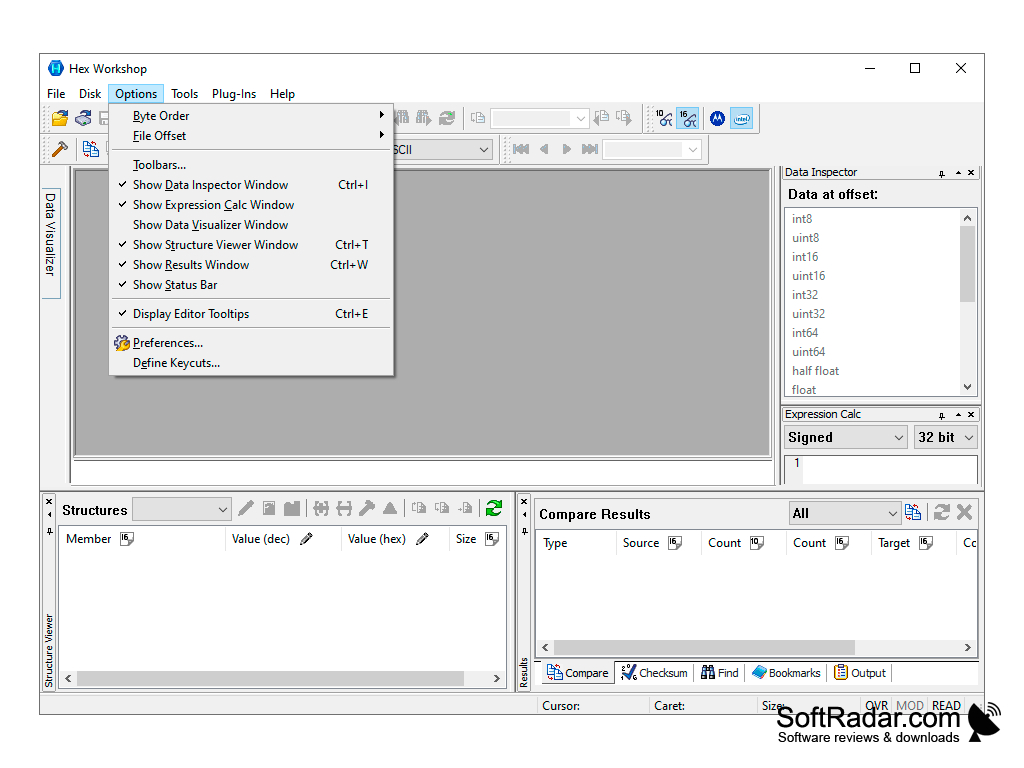
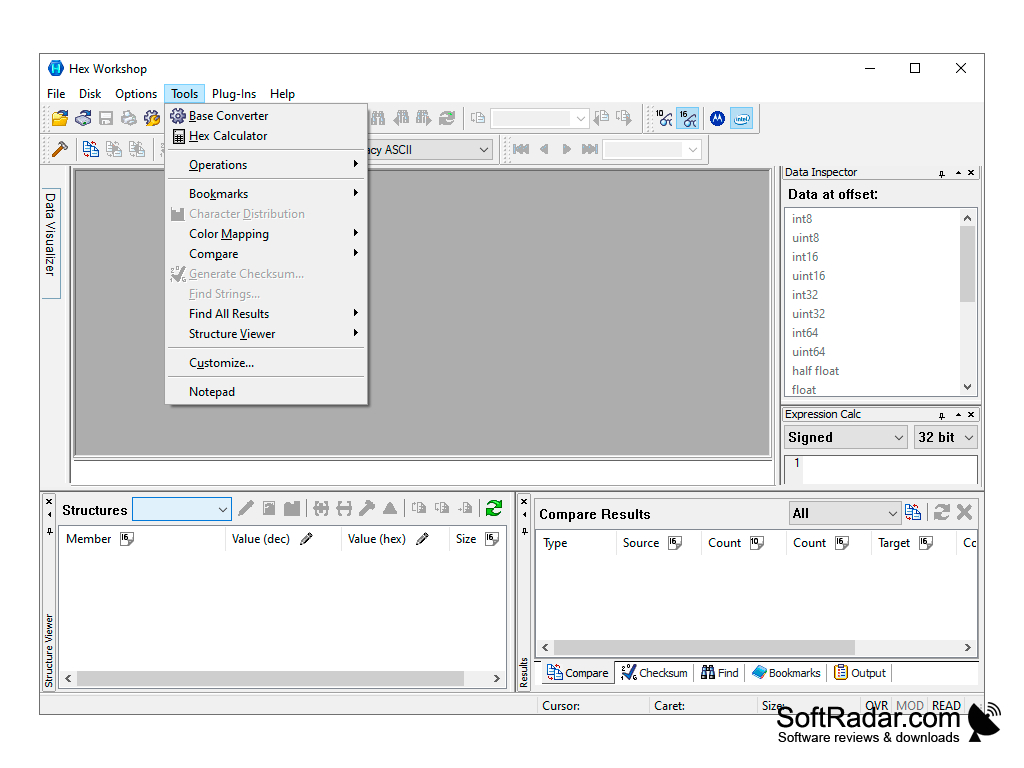
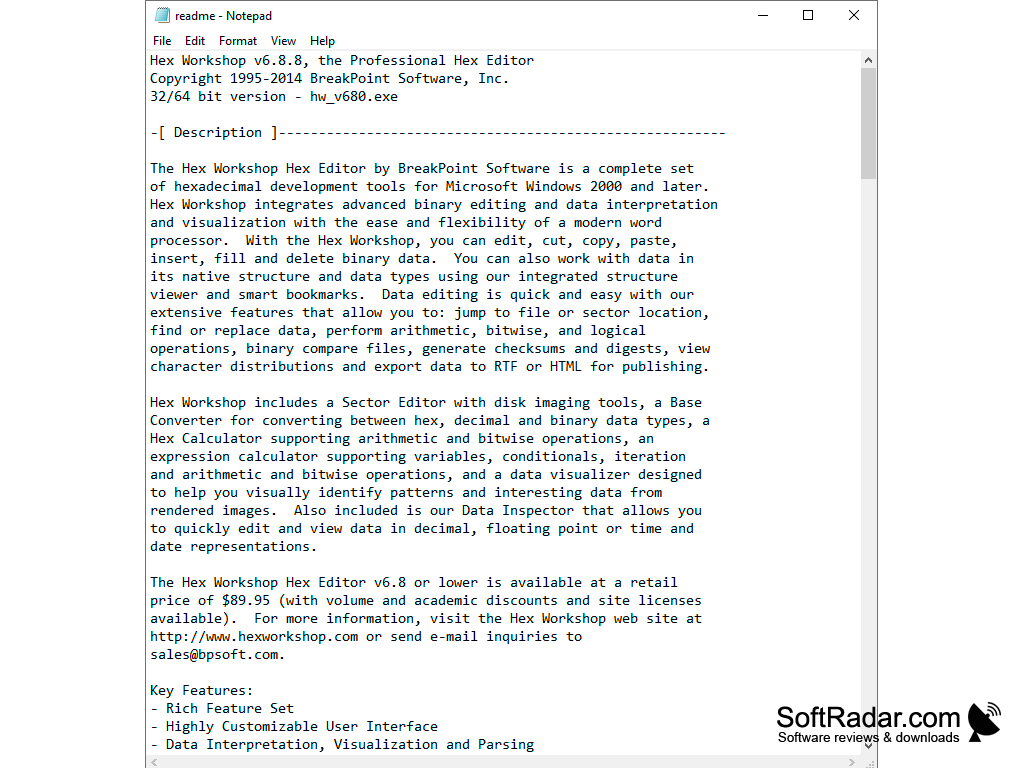
Hex Workshop is a program for editing files in hexadecimal format. This application combines the functions of a Hex editor and data interpreter with the ease and flexibility of modern text editors. With Hex Workshop you can modify, copy, paste, insert, fill and delete binary data, use smart bookmarks, view data in its native structure with the structure viewer, search and replace data, use arithmetic, bitwise and logical operations, compare binary files, generate checksums and digests, view character distributions, and export data to RTF and HTML formats. The program is able to convert data between hexadecimal, decimal and binary representation systems, its expression calculator supports conditions, variables and iteration, and it can import and export code blocks. The Hex Workshop interface is almost fully customizable - you can control the appearance of the main editor window, the color representation of the data and specify where and what data should be displayed. Hex Workshop panels can be integrated into the main program window or displayed in a "floating" form. It also includes a Sector Editor with disk imaging tools and a Hex Calculator. Hex Workshop is commercial software with an evaluation version; the latest release, 6.8, dates from 2014.
Hex Workshop simplifies the process of editing binary data by combining a hex editor and data interpreter.
1 GHz x86 processor
512 MB of RAM
35 MB of free disk space
PROS
User-friendly interface with customizable options.
Includes a sector editor, binary compare and checksum tools.
CONS
A paid licence is required after the evaluation period.
The user interface appears outdated compared to similar programs.


