
Imikimi
Imikimi is an online image editing program that is absolutely free for users
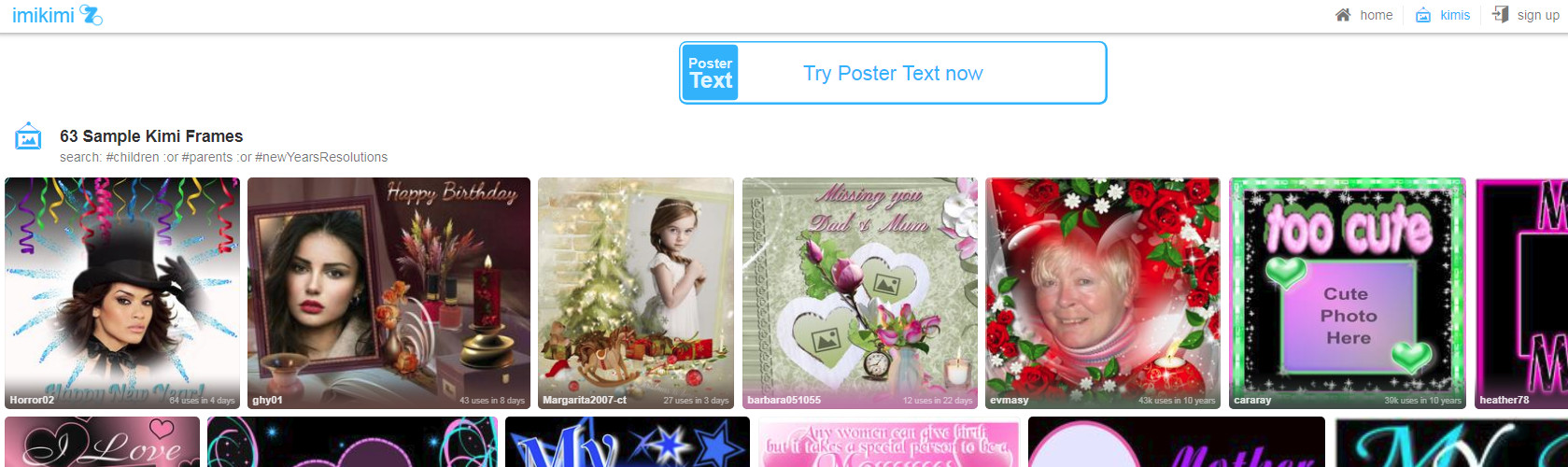
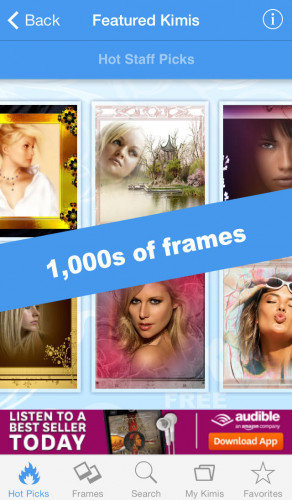
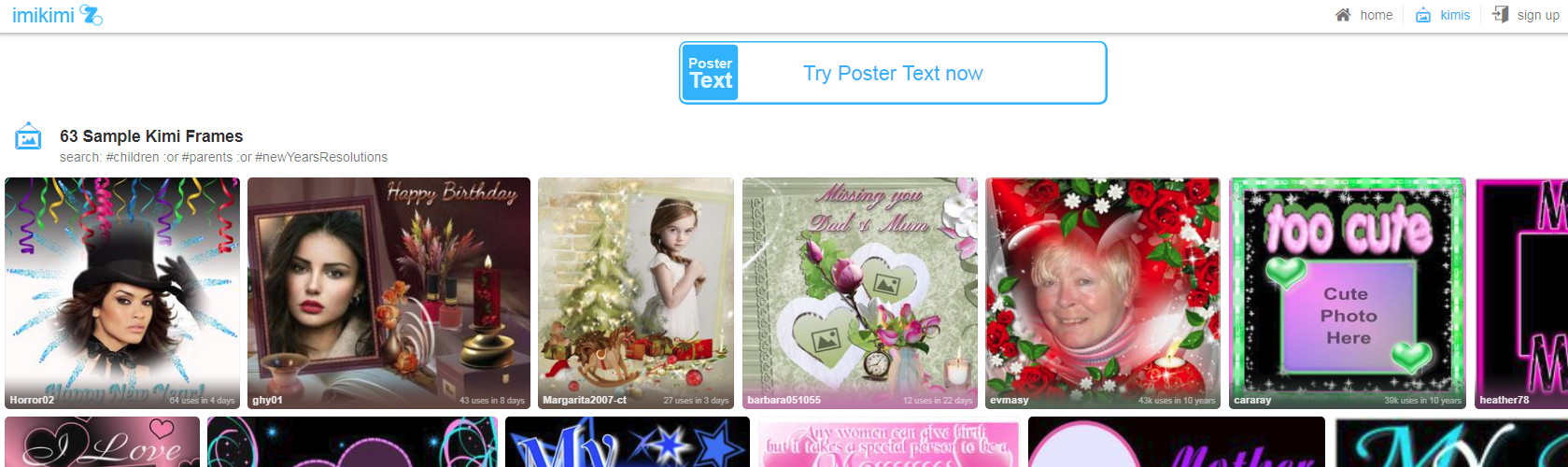
Imikimi is a free online editing program/application. Aside from being a cloud-powered application, Imikimi has many other advantages that make a great program.
First, Imikimi can be added as a plug-in to numerous web browsers such as Chrome, Firefox, and Internet Explorer.
Imikimi can be added as a plug-in to many different web browsers
Features:
- Like many image editing applications or programs, Imikimi has multiple filters and effects that can be used on the image the user is editing.
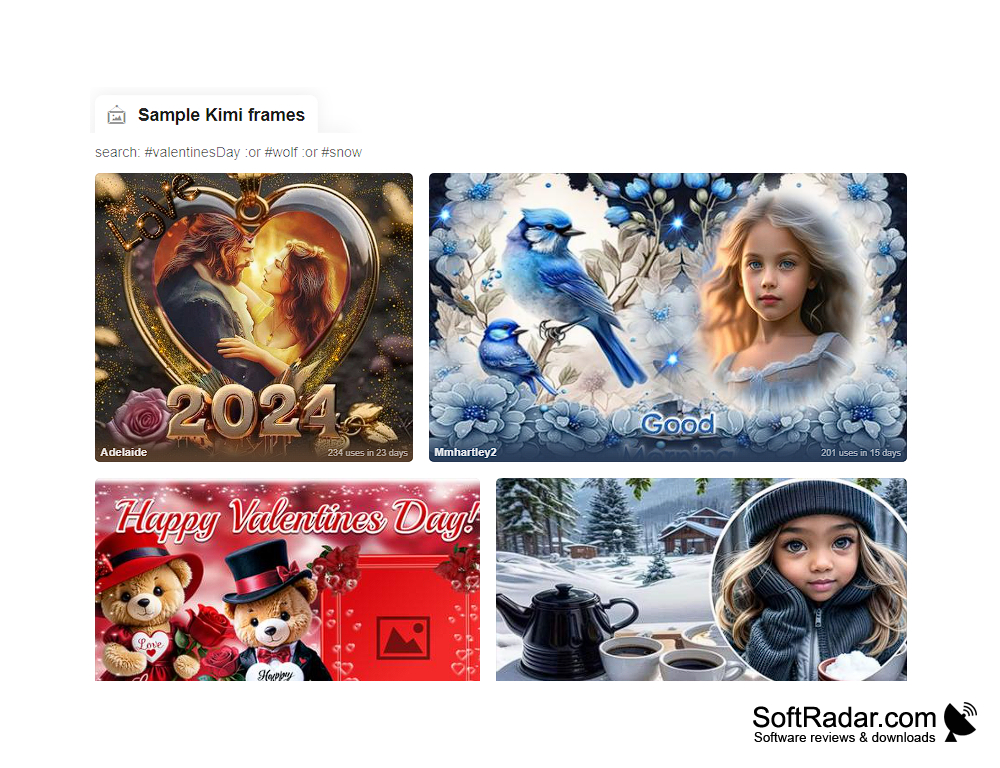
- The feature itself lets the user add frames to images. Utilizing this feature is one of the easiest things that an individual could do while using the application.
- There are many different image editing addons for the purpose of editing images, but Imikimi is quite frankly one of the more appealing ones. Did we mention the application is free?
- Aside from the great features listed above, users who may be on the fence about adding such a program like Imikimi to their browser can rest assured that the application is one hundred percent safe as no viruses or malware is present.
If you still believe adding the application is a questionable decision, Imikimi was tested against malware with several different programs, and the makers of the application certify that the program is clean of viruses, malware, and trojans. This means you can go right ahead and edit those photos of the family, pets, or vacation trips absolutely worry-free. If you are anything like me, you rely heavily on ratings from users just like you. You should know that Imikimi has a current user rating reflecting four out of five stars.

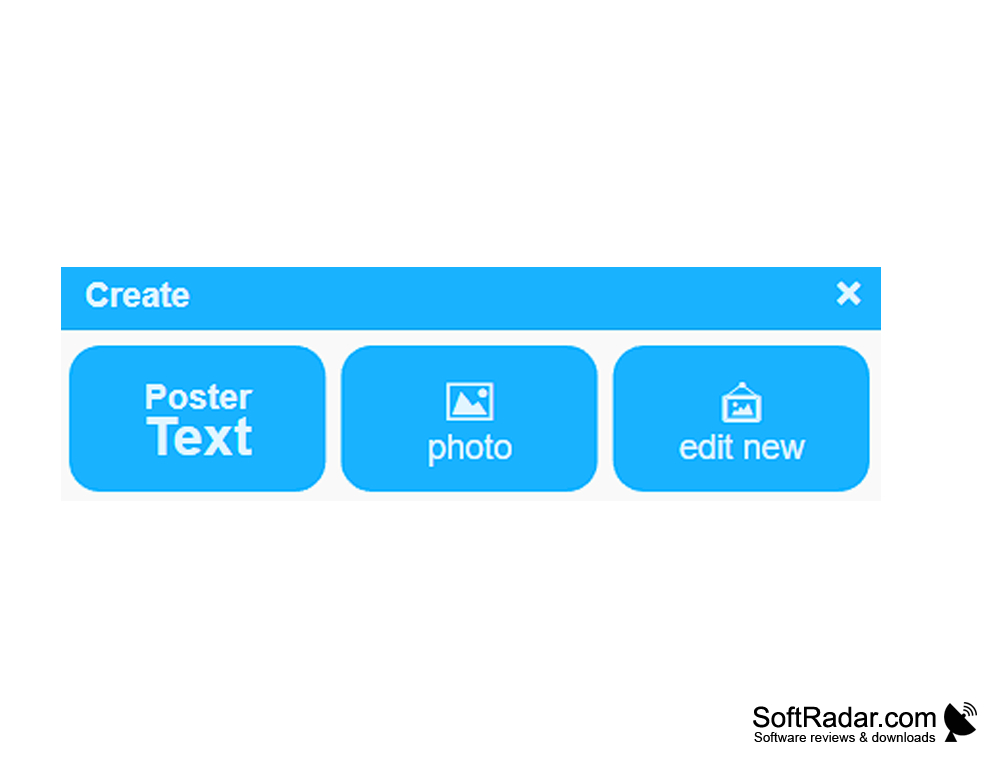
Compatibility with software generally varies but runs fantastically if users are operating with Microsoft Windows 10, 8, 8.1, 7, Vista and XP on a 32 bit or 64-bit setup.
PROS
Offers an impressive array of design options.
Allows sharing creations directly to social media platforms.
CONS
The interface may seem outdated.
Features can be complex for beginners.


