
MegaDownloader
MegaDownloader is a free, unofficial Windows download manager for files and folders shared on the MEGA cloud storage service.
Operating system: Windows
Publisher: Andres_age
Release : MegaDownloader 1.7
Antivirus check: VirusTotal report
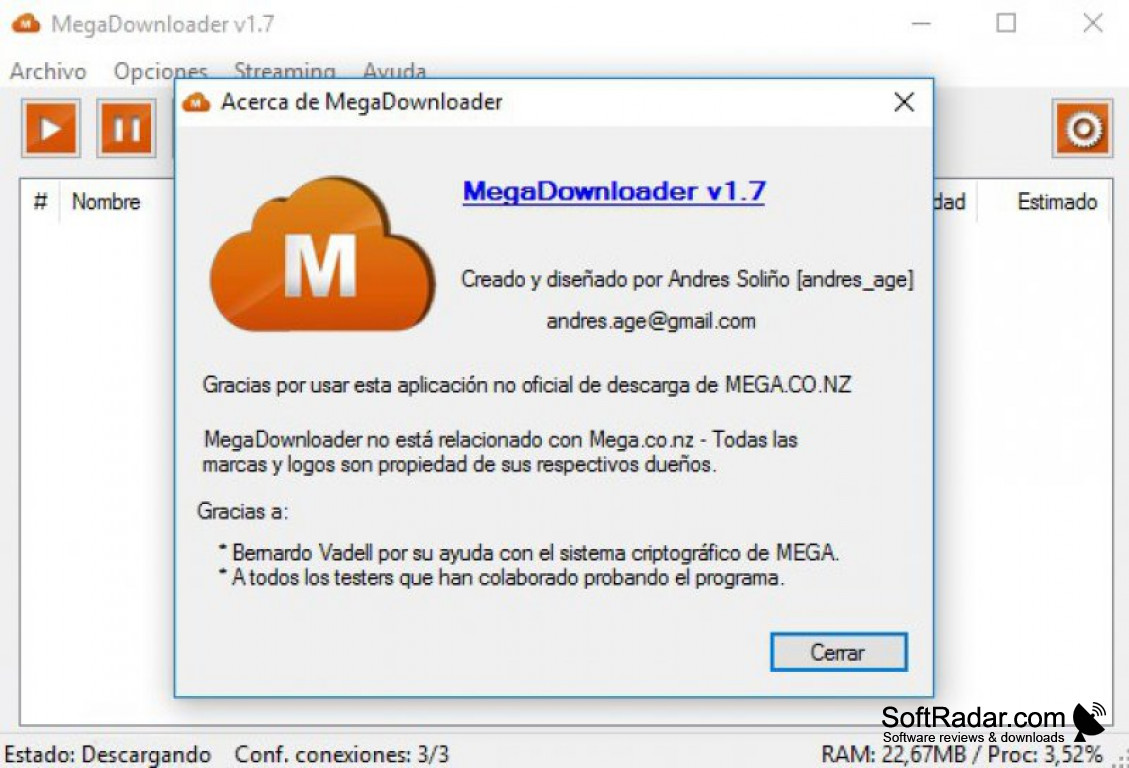
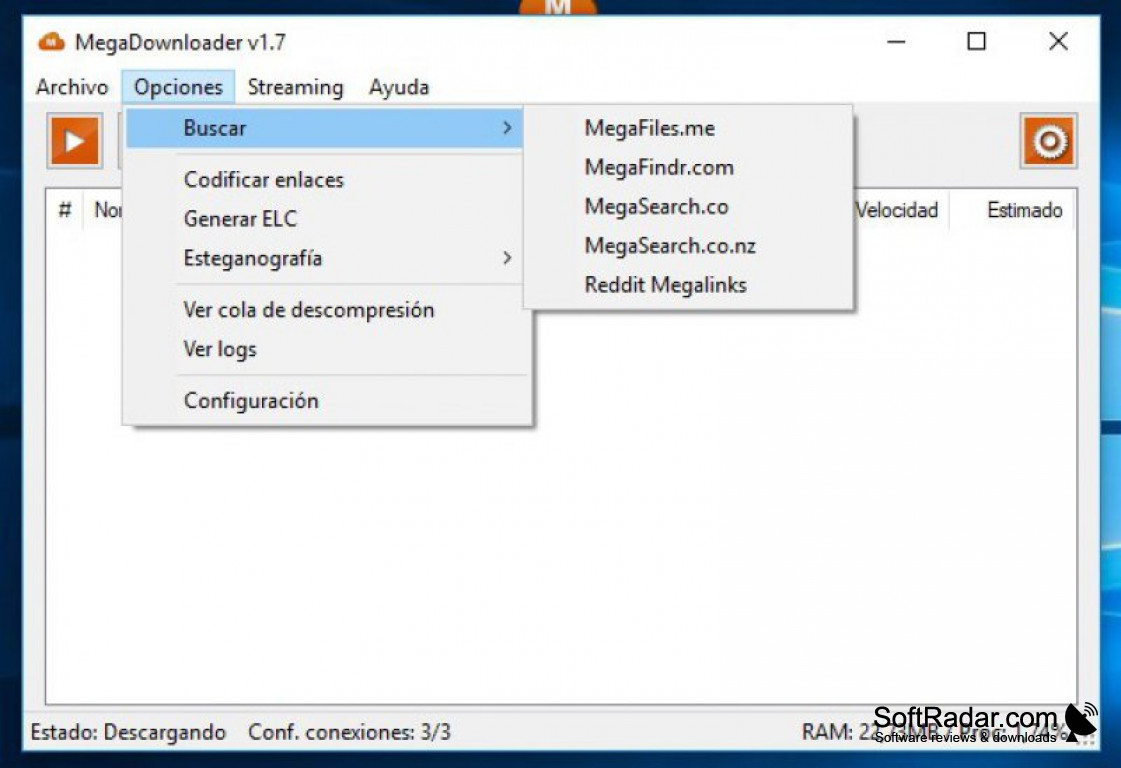
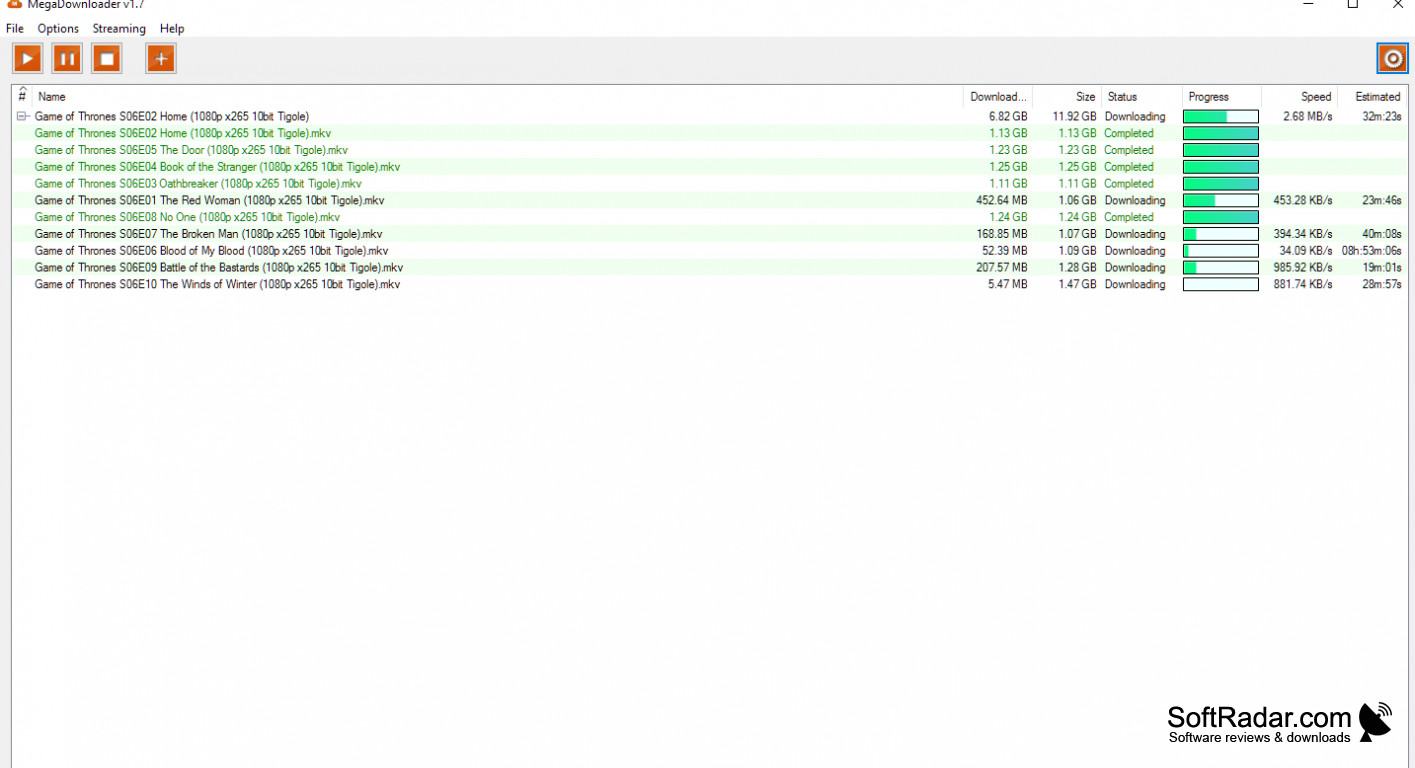
MegaDownloader is a free, unofficial download client for the MEGA file hosting site (formerly Mega.co.nz, now mega.nz). It was created by Andres_age and, when it appeared in 2013, it was the first application for downloading files from MEGA.
MegaDownloader lets you add any number of files that you're interested in downloading to it. You can add the files one at a time using individual links, or you can add multiple files all at once using multiple links, and the program can also detect MEGA links copied to the clipboard. Downloads are placed in a queue and grouped into packages.
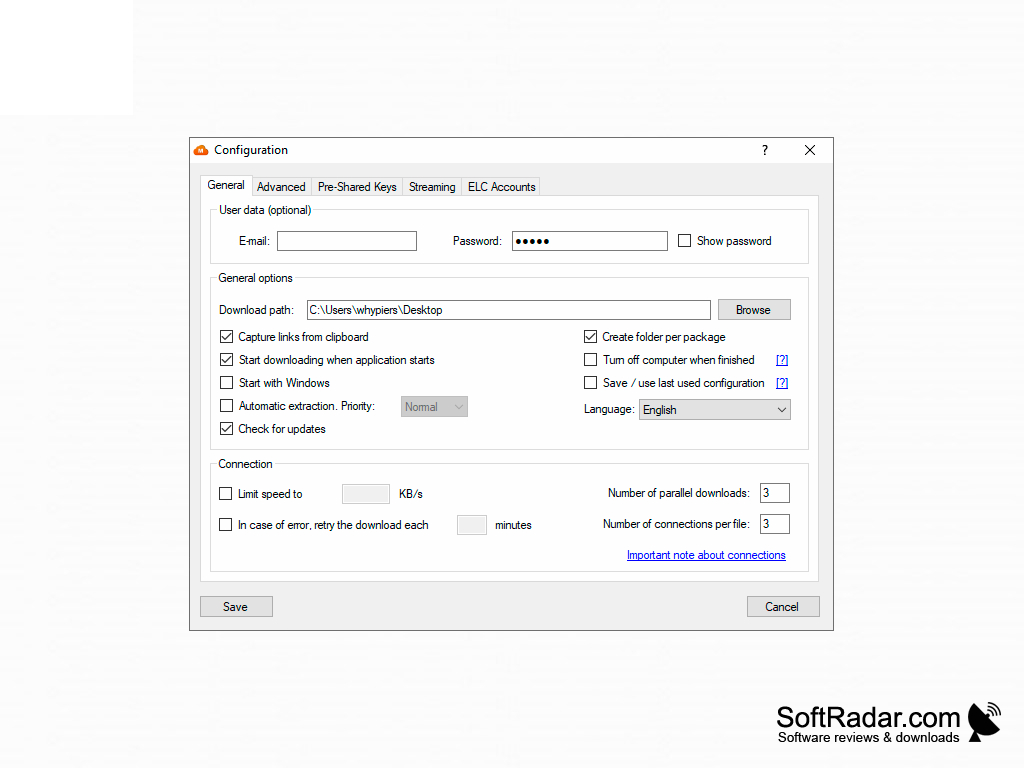
MegaDownloader will let you select where you want to save the files that it's downloading. You can set a default download path, which is the Windows Desktop unless you change it, and have the program create a separate folder for each package. Downloaded RAR, ZIP and 7z archives can be extracted automatically.
You can download multiple files at once, with several connections per file, which is excellent if you have a faster internet connection. If you have a slower or throttled internet connection, you can limit the download speed or lower the number of parallel downloads. MegaDownloader allows you to resume downloading a partially downloaded file, and it can retry automatically after an error. Files are decrypted on the fly, without large temporary files.
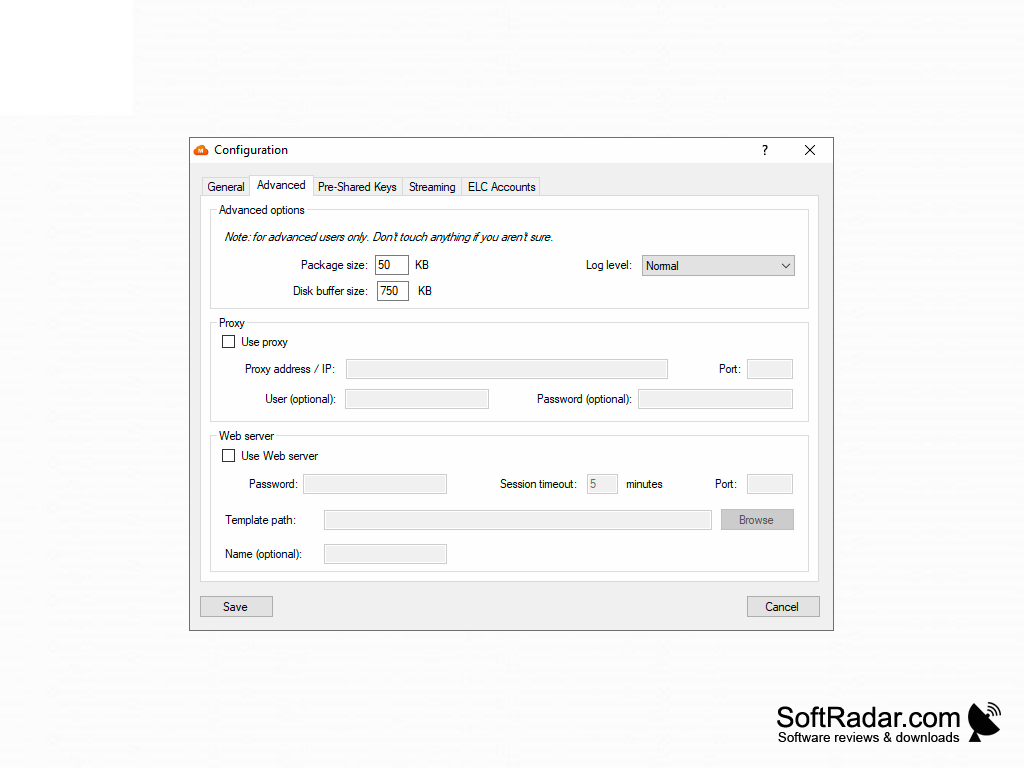
MegaDownloader is very simple to use. You can choose to start, stop, or pause downloading at any time using the simple buttons on the user interface. Other options include watching video files online via streaming, a built-in web server for remote control from a phone, proxy support, turning off the computer when downloads finish, encoded mega:// and ELC links, and hiding links inside JPEG images with steganography.
MegaDownloader takes up less than 2 MB and runs on Windows XP SP3 or later with .NET Framework 4.0 or higher. It is free of charge and shows no ads. The last version, 1.8, was released in 2020 to support MEGA's new link format, and the program has not been updated since.
It downloads several MEGA files at once with multiple connections per file and can pause, resume and queue downloads.
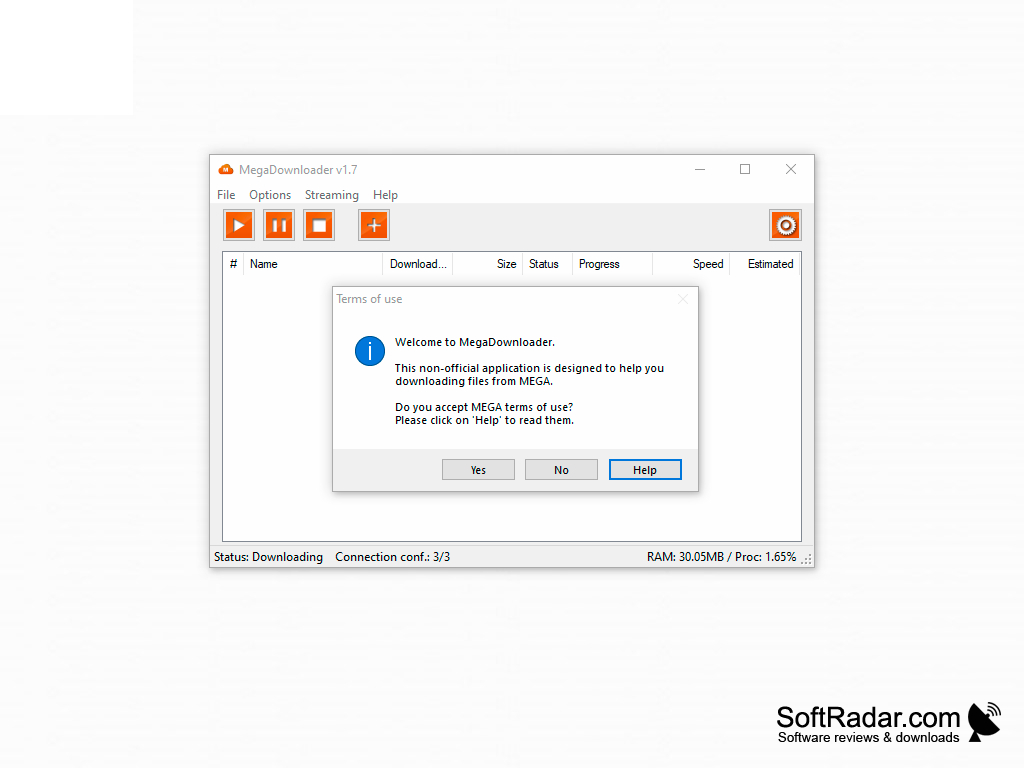
.NET Framework 4.0 or later
PROS
Can stream video files while they download.
Simple, user-friendly interface with no ads.
CONS
Limited to Mega.nz downloads only.
No longer updated by its developer.


