
MSI Dragon Gaming Center
by MSI
A program designed by MSI to give you the upmost control over your gaming set up
Operating system: Windows
Publisher: MSI
Release : MSI Dragon Gaming Center 0.0.1.14
Antivirus check: VirusTotal report
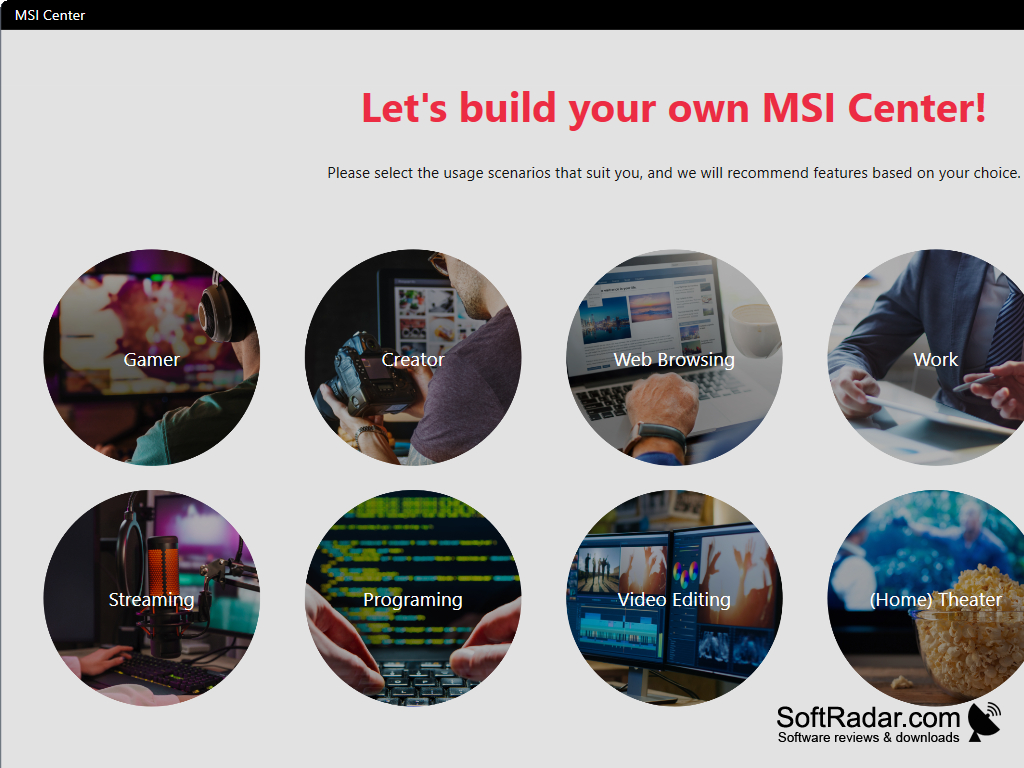
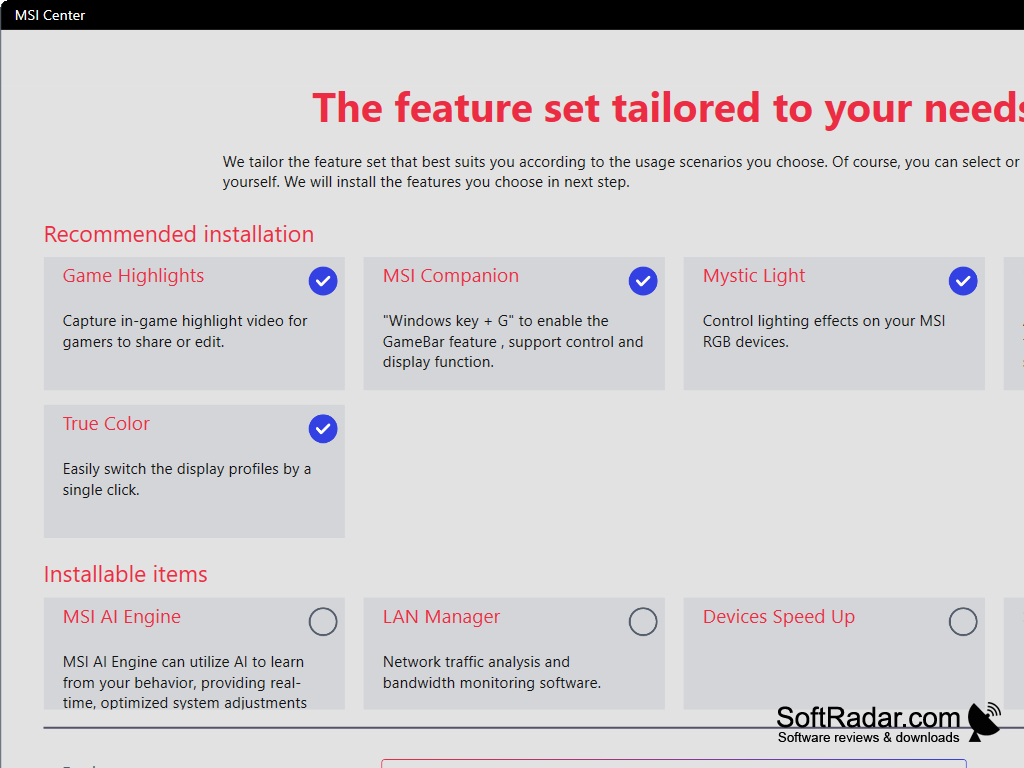
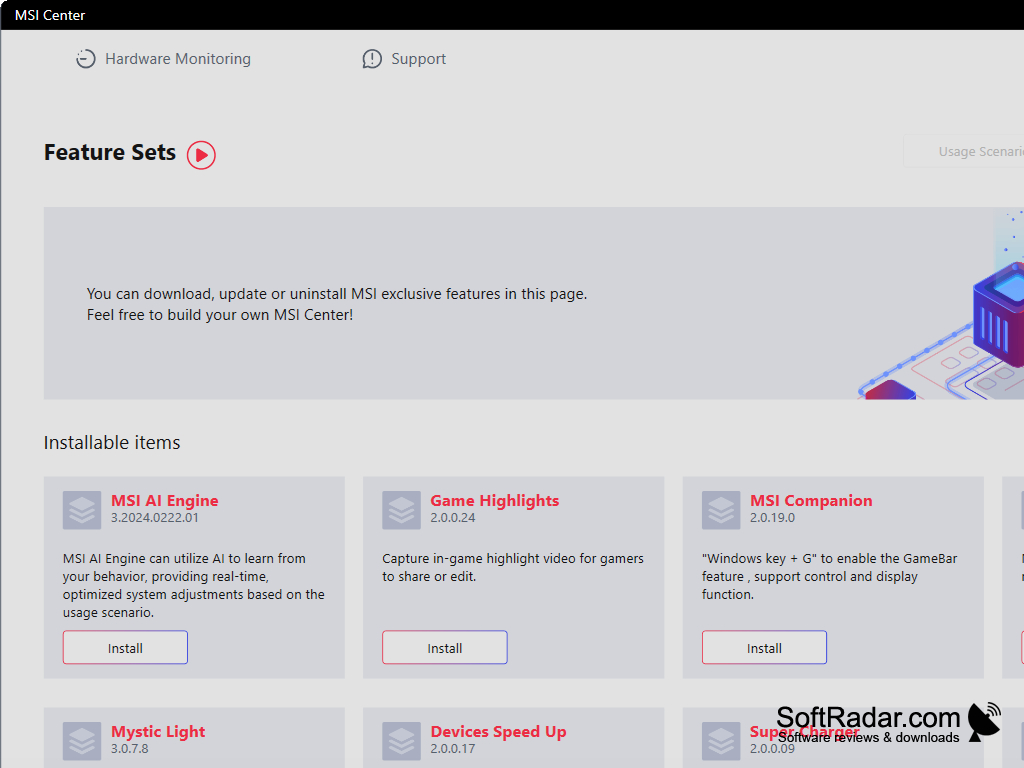
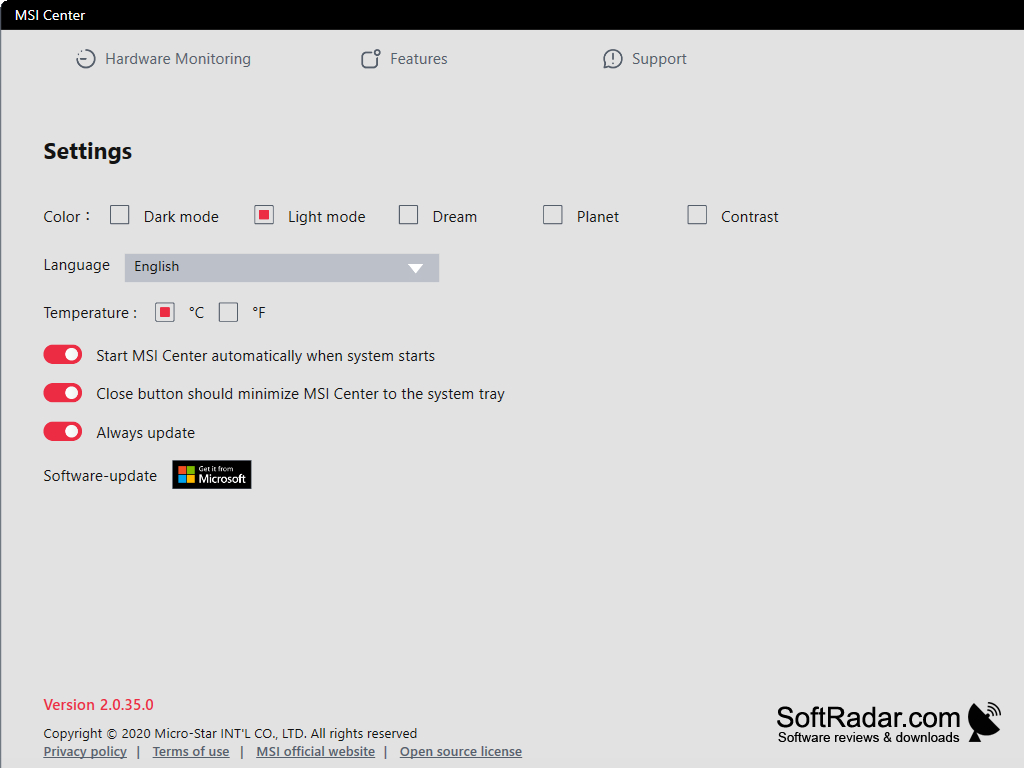
This free program allows you to optimize and tweak your hardware settings to work with any gaming style you might have. Switch between profiles and customize to your heart's content.
Features:
- EZ Swap mode allows the user to switch between work mode and Game mode. Multiple options for Performance mode, such as OC (Overclock), Gaming, and Silent. Again, multiple options ScenaMax mode, which covers the display settings. The third option is Nahimic, which allows you to choose multiple audio options. The fourth option is Theme, which allows you to change your windows theme depending on whether you are gaming or working. The last option is sound, which isn't as in-depth as Nahimic, but allows you to control the level that your sound is at or if it even on at all.
- When EZ Swap is turned on, you will get two buttons on the screen that easily allow you to switch between your two profiles
- Utility feature automatically searches your pc for new games and adds them to the program's own control center
- Xsplit- recording and live streaming software
- Three unique display modes for Scenamax- Gaming Mode, Cinema Mode, and Eyecare Mode
- Personal Setting allows the user to set personal settings for the whole system, such as Gamma-level, brightness, and contrast
- Device center allows the user to control microphone volume, device volume, or enable or disable the windows antenna
- MSI supercharger automatically optimizes your device settings to make them as fast as possible and get the most out of your hardware
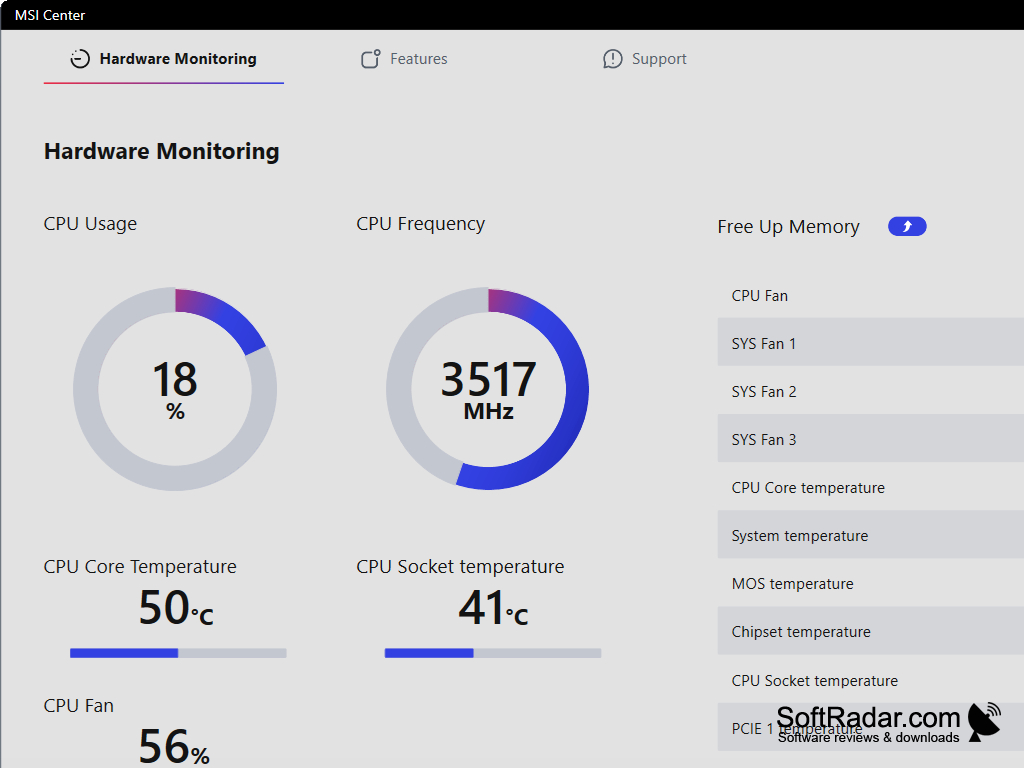
- System monitor allows you to get real-time updates on a multitude of device states, such as Disk Load, Memory Load, CPU load, GPU load, and Ethernet and Wireless Internet speeds
Works on most PC's
This is a very advanced and useful program that allows you to quickly optimize your software and hardware settings
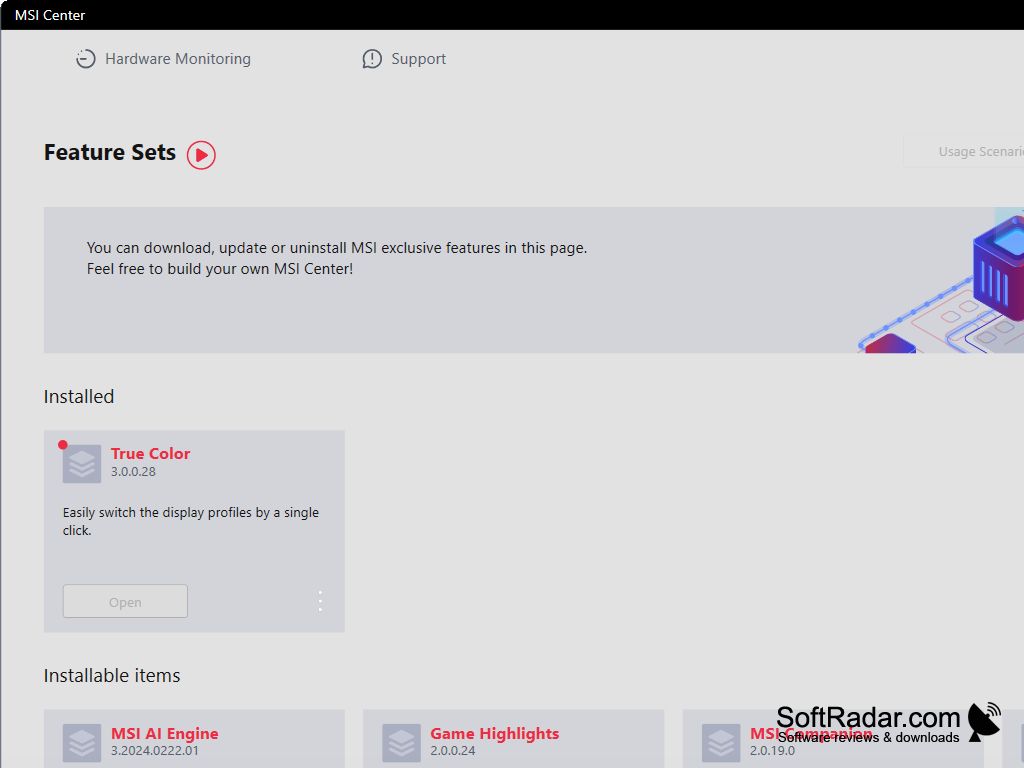
Operating System: Windows 10, 8.1, 7 (64-bit)
Intel Core i5 or equivalent CPU
Minimum 4 GB of RAM
GPU with DirectX 11 support
Intel Core i5 or equivalent CPU
Minimum 4 GB of RAM
GPU with DirectX 11 support
PROS
Allows for real-time system performance monitoring and tweaks.
Offers custom game profiles for optimal gameplay.
Enhanced fan control for efficient cooling and silence.
Offers custom game profiles for optimal gameplay.
Enhanced fan control for efficient cooling and silence.
CONS
Can be difficult to navigate for beginners.
Occasionally suffers from performance lag.
Lacks comprehensive customer support.
Occasionally suffers from performance lag.
Lacks comprehensive customer support.


